



01. Edit your painting report sample online
Type text, add images, blackout confidential details, add comments, highlights and more.

Type text, add images, blackout confidential details, add comments, highlights and more.

Draw your signature, type it, upload its image, or use your mobile device as a signature pad.

Send painting report format via email, link, or fax. You can also download it, export it or print it out.

Start filling out your painting report format today for free on our platform!
We've got more versions of the painting report sample form. Select the right painting report sample version from the list and start editing it straight away!
| Versions | Form popularity | Fillable & printable |
|---|---|---|
| 2003 | 4.9 Satisfied (25 Votes) |
Sure, a typed name is recognized as a legitimate electronic signature when you add it to your form using a compliant solution like DocHub. Simply upload your painting inspection report to our editor, click Sign in the top tool pane → Create your signature → Type your name in the appropriate tab, and choose how it will appear on your document.
With DocHub, there are several convenient ways to edit your coating inspection report template online. You can drag and drop the form and edit it directly at the DocHub website or use our browser extension to fill out your form immediately. On top of that, you can edit your PDF on your smartphone, as DocHub works with all the available mobile platforms.
At DocHub, your data security is our priority. We follow HIPAA, SOC2, GDPR, and other standards, so you can work on your documents with confidence.

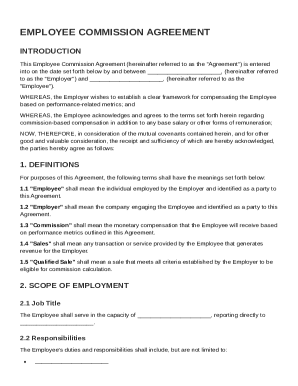
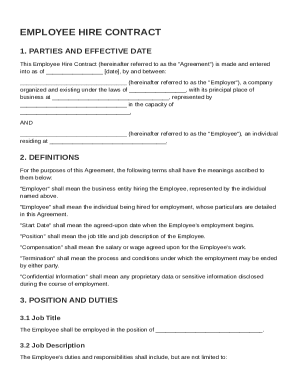
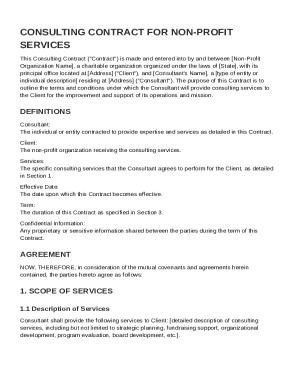
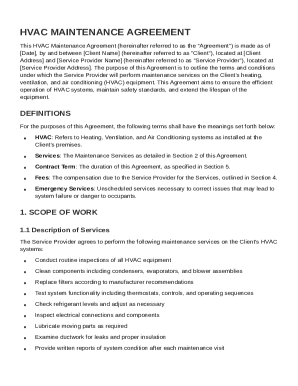
A Condition Report template for any artwork examinations made after the initial arrival of a newly acquired artwork. Downloads. Condition Report Template.Read more
Your Painters Progress quality determines the development of your piece. This quality is set to 1 by undertaking a commission, progresses 1-6 by optionsRead more
I DocHub that the work described in this report was incorporated into this contract on the date of this DWR, unless otherwise noted. Date Reviewed:.Read more


