
Get any PDF form from the DocHub library of ready-made templates - Page 1486
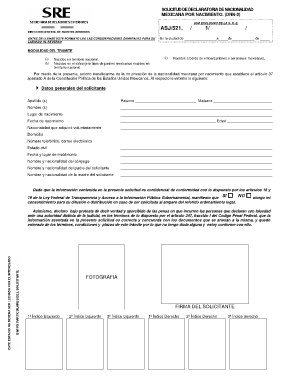
What is solicitud dnn 2
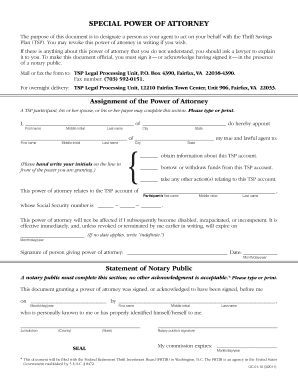
Tsp power of attorney
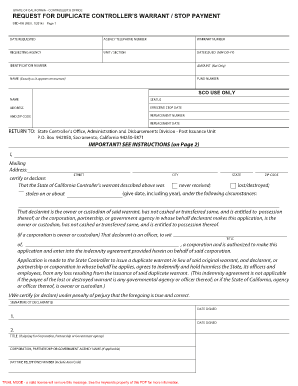
Std 435

Lpc oklahoma professional disclosure
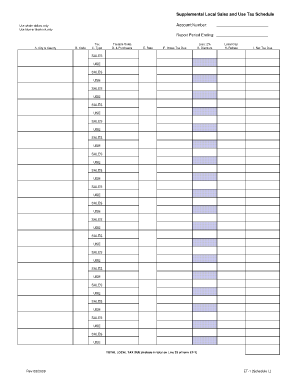
Supplemental Local Sales and Use Tax Schedule - dfa arkansas
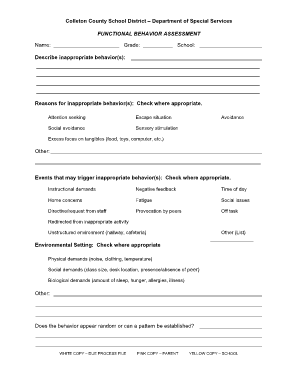
Fba forms
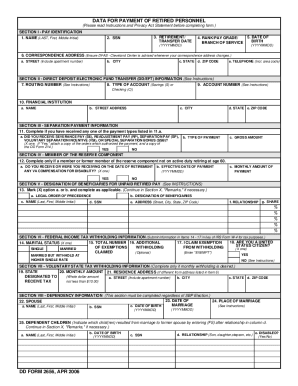
Dfas forms

Standard accident report form
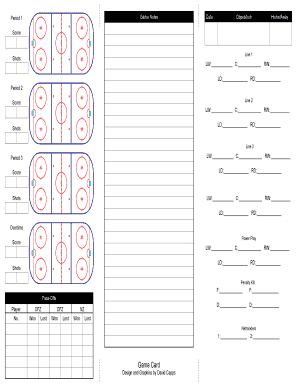
Hockey coach game card template
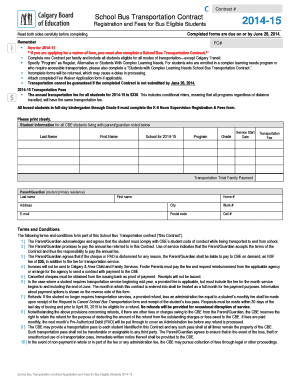
School bus transportation contract sample
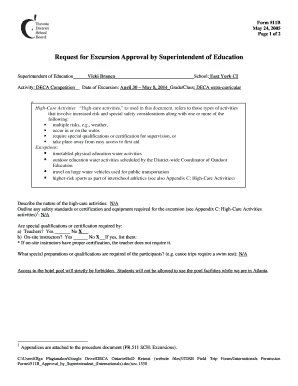
Form 511B Request for Excursion Approval by bb - DECA Ontario

Patch referral hampshire
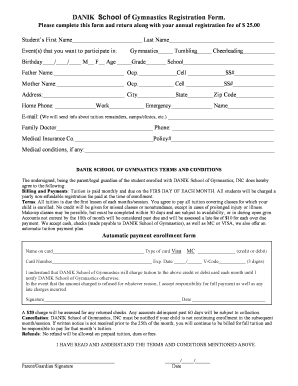
Gymnastics registration form template
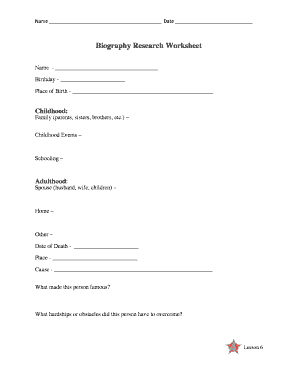
Biography research worksheet
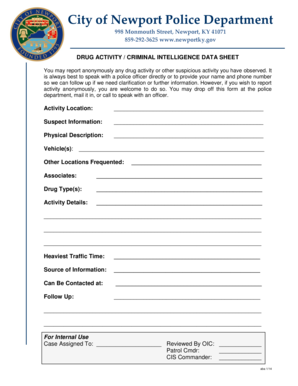
Drug Activity Report Form - City of Newport Kentucky
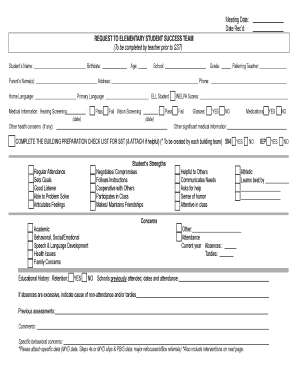
Sst meeting template

Finding x and y intercepts worksheet day 1 answer key
Incident Commander Performance Test - DoD Fire Emergency

Third party affidavit format pdf
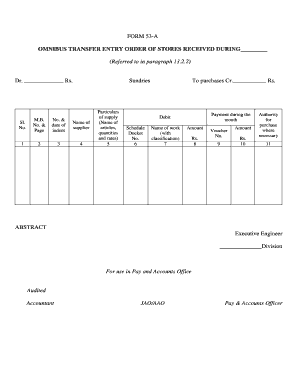
Editing pdf for
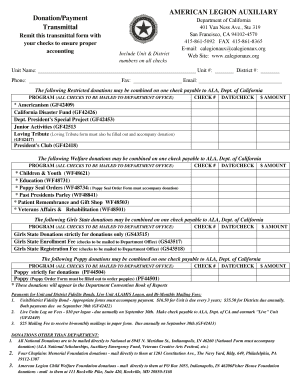
Calegionaux

Lafd application
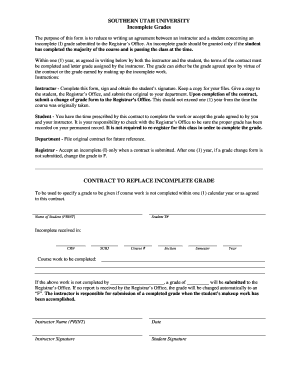
Incomplete Contract - Southern Utah University - suu
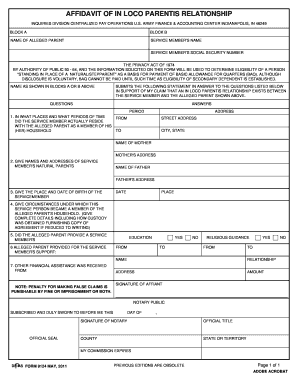
Dfas form 9124
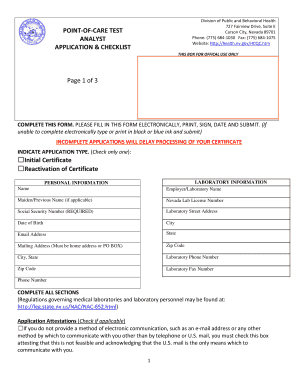
POINT-OF-CARE TEST ANALYST APPLICATION & CHECKLIST ... - mhds nv
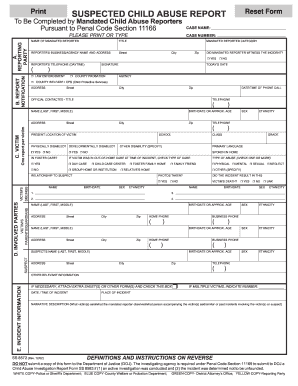
Scar report template
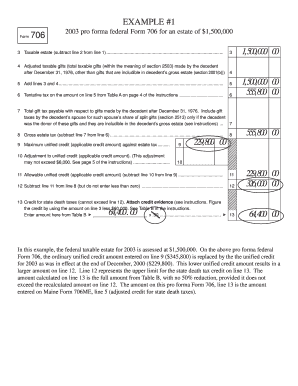
Sample form 706 completed

Motion for Relief from Judgment (6.500) - Michigan State Appellate ...
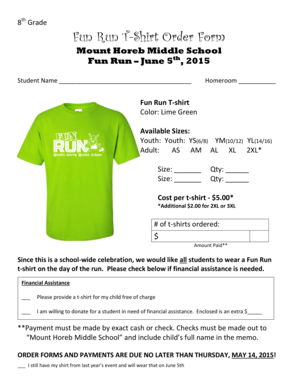
Fun Run T-Shirt Order Form

Church deposit form

Fsp transfer
Ub 10
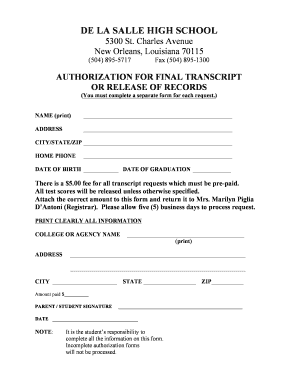
Transcript release form

Forest school handbook template
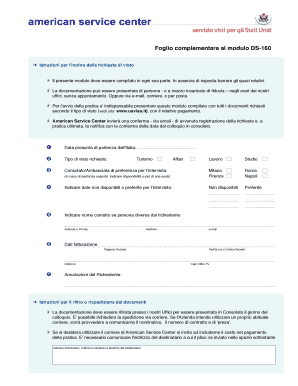
Modulo ds 160
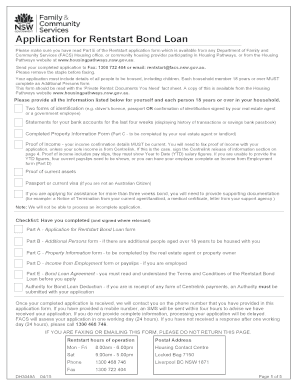
Rent start bond loan
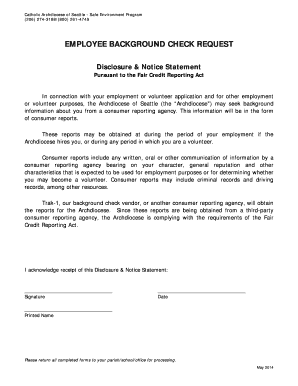
Fcra template
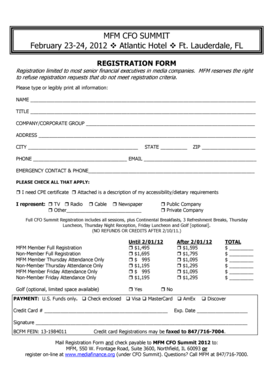
MFM12 CFO Summit Reg Form

Cruise booking form
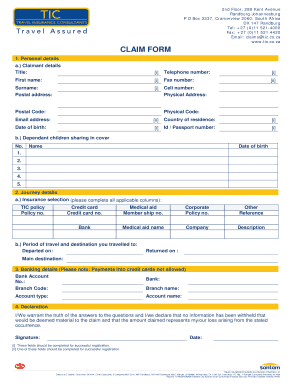
Tic claim form

Sample physician query templates

College of William and Mary - Krissa Loretto - kloretto wmwikis
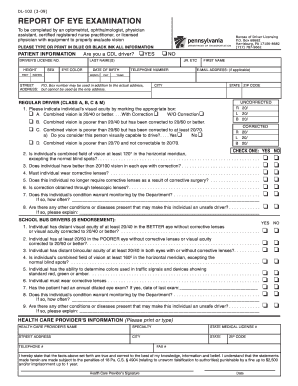
Dl 102
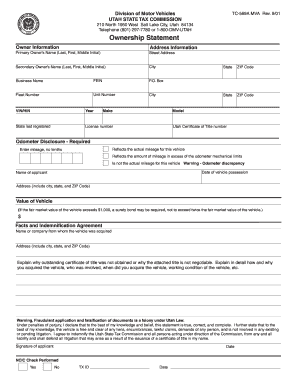
Tc 569a

DisabilityHearing Impaired PlatePlacard Application. DisabilityHearing Impaired PlatePlacard Application - azdot

Syracuse university transcript
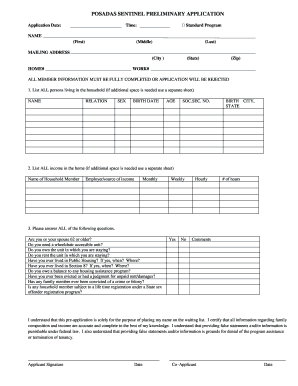
Posadas sentinel application
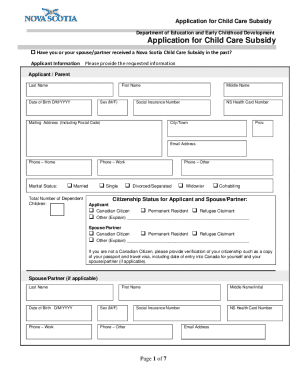
Canada child care subsidy

Remistart
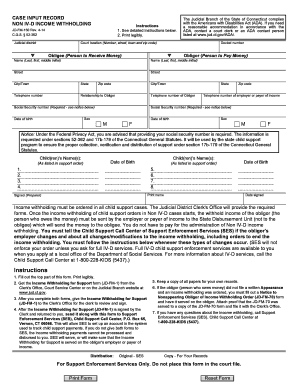
Jd fm 150
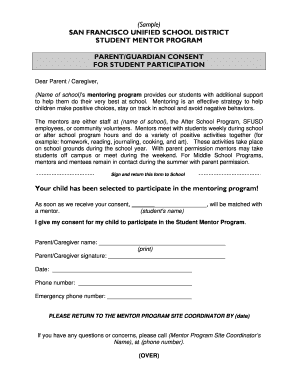
English Student Mentor Program Parent Permission Form.doc - healthiersf
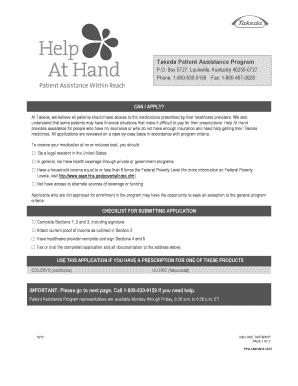
Takeda patient assistance program online application form
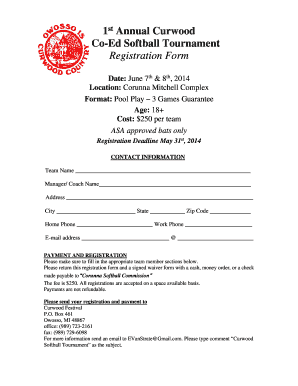
1st Annual Curwood Co-Ed Softball Tournament Registration Form
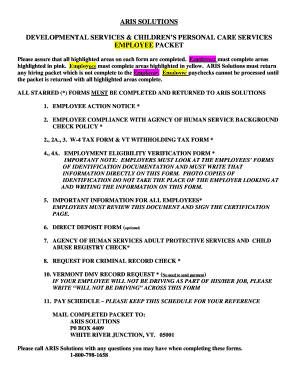
Aris employee packet
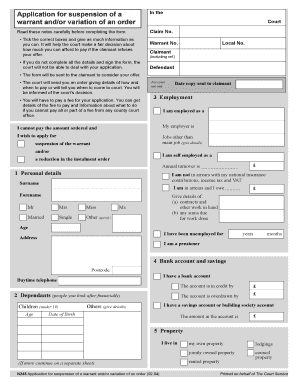
N245 form download
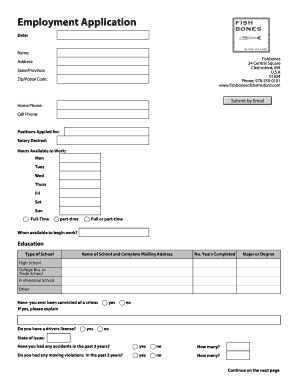
Employment Application - Fishbones

Sq3r pdf
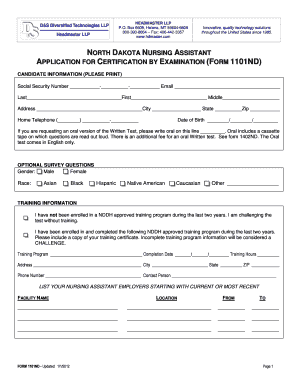
CNA Application 1101ND - Headmaster

Lic 282
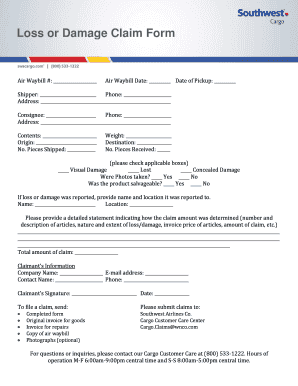
LOSS OR DAMAGE CLAIM FORM - Southwest Airlines Cargo
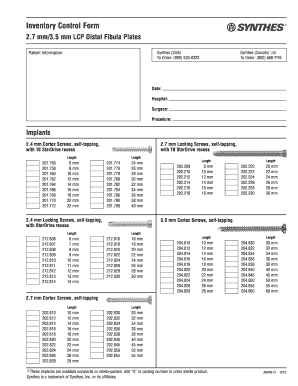
Synthes distal fibula plate
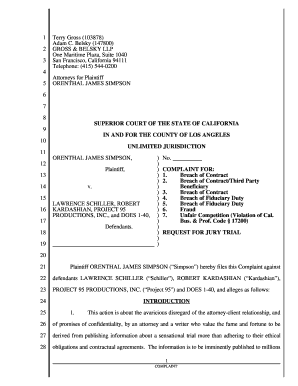
Complaint for Breach of Contract - OJ Simpson v Schiller Judicial Council forms

High risk consent in urdu
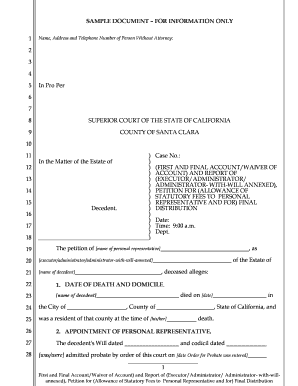
Sample petition for final distribution california
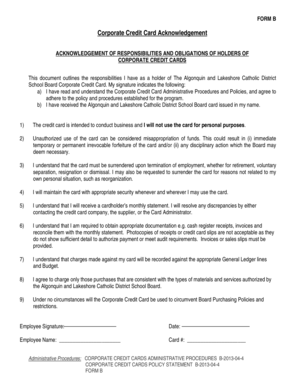
Corporate credit card acknowledgement form
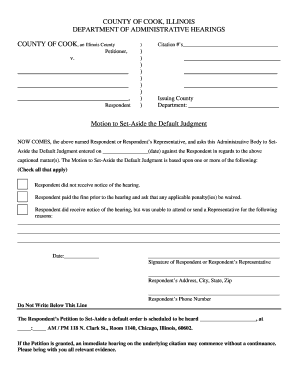
Motion to Set-Aside the Default Judgment - Cook County ...
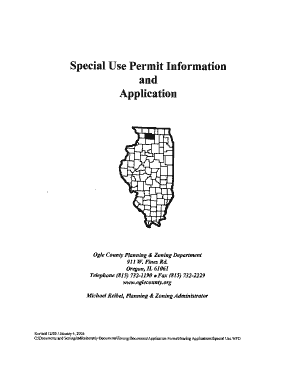
Special Use Permit Information and Application - Ogle County - oglecounty
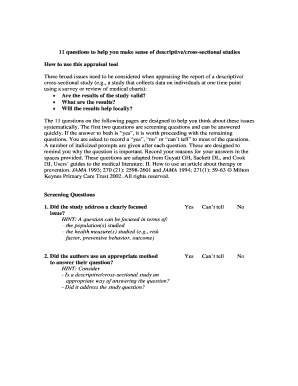
11 questions to help you make sense of descriptive/cross-sectional studies
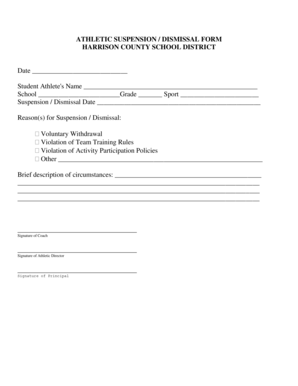
Athletic suspension / dismissal form - Harrison County School District
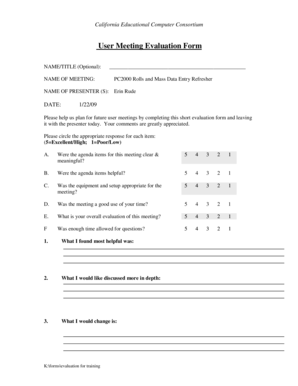
Meeting evaluation form

Office Referral Form - Baltimore City Public School System - baltimorecityschools
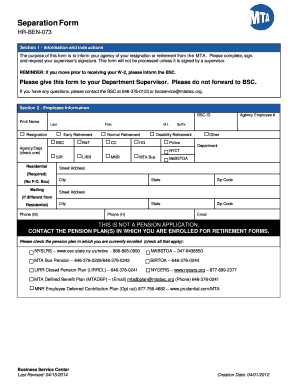
Separation Form HR-BEN-073 Section 1 - Information and Instructions The purpose of this form is to inform your agency of your resignation or retirement from the MTA - ucm mtabsc
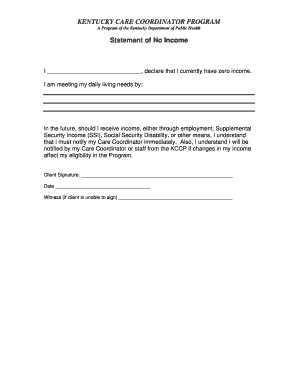
Zero income verification form kentucky

Crowder college transcript

Financial assessment application
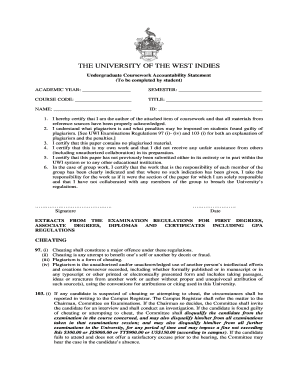
Uwi accountability statement
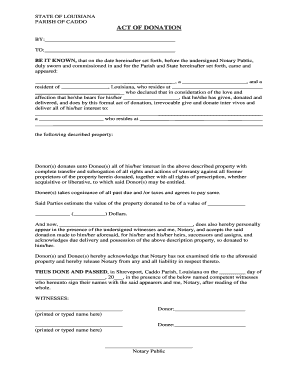
Act Of Donation - Caddo Parish Clerk of Court
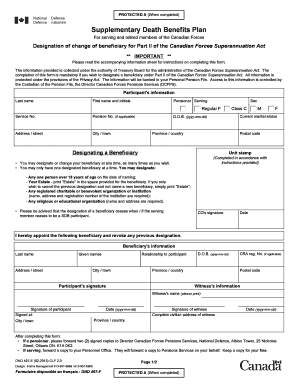
Supplementary death benefit form
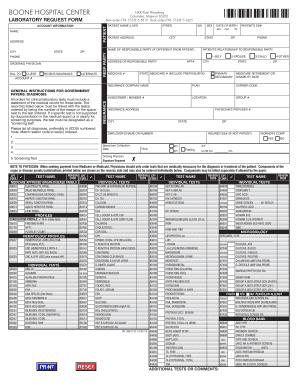
BN 1396-01 Laboratory Request Form - Boone Hospital Center
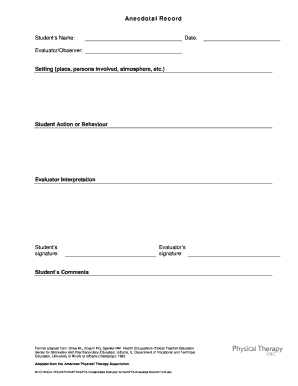
Printable anecdotal record form
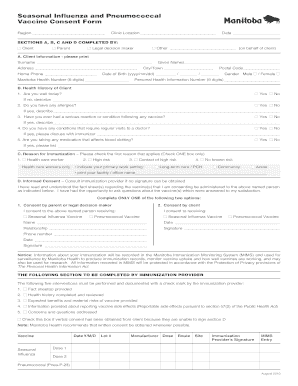
Pneumonia vaccine consent form template
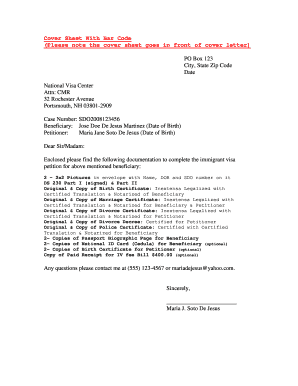
Nvc document cover sheet
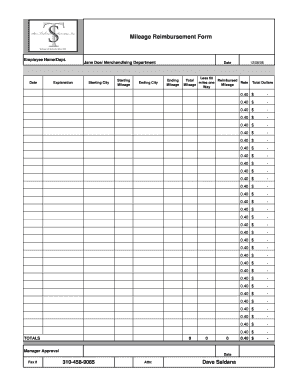
Mileage Reimbursement Form.pdf - Tashman
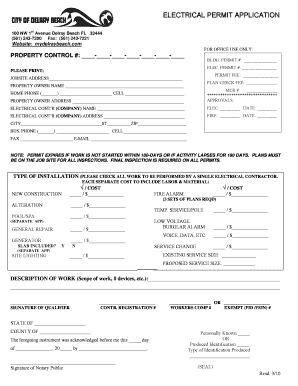
ELECTRICAL PERMIT bAPPLICATIONb - City of Delray Beach
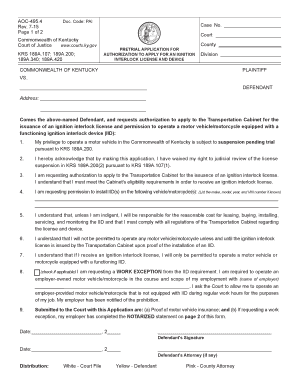
Ky application interlock
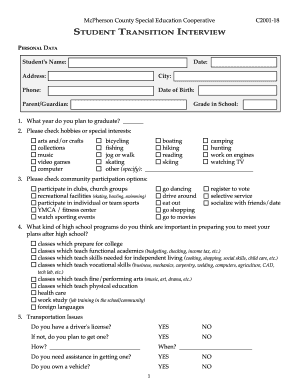
Student transition interview
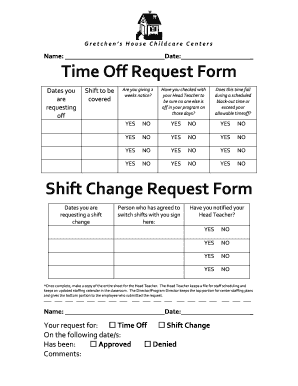
Shift change request
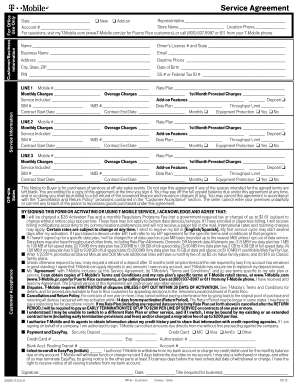
Service Agreement - T-Mobile
Navmc 11115
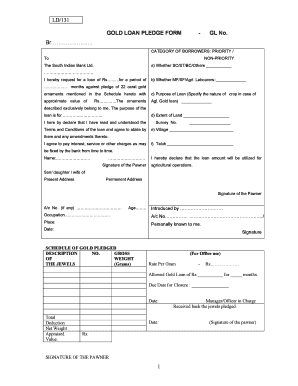
Sbi gold loan application form pdf
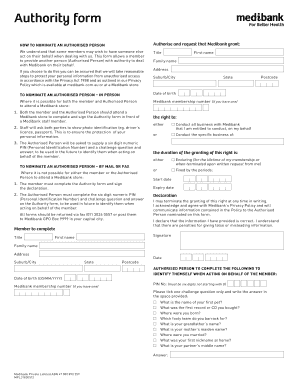
Medibank authority form
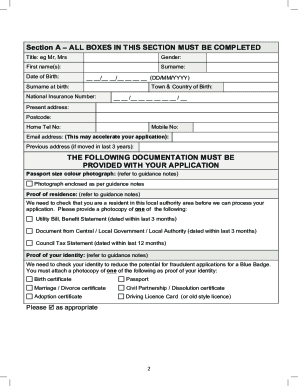
Essex county council blue badge application form download
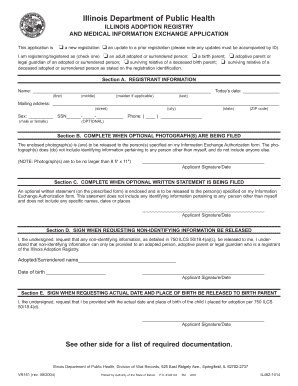
Illinois Adoption Registry Application - Illinois Department of Public ... - idph state il
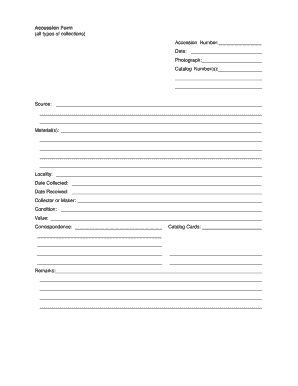
Museum accession form

Pende orielle county claim for damages form
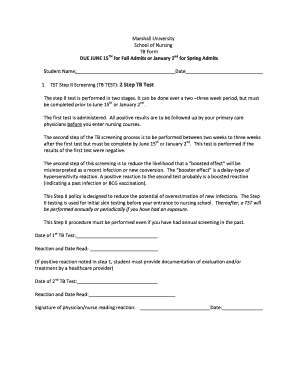
Printable 2 step tb test form

Physical assault report sample
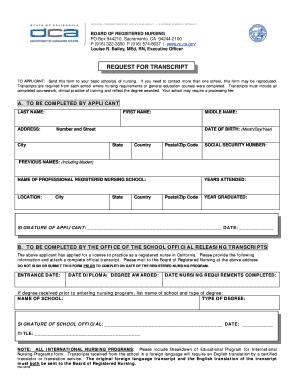
California request transcript form

Authorized agent form
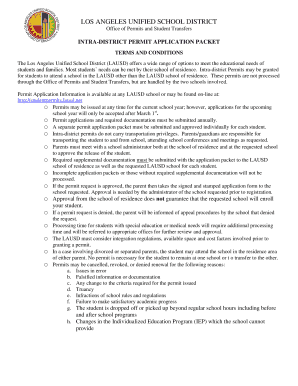
Lausd intra district permit application
Benefit from the DocHub online library of fillable PDF forms
Searching the PDF forms doesn't have to be a tedious and time-consuming process. With the DocHub online library, it has become easier to find the fillable PDF forms and modify them in your browser. The service allows you to adjust the document to your needs using powerful editing tools.
You can use online document editing features to modify almost any type of document with ease. You just need to find the template of your choice, open it in the editor, and use the toolbar to make the necessary corrections.
Follow this guide to get your document done with DocHub:
- Find the PDF template you need.
- Click the Get Form button to open the file in the editor.
- Use the toolbar to fill out and edit the document.
- Easily add and highlight text, insert images, checkmarks, and symbols.
- Drop new fillable fields, and rearrange or delete pages from your file.
- Save changes and download your record.
DocHub empowers everyone to streamline document editing, signing, and distribution, and form completion. Create an account and benefit from our well-organized PDF Forms library and comprehensive editor.