




Here's how it works

01. Edit your what is the maximum rent increase allowed in texas online
Type text, add images, blackout confidential details, add comments, highlights and more.

02. Sign it in a few clicks
Draw your signature, type it, upload its image, or use your mobile device as a signature pad.

03. Share your form with others
Send it via email, link, or fax. You can also download it, export it or print it out.
How to use or fill out tenant rental increase with our platform

- Click ‘Get Form’ to open the tenant rental increase document in the editor.
- Begin by entering the date at the top of the form. This is essential for establishing a timeline for your notice.
- Fill in your landlord’s name and address in the designated fields to ensure proper identification.
- In the body of the letter, clearly state your name and address as the tenant, followed by a brief introduction regarding the insufficient notice of change.
- Describe the specific change to your lease agreement that you are addressing. Be concise but thorough.
- Indicate when you received notice of this change and when you will be able to comply, providing reasons for any delays if necessary.
- If applicable, check any legal requirements regarding notice periods and fill in relevant dates.
- Sign and date the document at the bottom before sending it off using your preferred delivery method.
Start using our platform today to streamline your document editing and ensure smooth communication with your landlord!
Fill out tenant rental increase online
It's free
It's free
Security and compliance
At DocHub, your data security is our priority. We follow HIPAA, SOC2, GDPR, and other standards, so you can work on your documents with confidence.
Learn more


Related forms
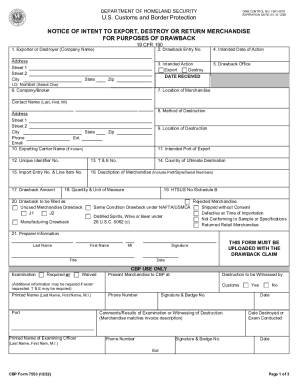
Form 7553 - Notice of Intent to Export, Destroy or Return
The document is a form (CBP Form 7553) issued by the U.S. Customs and Border Protection under the Department of Homeland ...
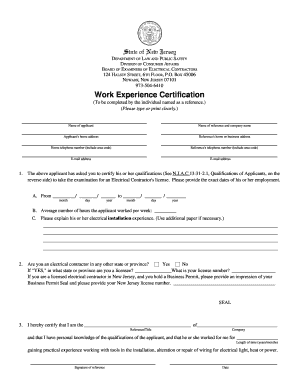
Nj electrical work experience certification
The document is a Work Experience Certification form from the New Jersey Division of Consumer Affairs, specifically for ...
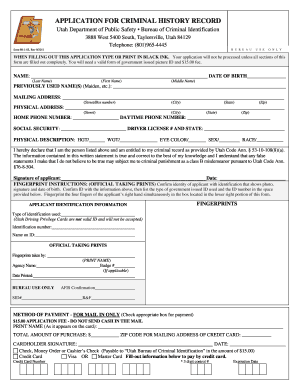
Utah release form for form 98 1 03
The document is an application form for obtaining a criminal history record from the Utah Department of Public Safety, B ...

Construction Permit Application - City of Kingston
The document outlines the application process for a Temporary Discharge Permit (TDP) under the City of Kingston Communit ...

Hospital saturday fund claim form
The document is a claim form for HSF health plan, requiring policyholders to provide personal and medical information to ...
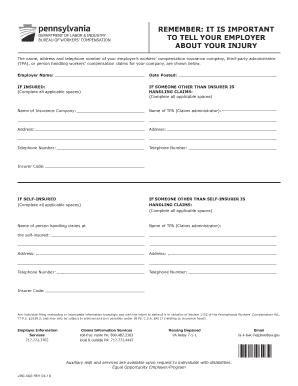
Libc 500
The document from the Department of Labor & Industry's Bureau of Workers' Compensation emphasizes the importance of noti ...

Massachusetts dua certification
The document is an application form for certification as a seasonal employer, intended for submission to the Massachuset ...

Liveabout sample-employment-verificationExample of a Request for Employment Verification
The document is a request for employment verification from Customized Solutions, intended for employers to confirm the e ...