




Here's how it works

01. Edit your form online
Type text, add images, blackout confidential details, add comments, highlights and more.

02. Sign it in a few clicks
Draw your signature, type it, upload its image, or use your mobile device as a signature pad.

03. Share your form with others
Send it via email, link, or fax. You can also download it, export it or print it out.
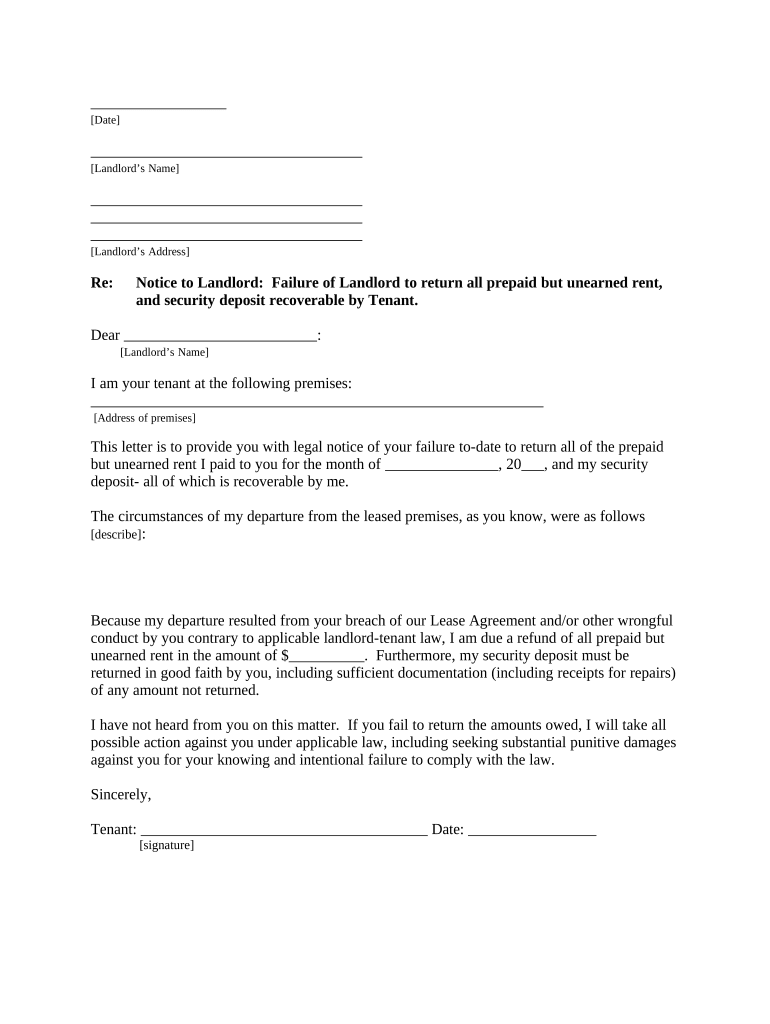
How to use or fill out landlord return rent with our platform

- Click ‘Get Form’ to open the landlord return rent document in the editor.
- Begin by entering the date at the top of the form. This is essential for record-keeping and legal purposes.
- Fill in your name and address as the tenant, ensuring accuracy to avoid any confusion.
- In the section labeled 'Re:', clearly state your landlord's name to direct the notice appropriately.
- Describe your circumstances of departure from the leased premises in detail, providing context for your request.
- Specify the amount of prepaid but unearned rent you are requesting back, along with a reminder about your security deposit.
- Sign and date the document at the bottom to validate your notice before sending it.
- Choose a delivery method from the options provided (personal delivery, certified mail, etc.) and complete that section accordingly.
Start using our platform today to streamline your document editing and ensure a smooth process!
Fill out landlord return rent online
It's free
Security and compliance
At DocHub, your data security is our priority. We follow HIPAA, SOC2, GDPR, and other standards, so you can work on your documents with confidence.
Learn more


Related forms
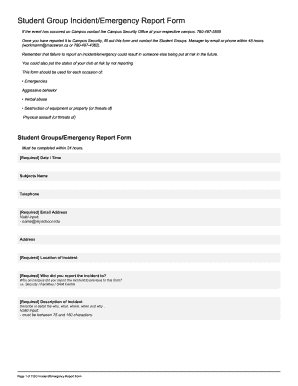
Club Incident Emergency Report Form
The document is a Student Group Incident/Emergency Report Form that outlines the procedure for reporting incidents or em ...
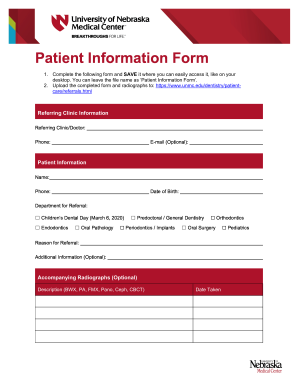
Patient Information Form - UNMC
The document is a Patient Information Form that instructs users to complete and save the form, then upload it along with ...

STATE OF HAWAII TITLE 12 DEPARTMENT OF LABOR AND
The document outlines safety regulations and requirements for employers in the maritime industry, focusing on ensuring s ...

THE PURPOSES OF SUCH USES:
The document outlines the routine uses, storage, retrieval, access, retention, and disposal policies for records maintai ...

52994 Federal Register Vol 76, No 164 Wednesday, August
The document is a final rule published by the Environmental Protection Agency (EPA) establishing an exemption from the r ...

Okhistory publicationsencIstook, Ernest James, Jr The Encyclopedia of Oklahoma
The document provides detailed information about two congressional representatives from Oklahoma: Ernest J. Istook, Jr. ...
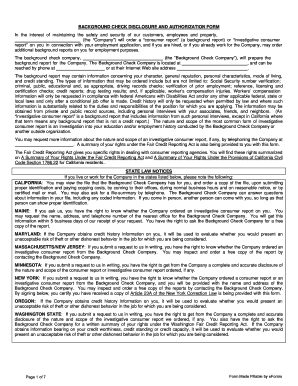
California background authorization form
The document is a Background Check Disclosure and Authorization Form that informs applicants about the company's intent ...