




Here's how it works

01. Edit your dte shut off notice online
Type text, add images, blackout confidential details, add comments, highlights and more.

02. Sign it in a few clicks
Draw your signature, type it, upload its image, or use your mobile device as a signature pad.

03. Share your form with others
Send dte shut off help via email, link, or fax. You can also download it, export it or print it out.
How to use or fill out shut off notice with our platform

- Click ‘Get Form’ to open the shut off notice in the editor.
- Begin by entering the date at the top of the form. This is essential for legal documentation.
- Fill in your landlord’s name and address in the designated fields to ensure proper delivery.
- In the body of the letter, clearly state your intention to shut off utilities, including the specific date you have arranged for this action.
- Provide your address as a tenant to confirm your identity and connection to the premises.
- Sign and date the document at the bottom, ensuring that all required information is complete.
- For proof of delivery, select how you will deliver this notice (personal delivery, certified mail, etc.) and sign again with the date.
Start using our platform today for free to streamline your document editing and signing process!
Fill out shut off notice online
It's free
It's free
Security and compliance
At DocHub, your data security is our priority. We follow HIPAA, SOC2, GDPR, and other standards, so you can work on your documents with confidence.
Learn more


Related forms

1652 form template
The document is the U.S. OPM Form opm-opm-1652, which is a request form for SES (Senior Executive Service) noncareer or ...

Information annuitants
The document provides comprehensive information for Federal Employees Retirement System (FERS) annuitants, detailing the ...
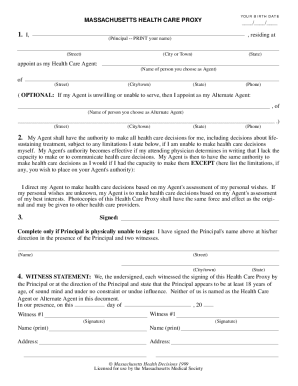
Massachusetts health care proxy fillable template 1 page 1999 form
The document provides information about the Massachusetts Health Care Proxy, a legal form that allows individuals to app ...

FIN519, CE Automatic Fine Payment Voucher - Texas Department of - tdi texas
The document is a CE Automatic Fine Payment Voucher from the Texas Department of Insurance, instructing licensees to sub ...

Address form
The document WV-250 is a legal form used in California to provide proof of service by mail for a response to a petition ...
Civ sc claims online
D7 form
The document is a Divorce Complaint packet for individuals with minor children, outlining the procedures and necessary f ...
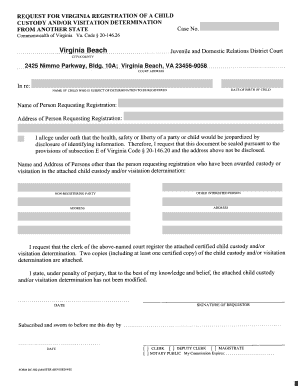
Dc 582
The document appears to be a form or template related to submission processes in Virginia Beach, specifically located at ...