Type text, add images, blackout confidential details, add comments, highlights and more.
02. Sign it in a few clicks
Draw your signature, type it, upload its image, or use your mobile device as a signature pad.
03. Share your form with others
Send it via email, link, or fax. You can also download it, export it or print it out.
How to use or fill out the I-130 form with our platform
Ease of Setup
DocHub User Ratings on G2
Ease of Use
DocHub User Ratings on G2
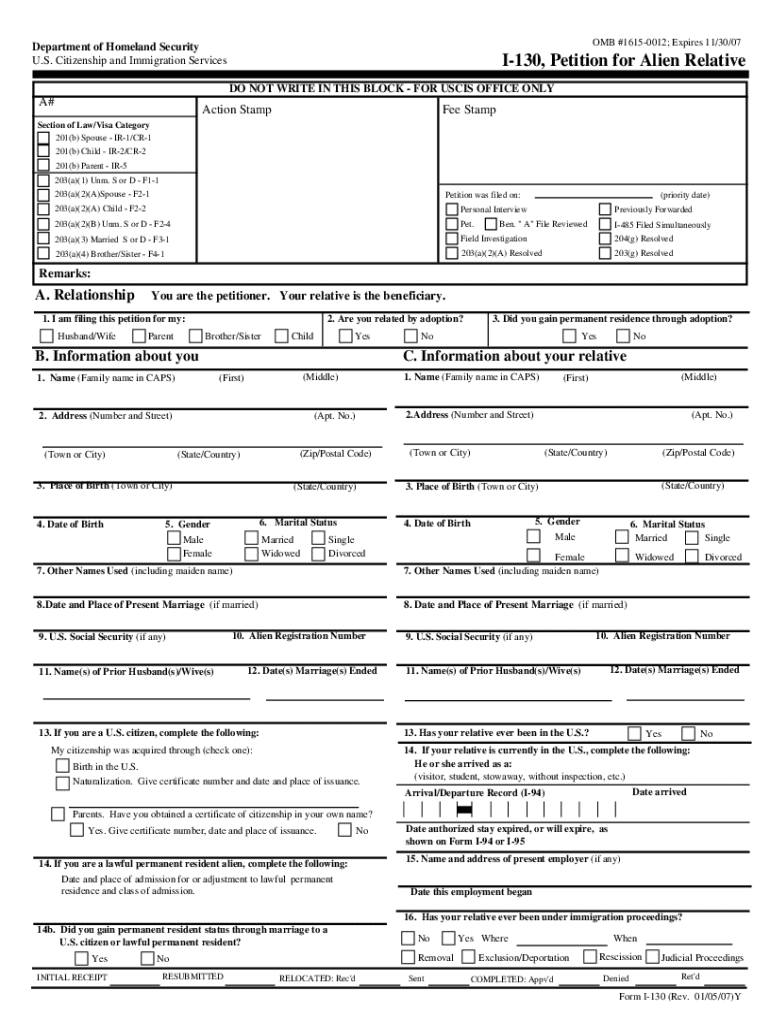
Click ‘Get Form’ to open the I-130 form in the editor.
Begin by filling out your personal information in Section A, including your name and relationship to the relative you are petitioning for.
In Section B, provide details about yourself, such as your address, date of birth, and citizenship status. Ensure all fields are completed accurately.
Proceed to Section C to enter information about your relative. Include their name, address, and any other required details like marital status and previous marriages.
If applicable, attach supporting documents as outlined in the instructions. Use our platform's features to upload files easily.
Review all entries for accuracy before signing at the end of the form. Utilize our editing tools to make any necessary adjustments.
Start filling out your I-130 form today for free on our platform!
8 days ago I-130, Peticin de Familiar Extranjero I-360, Peticin para Amerasitico, Viudo(a), o Inmigrante Especial I-600, Peticin para ClasificarRead more
COVID-19 Mutual Aid, Anti-Authoritarian Activism, and the Law
by M Haber 2020 Cited by 20 Wallis draws a useful distinction between other forms of mutual aid and mutual insurance, arguing that insurance implies a clear quid pro quo.Read more
Cookie consent notice
This site uses cookies to enhance site navigation and personalize your experience.
By using this site you agree to our use of cookies as described in our Privacy Notice.
You can modify your selections by visiting our Cookie and Advertising Notice.