




01. Edit your partial conditional waiver michigan online
Type text, add images, blackout confidential details, add comments, highlights and more.

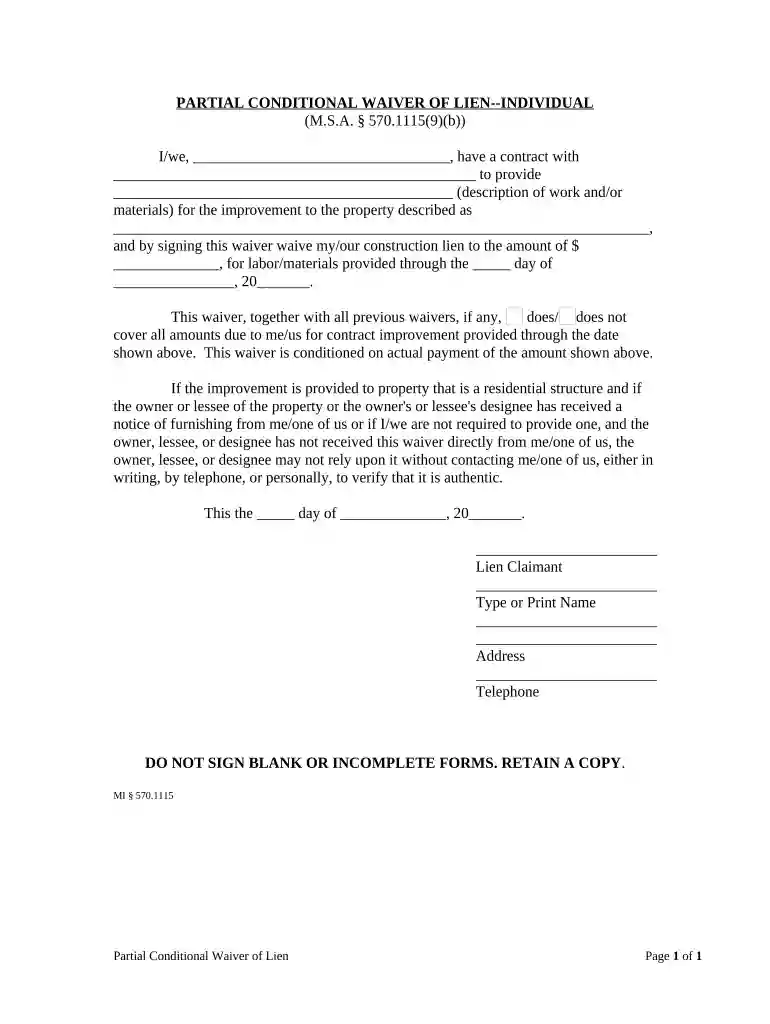
Type text, add images, blackout confidential details, add comments, highlights and more.

Draw your signature, type it, upload its image, or use your mobile device as a signature pad.

Send it via email, link, or fax. You can also download it, export it or print it out.

Start using our platform today to easily fill out your partial conditional waiver for free!
At DocHub, your data security is our priority. We follow HIPAA, SOC2, GDPR, and other standards, so you can work on your documents with confidence.
This waiver of liens/claims does not pertain to any Change Order in dispute. The undersigned further warrants to all the owners, lenders, and other personsRead more
December 2007, stated that two ARAR waivers (greater risk waiver or a TI waiver) potentially apply to the site. Union Pacific plans to prepare a TI waiverRead more
This conditional waiver and release is only effective if the claimant is actually paid. This release does not cover all items.


