




Here's how it works

01. Edit your form dc 100a online
Type text, add images, blackout confidential details, add comments, highlights and more.

02. Sign it in a few clicks
Draw your signature, type it, upload its image, or use your mobile device as a signature pad.

03. Share your form with others
Send state of michigan eviction notice via email, link, or fax. You can also download it, export it or print it out.
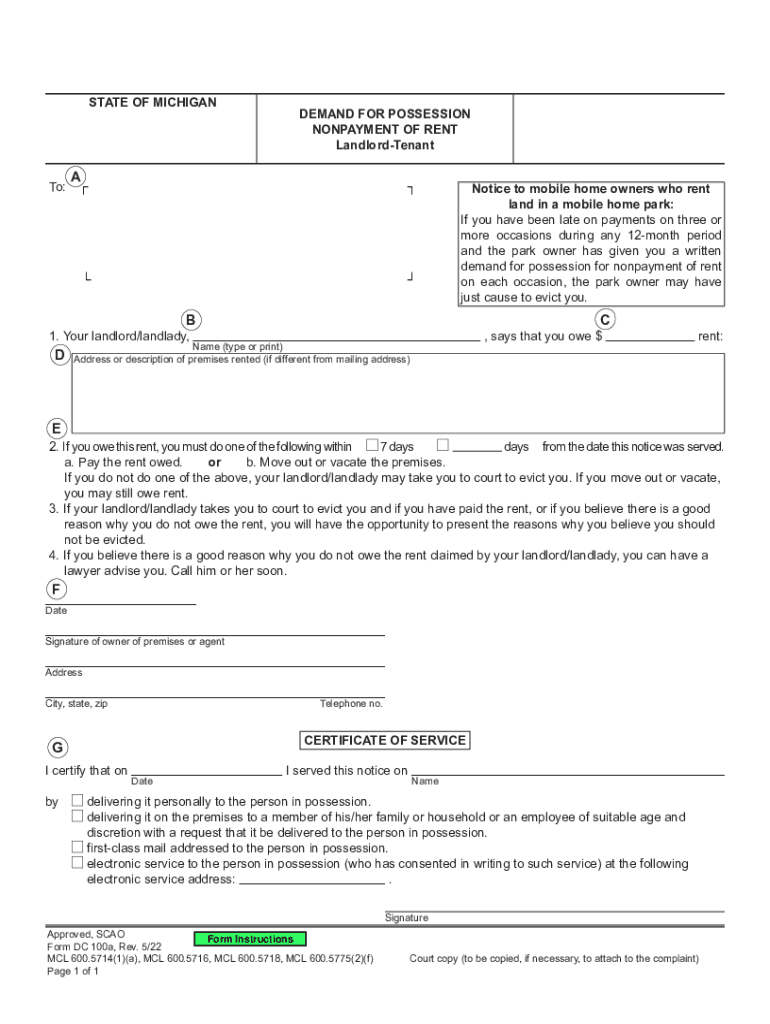
How to use or fill out Justia :: Demand For Possession, Non Payment of Rent ... - State Forms with Our Platform

- Click ‘Get Form’ to open it in the editor.
- Begin by entering the name of your landlord/landlady in the designated field. Ensure that you type or print clearly for accuracy.
- Next, specify the amount of rent owed in the appropriate section. This is crucial as it informs the tenant of their financial obligation.
- Instruct the tenant on their options within 7 days: either pay the owed rent or vacate the premises. Clearly mark these options for easy understanding.
- Complete the signature section by having the owner or agent sign and date the form. Include their address and contact information for further communication.
- Finally, fill out the Certificate of Service section to confirm how this notice was delivered to the tenant, ensuring compliance with legal requirements.
Start using our platform today to streamline your document editing and ensure a smooth process!
Fill out Justia :: Demand For Possession, Non Payment of Rent ... - State Forms online
It's free
See more Justia :: Demand For Possession, Non Payment of Rent ... - State Forms versions
We've got more versions of the Justia :: Demand For Possession, Non Payment of Rent ... - State Forms form. Select the right Justia :: Demand For Possession, Non Payment of Rent ... - State Forms version from the list and start editing it straight away!
Security and compliance
At DocHub, your data security is our priority. We follow HIPAA, SOC2, GDPR, and other standards, so you can work on your documents with confidence.
Learn more


Related forms
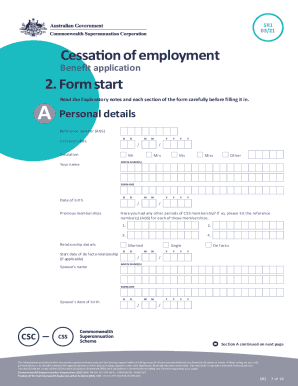
Cessation of employment benefit application form
The document outlines the process for applying for benefits upon cessation of employment from the Commonwealth Superannu ...

P-171 Probate Court Act 84-9 Application for Letters - gnb
The document is a legal form (Form 2A) used in the Probate Court of New Brunswick for applying for Letters Probate of a ...

Imm 5562 instruction guide
The document is a guide from Immigration, Refugees and Citizenship Canada detailing the process for family sponsorship, ...

Hardship exemptions, forms, and how to apply HealthCare
The document is an application form for a Hardship Waiver from the California Department of Health Care Services, allowi ...

Viking transfer request form
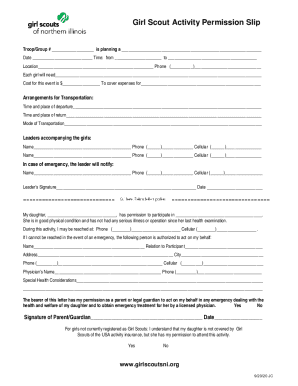
Ford Form Permission Slip - Girl Scouts
The document is a permission slip for a Girl Scout activity, detailing the event's specifics such as date, time, locatio ...
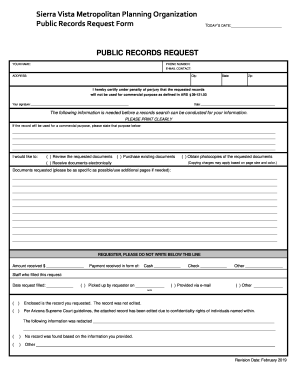
Arizona public records request
The document outlines the public records request procedures for the Sierra Vista Metropolitan Planning Organization (SVM ...
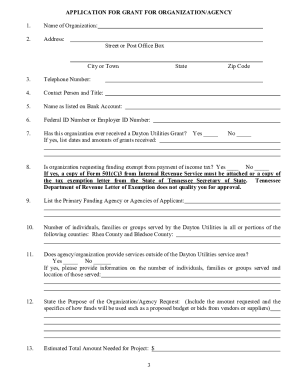
Grant Utilities - Fill and Sign Printable Template Online
The document provides guidelines for applying to the Dayton Utilities Grant program, which supports community-benefiting ...