




Here's how it works

01. Edit your death notification form online
Type text, add images, blackout confidential details, add comments, highlights and more.

02. Sign it in a few clicks
Draw your signature, type it, upload its image, or use your mobile device as a signature pad.

03. Share your form with others
Send death notification via email, link, or fax. You can also download it, export it or print it out.
How to use or fill out the death notification form with our platform

- Click ‘Get Form’ to open the death notification form in the editor.
- Begin by entering the patient’s last name, first name, and middle initial as it appears on official documents.
- Indicate the patient's sex by checking the appropriate box.
- Fill in the date of birth using an 8-digit format (MM/DD/YYYY).
- Enter the Medicare Beneficiary Identifier or Social Security Number as applicable.
- Specify the patient’s state of residence using its two-letter postal abbreviation.
- Select the place of death from options such as hospital, home, or nursing home.
- Input the date of death in MM/DD/YYYY format.
- Choose the modality at time of death, indicating if it was hemodialysis, peritoneal dialysis, or other methods.
- Complete provider information including name and address, followed by entering causes of death codes from the provided list.
Start filling out your death notification form today for free using our platform!
Fill out death notification form online
It's free
See more death notification form versions
We've got more versions of the death notification form form. Select the right death notification form version from the list and start editing it straight away!
Security and compliance
At DocHub, your data security is our priority. We follow HIPAA, SOC2, GDPR, and other standards, so you can work on your documents with confidence.
Learn more


Related forms

Access arrangements sheet
The document is an access arrangements cover sheet for exam scripts, detailing the responsibilities of both the centre a ...
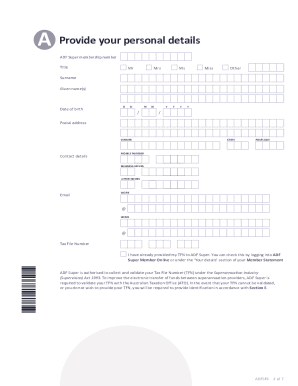
Instructions for Form 8889 (2020)Internal Revenue ServiceNew Options and Processes for - Thrift Savi
Instructions for Form 8889 (2020)Internal Revenue ServiceNew Options and Processes for - Thrift Savi
The document provides instructions and information for withdrawing superannuation benefits from ADF Super. It outlines t ...

(University of Western Australia and Notre Dame University
The document is a questionnaire designed by Professor Peter Friedland, an otolaryngologist, to assess anosmia (loss of s ...
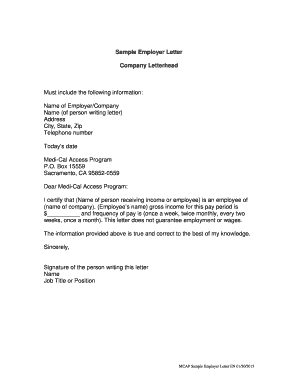
Sacramento ca
The document is a sample employer letter intended for the Medi-Cal Access Program, certifying an employee's gross income ...
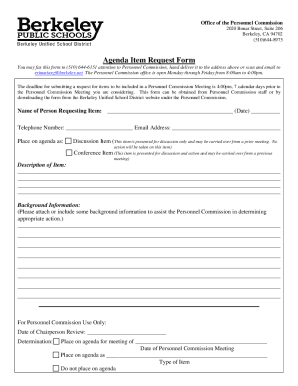
Commissions: Personnel Board Archive Page - City of Berkeley, CA
The document is an Agenda Item Request Form for the Office of the Personnel Commission in Berkeley, CA. It outlines the ...

NON-OWNED AUTO QUESTIONNAIRE
The document is a Non-Owned Auto Questionnaire designed to gather information about an organization's use of hired and n ...
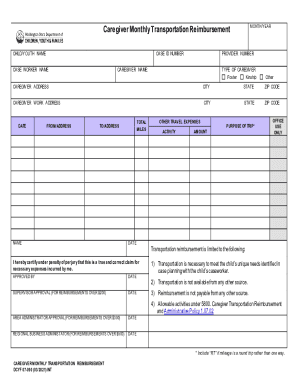
DCYF Form 07-090 "Caregiver Monthly Transportation
The document outlines the guidelines for caregiver monthly transportation reimbursement, detailing reimbursable expenses ...

Pta check request form
The document is a Check Request Form used by the PTA to request payment. It includes fields for fiscal year, date, check ...