




Here's how it works

01. Edit your swac card online
Type text, add images, blackout confidential details, add comments, highlights and more.

02. Sign it in a few clicks
Draw your signature, type it, upload its image, or use your mobile device as a signature pad.

03. Share your form with others
Send swac renewal via email, link, or fax. You can also download it, export it or print it out.
How to use or fill out swac card with our platform

- Click ‘Get Form’ to open the swac card in the editor.
- Begin with Step 1: Program Participation. Fill in your Organization Name, IRS EIN, Website Address, and Main Business Phone. Indicate if you or your DAC have been a member of SWAC before.
- Proceed to Step 2: Primary Business Address Information. Enter your current primary business address details including Address Line 1, City, Country, State/Region, and Zip Code.
- In Step 3: Designated Administrative Contact, provide detailed information about the DAC including gender, name, date of birth, and contact information. Ensure accuracy to avoid processing issues.
- Move to Step 4: SWAC Membership Acceptance Form. Answer whether it’s acceptable for SWAC to list your organization in their directory and certify the information provided is correct.
- Finally, complete Step 5: SWAC Account Payment Information by indicating if you wish to make a deposit using a credit card and select your preferred deposit method.
Start filling out your swac card today for free on our platform!
Fill out swac card online
It's free
See more swac card versions
We've got more versions of the swac card form. Select the right swac card version from the list and start editing it straight away!
| Versions | Form popularity | Fillable & printable |
|---|---|---|
| 2010 | 4.9 Satisfied (59 Votes) |
Security and compliance
At DocHub, your data security is our priority. We follow HIPAA, SOC2, GDPR, and other standards, so you can work on your documents with confidence.
Learn more


Related forms
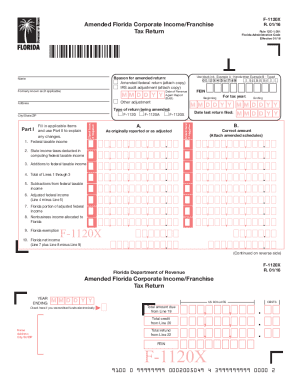
Specific Instructions Instructions for Preparing Form F-1120X
The document is the F-1120X form, which is the Amended Florida Corporate Income/Franchise Tax Return. It is used by corp ...
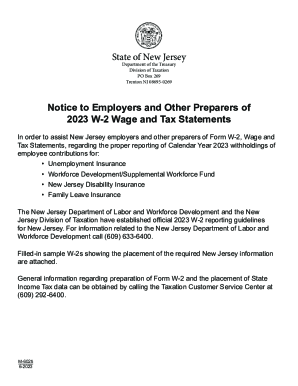
Njxxxxxxxxxxx Form - Fill Out and Sign Printable PDF
The document provides official guidelines from the New Jersey Department of Labor and Division of Taxation for employers ...

Kitchen hood inspection checklist
The document outlines the acceptance inspection checklist for Kitchen Hood Suppression Systems as mandated by the Mobile ...
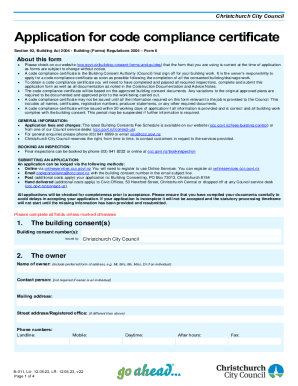
Application for code compliance certificate
The document is an application form for a code compliance certificate from the Christchurch City Council, outlining the ...
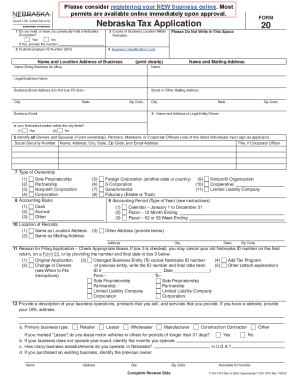
Nebraska Tax Application, Form 20
The document provides detailed instructions and a form for registering a new business in Nebraska, including information ...
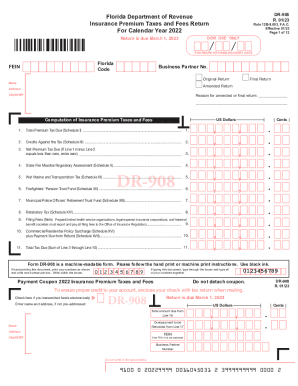
DR-908 Florida Insurance Premium Taxes and Fees Return
The document is the Florida Department of Revenue's Insurance Premium Taxes and Fees Return (Form DR-908) for the calend ...

Form REW-3 Residency Affidavit of Entity Transferor
The document is a Residency Affidavit of Entity Transferor used in Maine, which certifies the residency status of a sell ...
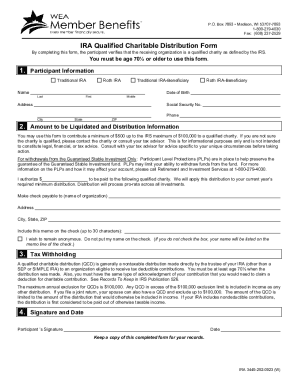
By completing this form, the participant verifies that the receiving organization is a qualified cha
By completing this form, the participant verifies that the receiving organization is a qualified cha
The document is an IRA Qualified Charitable Distribution Form that allows individuals aged 70½ or older to make tax-exem ...