





Here's how it works

01. Edit your tda loan calculator online
Type text, add images, blackout confidential details, add comments, highlights and more.

02. Sign it in a few clicks
Draw your signature, type it, upload its image, or use your mobile device as a signature pad.

03. Share your form with others
Send tda loan application via email, link, or fax. You can also download it, export it or print it out.
How to use or fill out trs tda loan with our platform

- Click ‘Get Form’ to open the trs tda loan application in the editor.
- In Part A, provide your personal information including your name, address, and Social Security number. Ensure all details are accurate.
- Move to Part B and specify the amount you wish to borrow. You can either enter a dollar amount or select 'maximum' for the highest available loan.
- Indicate your preferred repayment period, which cannot exceed 60 months. If you are a retiree, choose how you want to make payments—either directly or through automatic deductions.
- Select your preferred method of receiving the loan funds in Part B. Choose between receiving it by mail or via Electronic Fund Transfer (EFT) if eligible.
- Complete any additional sections as required based on your employment status and whether you're applying in conjunction with retirement.
- Finally, sign and date the application in Part G before having it notarized in Part H.
Start filling out your trs tda loan application today for free using our platform!
Fill out trs tda loan online
It's free
It's free
See more trs tda loan versions
We've got more versions of the trs tda loan form. Select the right trs tda loan version from the list and start editing it straight away!
Security and compliance
At DocHub, your data security is our priority. We follow HIPAA, SOC2, GDPR, and other standards, so you can work on your documents with confidence.
Learn more


Related forms

Transfer Of Ownership Form - Appaloosa Horse Club - Fill
The document is a Transfer Report from the Appaloosa Horse Club (ApHC) detailing the process for transferring ownership ...
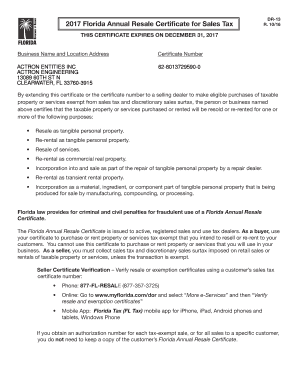
Florida resale tax certificate
The document is the 2017 Florida Annual Resale Certificate for Sales Tax, issued to registered sales and use tax dealers ...
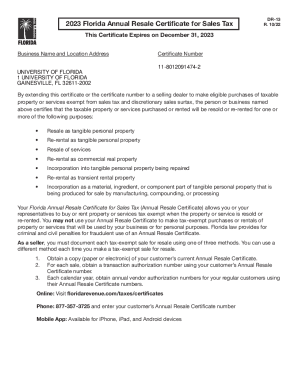
2023 Florida Annual Resale Certificate for Sales Tax
The document is the 2023 Florida Annual Resale Certificate for Sales Tax, issued to the University of Florida. It allows ...

CC-13-1 doc
The document is a Nebraska State Court Appearance Bond form, which outlines the conditions under which a defendant agree ...
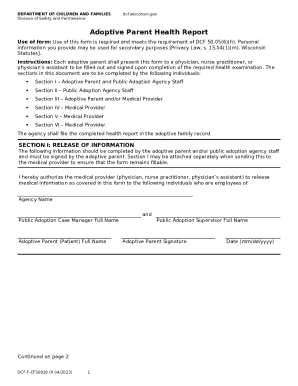
Department of Children and FamiliesPath to Adoption - NJ
The document is an Adoptive Parent Health Report required by the Wisconsin Department of Children and Families. It outli ...
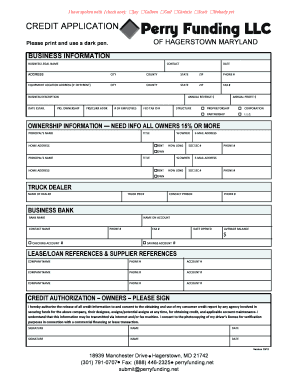
Perry funding llc
The document is a credit application form for businesses in Hagerstown, Maryland. It collects essential business informa ...
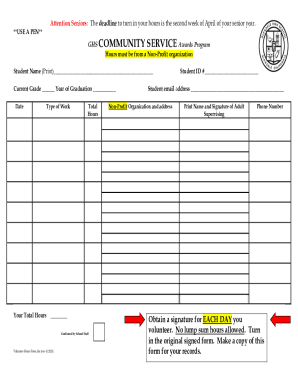
Student Forms Community Service Form
The document outlines the requirements for seniors at GHS to submit their community service hours for the Community Serv ...
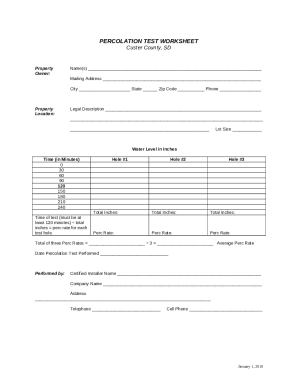
PERCOLATION TEST WORKSHEET - Custer County, South Dakota
The document is a Percolation Test Worksheet for Custer County, SD, designed to collect information about property owner ...