
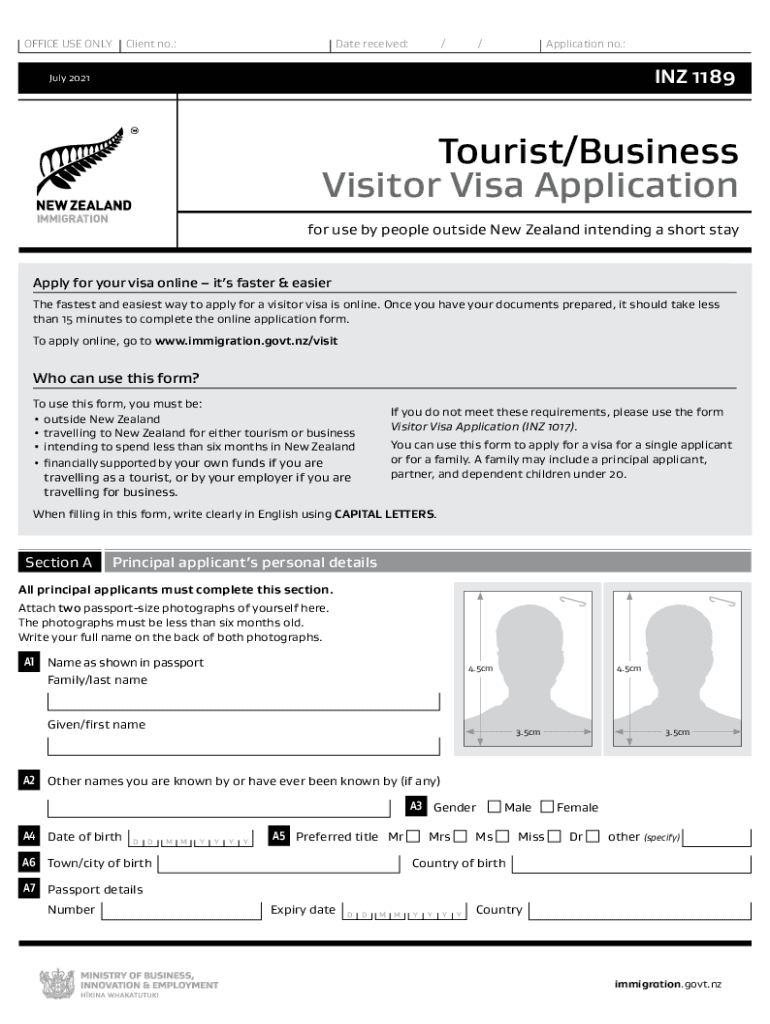




Here's how it works

01. Edit your new zealand visitor visa application form online
Type text, add images, blackout confidential details, add comments, highlights and more.

02. Sign it in a few clicks
Draw your signature, type it, upload its image, or use your mobile device as a signature pad.

03. Share your form with others
Send new zealand visitor visa form via email, link, or fax. You can also download it, export it or print it out.
How to use or fill out New Zealand Tourist Visitor Application with DocHub

- Click ‘Get Form’ to open the New Zealand Tourist Visitor Application in our editor.
- Begin with Section A, where you will enter the principal applicant’s personal details. Ensure to write clearly in capital letters and attach two recent passport-size photographs.
- In Section B, provide your contact details. It's recommended to include an email address for faster communication regarding your application.
- Proceed to Section C to specify your visa type and travel dates. Clearly indicate whether your visit is for tourism or business.
- If applicable, complete Section D with your partner's details. Remember to attach their photographs if they are included in the application.
- Fill out Sections F and G regarding health and character information. Answer all questions truthfully as this can affect your application outcome.
- Finally, review all sections for accuracy before signing the declaration in Section H. Use our platform’s features to save and share your completed form easily.
Start filling out your New Zealand Tourist Visitor Application online for free today!
Fill out new zealand tourist visitor application online
It's free
See more new zealand tourist visitor application versions
We've got more versions of the new zealand tourist visitor application form. Select the right new zealand tourist visitor application version from the list and start editing it straight away!
Security and compliance
At DocHub, your data security is our priority. We follow HIPAA, SOC2, GDPR, and other standards, so you can work on your documents with confidence.
Learn more


Related forms

Form IT-204-CP New York Corporate Partners Schedule K-1 Tax Year 2023
The document IT-204-CP is the New York Corporate Partner’s Schedule K-1 for the tax year 2023, detailing information req ...
2023 Form W-3PR Transmittal of Withholding Statements (Puerto Rican Version)
The document provides instructions regarding the Form W-3PR, which is used for filing withholding statements (Forms 499R ...
Instructions for Form CT-3-S, New York S Corporation Franchise Tax Return
The document provides detailed instructions for filing the New York S Corporation Franchise Tax Return (Form CT-3-S). It ...
Schedule LEP (Form 1040) (sp) (Rev December 2022) Request for Change in Language Preference (Spanish
Schedule LEP (Form 1040) (sp) (Rev December 2022) Request for Change in Language Preference (Spanish
The document is the LEP Attachment (Form 1040(SP)), which allows taxpayers with limited English proficiency to request w ...

Ptax 340
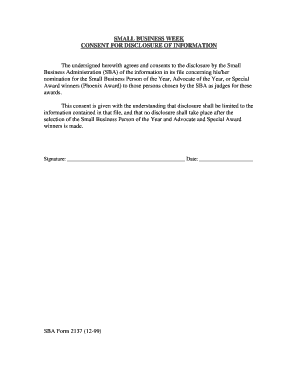
Sba form 2137
The document is a consent form for the disclosure of information by the Small Business Administration (SBA) regarding no ...
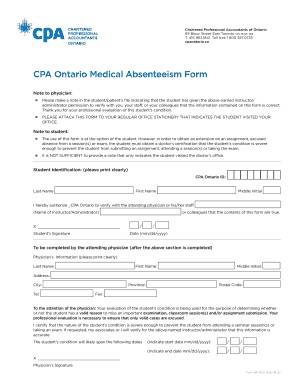
CPA Ontario Medical Absenteeism Form CPA Ontario Medical Absenteeism Form
The document is a Medical Absenteeism Form from CPA Ontario, intended for students to obtain a physician's certification ...
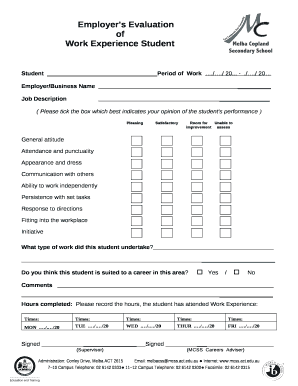
Work experience evaluation form
The document is an evaluation form for a work experience student, assessing their performance in various areas such as a ...