




Here's how it works

01. Edit your cisco site dochub com online
Type text, add images, blackout confidential details, add comments, highlights and more.

02. Sign it in a few clicks
Draw your signature, type it, upload its image, or use your mobile device as a signature pad.

03. Share your form with others
Send nj 1040 hw via email, link, or fax. You can also download it, export it or print it out.
How to use or fill out 1040 hw with our platform

- Click ‘Get Form’ to open the 1040 hw in the editor.
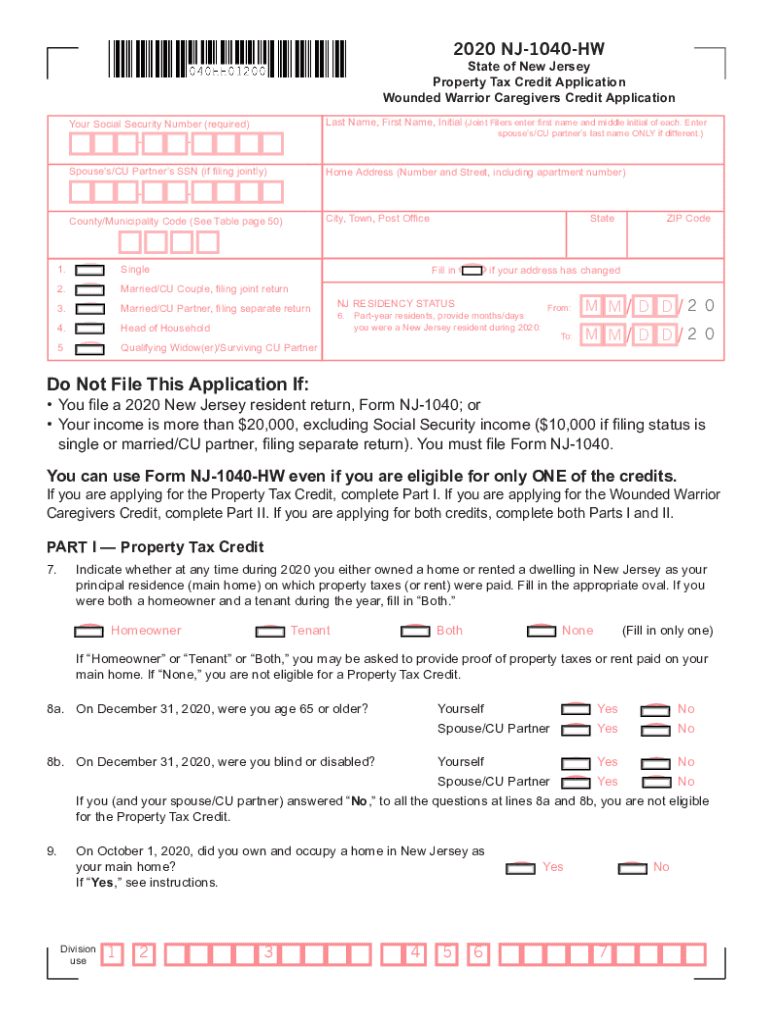
- Begin by entering your Social Security Number and your spouse’s or partner’s SSN if filing jointly. Ensure that all names are entered correctly, including initials.
- Fill in your home address, including city, county/municipality code, and ZIP code. This information is crucial for residency verification.
- Select your filing status from the options provided: Single, Married/CU Couple (joint), Married/CU Partner (separate), Head of Household, or Qualifying Widow(er)/Surviving CU Partner.
- If applicable, indicate your NJ residency status and provide details if you were a part-year resident during 2020.
- Complete Part I for the Property Tax Credit by indicating whether you owned or rented a home in New Jersey during 2020. Follow the prompts for age and disability questions.
- If applying for the Wounded Warrior Caregivers Credit, complete Part II by providing necessary details about the service member you cared for.
- Finally, review all entries for accuracy before signing and dating the form. Ensure any required documentation is attached.
Start using our platform today to easily fill out your 1040 hw form online for free!
Fill out 1040 hw online
It's free
See more 1040 hw versions
We've got more versions of the 1040 hw form. Select the right 1040 hw version from the list and start editing it straight away!
Security and compliance
At DocHub, your data security is our priority. We follow HIPAA, SOC2, GDPR, and other standards, so you can work on your documents with confidence.
Learn more


Related forms
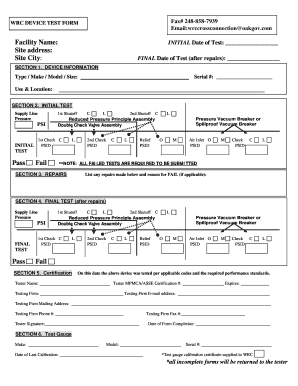
Email:wrccrossconnectionoakgov
The document is a WRC Device Test Form used for testing backflow prevention devices. It includes sections for initial an ...

Small Claims Court - Rock County Wisconsin
The document is an Affidavit of Service for a Notice Terminating Tenancy filed in the Wisconsin Circuit Court Small Clai ...
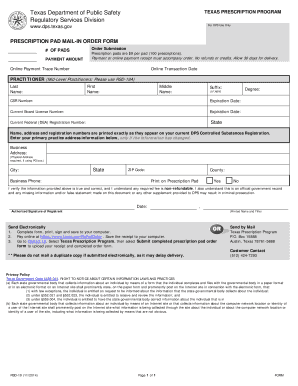
Texas prescription program order form
The document outlines the Texas Prescription Program's order form for prescription pads, detailing the ordering process, ...
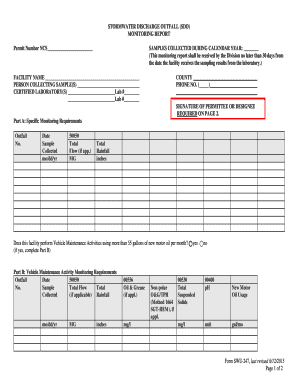
Permit Number NCS
The document is a Stormwater Discharge Outfall (SDO) Monitoring Report that outlines the requirements for monitoring sto ...

Student Learning Objective (SLO) Template - State of Michigan
The document is a checklist provided by the Michigan Department of Education for developing and approving Student Learni ...
INTERIM LICENSURE CLINICAL PLAN AUTHORIZATION or - nd
The document outlines the Interim Licensure Clinical Plan Authorization for applicants seeking regular teaching licensur ...
WORK PROGRESS PROGRAM New Service Provider Application
The Work Progress Program (WPP) is an initiative by the NYC Human Resources Administration and the Mayor’s Office for Ec ...
OFFICE OF THE SECRETARY OF STATE - Texas Secretary of State - webservices sos state tx
The document provides information about Form 2604, which is the application and renewal form for Automobile Club Agents ...