



Here's how it works



How to use or fill out LA R-1029i with our platform

- Click ‘Get Form’ to open the LA R-1029i in the editor.
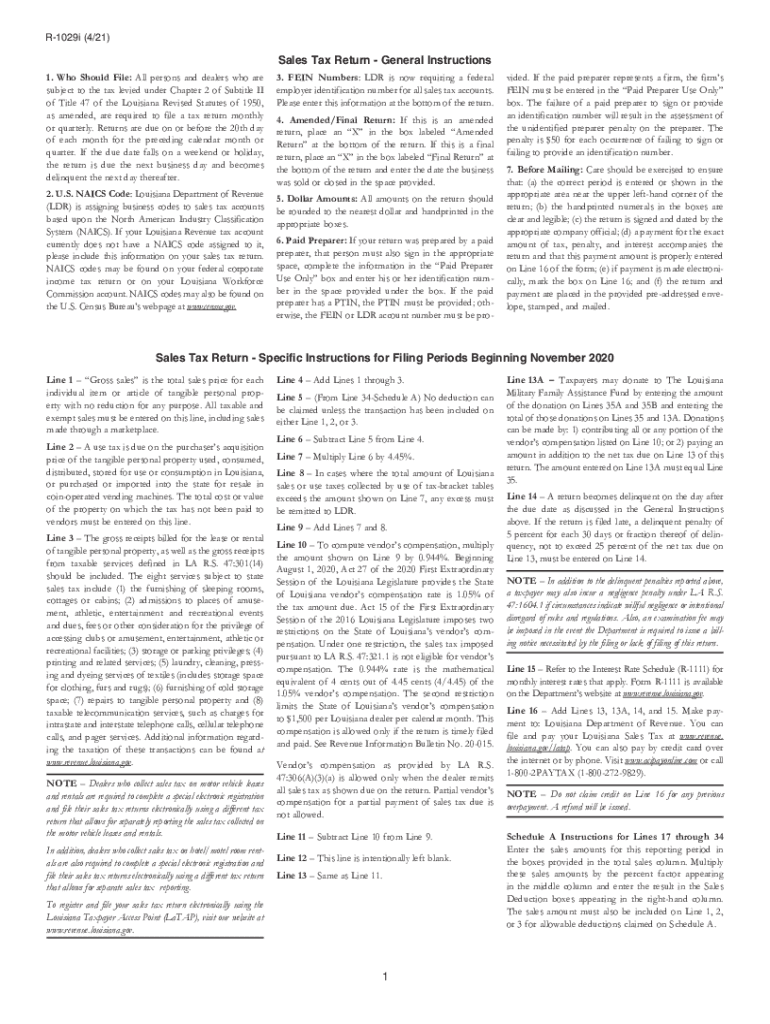
- Begin by entering your Federal Employer Identification Number (FEIN) at the bottom of the form, as this is now a requirement.
- Locate the U.S. NAICS Code section and input your assigned business code. If you do not have one, refer to your federal corporate income tax return or visit the U.S. Census Bureau’s website for assistance.
- Fill in the gross sales amount on Line 1, ensuring all amounts are rounded to the nearest dollar and clearly handprinted.
- If applicable, mark whether this is an amended or final return by placing an 'X' in the appropriate box at the bottom of the form.
- Complete any additional fields as required, such as vendor's compensation and total tax due, following instructions provided for each line.
- Before submitting, double-check that all information is accurate and legible, then sign and date where indicated.
Start filling out your LA R-1029i today using our platform for free!
It's free
See more LA R-1029i versions
Got questions?
How can I eSign my LA R-1029i from Gmail?
With DocHub, it’s quite simple. The editor offers users an add-on called DocHub for Gmail, which you can find in the Google Workspace Marketplace free of charge. Set it up and give it access to your Google account. Open your email with your LA R-1029i attached and click on the add-on button in the right-side panel. Log in to your DocHub account, and import the form to our editor, where you can complete it and sign.
How do you edit LA R-1029i online?
With DocHub, there are several convenient ways to edit your LA R-1029i online. You can drag and drop the form and modify it directly at the DocHub website or use our browser extension to fill out your form right away. On top of that, you can modify your PDF on your smartphone, as DocHub is compatible with all the available mobile platforms.
What is an exemption certificate used for?
Who qualifies for sales tax exemption in Louisiana?
What makes someone eligible for tax exemption?
Security and compliance
At DocHub, your data security is our priority. We follow HIPAA, SOC2, GDPR, and other standards, so you can work on your documents with confidence.
Learn more


Related forms