
Get any PDF form from the DocHub library of ready-made templates - Page 1302
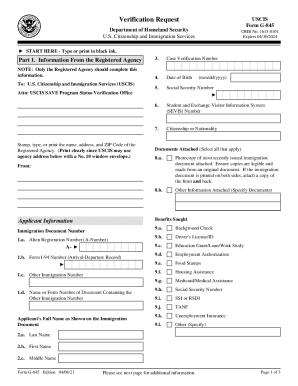
Request immigration form
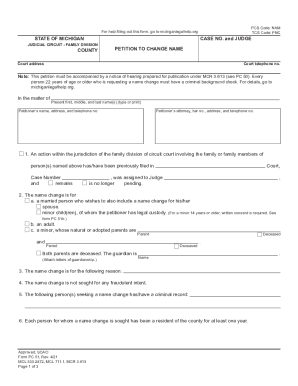
Form pc51 get
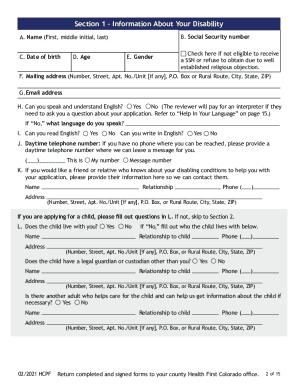
Medicaid disability
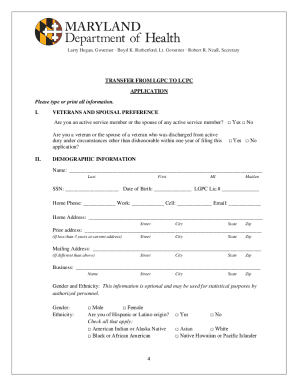
Application maryland
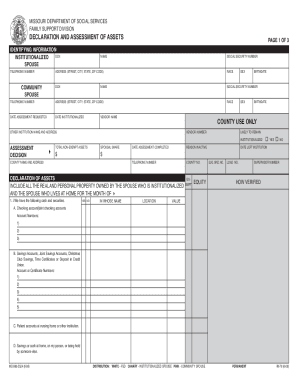
Mo assets

PDF EMS Certificate/Wallet Card Replacement Form
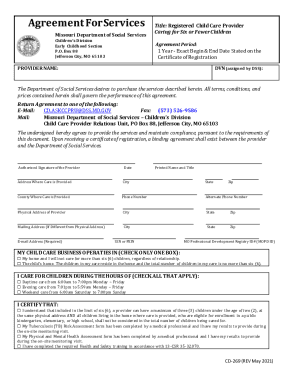
Children's Division - Missouri Department of Social Services
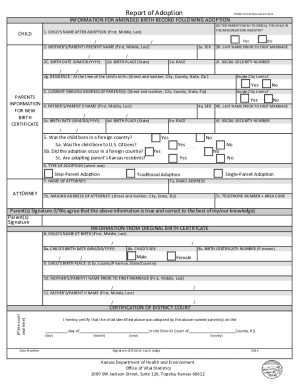
Kansas vital report
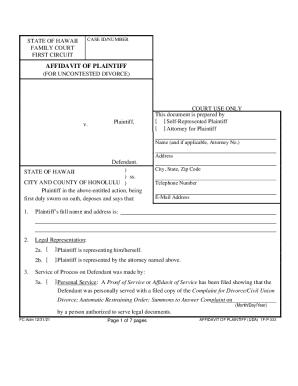
Hawaii affidavit
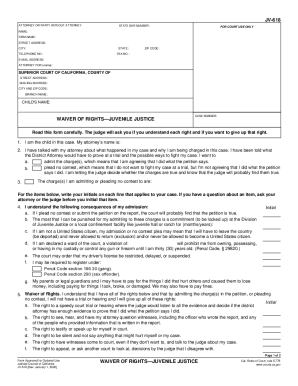
Jv618
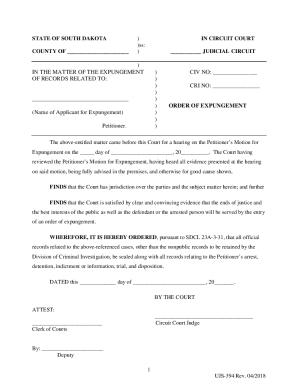
STATE OF SOUTH DAKOTA - ujs.sd.gov
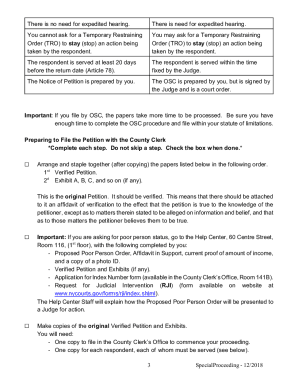
Article 78 proceeding

PDF Order to Expunge Pursuant to Sec. 943.0585, Florida Statutes and ...
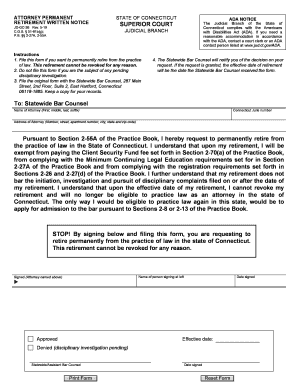
Connecticut retirement form
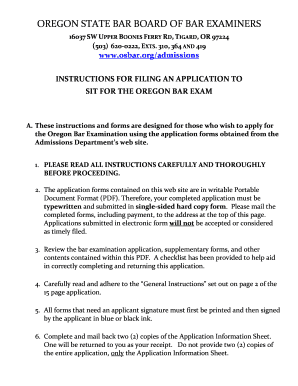
Or bar exam
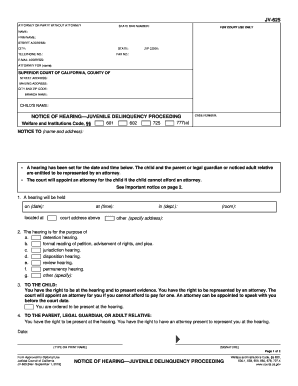
Jv 625
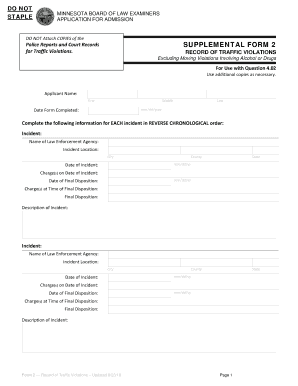
Mn ble traffic
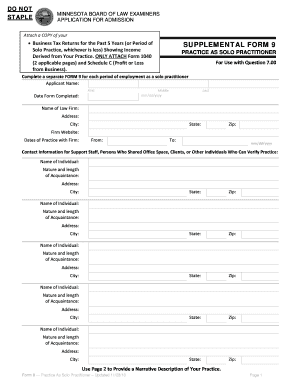
Attach a COPY of your Business Tax Returns for the Past 5 ...
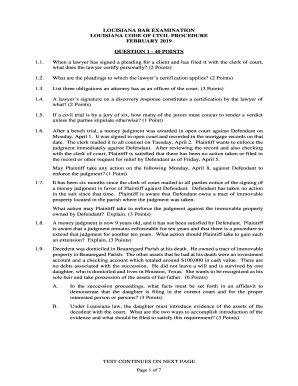
La lascba code civil procedure
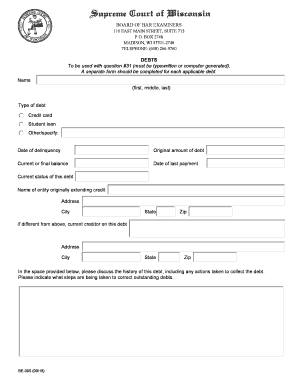
A separate form should be completed for each applicable debt
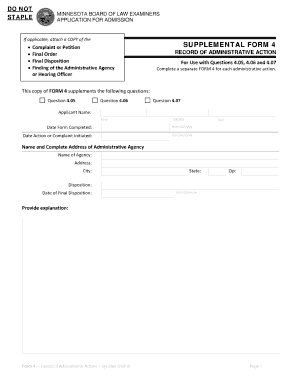
Mn supplemental 4 record administrative action
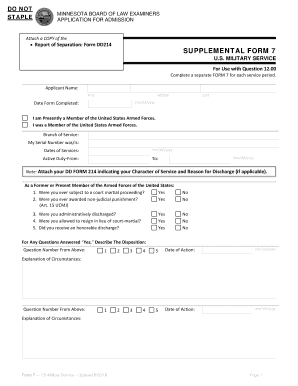
To be used with Question 12
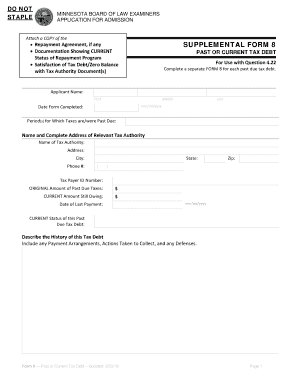
Ble 8 tax form

Poa activation form wi

Ca jv 405
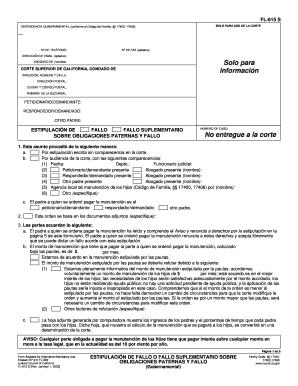
Fl 615 s

Mi motion court
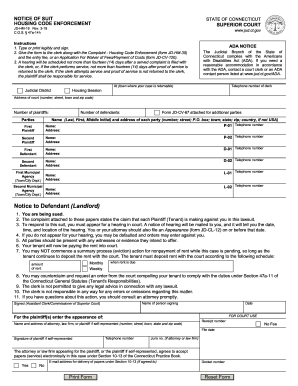
Notice suit housing code enforcement
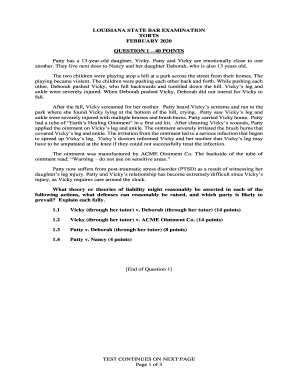
Louisiana torts bar
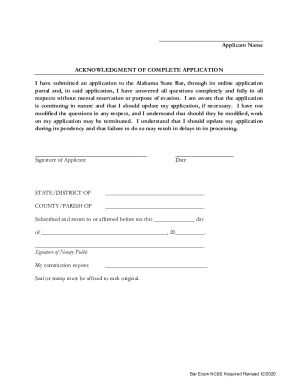
Alabama State Bar Admission Office - Application Information
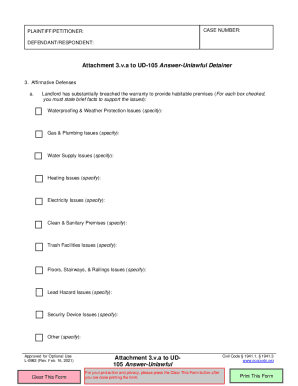
Ca ka ud 105
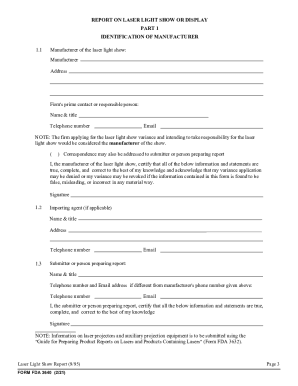
Fda media72256APPLICATION FOR A VARIANCE Form Approved: OMB No - fda
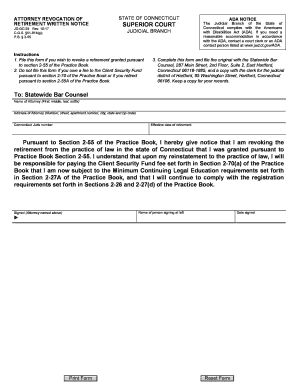
Jd gc 25
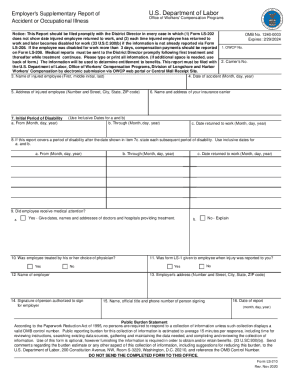
Employer's Supplementary Report of Accident or Occupational Illness. ls-210
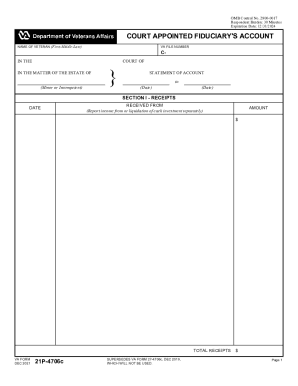
21p 4706c court appointed
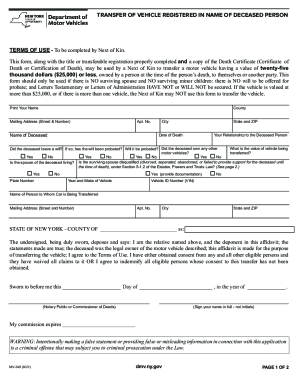
Ny mv 349 dmv form
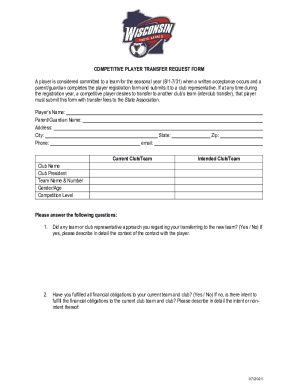
Football transfer request form
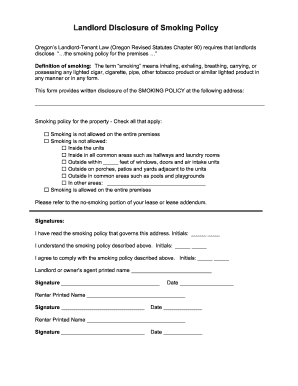
Oregon-landlord-disclosure-of-smoking-policy.docx
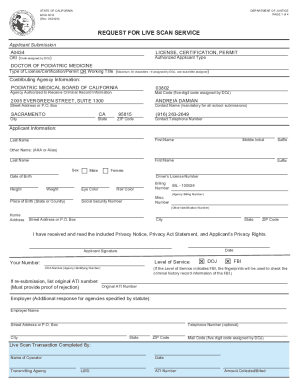
CA PMBC License Information For A Certificate To Practice ...
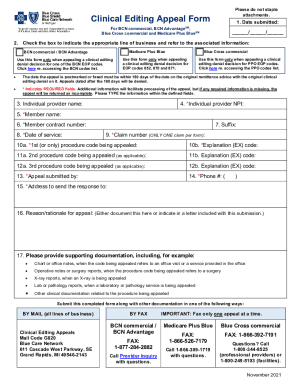
Mi bcbs appeal

MT Provider Orders for Life-Sustaining Treatment (POLST)

Medicare prior authorization form for procedures

Li 214

8700 12fl florida notification of regulated waste activity
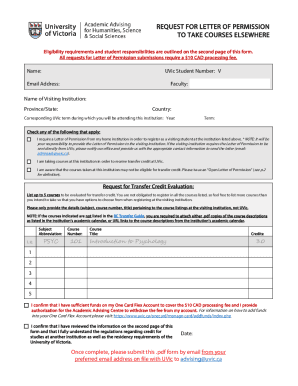
Uvic letter
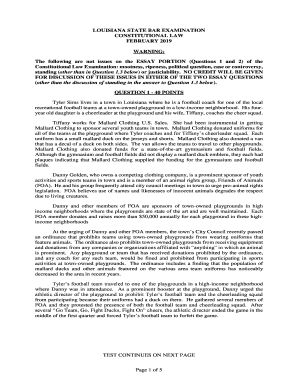
Louisiana lascba law

Ble texas gov
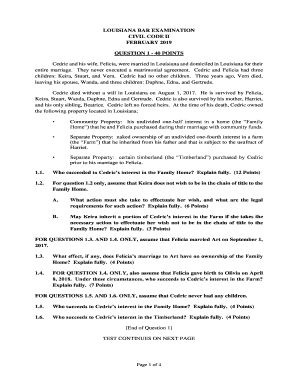
Lascba

Summons to Answer Civil Complaint - Hawaii State Judiciary

Request for Audio Compact Disc of Proceedings and Order
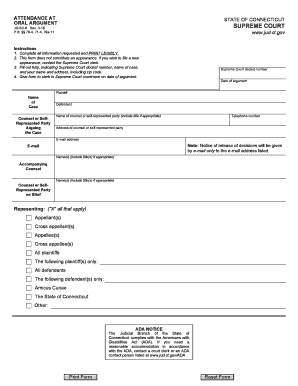
ATTENDANCE AT ORAL AGUMENT - SUPREME COURT

Use judiciary form

Hi kids form
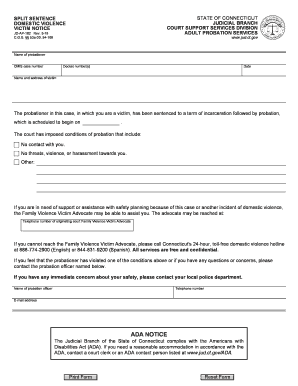
Connecticut victim notice

Judge Jeannette H

Connecticut oral form

Minnesota bar admission form
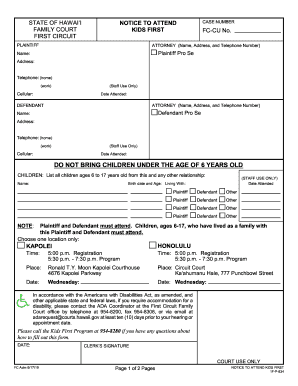
Notice attend kids first
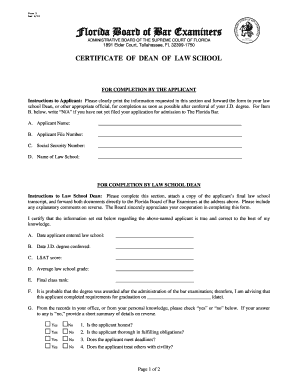
Rev 6/19

Connecticut appearance law form

Ct mediation information
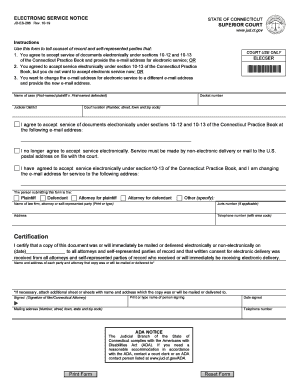
Connecticut practice book 2022

Ma inquiry

Fifth Circuit Joins Circuit Split Upholding Bankruptcy ...
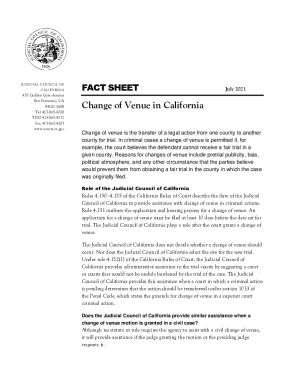
California change venue
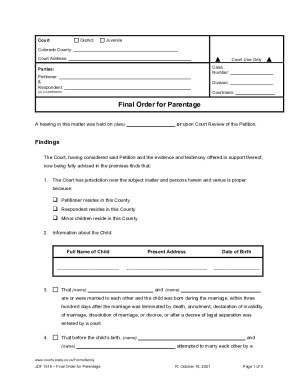
Colorado jdf1516

Okbbe Contact-UsContact UsThe Oklahoma Board of Bar Examiners (OKBBE)

Saaq prcuration
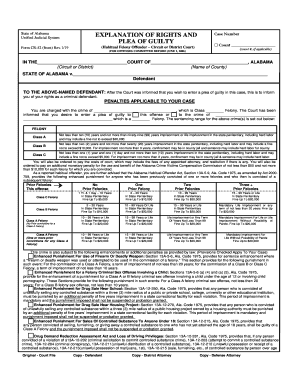
Alabama form plea guilty

Nj non motor
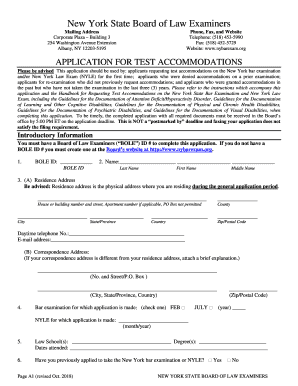
New york exam accommodations
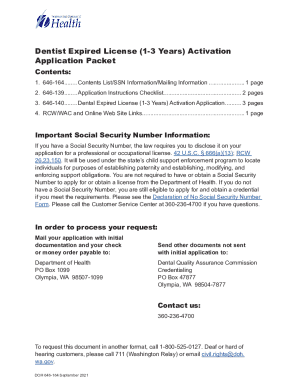
Wa doh expired
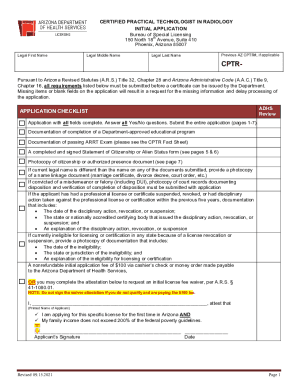
TEMPORARY HEARING AID DISPENSER LICENSE INITIAL APPLICATION
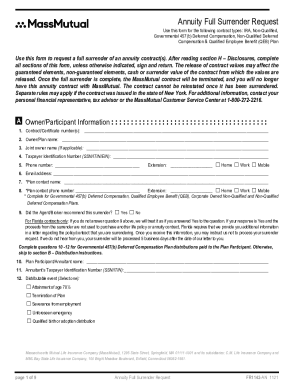
DocHub fill-and-sign-pdf-form79640Make Sure You Are Aware Of Possible Nancial Consequences
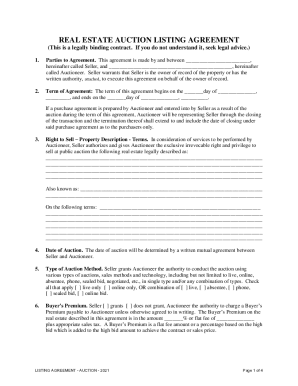
Hereinafter called Seller, and , hereinafter
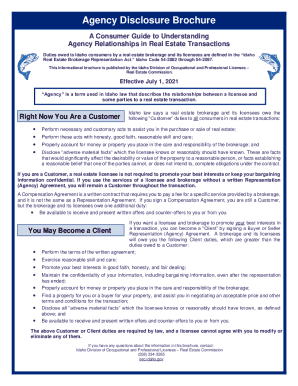
ID REC Agency Disclosure Brochure 2020-2021 - Fill and ...
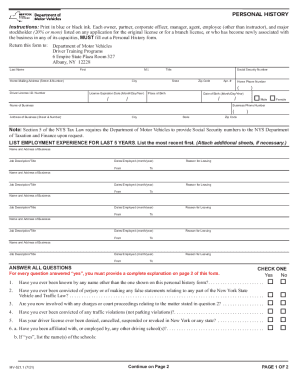
Handypdf.compdfform-mv-521-1-personal-historyForm MV-521.1 - Personal History - New York - Edit, Fill ...
Aoc 846 Instructions - Fill Online, Printable, Fillable, Blank ...
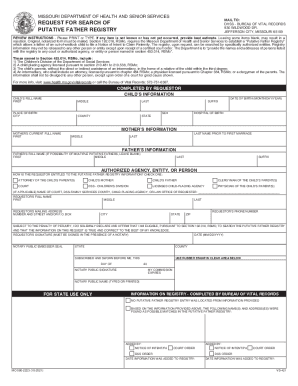
Missouri putative father registry

Wisconsin upv registration

Periodic review litem sample
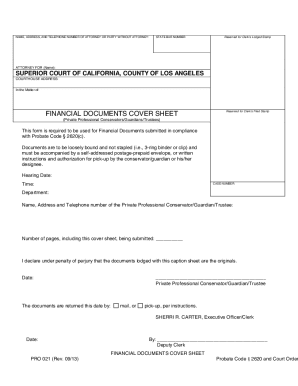
Financial cover sheet
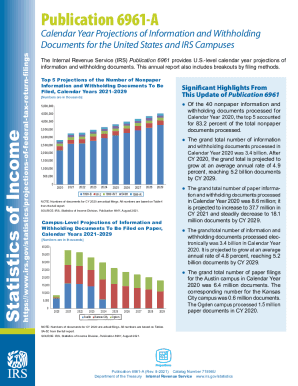
Irs statisticssoi-tax-stats-projectionsSOI Tax Stats - Internal Revenue Service
Instruction 1042 form

4038 form

6961

Irs 962 form
Home mortgage interest
Do i need to send a 1099 to an llc

Form 5471
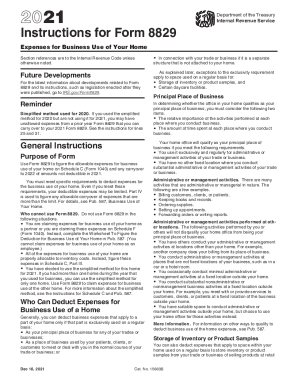
Irs instructions form printable
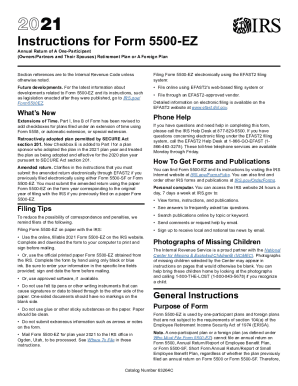
Form 5500 ez instructions
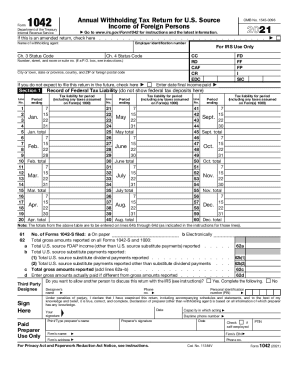
Tax calculator
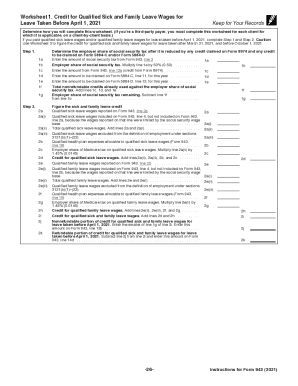
Form 943 federal tax
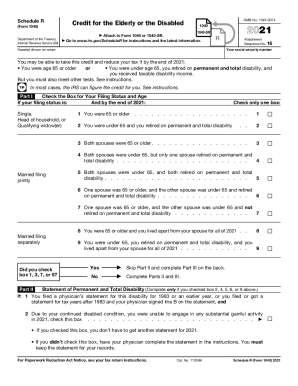
Irs r

Form 706

Irs form 4419
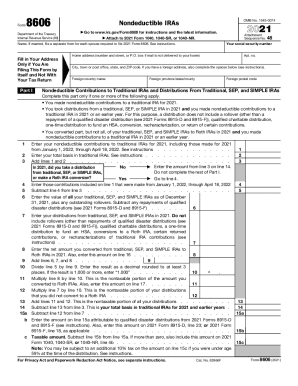
Form 8606
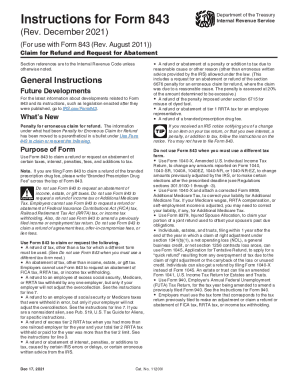
843
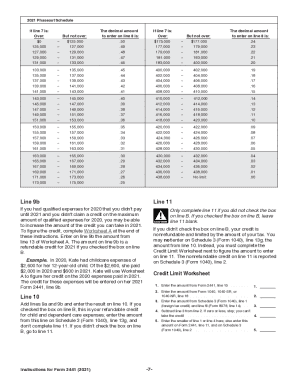
Irs instructions form 2441
Benefit from the DocHub online library of fillable PDF forms
Searching the PDF forms doesn't have to be a tedious and time-consuming process. With the DocHub online library, it has become easier to find the fillable PDF forms and modify them in your browser. The service allows you to adjust the document to your needs using powerful editing tools.
You can use online document editing features to modify almost any type of document with ease. You just need to find the template of your choice, open it in the editor, and use the toolbar to make the necessary corrections.
Follow this guide to get your document done with DocHub:
- Find the PDF template you need.
- Click the Get Form button to open the file in the editor.
- Use the toolbar to fill out and edit the document.
- Easily add and highlight text, insert images, checkmarks, and symbols.
- Drop new fillable fields, and rearrange or delete pages from your file.
- Save changes and download your record.
DocHub empowers everyone to streamline document editing, signing, and distribution, and form completion. Create an account and benefit from our well-organized PDF Forms library and comprehensive editor.