
Get any PDF form from the DocHub library of ready-made templates - Page 1204
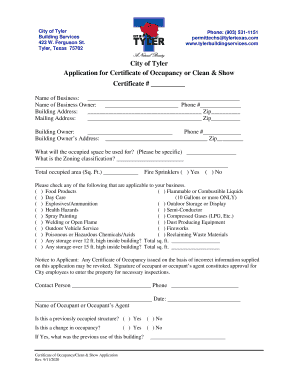
Certificate of occupancy
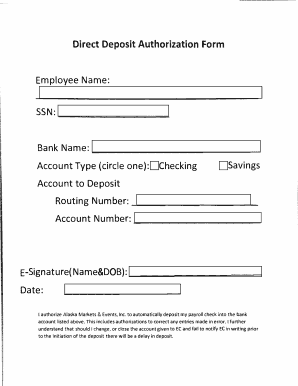
PDF Dividend Direct Deposit Authorization Form How to - Ahtna, Inc
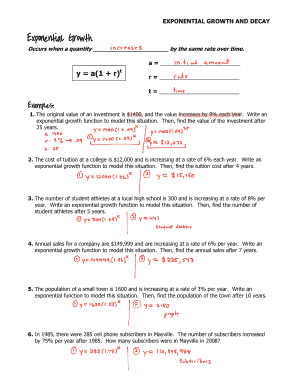
Exponential growth and decay worksheet
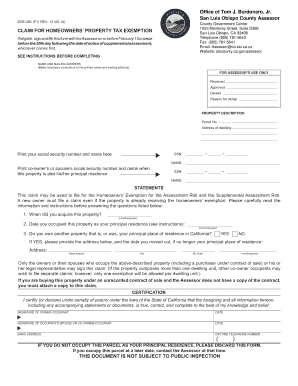
BOE-266 CLAIM FOR HOMEOWNERS' PROPERTY TAX EXEMPTION BOE-266 CLAIM FOR HOMEOWNERS' PROPERTY TAX EXEM
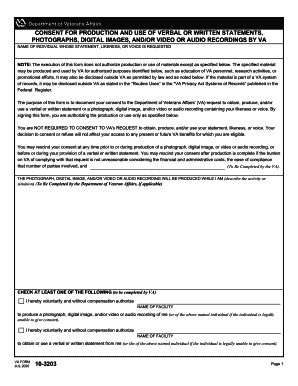
Va form 10 3203
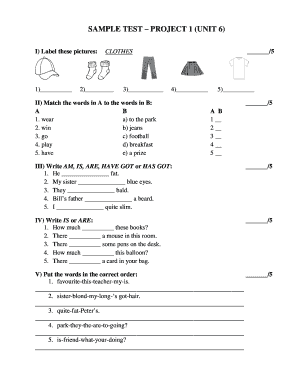
Project 1 unit 6 test
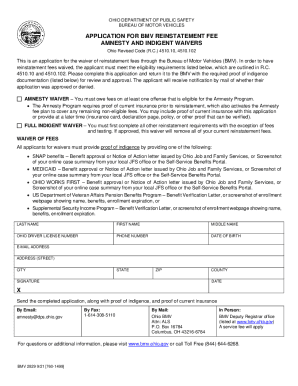
Ohio bureau motor vehicles
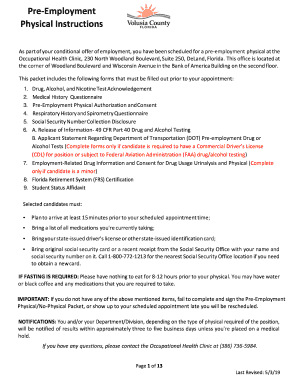
Physical volusia form
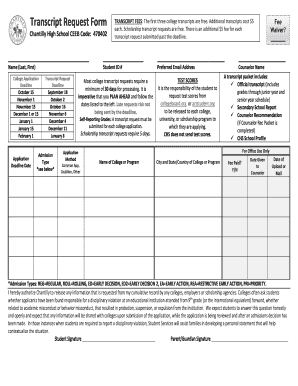
Transcript Request Form - Chantilly High School
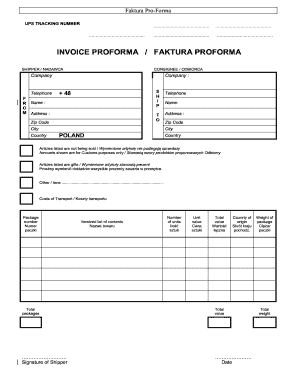
Faktura proforma ups

LLC Contribution Agreement LLC Capital contributions

Va form 20 10207

Standing Order for the Administration of School Supplied Stock Epinephrine Auto-Injectors for Potent

District relocation form - Seminole County Public Schools
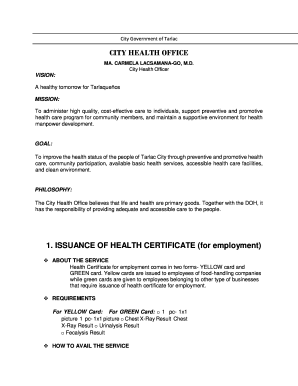
Health card tarlac city
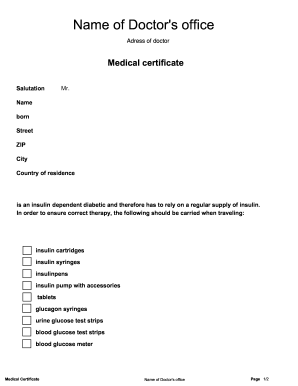
Medical certificate for diabetes patient

PEAK FAMILY DENTAL FINANCIAL POLICY Patient Agreement and

Oregon mhacbo

Ohio unclaimed vehicles

Mapping your way through the streets answer key

Fit2work

AS IS Residential Contract for Sale and Purchase This is an "as is" contract form This form may be u

Mapep form

Claim and evidence worksheet pdf
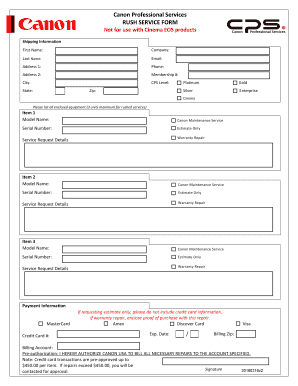
Canon Professional Services RUSH SERVICE FORM Not for use

Free Massage Therapist (Booth) Rental Agreement - Word
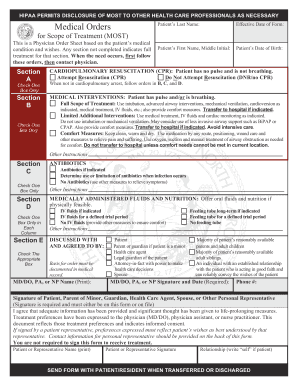
North Carolina MOST Form
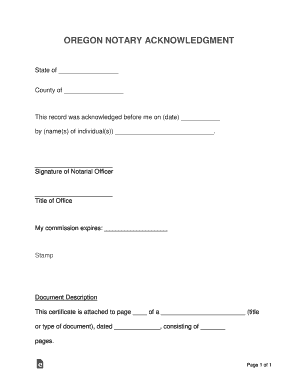
Oregon notary acknowledgement
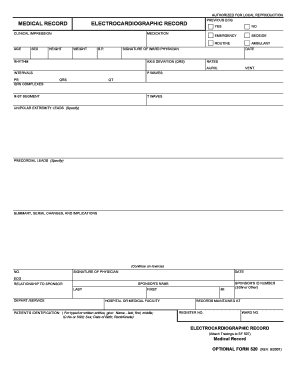
PREVIOUS ECG
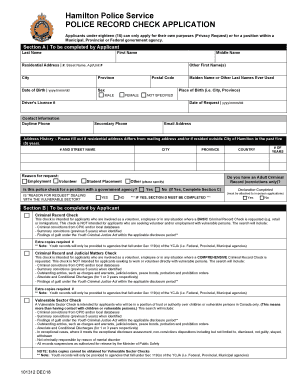
Vulnerable sector check hamilton

Fedex watch worksheet
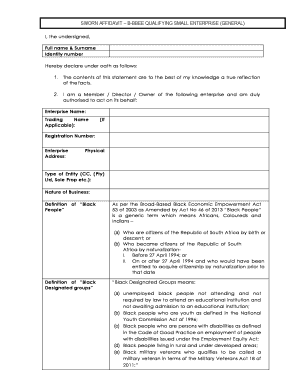
Bbbee sworn affidavit small enterprise download
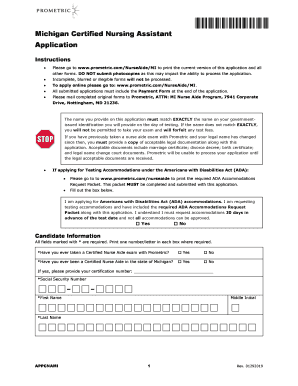
Michigan cna reciprocity form
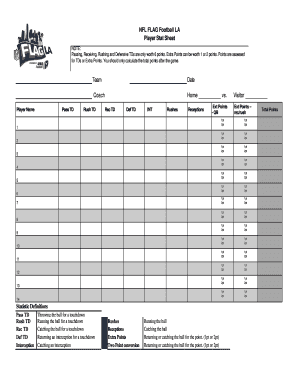
Flag football stat sheet
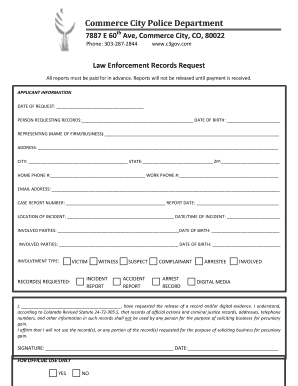
Commerce City Police Department
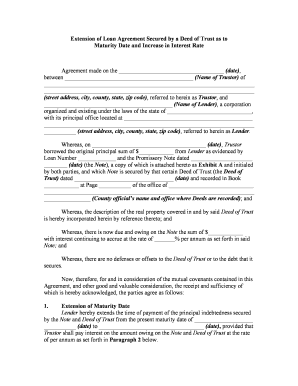
Loan agreement form
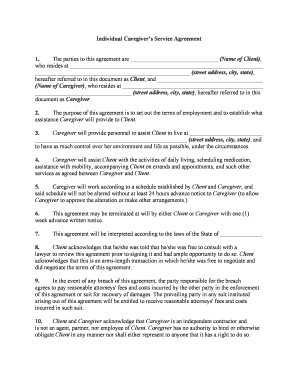
Agreement caregiver
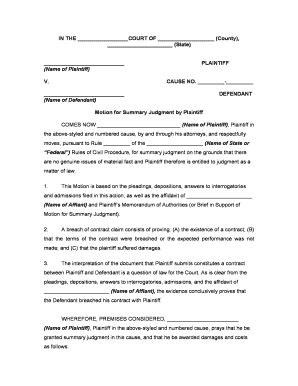
Summary judgment
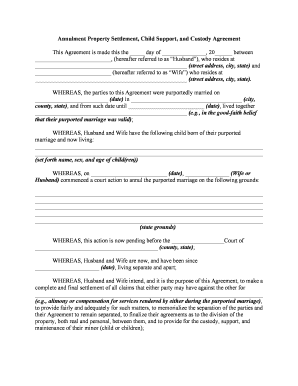
Child support custody
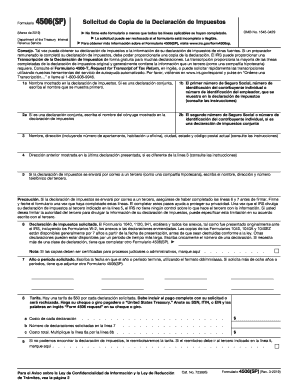
Form 4506 (SP) (Rev 3-2019) Request for Copy of Tax Return (Spanish Version)
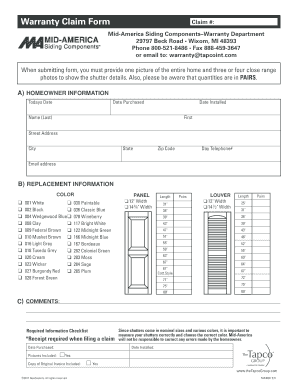
Mid america shutters warranty

For any questions: Hotel-Reservation Team

Marta senior pass
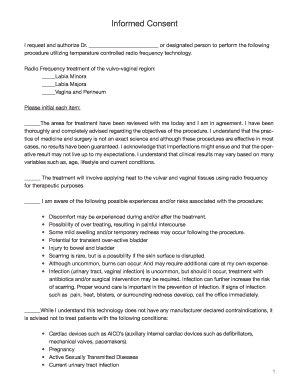
ThermiVa Consent Form 9
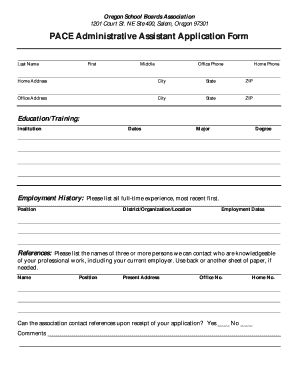
Oregon school board association

Performance review checklist

Sc1 social securitt incapacity claim form get
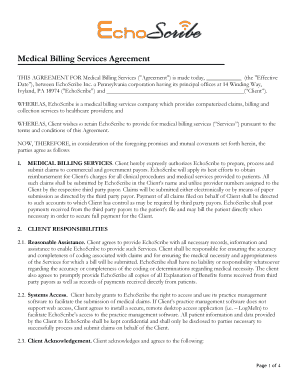
Medical billing service agreement
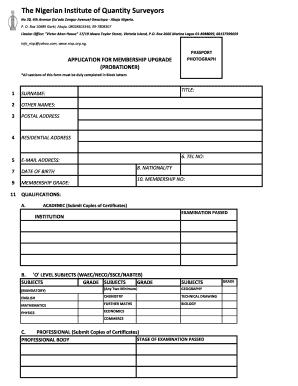
Niqs probationer form
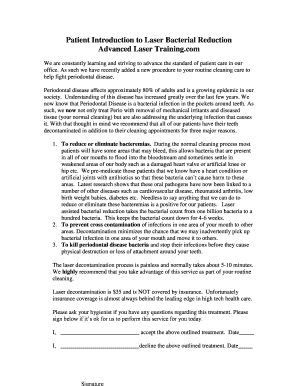
Dr Jeffrey Lind - Laser Bacterial Reduction Consent Form

Boiler checklist
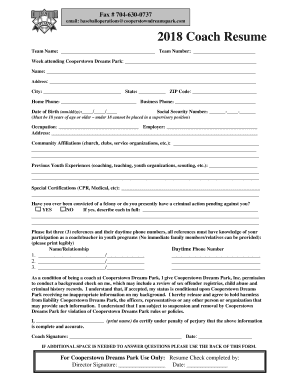
Coach Resume - Cooperstown Dreams Park
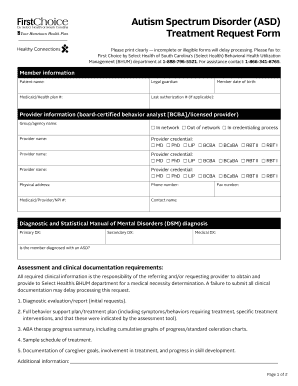
Asd form

Ltcc official
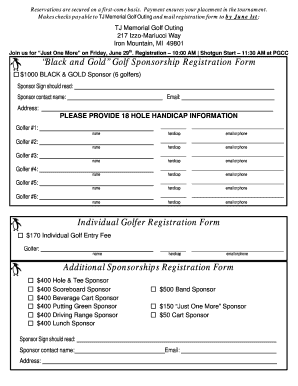
Golf Sponsorship Registration Form Additional Sponsorships
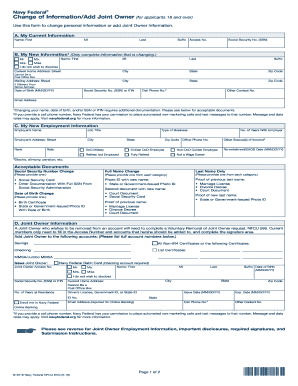
Navy Federal Change of Information Add Joint Owner - 97CI
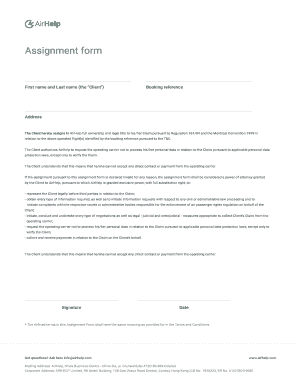
Airhelp assignment form
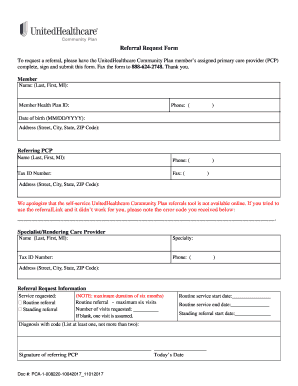
United healthcare referral form pdf
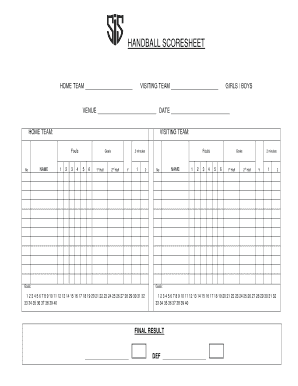
Handball score sheet pdf download

Haggadah for peysakh - Boston Workmen's Circle

Reportable incident form

K-1E Kentucky Employer's Income Tax Withheld Worksheet

Bills of Lading - Southeastern Freight Lines
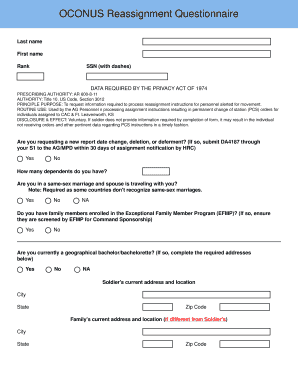
Reassignment questionnaire jblm
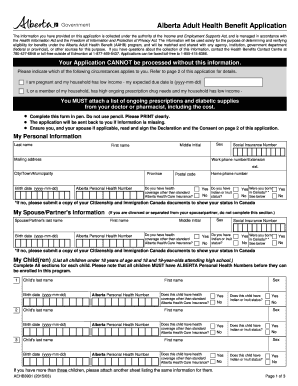
Aehb3931

School profile sample pdf

Surat dokter kosong pdf

Medical certificate template nsw
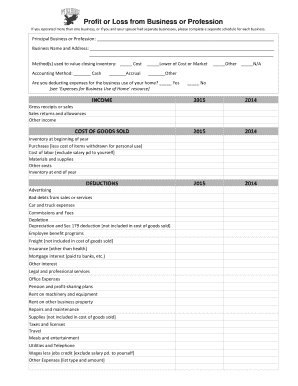
Itemized-deduction-worksheet & Free Small Business Itemized

PSQ-18 (Patient Satisfaction Questionnaire)

Confined space rescue plan word template
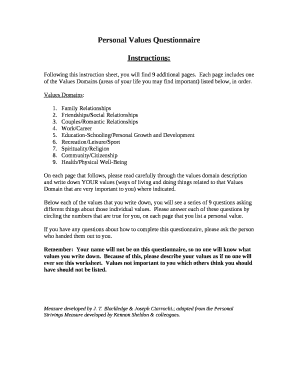
Personal values questionnaire pdf

Create your own bill project
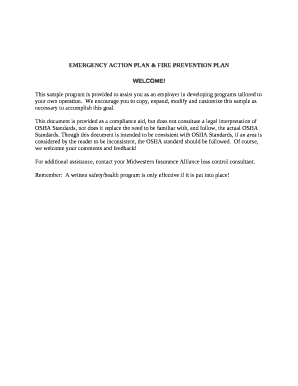
Emergency Action Plan & Fire Prevention Plan template
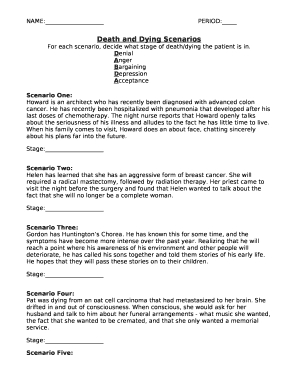
Death scenarios worksheet answers
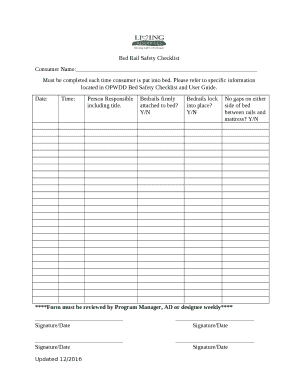
Opwdd bed safety checklist

Adhd tracking sheet
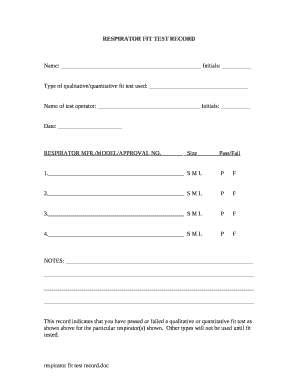
Respirator fit test form template
Integration guide template
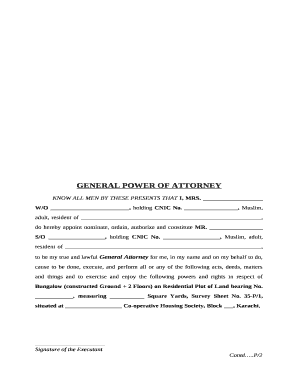
Sindh revenue board
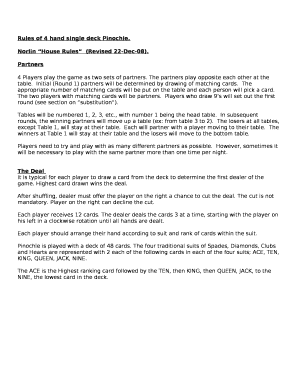
Pinochle meld list printable

Imm5451

Employee Occupational Health Services
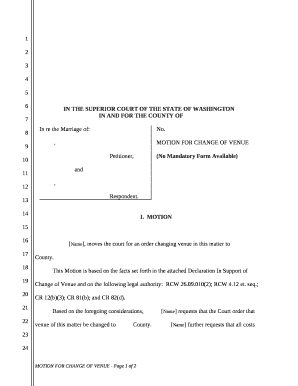
Change of venue motion

Commercial item determination template

Horse breeding contract download

Mobile Phlebotomy Services (MPS) is responsible for the drawing and delivery of laboratory
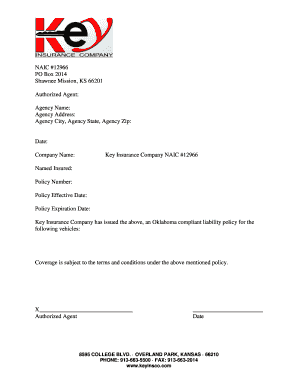
Shawnee Mission, KS 66201
Changing habits and reaching targets

Florida graduation requirements
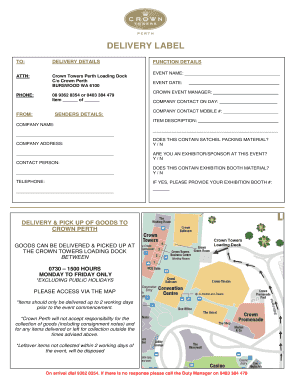
Crown loading dock

TANGIBLE PERSONAL PROPERTY LIST

Modified possession order texas template

Wr6

Social media escalation process
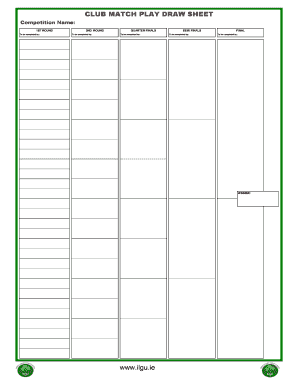
Golf match play draw sheet template
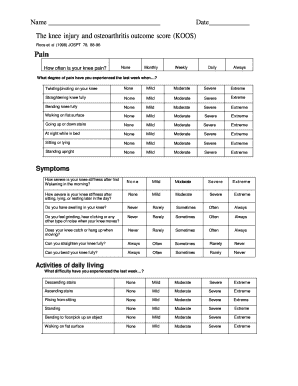
Koos pdf
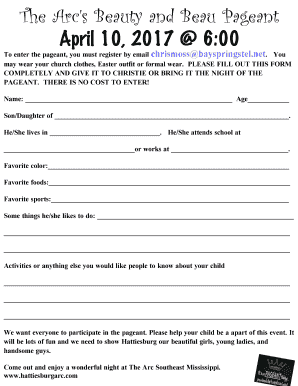
Beauty and beau
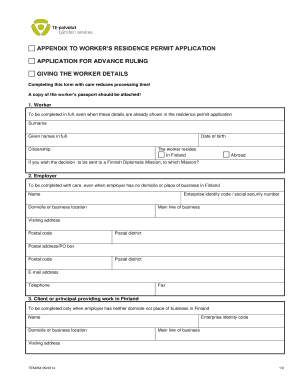
Tem 054 form
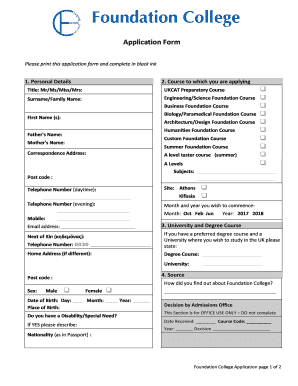
Foundation Course Application Form - Foundation College
Benefit from the DocHub online library of fillable PDF forms
Searching the PDF forms doesn't have to be a tedious and time-consuming process. With the DocHub online library, it has become easier to find the fillable PDF forms and modify them in your browser. The service allows you to adjust the document to your needs using powerful editing tools.
You can use online document editing features to modify almost any type of document with ease. You just need to find the template of your choice, open it in the editor, and use the toolbar to make the necessary corrections.
Follow this guide to get your document done with DocHub:
- Find the PDF template you need.
- Click the Get Form button to open the file in the editor.
- Use the toolbar to fill out and edit the document.
- Easily add and highlight text, insert images, checkmarks, and symbols.
- Drop new fillable fields, and rearrange or delete pages from your file.
- Save changes and download your record.
DocHub empowers everyone to streamline document editing, signing, and distribution, and form completion. Create an account and benefit from our well-organized PDF Forms library and comprehensive editor.