
Get any PDF form from the DocHub library of ready-made templates - Page 1206
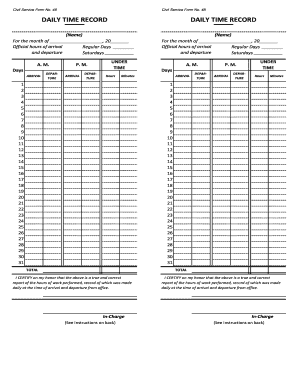
Official hours of arrival
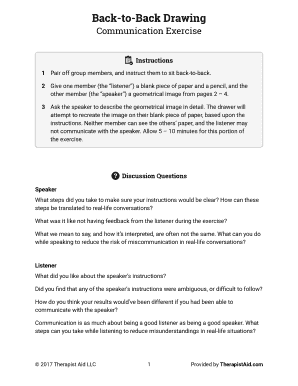
Back to back drawing game pdf
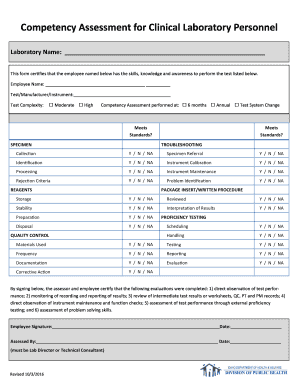
Personnel Competency Assessment Form

Social security administration form ssa 3368 2008

Pet Claim Form
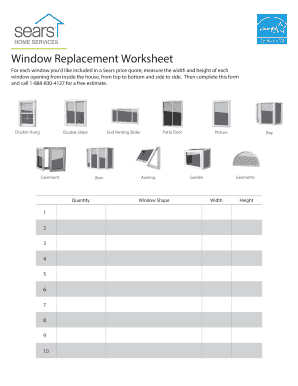
Sears windows
Kord lab

Nm property transfer
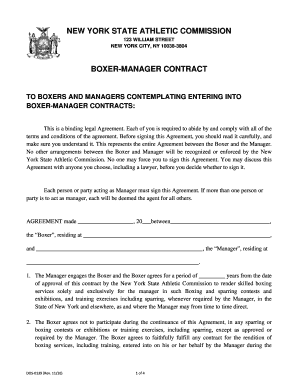
New york state athletic commission

Rc 99 pdf

Sdarcc
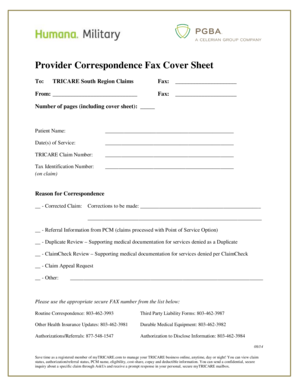
Provider Correspondence Fax Cover Sheet - myTRICARE
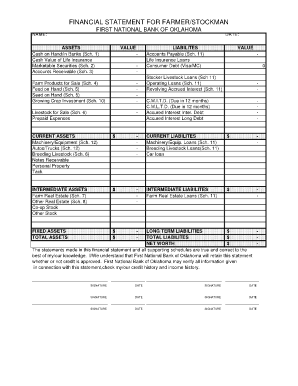
Fnb bank statement pdf
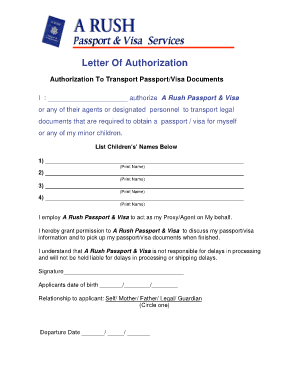
Letter of Authorization - Ace Passport Services
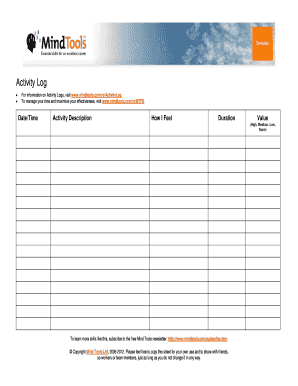
Activity Log Template - Mind Tools
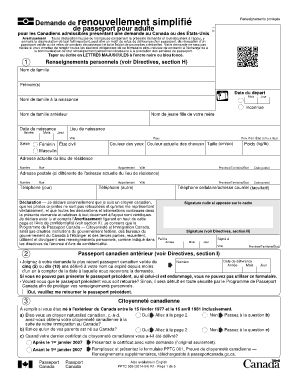
Demande de passeport canadien

Sample return-to-work policy Sample return-to-work policy

Drone flight log template

Caqh forms
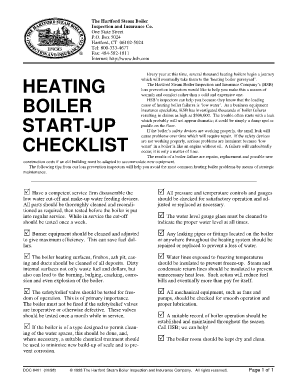
Boiler maintenance checklist

Report of birth abroad appointment

Wilson jones application for employment
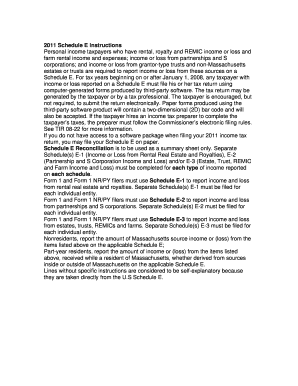
Ma schedule e
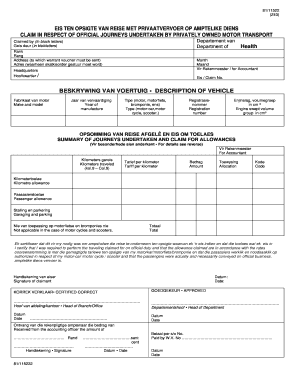
Z43 claim form download
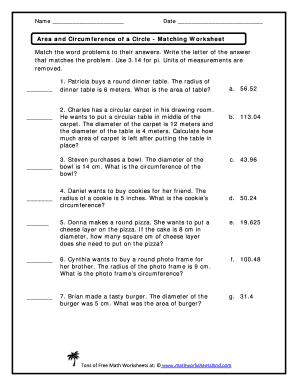
Area and circumference of a circle word problems worksheet pdf
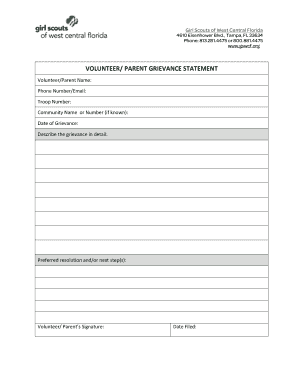
VOLUNTEER PARENT GRIEVANCE PROCEDURE Girl Scouts of
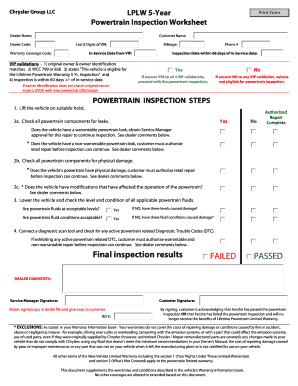
5-Year Inspection FormWorksheet PDF - WKJeepscom
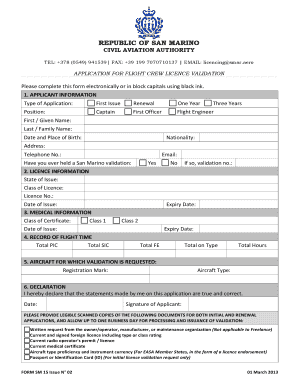
FORM SM 15 Application for Flight Crew Licence Validation docx
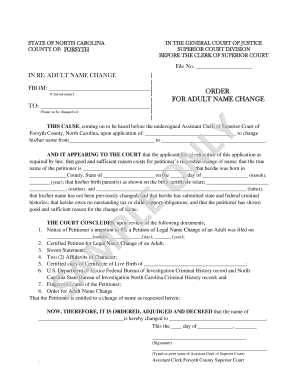
Name change forsyth county nc

Oklahoma temporary paper id template
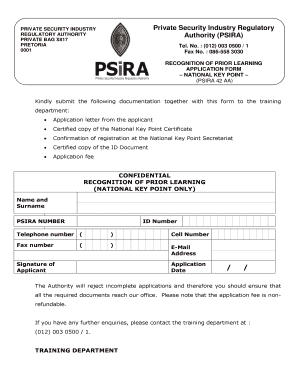
National key point registration
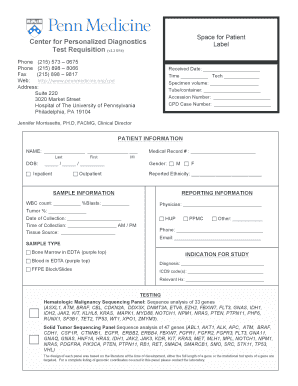
Personalized Diagnostics Test Request Form - Penn Medicine - pennmedicine
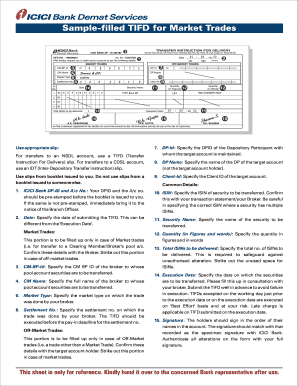
Tifd booklet
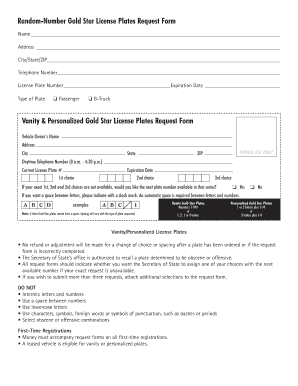
Illinois gold star license
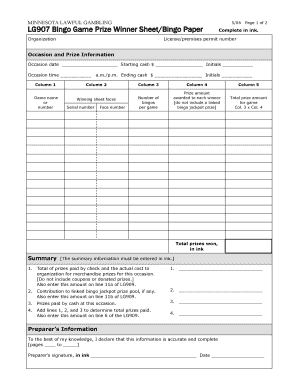
LG907 Bingo Game Prize Winner Sheet Bingo Paper Complete in ink - mn
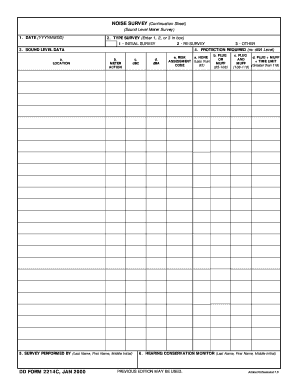
Noise survey template

Medicash claim form
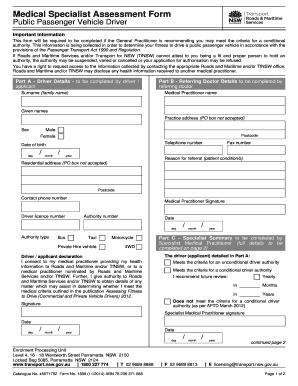
Medical specialist assessment form
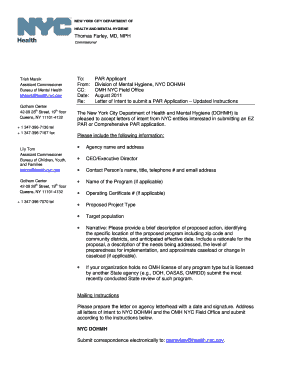
Letter of Intent Instructions for NYC Providers Aug - nyc
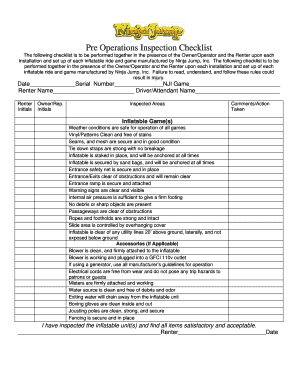
Bounce house inspection checklist
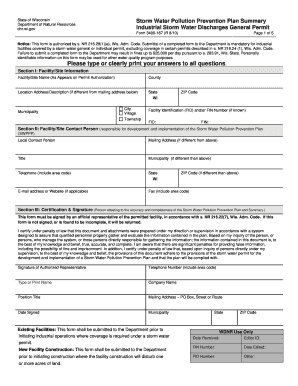
Form 3400 167
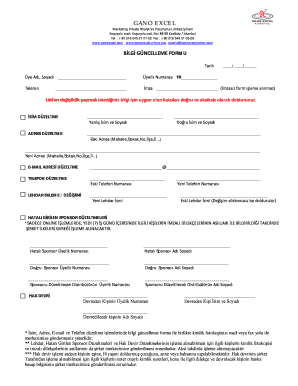
Gano excel bilgi g ncelleme formu
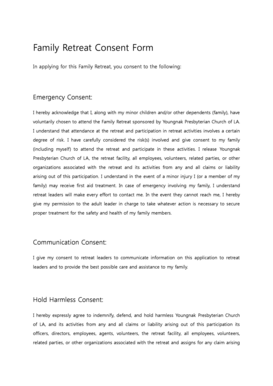
Family Retreat Consent Form
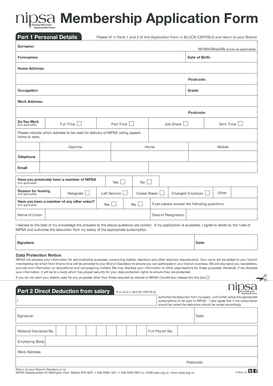
Join nipsa online
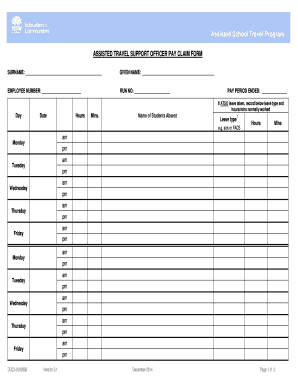
Atso pay claim
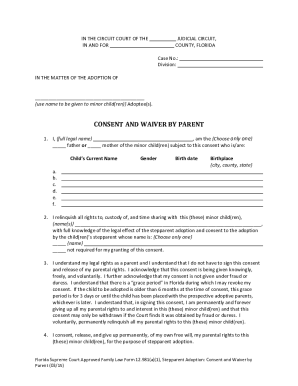
Fl waiver form
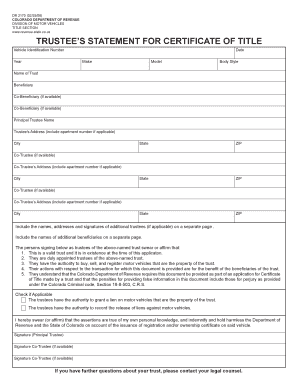
Colorado trustee form

Bims spanish pdf
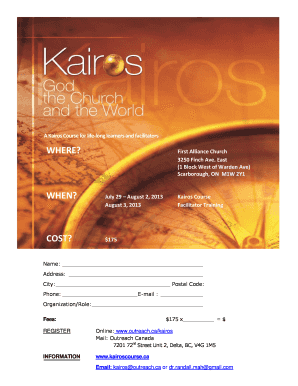
Kairos course pdf

Scottish widows beneficiary form

Clayton homes installation manual

Florida private instatution bond form

Corp reg gov ab ca
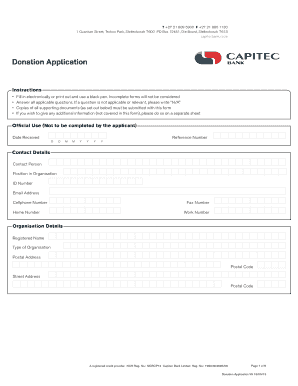
Proof of payment capitec

VETERINARY HOSPITAL ADMISSION FORM - Free Forms Online

M t bank deposit slip

Uc health letterhead
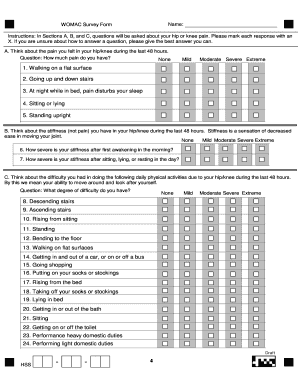
Womac scale questionnaire pdf

California judicial council form jv 800

Akc cgc test summary

Dallas small claims court

Our Move-Out Form - Accel Property Management & Investments, LLC

Fpl underground easement form
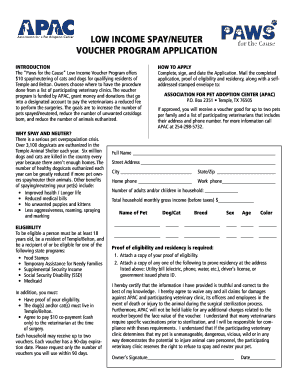
Paws neuter voucher
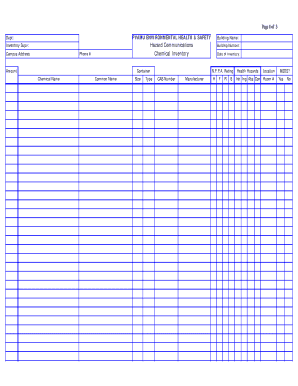
Osha chemical inventory list template
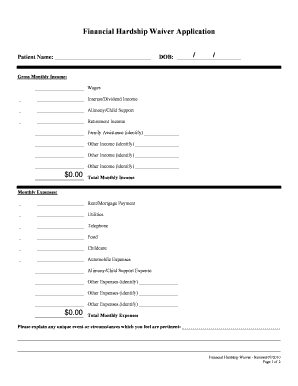
Financial Hardship Waiver Application - Emax Medical Billing

How to fill a torchys tacos job application form

Shipping power of attorney template
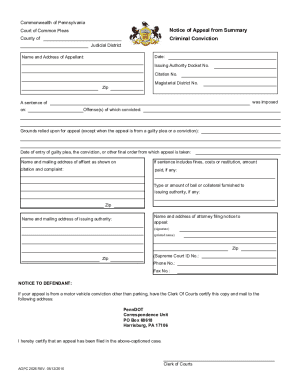
Pennsylvania appeal
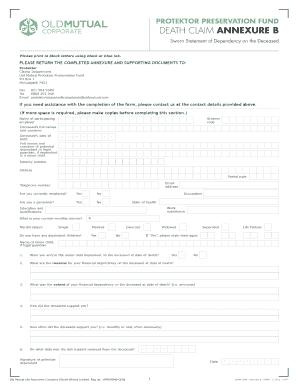
Old mutual superfund death claim form

Pulmo clearance sample

Vfw buddy poppy order form

Direct Deposit Form - Neighborhood Credit Union
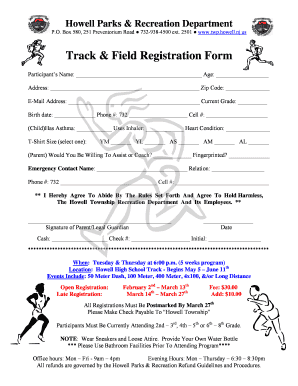
Track and field entry form template
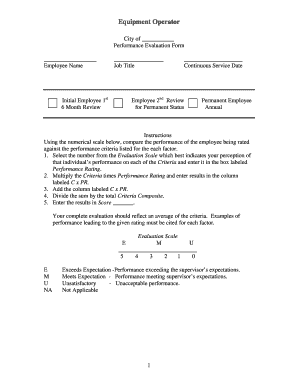
Heavy equipment operator evaluation form
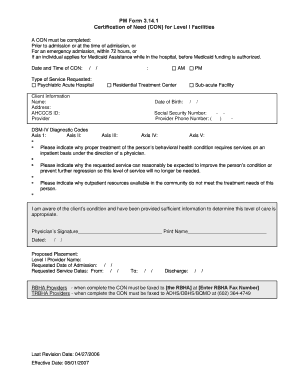
PM Form 3 14 1 CON 8-1-07 FINAL CLEAN doc - azdhs
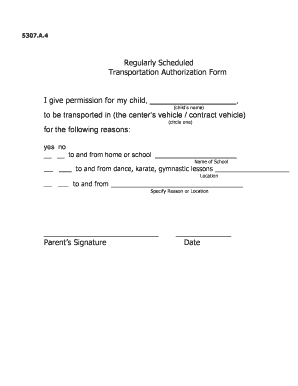
Transportation authorization form
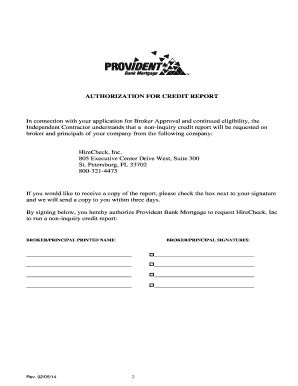
WHOLESALE BROKER AGREEMENT - Provident Bank Mortgage

Little league medical release form
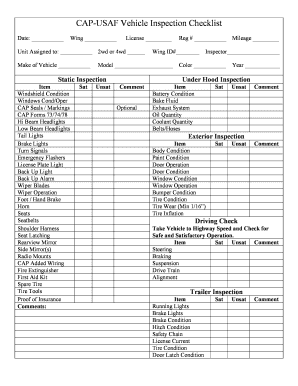
Kentucky vehicle inspection form

Registration Form 2014 Michigan PHI/SKI Conference for Educators, Therapists and Parents

Miscellaneous Services Form - Consulate General of India, Chicago Miscellaneous Services Form - Cons

Byu independent study extension

Visa credit card authorized user request form - Parsons Federal - parsonsfcu
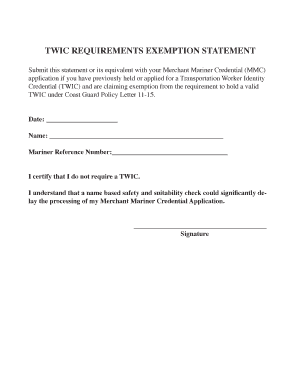
Twic exemption statement

Police verification chandigarh
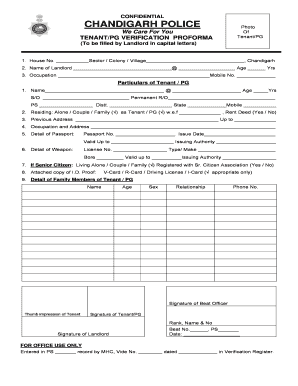
Police verification chandigarh

Adult REGISTRATION FORM - American Heritage Girls - ahgonline

AP17 - Elmhurst Energy Accreditation Change of Details Form - elmhurstenergy co
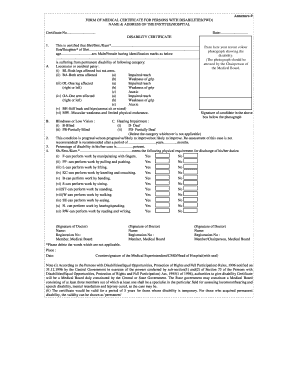
Certificate of disability
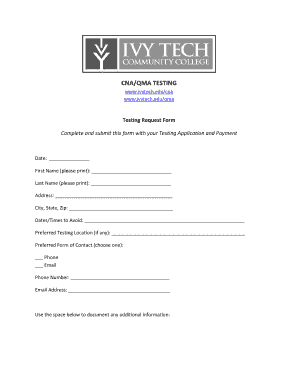
Qma practice test
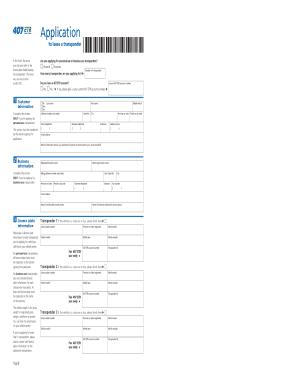
407 business transponder application

Regulated medical waste un3291

Family talent survey
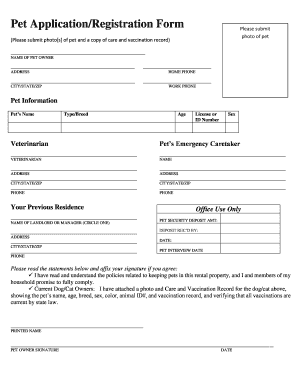
Pet form document

Equity Institutional Distribution Request
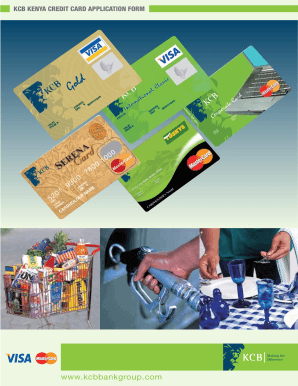
Kcb credit card

Cbp form 29 pdf
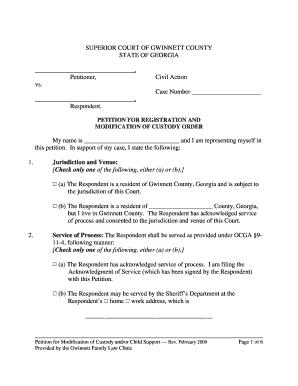
Petition for Registration and Modification of Child Custody Order PDF
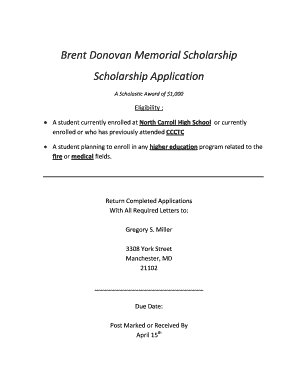
Brent donovan scholarship form
Benefit from the DocHub online library of fillable PDF forms
Searching the PDF forms doesn't have to be a tedious and time-consuming process. With the DocHub online library, it has become easier to find the fillable PDF forms and modify them in your browser. The service allows you to adjust the document to your needs using powerful editing tools.
You can use online document editing features to modify almost any type of document with ease. You just need to find the template of your choice, open it in the editor, and use the toolbar to make the necessary corrections.
Follow this guide to get your document done with DocHub:
- Find the PDF template you need.
- Click the Get Form button to open the file in the editor.
- Use the toolbar to fill out and edit the document.
- Easily add and highlight text, insert images, checkmarks, and symbols.
- Drop new fillable fields, and rearrange or delete pages from your file.
- Save changes and download your record.
DocHub empowers everyone to streamline document editing, signing, and distribution, and form completion. Create an account and benefit from our well-organized PDF Forms library and comprehensive editor.