
Get any PDF form from the DocHub library of ready-made templates - Page 1202
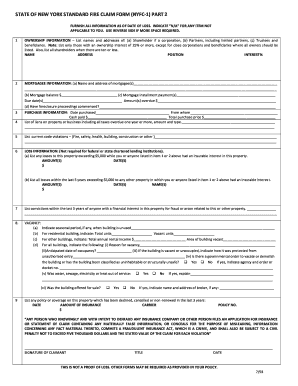
Nyfc1 part 2
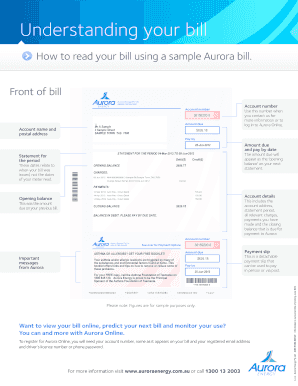
How to read your bill using a sample Aurora bill
Lgbt status qualifiers fo r business owners - My NGLCC
Aka reinstatement
Photography business plan template download
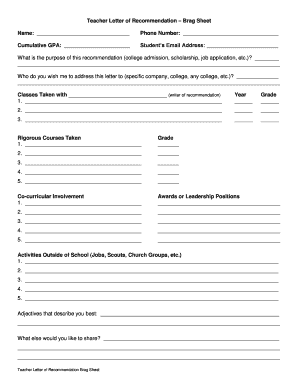
Teacher Letter of Recommendation Brag Sheet - waunakee k12 wi
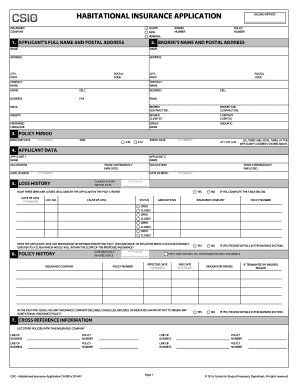
Habitational insurance application

Camping Guide Piperwood - gswny

Ihss na 1253 form
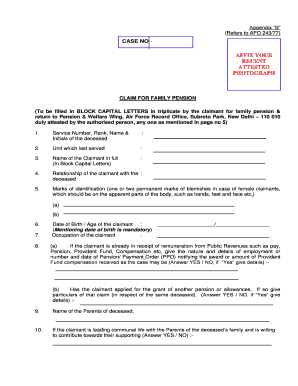
Iaf pensioners

Gary's Pet Sitting Veterinary Release Form - The Bible Box

CHURCH EMPLOYMENT APPLICATION First Baptist - Clover
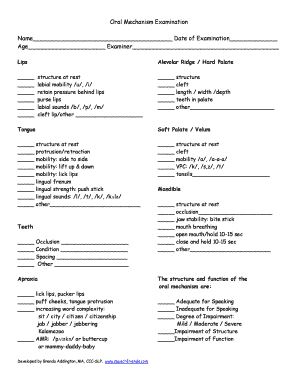
Oral mechanism exam pdf

Gallstones diet sheet pdf

Patient Request for Transfer of Medical Records - ABC Pediatrics

Auto Repair Cost Estimate Form

Permis de travail en hauteur

Student bID Card Application Formb - UNITAR International University - unitar

Lara staffing plan

MOTOR VEHICLE BILL OF SALE - Eagle County Colorado

OMEGA PSI PHI FRATERNITY INC SPECIAL EVENT CHECKLIST - boppforgb

Oregon dmv form 226

United wholesale mortgage form

A 19 form
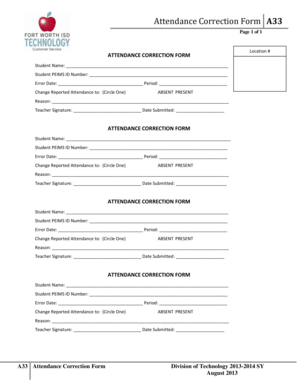
ATTENDANCE CORRECTION FORM - focuswebfwisdorg - focusweb fwisd
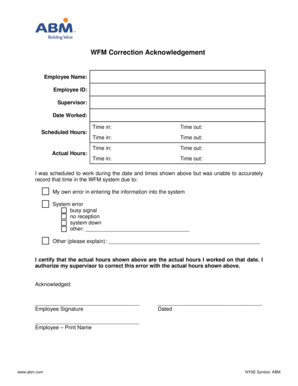
Abm forms

Phlebotomy dch school application

Board resolution instructions - Lloyds Bank

Dhs 2952
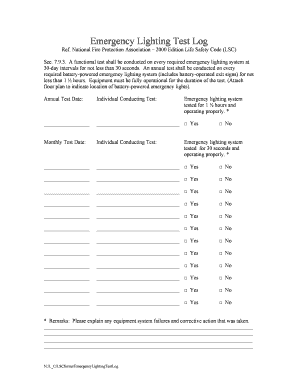
Emergency lighting testing log book template

Cessna 182 weight and balance calculator

N245 form

Bandoeschemadomandamensascolastica200720081 doc Adjusted Employer's Quarterly Federal Tax Return or
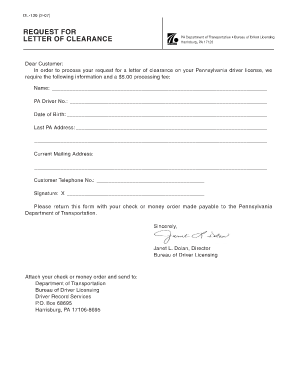
How to get pdps clearance
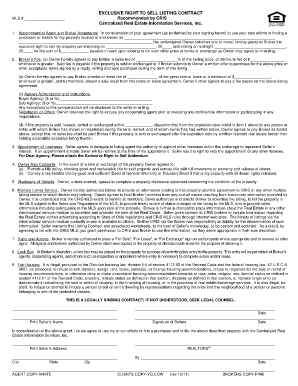
Exclusive right to sell forms manhattan
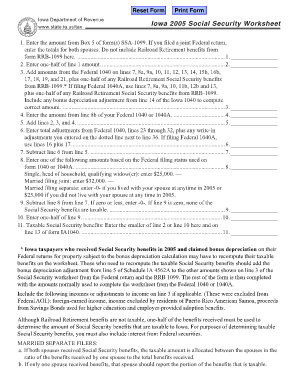
Iowa social security worksheet 2022

Registered Name of Dog - asca

Arkansas act 346

Teenage affidavit financial responsibility

Ncb certificate request letter format

Blank UFC Collateral Receipt - 1st EXIT BAIL BONDS
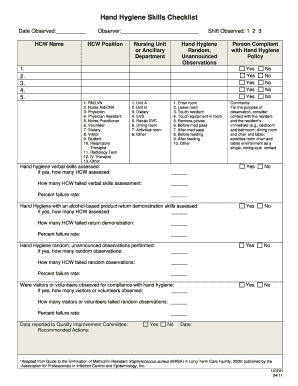
Hand washing checklist pdf
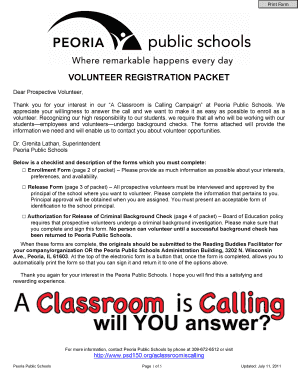
VOLUNTEER REGISTRATION PACKET - Peoria Public Schools
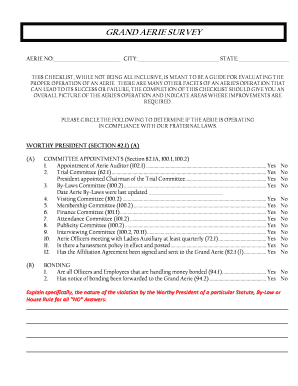
Fraternal order of eagles complaint

Superdry uk returns form
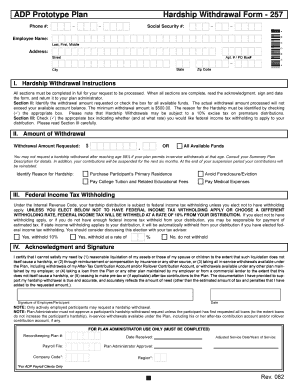
Adp hardship withdrawal form

Family questionnaire summary sheet pdf
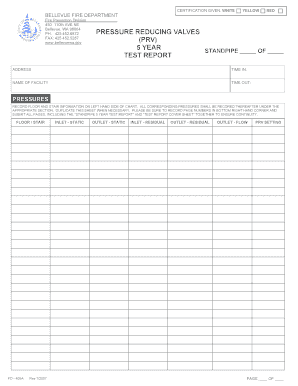
Bellevue fire department prv valve testing form
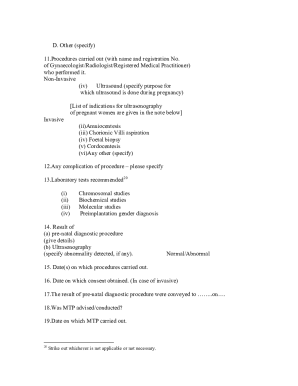
Pndt form f new format 2022

Board of Directors Member Information Form - louisvillevisualart
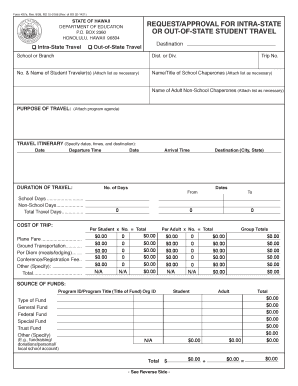
Doe form 437a
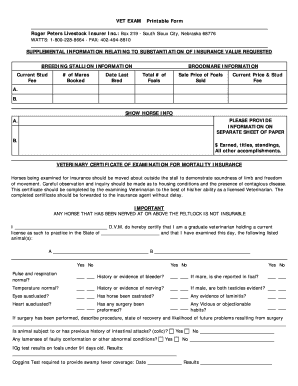
Veterinary exam forms

Social history form template

Car appraisal form pdf
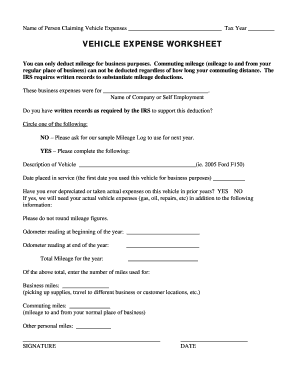
Vehicle expense worksheet
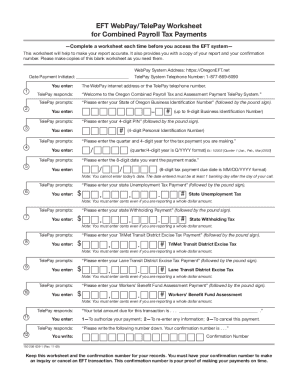
Oregon state tax

Tip Credit Notice and Policy - Arizona Restaurant Systems Inc
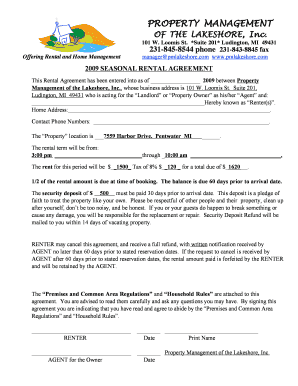
House rules agreement

Iee checklists sample for resort

Form no 16
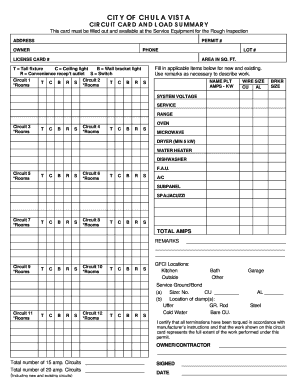
FORM 4537 - City of Chula Vista - ci chula-vista ca
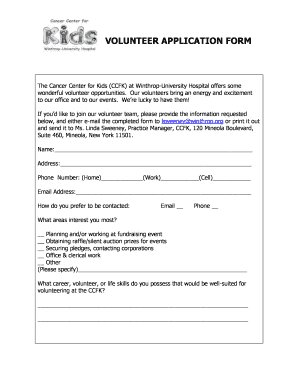
Winthrop hospital volunteer

50c restraining order nc form
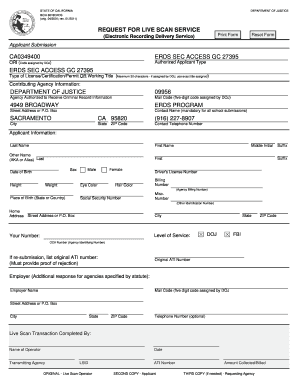
Bcia 8016rr
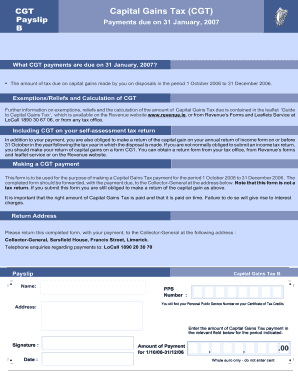
Jamaican payslip template

QF48 JOB REQUISITION FORM - fugro
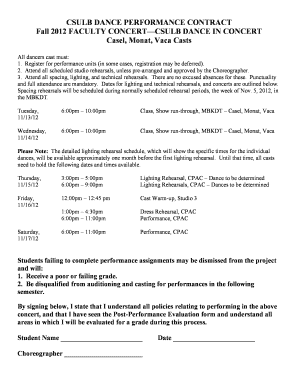
Dancer contract template
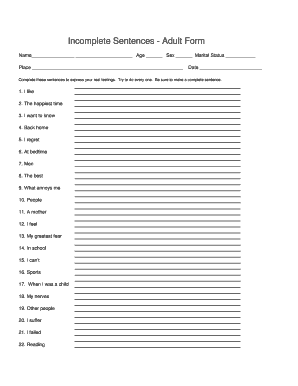
Adult sentence completion
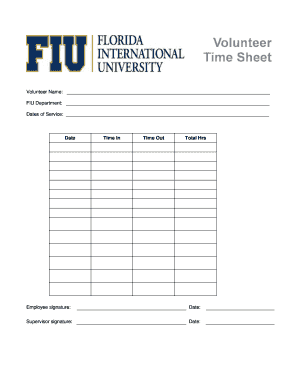
Fiu time sheet
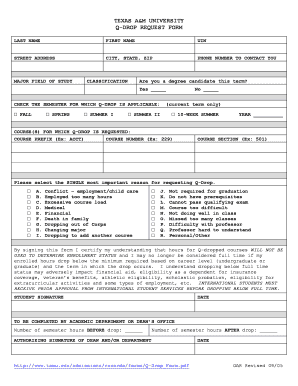
Q drop tamu
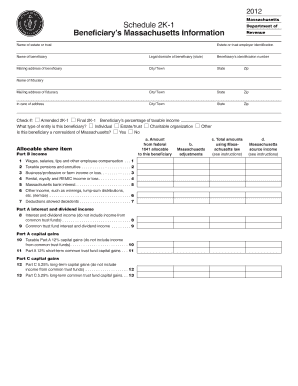
Schedule 2k 1 massachusetts instructions
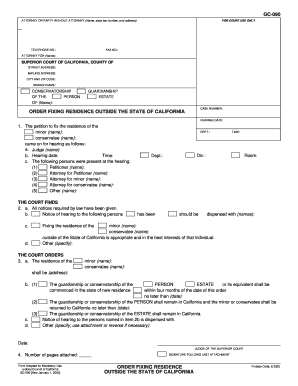
Gc 090

Business verification form
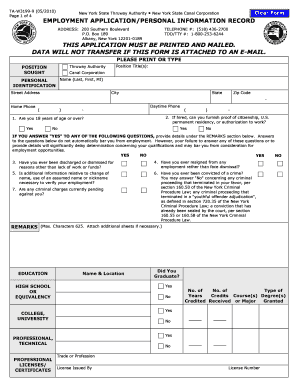
EMPLOYMENT APPLICATION PERSONAL INFORMATION - thruway ny
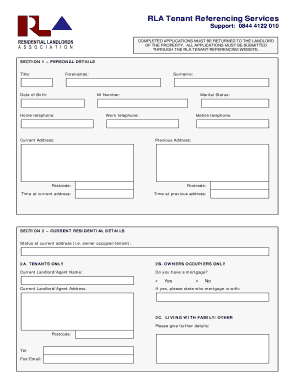
Tenant profile form
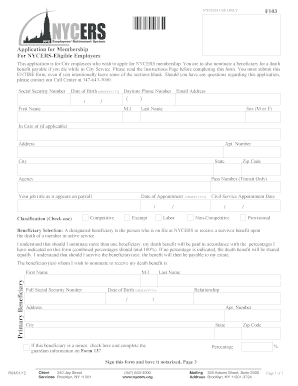
F103 nycers
Dl 236

Montana bill of sale
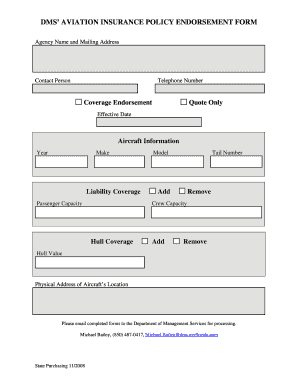
DMS' AVIATION INSURANCE POLICY ENDORSEMENT FORM
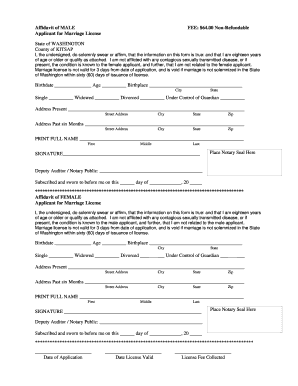
Kitsap county marriage license
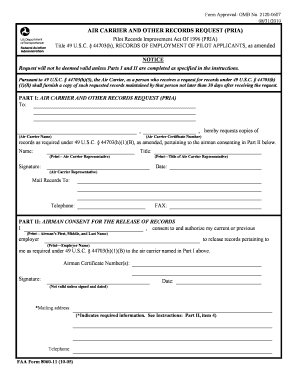
Faa form 8060 11
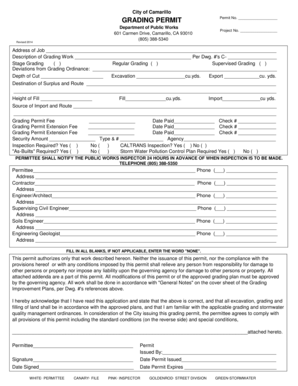
Grading bPermitb - City of Camarillo - ci camarillo ca
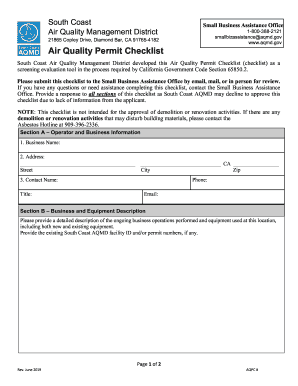
Air Quality Permit Checklist - South Coast Air Quality
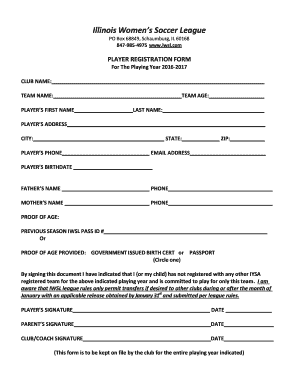
IWSL Form
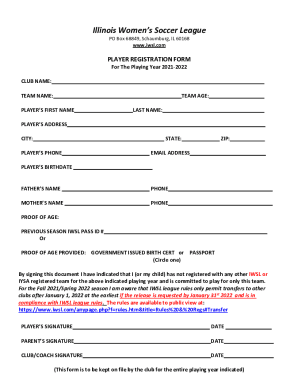
Illinois Women's Soccer League - Ngin

Fhsaa tennis match lineup sheet
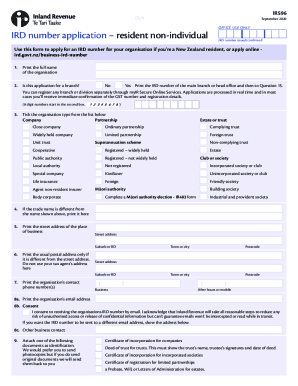
Nz business-ird-number
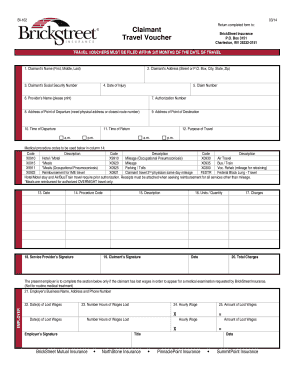
Po box 3151 charleston west virginia 25332

Wwwbamymyersmdbbcomb
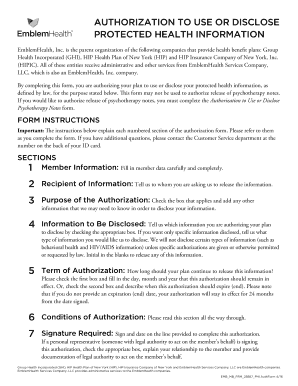
Authorization to Use and Disclose Protected Health - EmblemHealth

Medicare Open Enrollment - Pharmacy Benefit Plans - Express Scripts

VAR 05-19

ANNUITY WITHDRAWAL REQUEST - MrAnnuity
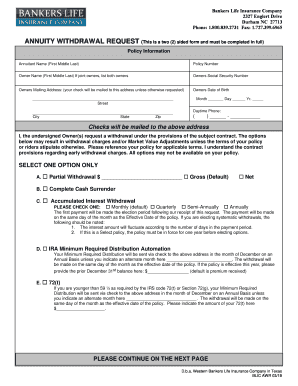
Bankers life annuity withdrawal form

Mercyone financialassistanceappThis application must be completed in full and returned with

REIMBURSEMENT TRANSMITTAL CLAIM FORM - ww2 mapfrepr

South Carolina Drip Irrigation Tax Credit Form

Notice of family claim form f3 bc

Capital Gains Tax forms
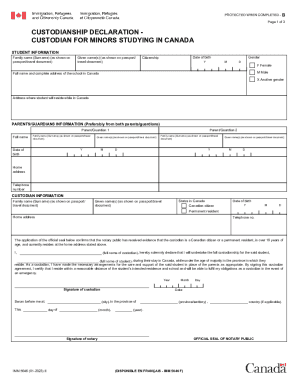
Child General Passport Application
Benefit from the DocHub online library of fillable PDF forms
Searching the PDF forms doesn't have to be a tedious and time-consuming process. With the DocHub online library, it has become easier to find the fillable PDF forms and modify them in your browser. The service allows you to adjust the document to your needs using powerful editing tools.
You can use online document editing features to modify almost any type of document with ease. You just need to find the template of your choice, open it in the editor, and use the toolbar to make the necessary corrections.
Follow this guide to get your document done with DocHub:
- Find the PDF template you need.
- Click the Get Form button to open the file in the editor.
- Use the toolbar to fill out and edit the document.
- Easily add and highlight text, insert images, checkmarks, and symbols.
- Drop new fillable fields, and rearrange or delete pages from your file.
- Save changes and download your record.
DocHub empowers everyone to streamline document editing, signing, and distribution, and form completion. Create an account and benefit from our well-organized PDF Forms library and comprehensive editor.