
Get any PDF form from the DocHub library of ready-made templates - Page 1168
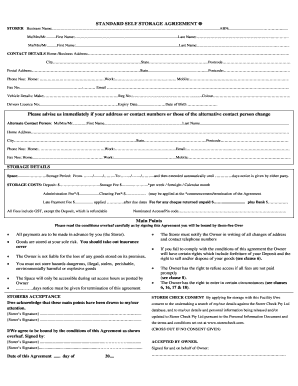
STANDARD SELF STORAGE AGREEMENT General Information Memo

Divorce from pdf file
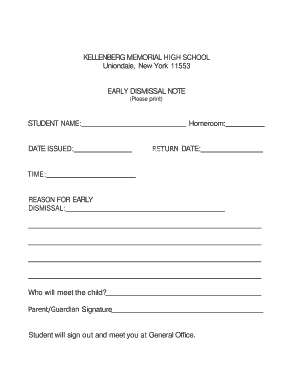
Early dismissal note template
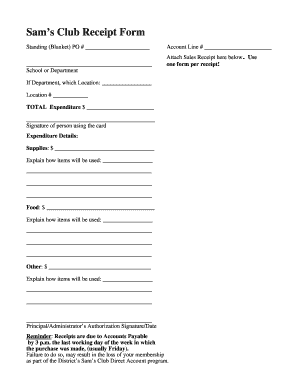
Sam's club receipt generator
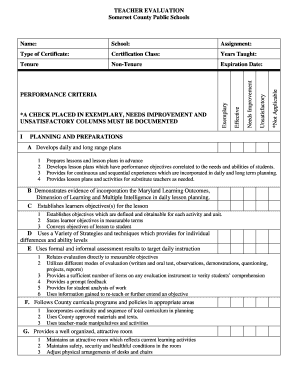
Updated teacher evaluation form doc To publish procedures for the implementation of the state and co
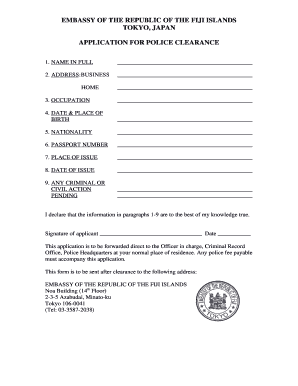
Lost passport police report sample

Dmv hearing request sample letter

Ex pakistan leave application
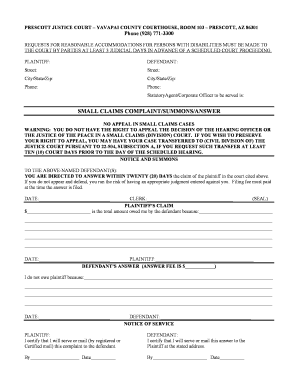
Yavapai county small claims court
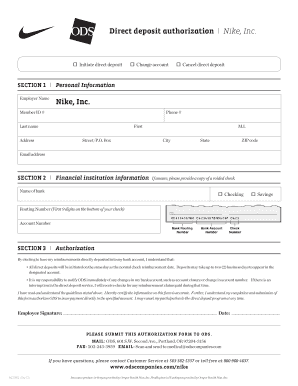
Nike direct deposit

Royal caribbean guest special services form
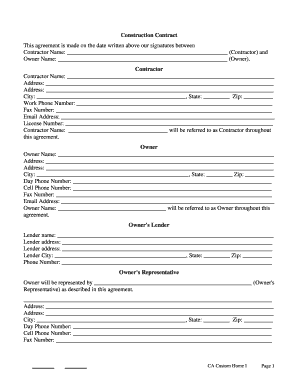
DocHub construction contracts for ca
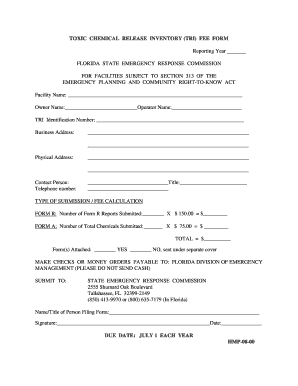
Chemical release form
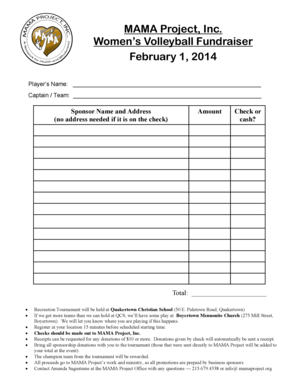
Download this sponsor form - MAMA Project - mamaproject
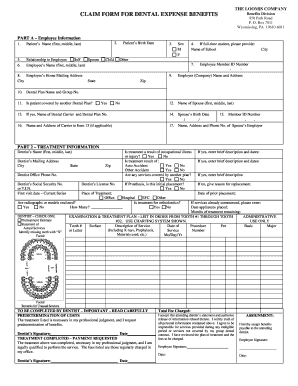
The loomis company dental insurance
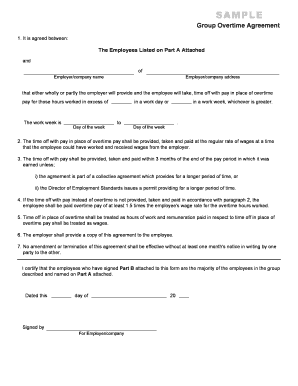
ES0005 Group Overtime Agreement This form is to be used when a group of employees are to be working

Gift Pledge Payment Transmittal Form - Development Accounting

Homeless verification letter florida

Form 1009 - Reverse Mortgages
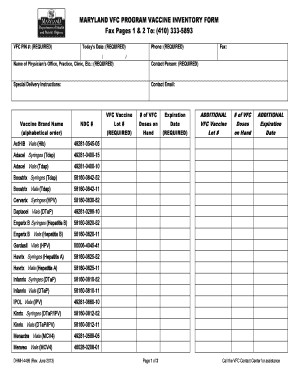
Vaccine inventory log pdf

Financial responsibility form
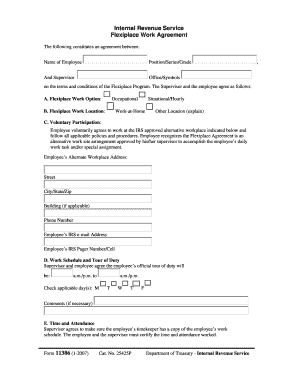
Form 11386

High School Release Form pd - Cabrillo College - cabrillo

Hartford simple ira

Gift Shop Price List - Parliament - parliament
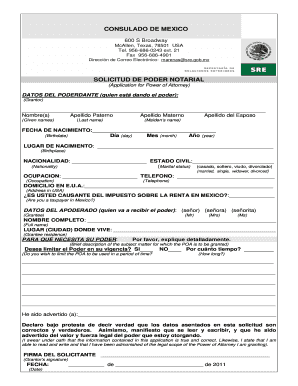
Poder notarial ejemplo pdf

Psych resident assesment form

CONSENT FOR MEDICATION ADMINISTRATION - public rcas
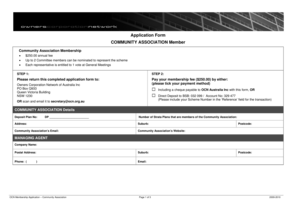
2009-10 Membership Application-Community Association - Owners - ocn org
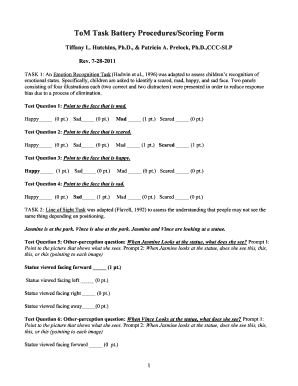
Theory of mind task battery pdf
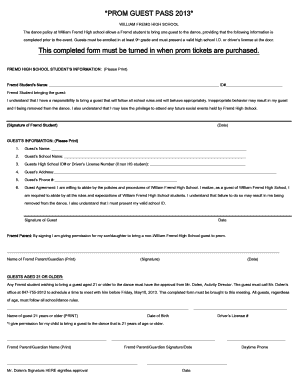
Guest pass template
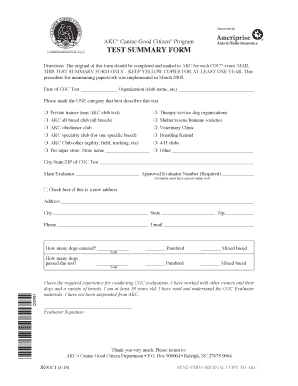
Cgc test summary form
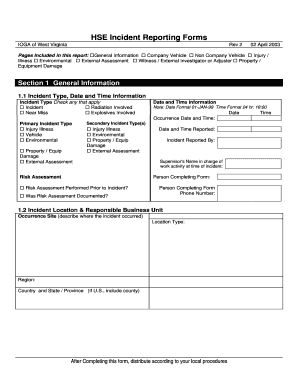
Hse incident report template

Pool rental agreement form
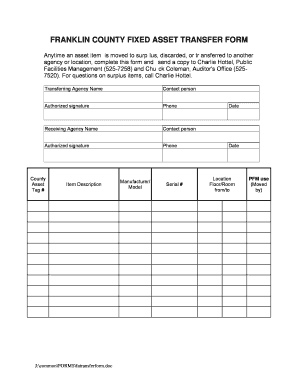
Fixed assets transfer form
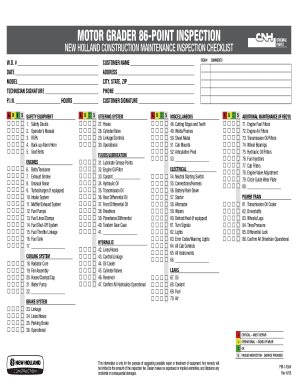
86 point inspection checklist

Confidential medical report
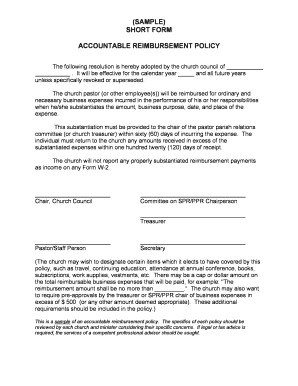
Accountable plan template 2022
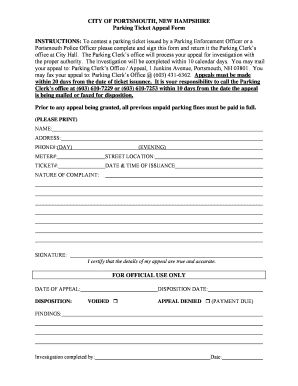
Parking Ticket Appeal Form - City of Portsmouth

Roof, Deck Nailing & Secondary Water Barrier - City of St Petersburg - stpete

Initiating application family court
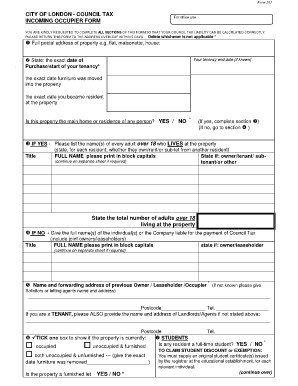
Council Tax Incoming Occupier Form - the City of London Corporation

Waunafcu

What is a form 538 s

Category 1A Inland Self-Certification Form - (also - U S Army - nae usace army

UCEAP Academic Planning Form Section 1: Personal and Major Minor Information Oski Bear 12345678 Ital

Apply texas tech

Rpi alac tutoring

Application for Admission This form should be submitted only if an - xula
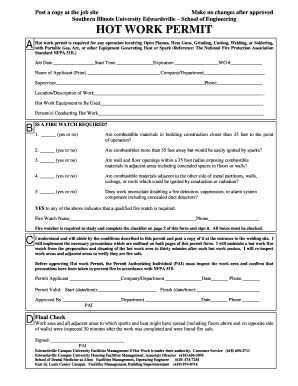
Osha hot work permit form pdf
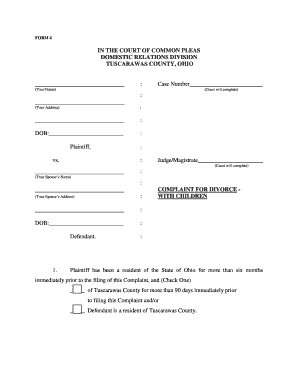
Divorce papers ohio
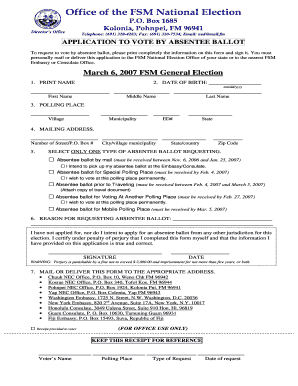
Application requesting absentee ballot
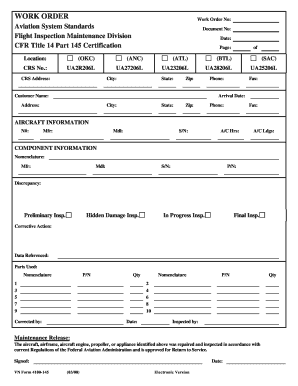
WORK ORDER - FAA - faa
Coggins forms online
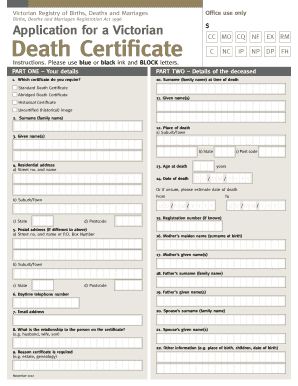
Death certificate victoria template
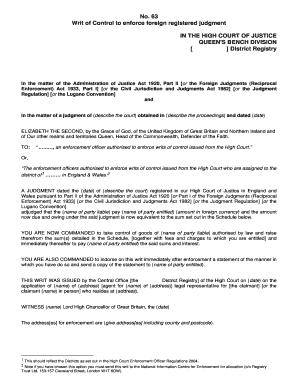
Writ of control
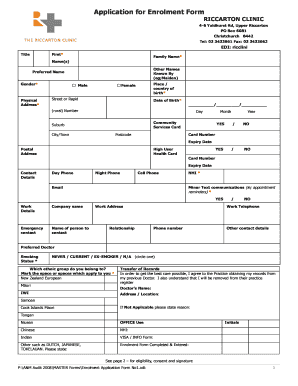
Riccarton clinic enrolment
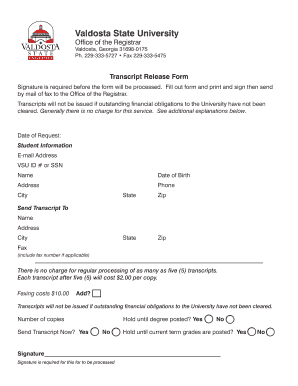
Transcript form
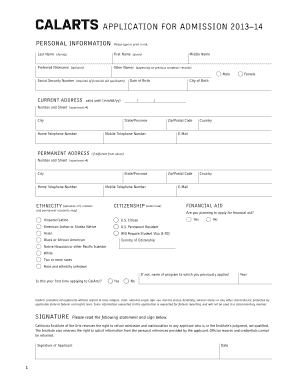
Application Form - CalArts
Editable hand sanitiser msds
As 4000 contract download

Mv 63
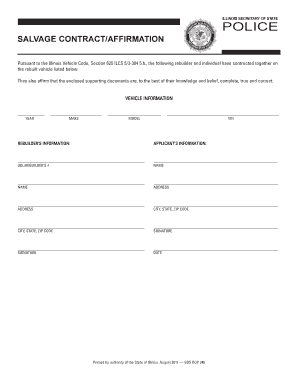
Dop 246
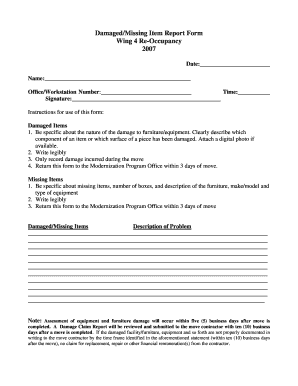
How to write a report on missing items
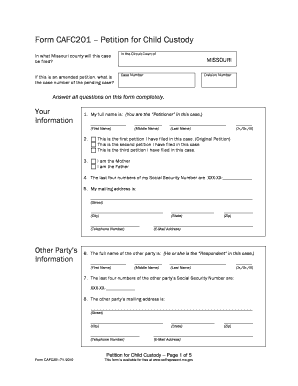
Cafc201
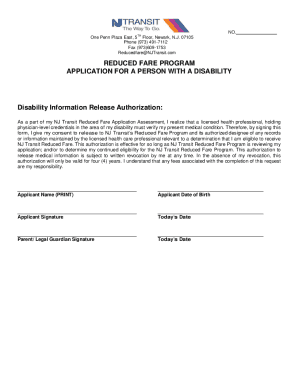
Fare application disability
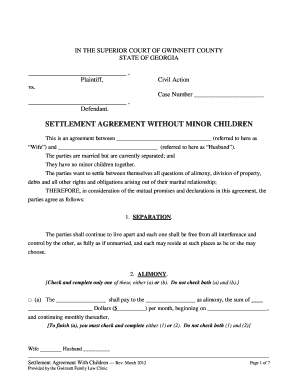
Cr2a agreement template
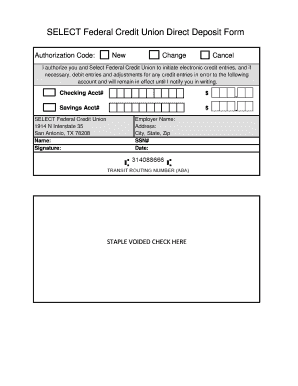
SELECT Federal Credit Union Direct Deposit Form - SelectFCU - selectfcu
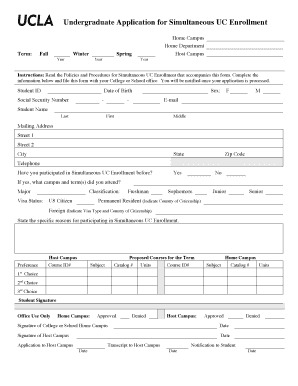
Ucla application
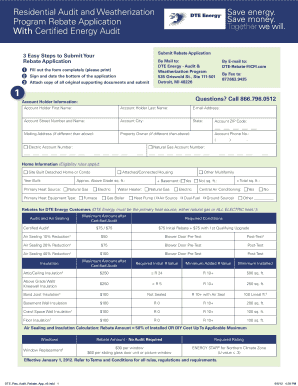
Dte weatherization program
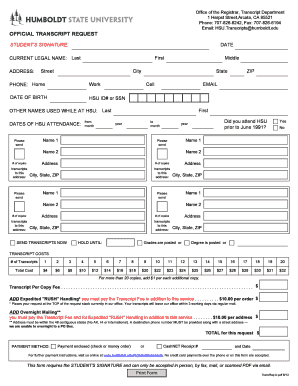
Official Transcript Request Form used to order official transcripts - pine humboldt

Vms 004 version 2 zip download
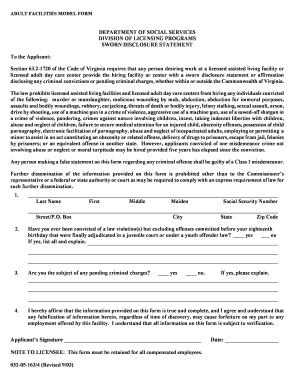
Sworn disclosure statement virginia

Background check forms for church volunteers
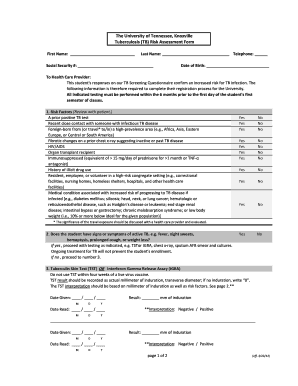
Tb risk assessment questionnaire pdf
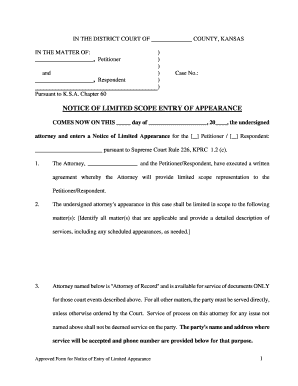
Notice of special appearance pdf
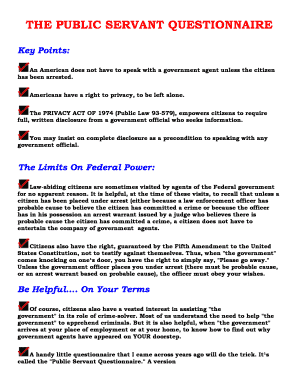
Public servant questionnaire
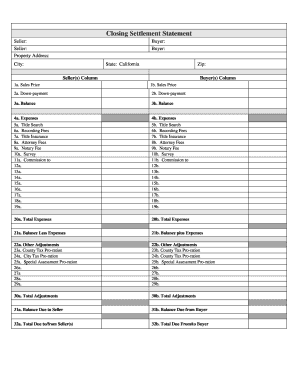
Sample real estate closing statement
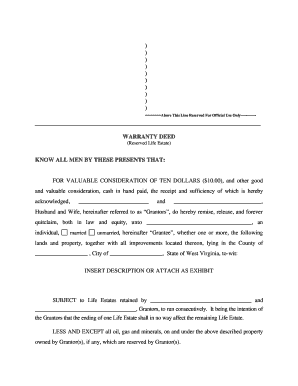
Lifetime rights to property
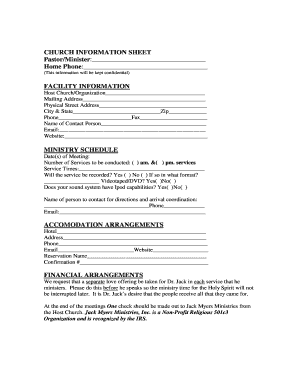
Guest minister form
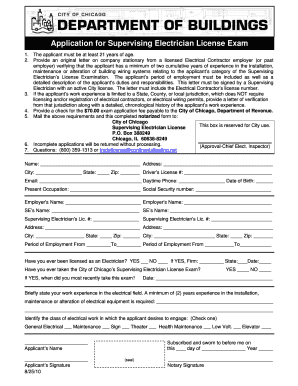
Chicago supervising electrician exam preparation
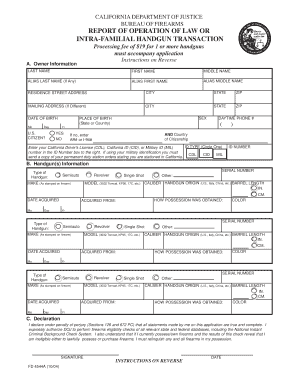
Family gun transfer form
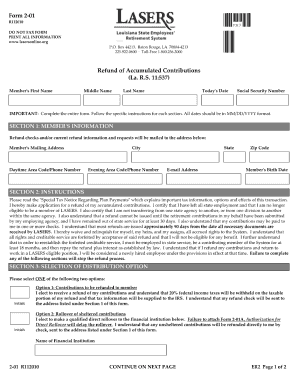
Lasers retirement refund
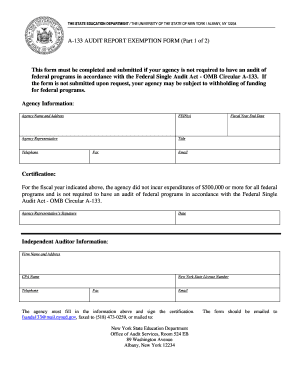
A-133 AUDIT REPORT EXEMPTION FORM (Part 1 of 2) This form - oms nysed
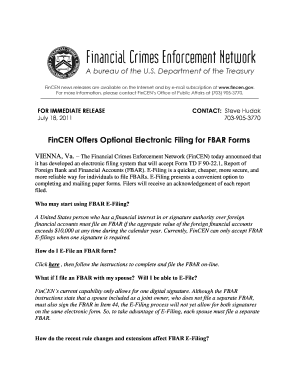
Fincen fbar fillable form
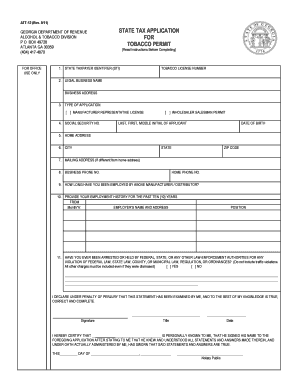
Tobacco permit ga form
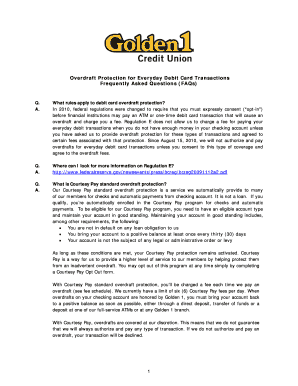
Golden one overdraft protection
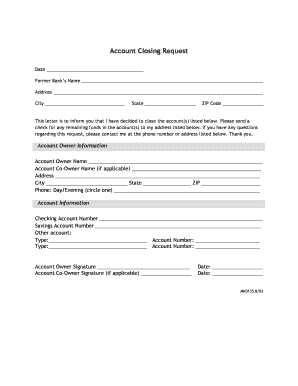
Account Closing Request - Commerce Bank

State of montana forms 35 2 213

Companion life insurance medical doctor claim form

Copy right release texas form
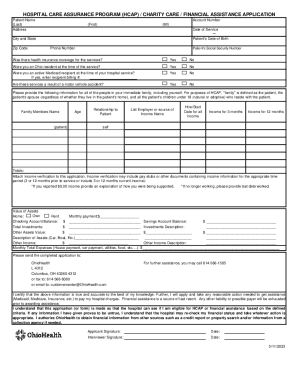
Fill ohio health financial assistance online application
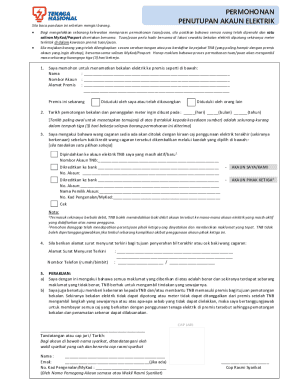
Tnb Tutup Akaun - Fill Online, Printable, Fillable, Blank
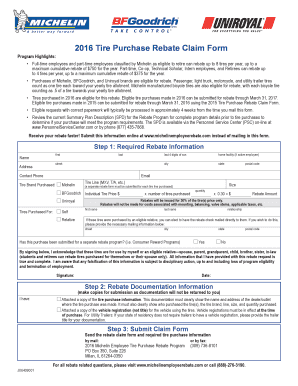
Usw351
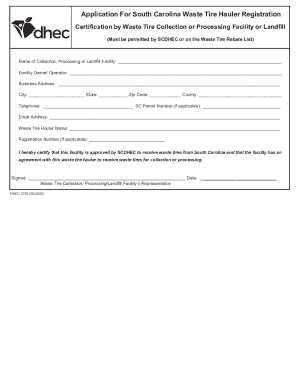
South Carolina Waste Tire Hauler Registration Form
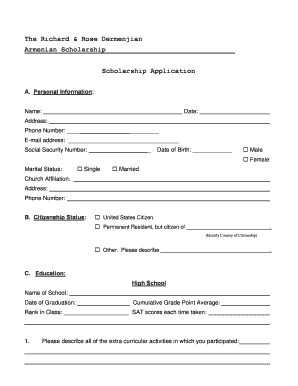
SCHOLARSHIP APPLICATION for June 20, 2016 deadline 1

News - Career Enrichment Center - Albuquerque Public Schools
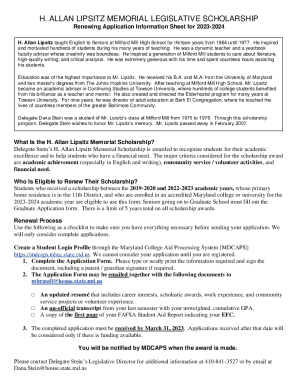
Dana Stein Scholarship - Fill Online, Printable, Fillable, Blank

Marine corps scholarship fund cpl ian w stewart memorial

Instructions for Completing and Printing Editable PDF
Benefit from the DocHub online library of fillable PDF forms
Searching the PDF forms doesn't have to be a tedious and time-consuming process. With the DocHub online library, it has become easier to find the fillable PDF forms and modify them in your browser. The service allows you to adjust the document to your needs using powerful editing tools.
You can use online document editing features to modify almost any type of document with ease. You just need to find the template of your choice, open it in the editor, and use the toolbar to make the necessary corrections.
Follow this guide to get your document done with DocHub:
- Find the PDF template you need.
- Click the Get Form button to open the file in the editor.
- Use the toolbar to fill out and edit the document.
- Easily add and highlight text, insert images, checkmarks, and symbols.
- Drop new fillable fields, and rearrange or delete pages from your file.
- Save changes and download your record.
DocHub empowers everyone to streamline document editing, signing, and distribution, and form completion. Create an account and benefit from our well-organized PDF Forms library and comprehensive editor.