
Get any PDF form from the DocHub library of ready-made templates - Page 1166
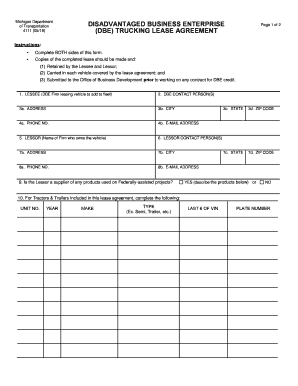
Michigan form

Sc wkr001 form

FCC FORM 5629 Lifeline Program Application Form
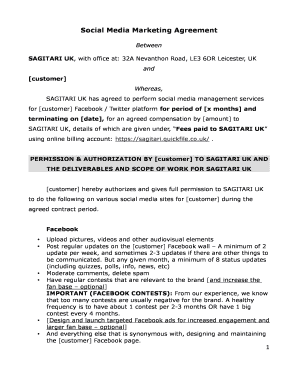
Social Media Marketing Agreement

Commonwealth domestic violence
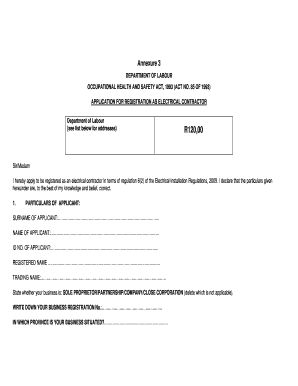
Department of labour electrical contractor registration form 2022
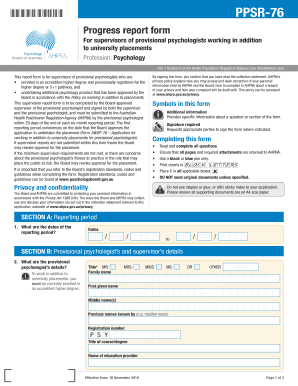
Awop 76 application for working in addition to university placements for provisional psychologists

MnDOT trucking entity vendor form

Section 8 3 earthquake hazards
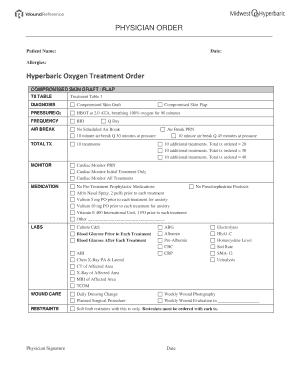
Hyperbaric Oxygen Treatment Order
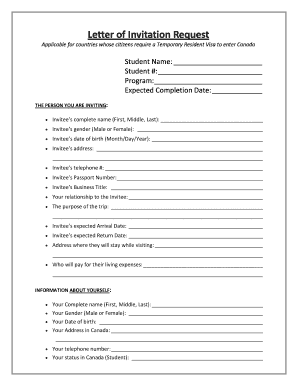
Lambton college convocation 2023

Bni growth coordinator

Texas women's health application pdf
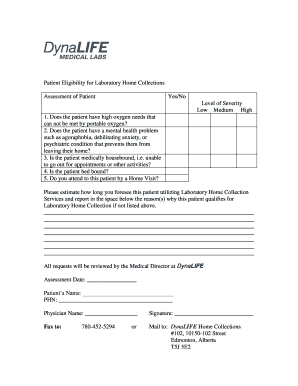
Dynalife home collections
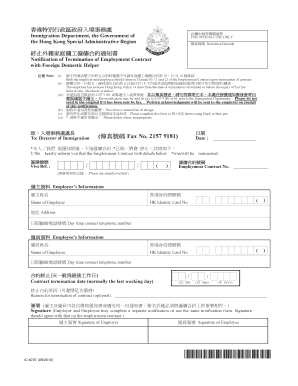
Notification of termination of employment contract
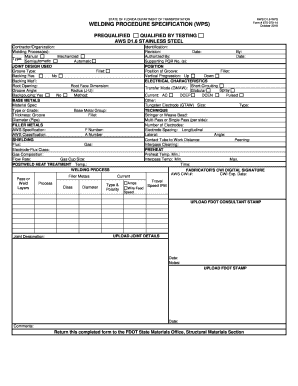
Aws d1 6 wps form
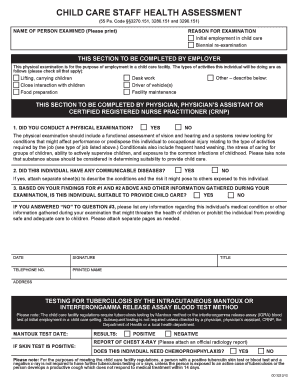
Editable child care staff health assessment Forms and

Account and Transaction Authorization Form - USAA
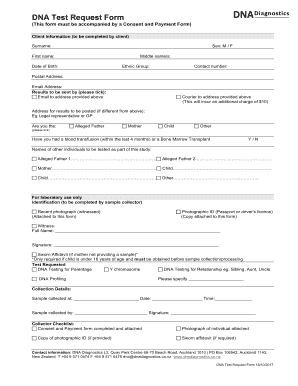
DNA Test Request Form17102017 docx

Af form 3052

Adga registration form

Fldoe renewal certification

Certificate of capacity nsw
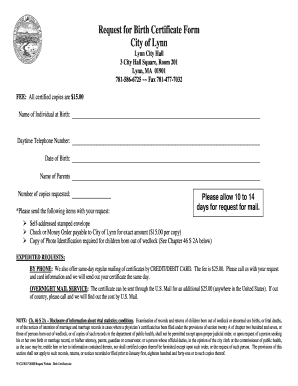
Ma birth certificate form

Csio alberta application for automobile insurance
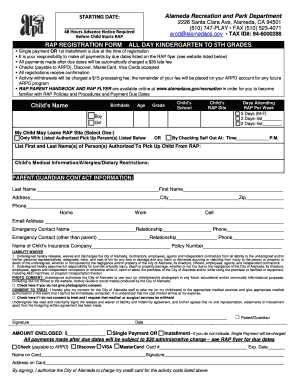
(RAP) Registration Form

Insclaims omf com

Clear skin forever book

Linked Open Data Utilization in
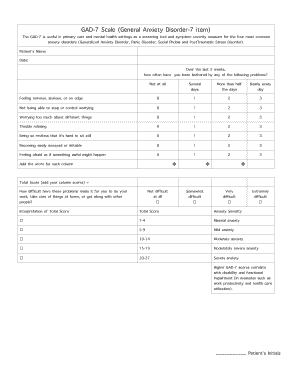
GAD-7 Scale (General Anxiety Disorder-7 item)

Daily accomplishment report
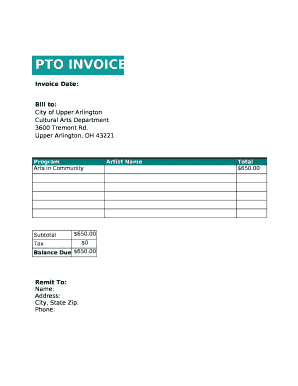
PTO INVOICE

Accident notification form
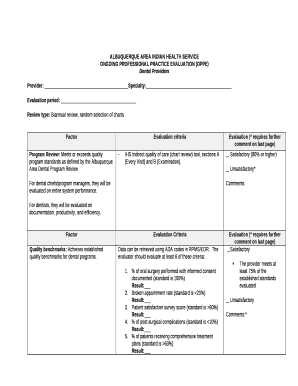
Oppe template
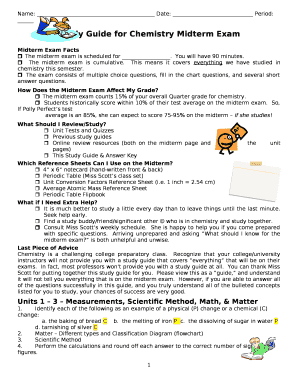
Study guide template word
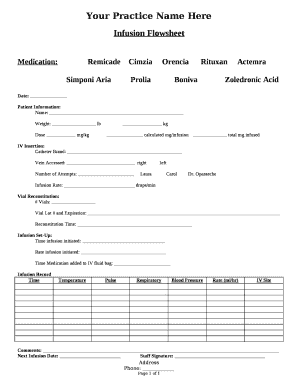
Iv flow sheet
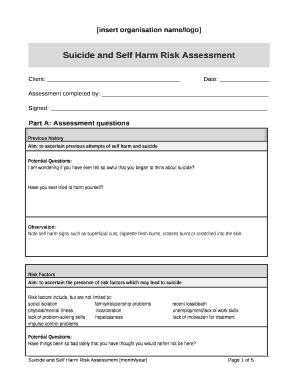
Suicide and Self Harm Risk Assessment
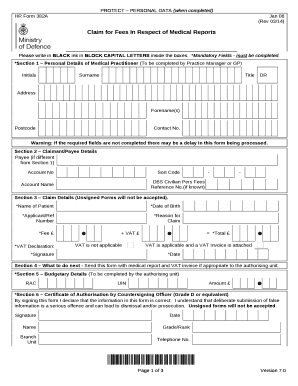
HR Form 382A

Diamond life member delta sigma theta
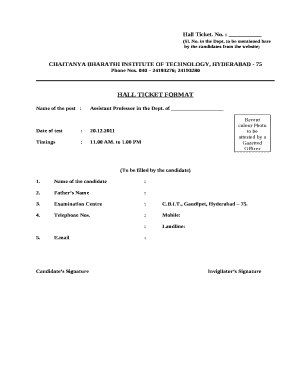
Duplicate hall ticket format
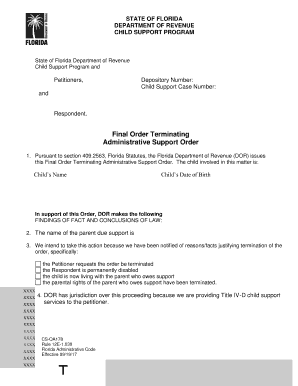
Florida child support depository number
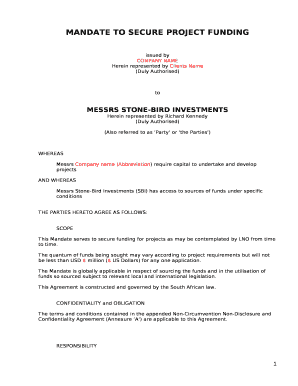
Mandate letter sample
Profile ngo
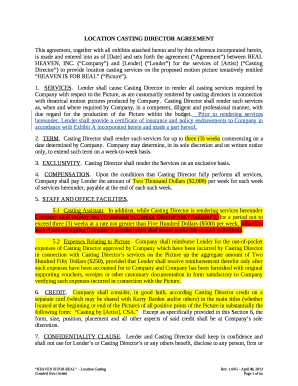
Casting director agreement

42 usc 408 a 8
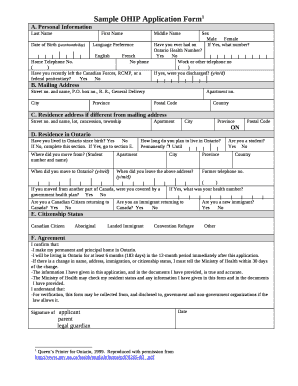
Sample OHIP Application Form1
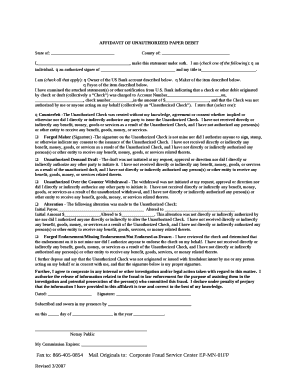
AFFIDAVIT OF UNAUTHORIZED PAPER DEBIT

Rigging plan template
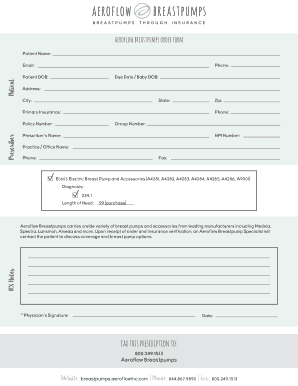
Aeroflow breast pump prescription form
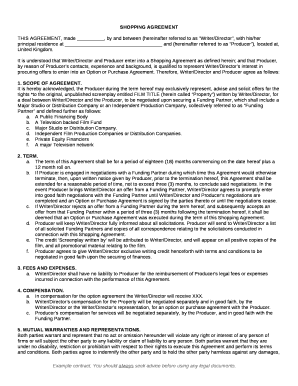
Shopping agreement template
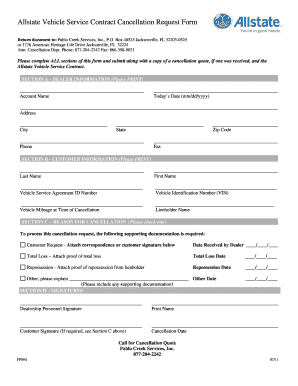
Allstate cancellation form
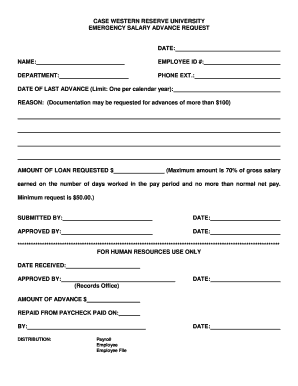
Salary advance form template
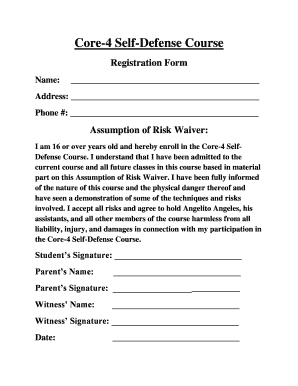
Core-4 Self-Defense Course
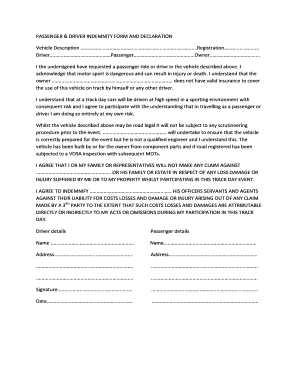
Indemnity form for transporting passengers
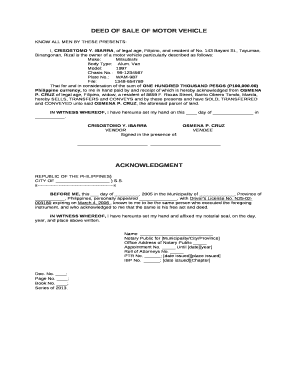
Open deed of sale motorcycle pdf

Facility Intake Form for Professional Imaging Mobile Dysphagia Consult
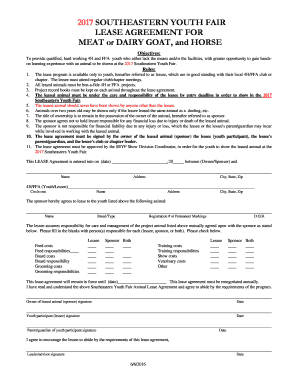
MEAT or DAIRY GOAT, and HORSE

State Food Purchase Program Recipient Signature Form

Reiki consent form
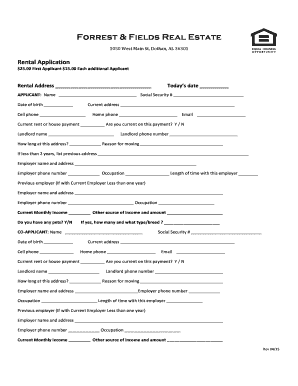
Forest and field

2016 AQUA ZUMBA REGISTRATION FORM

Eye med claim form

APPLICATION FOR NOTARY PUBLIC FOR THE STATE OF TENNESSEE

School Trip Permission Form - Klein Forest High School - Klein ISD

Nslp approval letter

Consulting services information
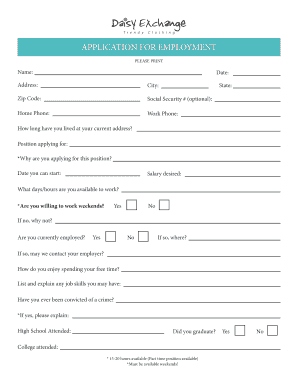
Daisy exchange application
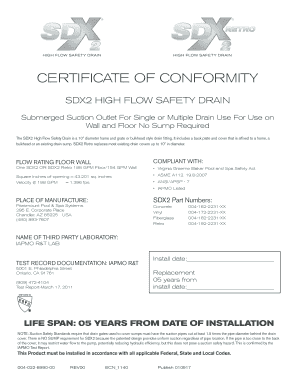
Sdx2 retro high flow safety drain certificate of conformity
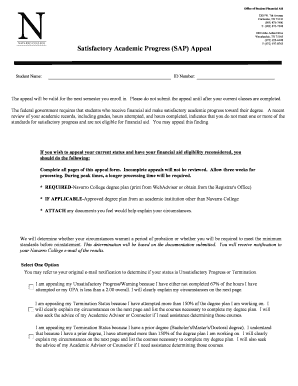
Satisfactory Academic Progress (SAP) Appeal - Navarro College
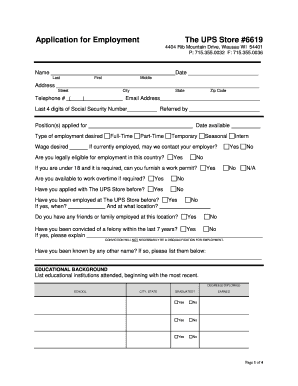
Application for Employment The UPS Store #6619
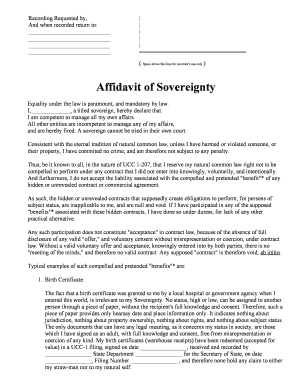
Affidavit of Sovereignty - The Spoonfed Truth
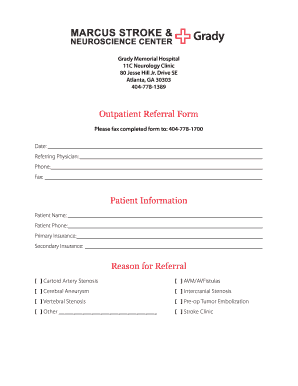
Grady hospital discharge papers

Piano recital certificate
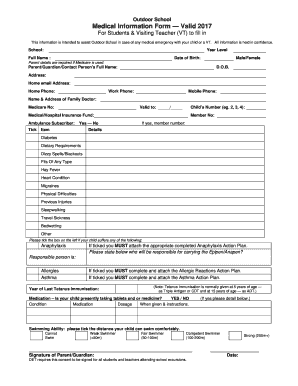
Medical form for teachers
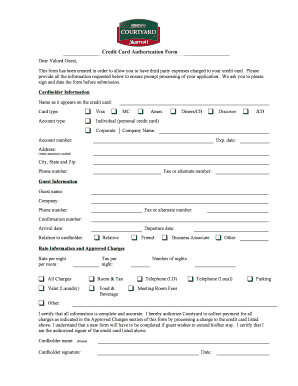
Courtyard Credit Card Authorization Form (1) doc
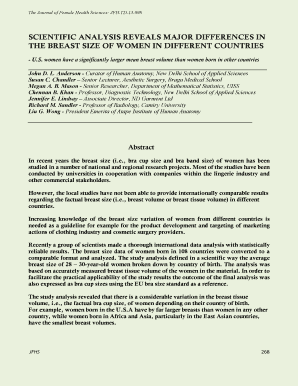
Cup size by country
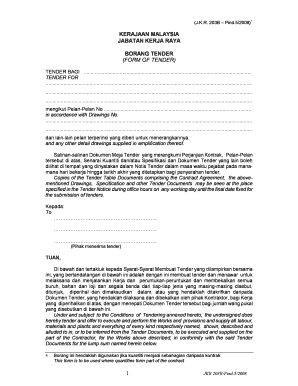
Form of tender jkr
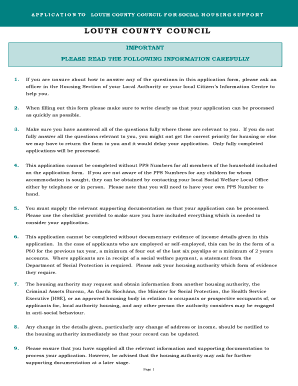
Louth county council housing application
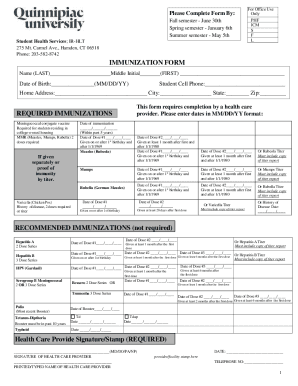
Download health forms - Quinnipiac University
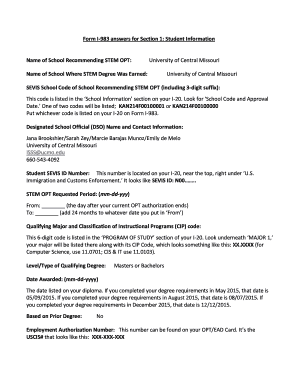
Form I-983 answers for Section 1: Student Information - ucmo

Sud voucher application
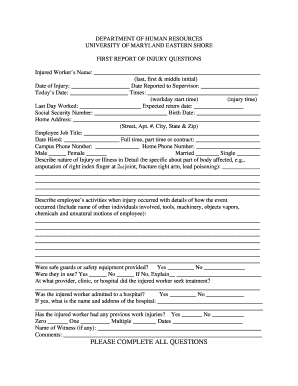
FIRST REPORT OF INJURY QUESTIONS - umes
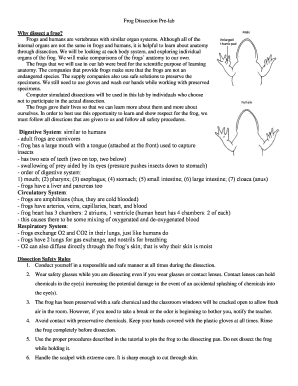
Frog dissection pre lab answer key
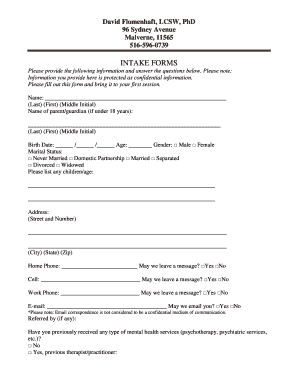
David flomenhaft

Grand Jury Service Affidavit - rockdaleclerk
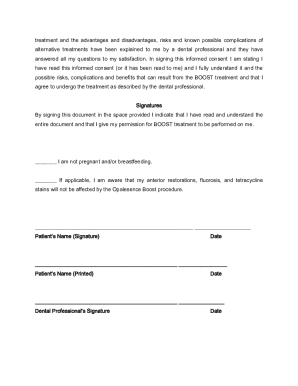
Boost whitening consent form
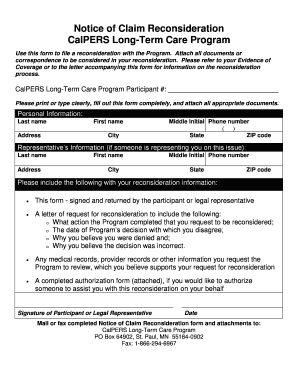
Notice of Claim Reconsideration CalPERS Long-Term Care Program
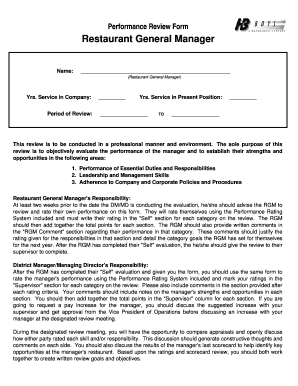
Performance Review Form Restaurant General Manager
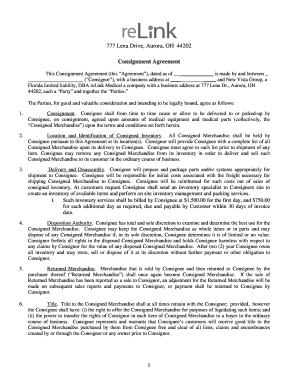
ReLink Medical LLC Consignment Agreement
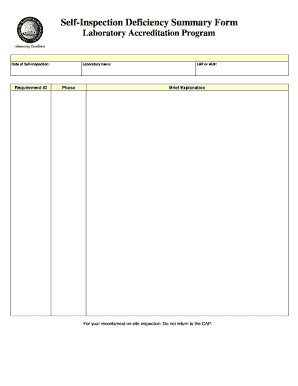
Cap self inspection
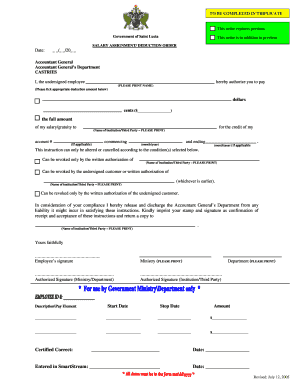
Salary assignment form
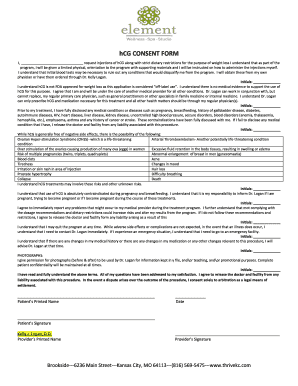
Hcg consent form
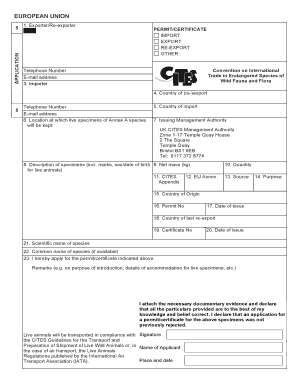
USA Import CITES PERMIT APPLICATION form-fed0172-wd
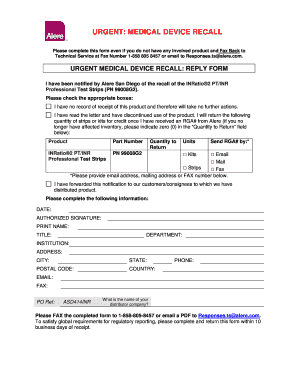
Alere INRatio2 Recall Letter FDA FINAL Version w ID INFO
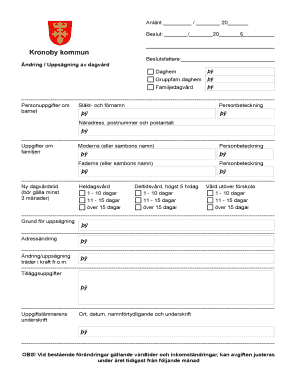
Aadhar card pdf editor online
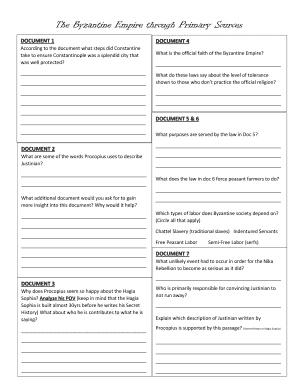
Byzantine empire worksheet answers
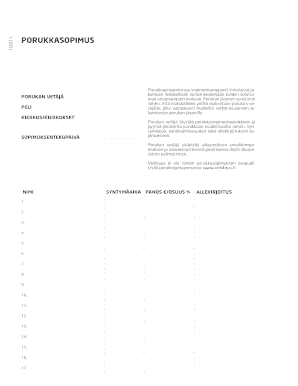
Veikkaus porukkasopimus
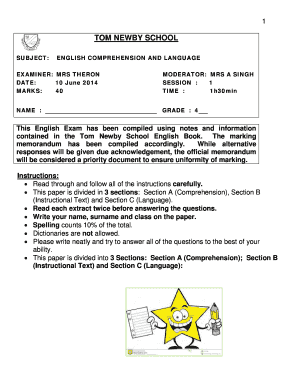
Tom newby past papers 2020
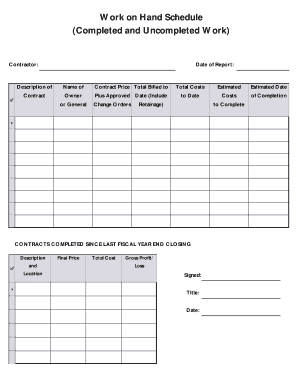
Work on hand schedule
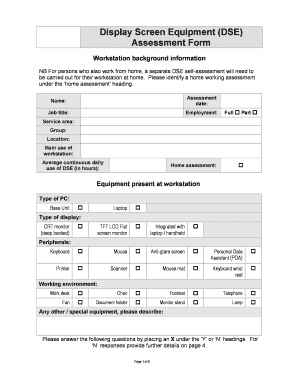
Dse forms
Benefit from the DocHub online library of fillable PDF forms
Searching the PDF forms doesn't have to be a tedious and time-consuming process. With the DocHub online library, it has become easier to find the fillable PDF forms and modify them in your browser. The service allows you to adjust the document to your needs using powerful editing tools.
You can use online document editing features to modify almost any type of document with ease. You just need to find the template of your choice, open it in the editor, and use the toolbar to make the necessary corrections.
Follow this guide to get your document done with DocHub:
- Find the PDF template you need.
- Click the Get Form button to open the file in the editor.
- Use the toolbar to fill out and edit the document.
- Easily add and highlight text, insert images, checkmarks, and symbols.
- Drop new fillable fields, and rearrange or delete pages from your file.
- Save changes and download your record.
DocHub empowers everyone to streamline document editing, signing, and distribution, and form completion. Create an account and benefit from our well-organized PDF Forms library and comprehensive editor.