




01. Edit your form online
Type text, add images, blackout confidential details, add comments, highlights and more.

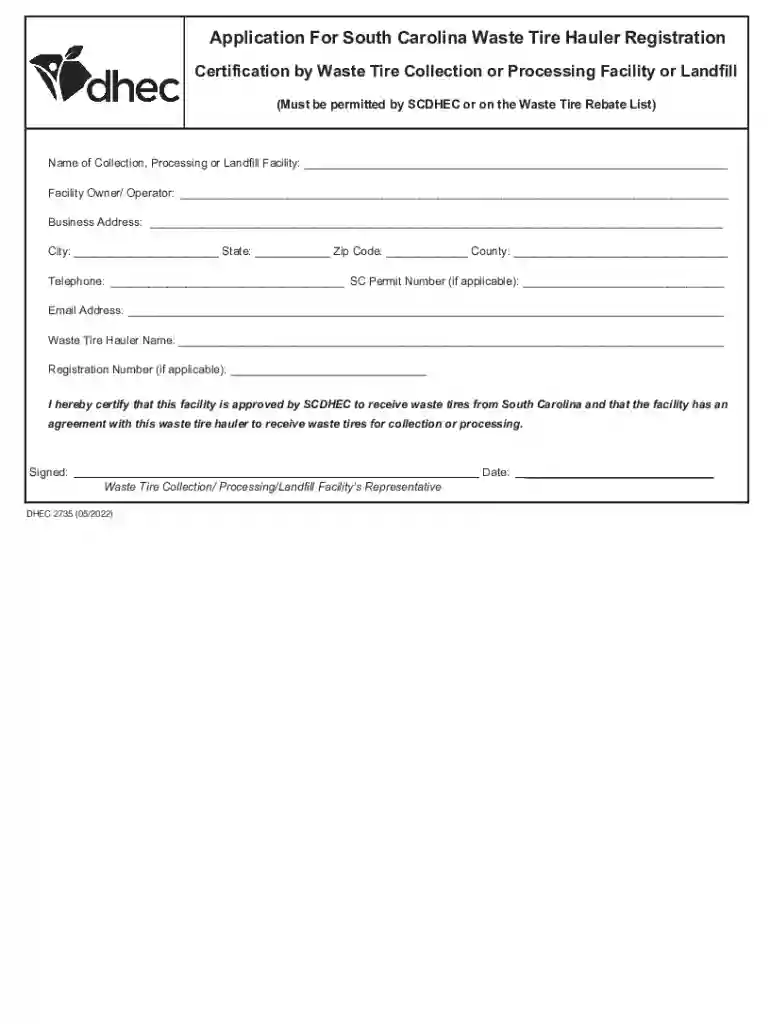
Type text, add images, blackout confidential details, add comments, highlights and more.

Draw your signature, type it, upload its image, or use your mobile device as a signature pad.

Send it via email, link, or fax. You can also download it, export it or print it out.
Using a form online refers to the process of accessing, completing, and submitting digital forms via the internet. This can include various types of forms such as applications, registrations, or surveys — all designed to be filled out electronically. Online forms are crafted with interactive fields like text boxes, checkboxes, and dropdown menus, making them more efficient than traditional paper forms. They eliminate the need for physical handling and help streamline information collection with ease.
Using a form online involves several straightforward steps. One of the key advantages is ease of use, allowing users to complete necessary paperwork without hassle.
Access the Form: Typically, the form can be accessed via a website – often times directly from an organization's or agency’s page or through an email link.
Fill Out Required Fields: The form will include various fields to complete, ranging from basic information such as name and address to more specific queries related to the purpose of the form.
Review for Accuracy: It's crucial to double-check all inputted information to ensure there are no errors that could delay processing.
Submit Form: Once the form is completed and reviewed, users can submit it directly with a click of a button. Most systems will provide a confirmation notification that the form has been successfully received.
Completing a form online includes several detailed phases to ensure all information is accurate and comprehensive.
Create an Account (if necessary): Some forms might require users to create an account for secure access and to track submission status.
Understand Requirements: Before starting, understanding what information and documents are necessary is important to avoid making the process cumbersome.
Enter Personal Information: Basic personal information such as full name, contact details, and identifiers like Social Security numbers may be needed.
Attach Supporting Documents: Upload any required documents such as identification or certification proofs.
Select Submission Options: Depending on the form, you may be able to choose submission options, such as direct electronic submission or saving for later editing.
Confirmation: After submission, a confirmation page or email is usually generated, which may include a reference number for future follow-ups.
Filling out and submitting forms online offers numerous benefits that outweigh traditional methods.
The demographic of online form users is wide-ranging, reflecting the form's purpose and target audience.


Online forms are equipped with several essential elements to enhance user experience and data accuracy.
The legality of online forms is crucial, ensuring that digitally submitted information carries the same weight as traditional paper submissions.
Online forms are used across various applications, illustrating their versatility and efficiency.
Familiarity with specific terms associated with online forms can ensure users effectively engage with the processes.
We've got more versions of the South Carolina Waste Tire Hauler Registration Form form. Select the right South Carolina Waste Tire Hauler Registration Form version from the list and start editing it straight away!
At DocHub, your data security is our priority. We follow HIPAA, SOC2, GDPR, and other standards, so you can work on your documents with confidence.
A new application for registration shall be submitted at least thirty (30) days before the hauler intends to begin transporting waste tires.Read more
This manual presents the state of the art in the application of S/S for the remediation of contaminated land and treatment of waste.
Waste tire haulers in SC must obtain a registration prior to hauling. Download the Facility Approval Form and have it completed by the disposal location. ler


