
Get any PDF form from the DocHub library of ready-made templates - Page 1167
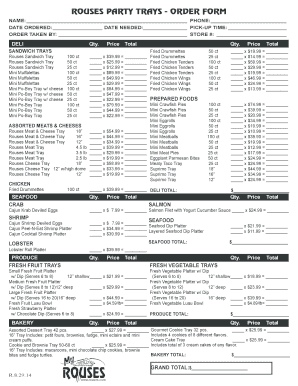
Rouses catering

What is world music fun sheet answers
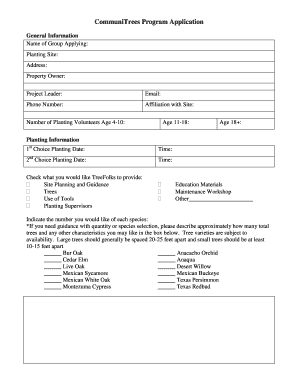
CommuniTrees Program Application - TreeFolks - treefolks
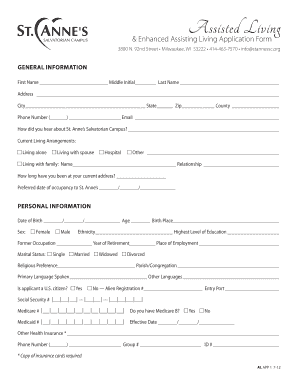
Download assisted living resident application form - St Anne's - stannessc
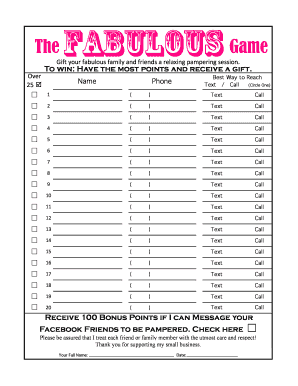
Fabulous Referral Sheet - 20 namesxlsx
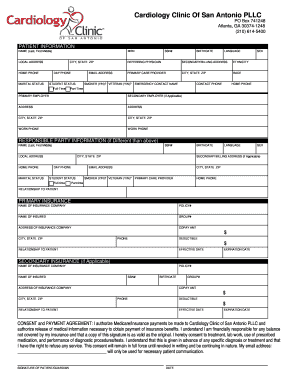
Cardiology Clinic Of San Antonio - Patient Registration

Motivation math level 3

New jersey east orange

REALTORS ASSOCIATION OF NEW MEXICO COMMERCIAL

OU DEVELOPMENTAL BEHAVIORAL PEDIATRICS REFERRAL FORM - dbp2doc

Special appearance

Bank validation letter
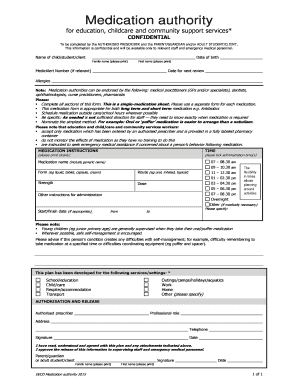
Medication authority for education childcare and community support services A form used to grant aut
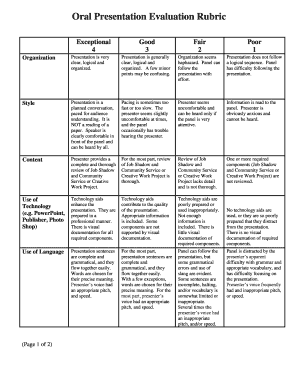
Oral Presentation Evaluation Rubric Exceptional 4 Good 3 Fair 2 Poor 1 Organization Presentation is

Character sabbat sheet fillable

Identity map template

Campground reservation template
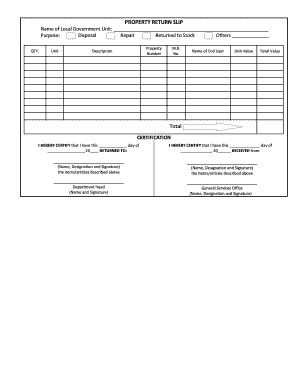
Property return form
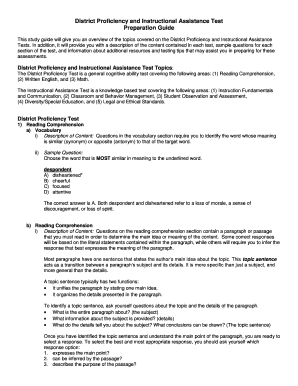
District proficiency test

Payroll agreement template
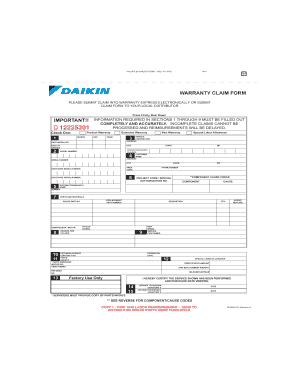
Daikin warranty claim form
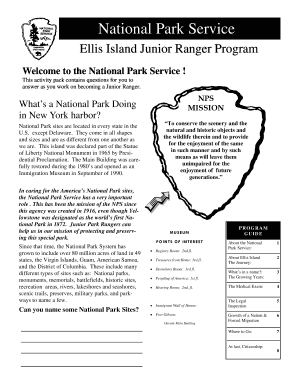
Ellis Island Junior Ranger Booklet - National Park - nps
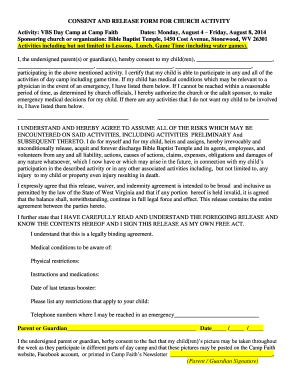
CONSENT AND RELEASE FORM FOR CHURCH ACTIVITY
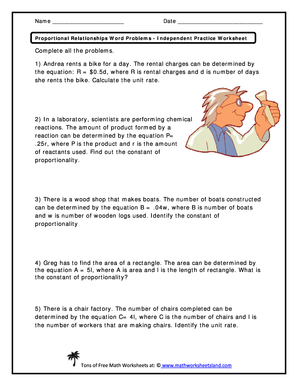
Proportional relationships word problems independent practice worksheet answer key
Navpers 1306 7 pdf

Mopar cancellation form
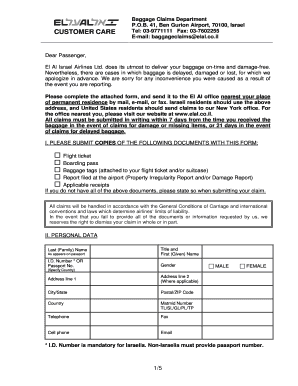
Baggageclaimselal
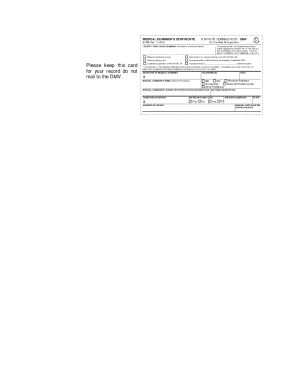
Ct dot medical card
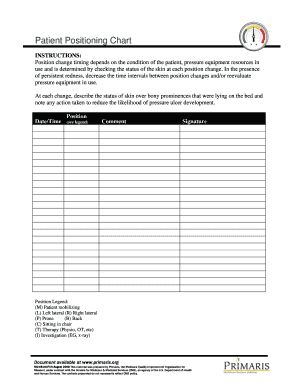
Patient Positioning Chart
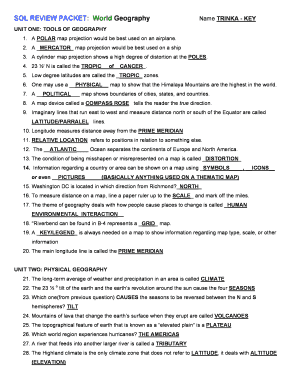
World geography sol review packet virginia answer key
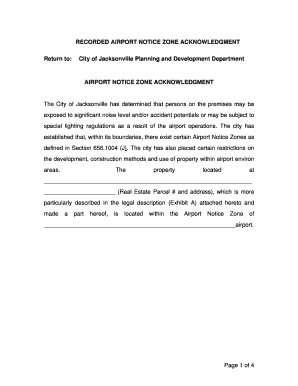
Airport Notice Zone Acknowledgement Form for - COJnet

Canyon mystery level u
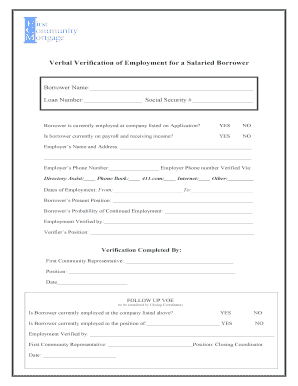
Verbal Verification of Employment for a Salaried Borrower

Bus driver application form
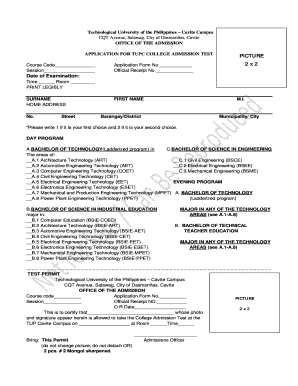
Tupc registrar

Declared before me at example
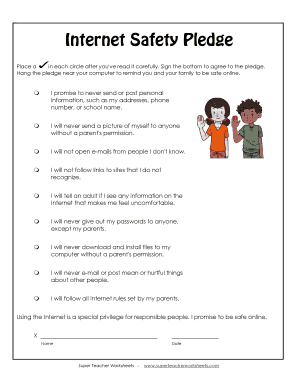
Internet safety worksheets pdf
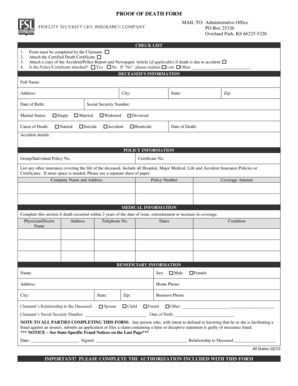
PROOF OF DEATH FORM - Unified Life Insurance Company

Tenancy proposal form - TuckerGardner

Scrd dog licence
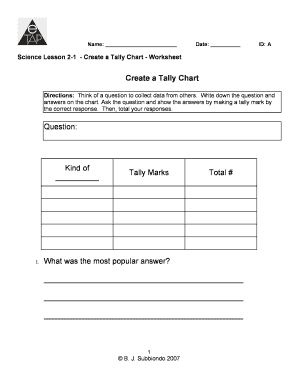
Tally chart maker
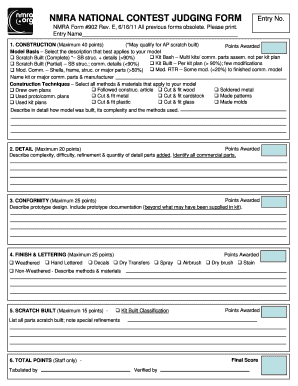
NMRA Form #902 Rev - nmra
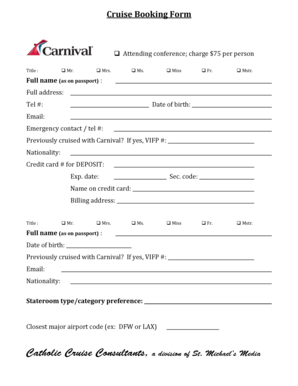
Cruise booking form

Vbs registration form

Poker run waiver

Immunity challenge super surfers answer key
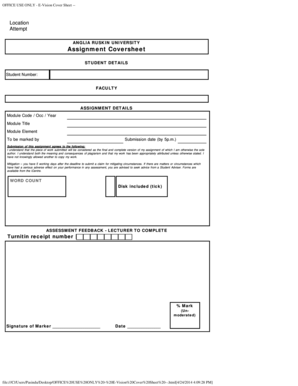
Turnitin anglia ruskin
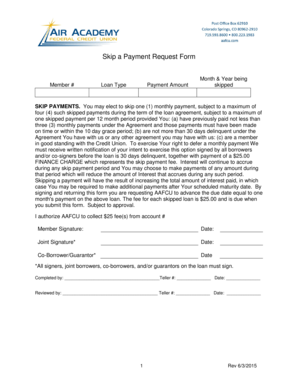
Skip a pay - Air Academy Federal Credit Union
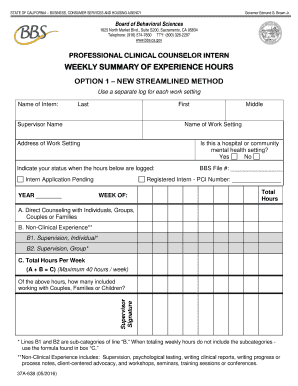
Bbs weekly summary of hours
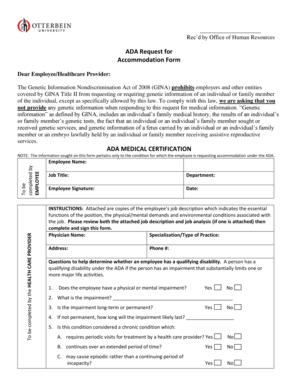
Sample ada medical certification form

Smoothie king employee handbook
GCSE English Literature Teaching resource AQA Anthology of Poetry GCSE English Literature
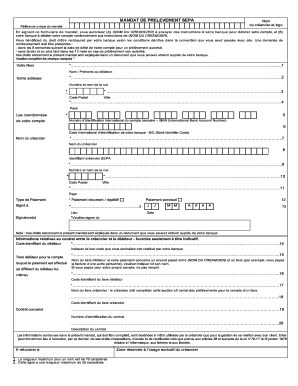
Mandat sepa amv

Cgp verbal reasoning 9 10 answers pdf
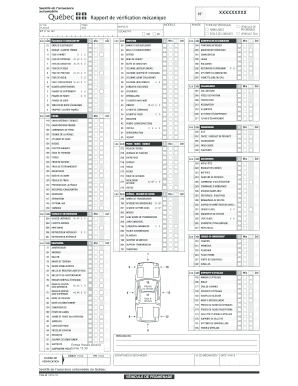
Formulaire de verification mecanique

Ds 560 san diego
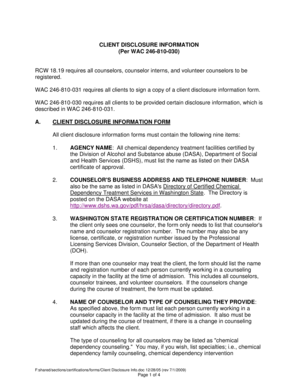
CLIENT DISCLOSURE INFORMATION - Washington State - dshs wa
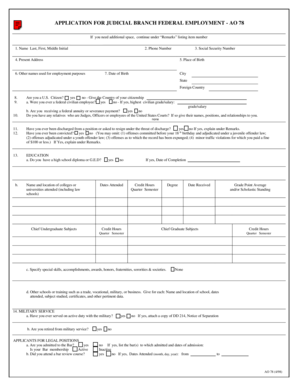
Ao 78 application for federal employment

Form u vfs
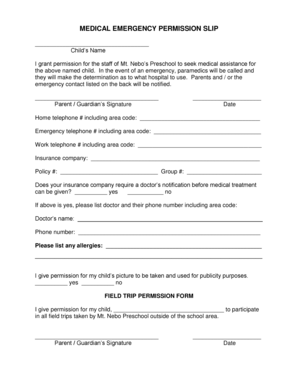
Permission Slip and Medical Release Form - Cornell Cooperative
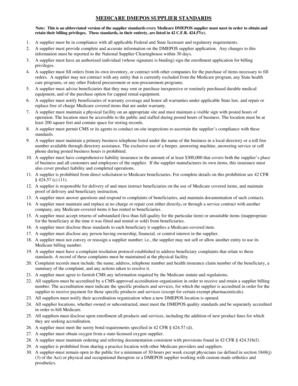
Printable dmepos supplier standards
Carta de sostenimiento ejemplo

Texas affidavit of fact pdf
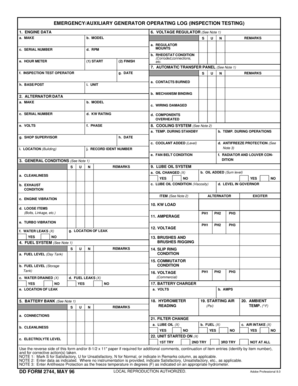
Weekly generator test log sheet
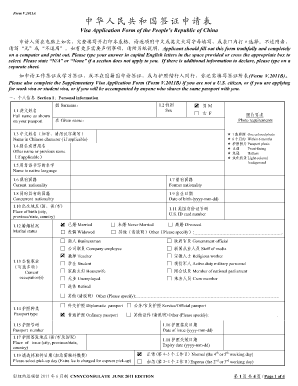
China visa application form pdf
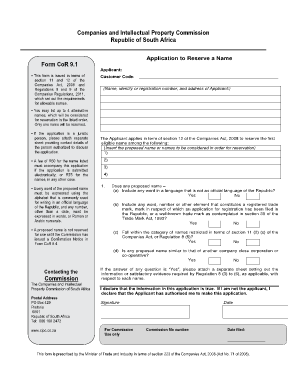
Cor9 1

Party city w2

Water Event Permit - NH - nh
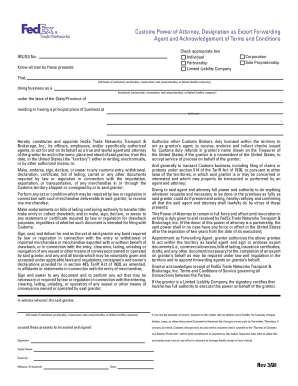
Fedex power of attorney
Us army unsolicited proposals form

Cioms form template word
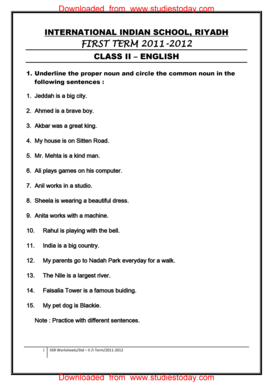
Underline the proper nouns and circle the common nouns with answers

Product Identity Label Name Summit Bti Briquets SECTION 1
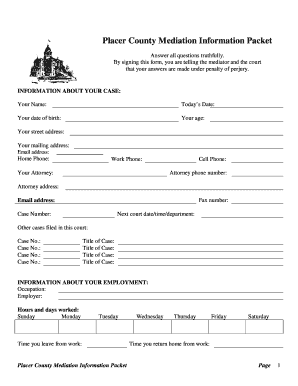
Placer County Mediation Information Packet -

Sample Form X3 SOLDERING PROCEDURE SPECIFICATION SPS
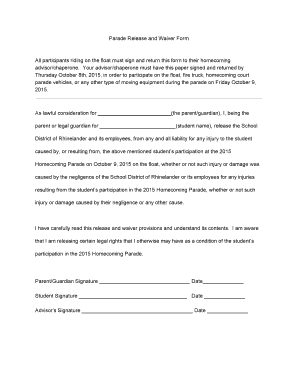
Parade Release and Waiver bFormb All participants riding on the float bb

Va letterhead
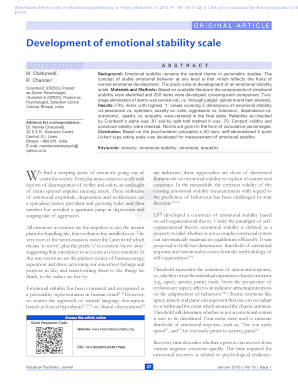
Emotional stability questionnaire esq pdf
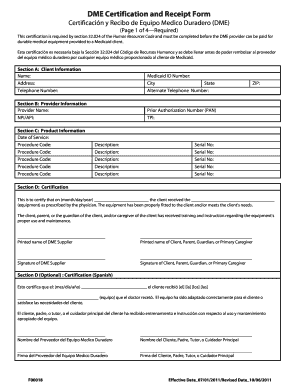
Dme certification and receipt form

FR-309 Traffic Collision Report
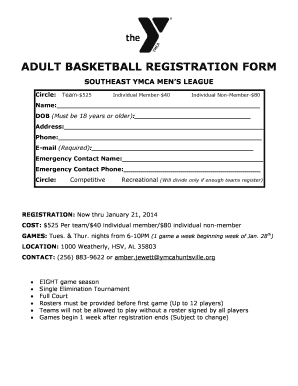
Adult basketball registration form - Heart of the Valley YMCA
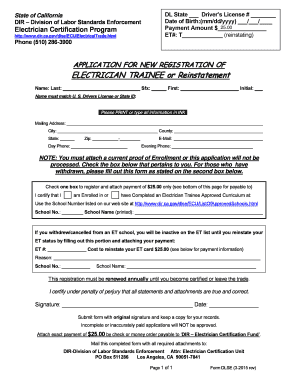
Application for New Registration of Electrician Trainee - dir ca
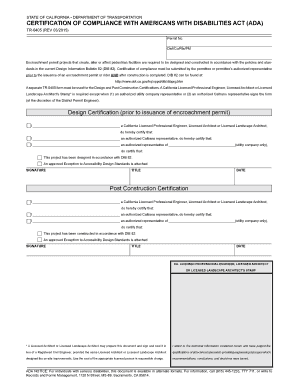
Caltrans tr 0405
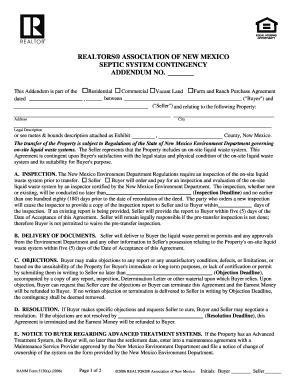
Realtors association of new mexico septic system contingency
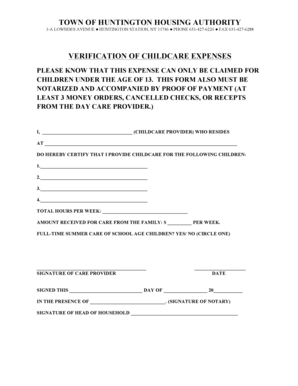
Daycare verification letter

Earthworm worksheet pdf

Quality assurance template

Credit union wire transfer form

149 Mold Addendum To Lease - Apartment Owners Association of
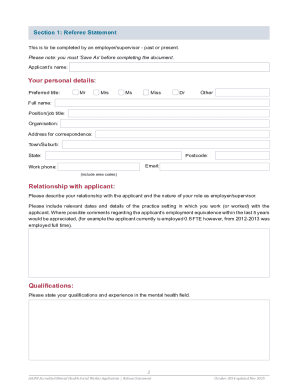
Referee Statement - Australian Association of Social Workers

Formulario tui ticino

Donation card template
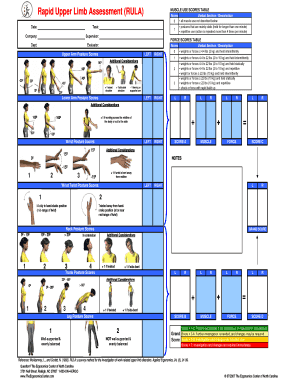
Rula
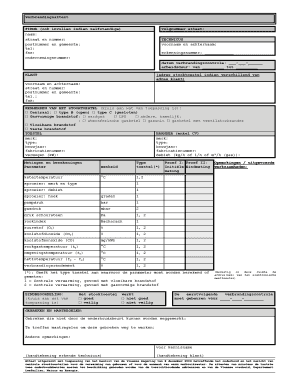
Verbrandingsattest pdf
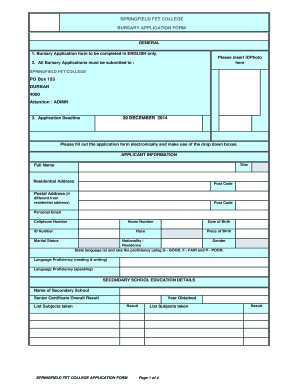
Does springfield college have nsfas
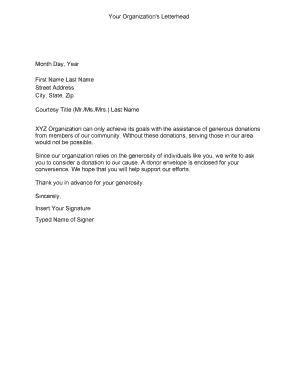
Donation letter
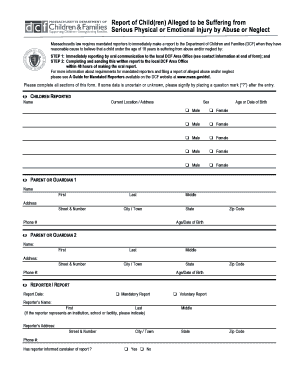
51a form
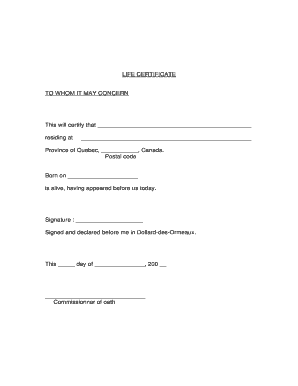
Life certificate to whom it may concern
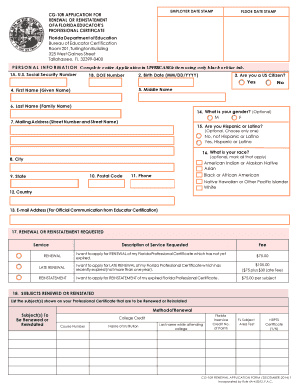
Renewal application cg10r
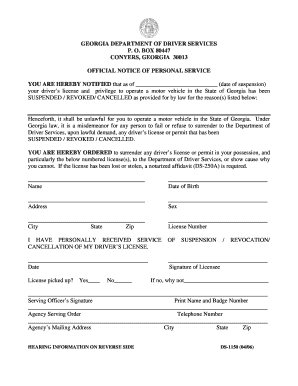
Dds 1150 form pdf
Benefit from the DocHub online library of fillable PDF forms
Searching the PDF forms doesn't have to be a tedious and time-consuming process. With the DocHub online library, it has become easier to find the fillable PDF forms and modify them in your browser. The service allows you to adjust the document to your needs using powerful editing tools.
You can use online document editing features to modify almost any type of document with ease. You just need to find the template of your choice, open it in the editor, and use the toolbar to make the necessary corrections.
Follow this guide to get your document done with DocHub:
- Find the PDF template you need.
- Click the Get Form button to open the file in the editor.
- Use the toolbar to fill out and edit the document.
- Easily add and highlight text, insert images, checkmarks, and symbols.
- Drop new fillable fields, and rearrange or delete pages from your file.
- Save changes and download your record.
DocHub empowers everyone to streamline document editing, signing, and distribution, and form completion. Create an account and benefit from our well-organized PDF Forms library and comprehensive editor.