




Here's how it works

01. Edit your michael l tipsord email online
Type text, add images, blackout confidential details, add comments, highlights and more.

02. Sign it in a few clicks
Draw your signature, type it, upload its image, or use your mobile device as a signature pad.

03. Share your form with others
Send michael l tipsord via email, link, or fax. You can also download it, export it or print it out.
How to use or fill out state farm personal statement with our platform

- Click ‘Get Form’ to open the state farm personal statement in the editor.
- Begin by completing the Schedules (1-5) first. These include your checking and savings accounts, stocks and bonds, retirement plans, real estate, and other assets. Ensure you provide accurate dollar values for each item listed.
- Once the Schedules are filled out, proceed to the Statement section. Here, input the cash surrender value of life insurance and list the number of automobiles owned along with their total market value.
- Next, complete the Liabilities section by filling in outstanding balances from Schedules (6-9). Include any mortgages, credit card balances, and other debts owed.
- Finally, review all sections for accuracy before submitting. The Total Assets and Total Liabilities will calculate automatically based on your entries.
Start using our platform today to fill out your state farm personal statement online for free!
Fill out state farm personanl statement online
It's free
See more state farm personanl statement versions
We've got more versions of the state farm personanl statement form. Select the right state farm personanl statement version from the list and start editing it straight away!
| Versions | Form popularity | Fillable & printable |
|---|---|---|
| 2011 | 4.9 Satisfied (42 Votes) |
Security and compliance
At DocHub, your data security is our priority. We follow HIPAA, SOC2, GDPR, and other standards, so you can work on your documents with confidence.
Learn more


Related forms

Microsoft PowerPoint - Award Payment and Closeout Process pptx - corporateservices noaa
The document outlines the financial assistance process for grants, detailing the obligation and authorization workflow, ...
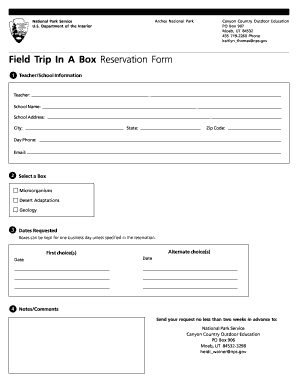
Field Trip In A Box Reservation Form - National Park Service - nps
The document is a reservation form for the Canyon Country Outdoor Education program, managed by the National Park Servic ...

Toys for Tots b2014b
The document outlines the Toys for Tots program for 2014, a community initiative in Liberty County, Long County, and For ...

Fillable Online dos ny Free fillable Apostille Certificate of
The document outlines the process for requesting an Apostille or Certificate of Authentication from the New York Departm ...

Planning lacity about publications2020 Summer Los Angeles City Planning
The document provides detailed instructions for completing and submitting a Covenant and Agreement Form required by the ...

EQP1735 Public Swimming Pool Inspection Report
The document is a Public Swimming Pool Inspection Report issued by the Michigan Department of Environment, Great Lakes, ...
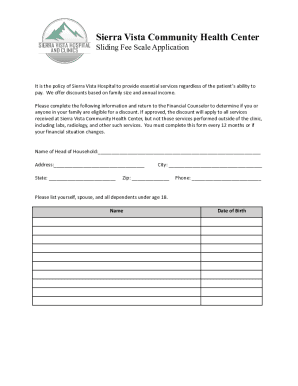
PDF Sierra Vista Community Health Center - Sliding Fee Scale Application
The Sierra Vista Community Health Center provides a Sliding Fee Scale Application to offer discounts on services based o ...
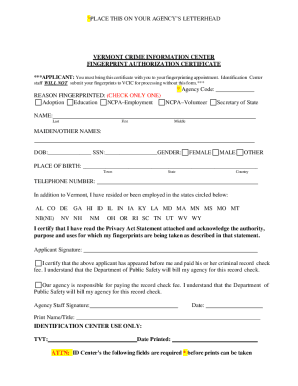
Giv wp-contentuploadsVERMONT CRIMINAL INFORMATION CENTER FINGERPRINT AUTHORIZATION
The document is a Fingerprint Authorization Certificate from the Vermont Crime Information Center, which must be present ...