




Here's how it works

01. Edit your fcc form 601 fillable online
Type text, add images, blackout confidential details, add comments, highlights and more.

02. Sign it in a few clicks
Draw your signature, type it, upload its image, or use your mobile device as a signature pad.

03. Share your form with others
Send form 601 fcc via email, link, or fax. You can also download it, export it or print it out.
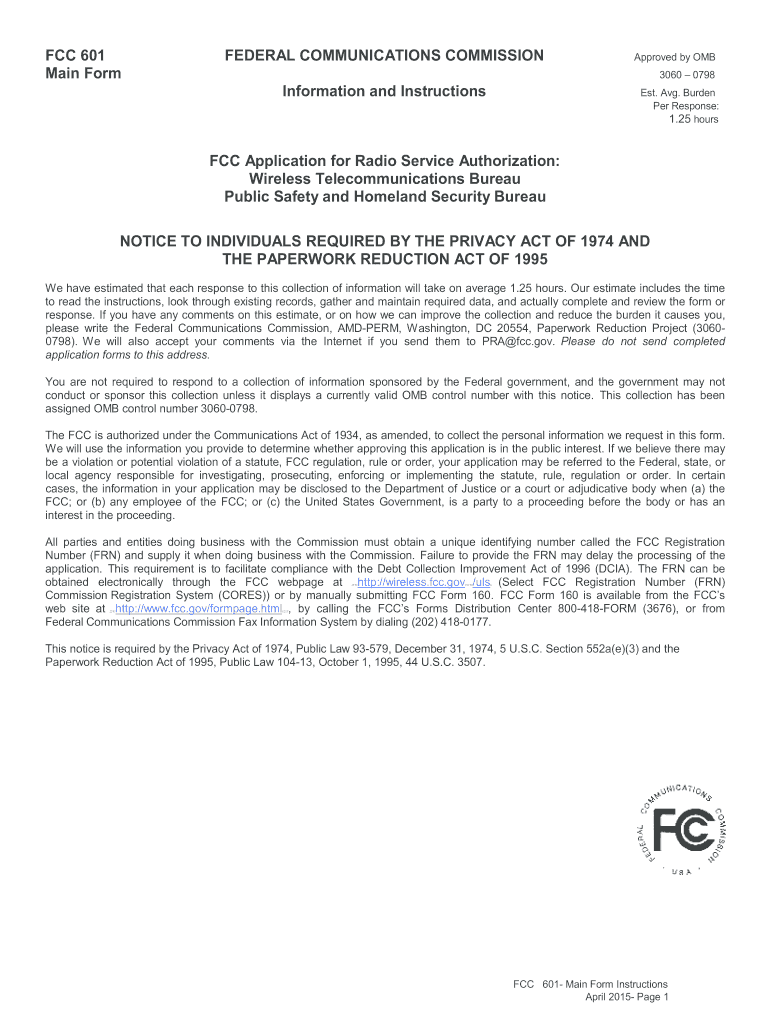
How to use or fill out FCC 601 2005 form with our platform

- Click ‘Get Form’ to open the FCC 601 form in the editor.
- Begin by entering the Radio Service Code in Item 1. This code identifies the specific radio service for which you are applying.
- In Item 2, select the purpose of your application (e.g., NE for New, MD for Modification). Ensure only one purpose is selected.
- Complete Item 5 with the existing call sign if applicable. If this is a new application, leave it blank.
- Fill out Items 13 through 26 with your applicant information, including your FCC Registration Number (FRN) and contact details.
- Review all sections carefully to ensure accuracy and completeness before submitting your application.
Start using our platform today to fill out your FCC 601 form easily and for free!
Fill out fcc 601 2005 form online
It's free
See more fcc 601 2005 form versions
We've got more versions of the fcc 601 2005 form form. Select the right fcc 601 2005 form version from the list and start editing it straight away!
Security and compliance
At DocHub, your data security is our priority. We follow HIPAA, SOC2, GDPR, and other standards, so you can work on your documents with confidence.
Learn more


