Type text, add images, blackout confidential details, add comments, highlights and more.

02. Sign it in a few clicks
Draw your signature, type it, upload its image, or use your mobile device as a signature pad.

03. Share your form with others
Send it via email, link, or fax. You can also download it, export it or print it out.

How to use or fill out 601 FCC with our platform
Ease of Setup
DocHub User Ratings on G2
Ease of Use
DocHub User Ratings on G2
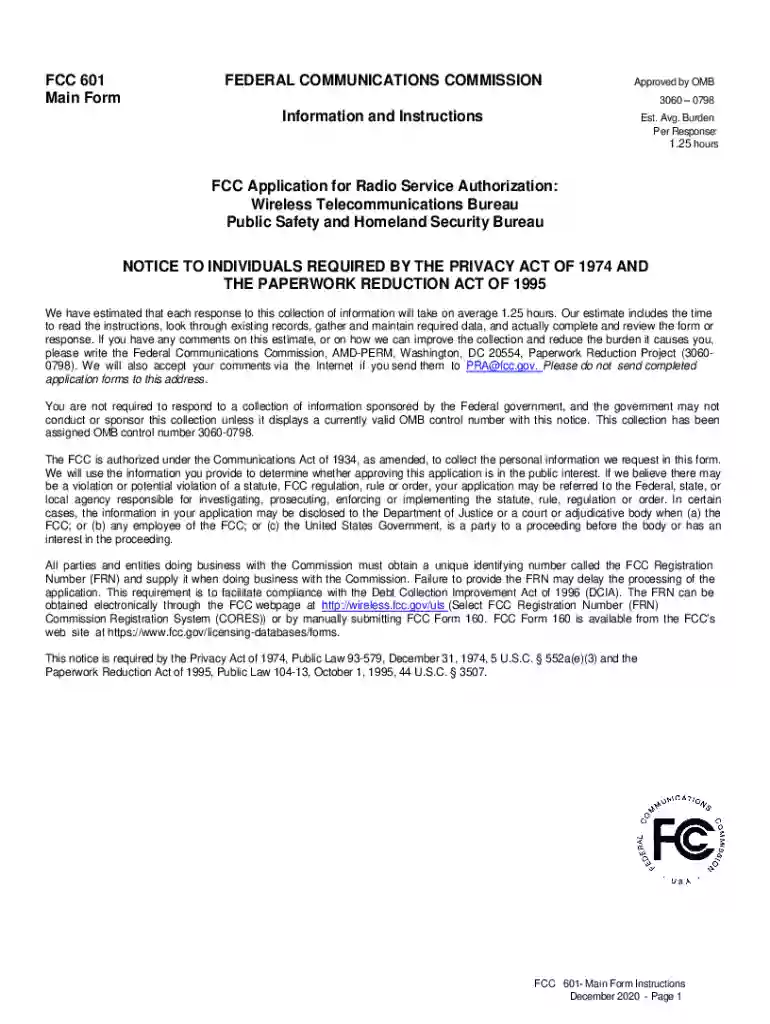
Click 'Get Form' to open the FCC 601 in the editor.
Begin by entering your FCC Registration Number (FRN) in Item 13. This unique identifier is essential for processing your application.
In Item 1, select the appropriate Radio Service Code that corresponds to your application type, such as Public Mobile Services or Private Land Mobile Radio Services.
Complete Item 2 by indicating the purpose of your application (e.g., New, Modification, Amendment). Ensure you only select one purpose per submission.
Fill out Items 5 through 12 with relevant details about your existing licenses or proposed services, including location and technical specifications.
If applicable, attach any required exhibits or additional documentation as specified in the instructions for each section of the form.
Review all entries for accuracy and completeness before submitting. Use our platform's features to save and edit your form as needed.
Start filling out your FCC 601 form today using our platform for a seamless experience!
The FCC license application is FCC Form 601: Application for Radio Service Authorization, which can also be filed online. Special Temporary Athorizations can beRead more
Cookie consent notice
This site uses cookies to enhance site navigation and personalize your experience.
By using this site you agree to our use of cookies as described in our Privacy Notice.
You can modify your selections by visiting our Cookie and Advertising Notice.