




Here's how it works

01. Edit your fsm passport renewal online online
Type text, add images, blackout confidential details, add comments, highlights and more.

02. Sign it in a few clicks
Draw your signature, type it, upload its image, or use your mobile device as a signature pad.

03. Share your form with others
Send fsm passport renewal via email, link, or fax. You can also download it, export it or print it out.
How to use or fill out passport fsm renewal with our platform

- Click ‘Get Form’ to open the passport FSM renewal application in the editor.
- Begin by entering your personal information. Fill in your name, date of birth, and gender accurately. Ensure that all details match your expired passport.
- Provide your home address and current postal address. Double-check for any typos to avoid delays in processing.
- Indicate whether you have ever been issued a foreign passport and provide relevant details if applicable.
- Complete the sections regarding parental information, including names and citizenship status. This is crucial for verifying your FSM citizenship.
- Attach two identical passport photos as per the specified guidelines. Ensure they are color photos without distractions.
- Review all entries for accuracy, then sign within the designated box. If under age 14, a parent or guardian must sign on your behalf.
- Finally, prepare your payment via Money Order or Cashier’s Check for the renewal fee and include it with your application before mailing.
Start using our platform today to streamline your passport FSM renewal process effortlessly!
Fill out passport fsm renewal online
It's free
See more passport fsm renewal versions
We've got more versions of the passport fsm renewal form. Select the right passport fsm renewal version from the list and start editing it straight away!
| Versions | Form popularity | Fillable & printable |
|---|---|---|
| 2007 | 4.8 Satisfied (91 Votes) |
Security and compliance
At DocHub, your data security is our priority. We follow HIPAA, SOC2, GDPR, and other standards, so you can work on your documents with confidence.
Learn more


Related forms

Form appeal tillamook county
The document is a Notice of Appeal filed in the Circuit Court of Oregon for Tillamook County, indicating that the appell ...
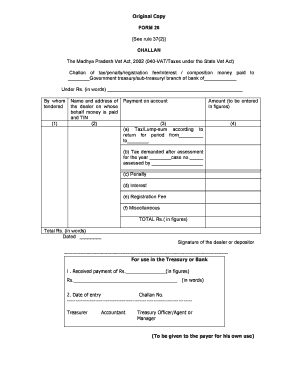
Form 26 madhya template
The document is a tax challan form under the Madhya Pradesh Vat Act, 2002, used for recording payments of tax, penalties ...
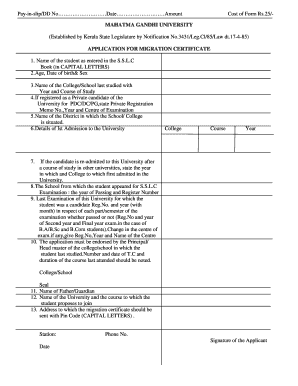
Mg university migration certificate
The document is an application form for a Migration Certificate from Mahatma Gandhi University, detailing the necessary ...
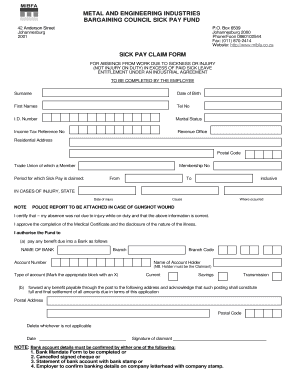
Iod forms pdf download
The document is a Sick Pay Claim Form for employees in the Metal and Engineering Industries Bargaining Council, intended ...

Aviva car insurance glass
The document is a Car Insurance Glass Claims Form for policyholders to report damage to their vehicle's glass. It requir ...
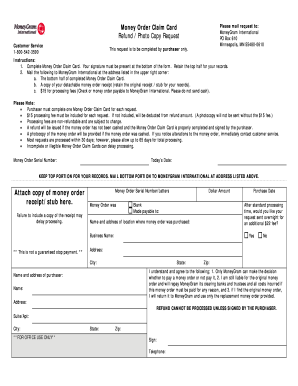
Moneygram money order refund
The document outlines the process for submitting a Money Order Claim Card to request a refund or photocopy of a money or ...
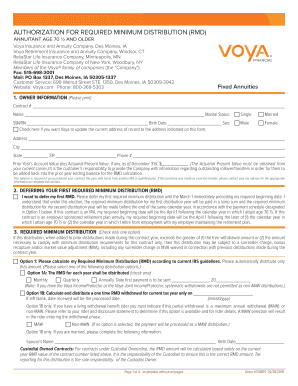
Voya rmd form
The document is an authorization form for Required Minimum Distribution (RMD) from fixed annuities for individuals aged ...
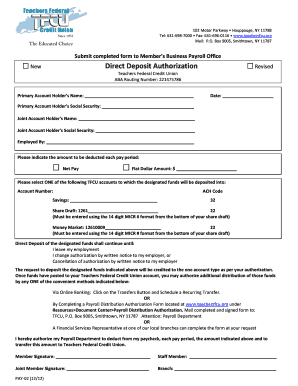
Tfcu federal direct deposit authorization
The document is a Direct Deposit Authorization form for Teachers Federal Credit Union, allowing members to authorize pay ...