




Here's how it works

01. Edit your va form 21 526ez online
Type text, add images, blackout confidential details, add comments, highlights and more.

02. Sign it in a few clicks
Draw your signature, type it, upload its image, or use your mobile device as a signature pad.

03. Share your form with others
Send va form 21 526ez examples via email, link, or fax. You can also download it, export it or print it out.
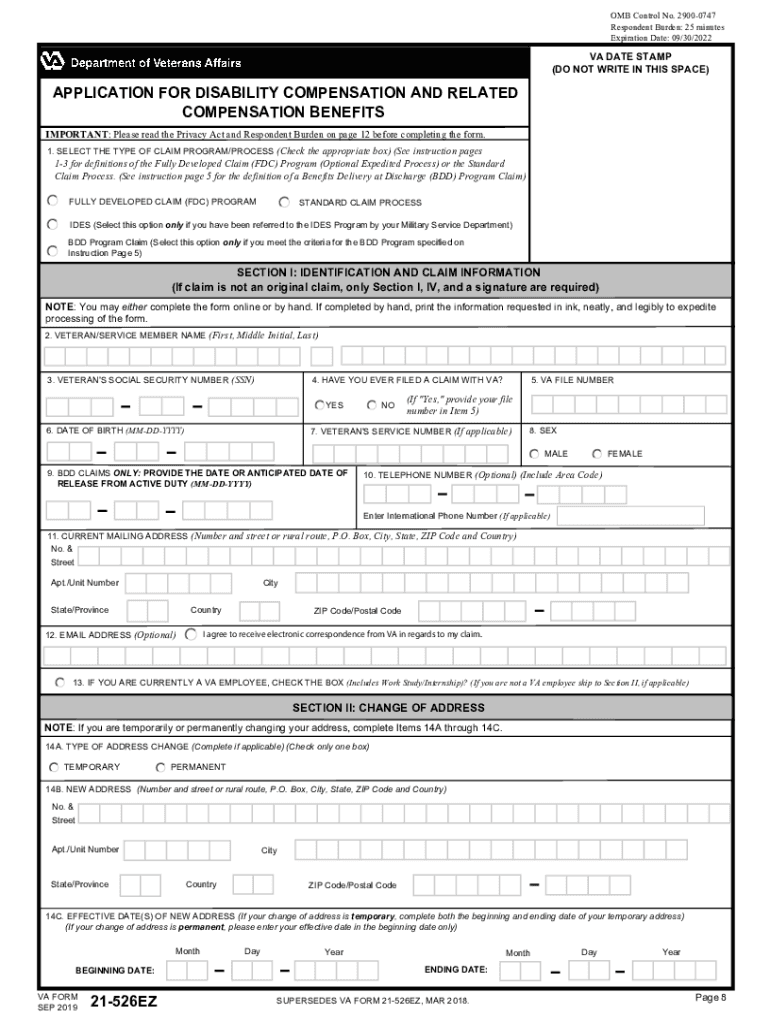
How to use or fill out VA Form 21-526EZ with DocHub

- Click ‘Get Form’ to open it in our editor.
- Begin by filling out Section I, which includes your identification and claim information. Ensure that all fields are completed accurately, including your name, Social Security number, and date of birth.
- In Section IV, list the current disabilities you are claiming. Be specific about how these conditions relate to your military service.
- Complete Section V with your service information. This includes details about your branch of service and any combat experience.
- Review the special circumstances outlined in the form. If applicable, attach any required additional forms as specified in the instructions.
- Finally, sign and date the certification section at the end of the form to validate your application before submitting it through our platform.
Start using our platform today for free to streamline your VA Form 21-526EZ submission!
Fill out va form 21 526ez online
It's free
See more va form 21 526ez versions
We've got more versions of the va form 21 526ez form. Select the right va form 21 526ez version from the list and start editing it straight away!
Security and compliance
At DocHub, your data security is our priority. We follow HIPAA, SOC2, GDPR, and other standards, so you can work on your documents with confidence.
Learn more


Related forms
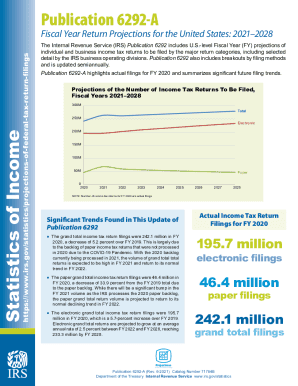
IRS Publication 6292-A 2020-2021 - Fill and Sign Printable ...
Publication 6292-A by the IRS provides projections for federal income tax return filings in the U.S. from FY 2021 to FY ...
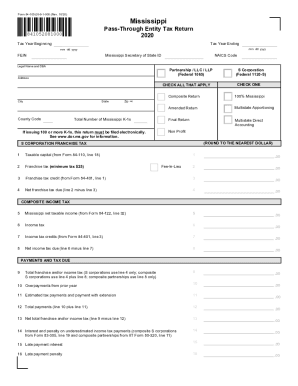
Ms pass through form
The document is a Pass-Through Entity Tax Return form for the state of Mississippi for the tax year 2020. It includes se ...
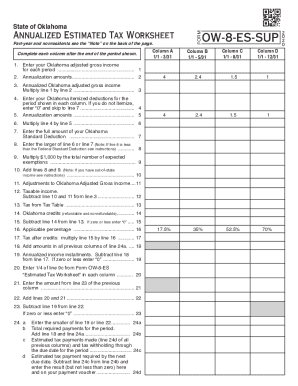
Ok ow 8
The document is an Annualized Estimated Tax Worksheet for Oklahoma, designed for individuals who do not receive income e ...
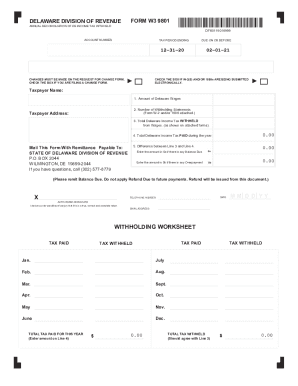
Delaware form w3 9801
The document is the Delaware Division of Revenue's Annual Reconciliation Form W3 9801 for income tax withheld. It requir ...

Michigan business address change form" Keyword Found Websites ...
The document outlines the procedure for Michigan Bar Exam applicants to update their mailing address, telephone number, ...
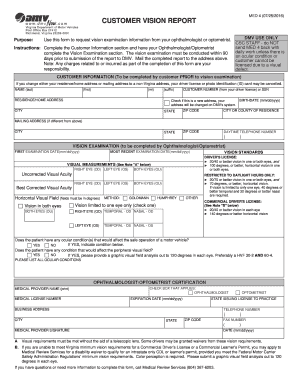
Vision form
The MED 4 document is a Customer Vision Report form used to request vision examination information from an ophthalmologi ...
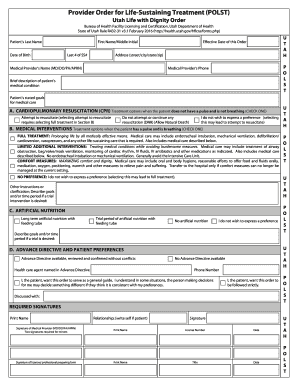
Fillable Online health utah Provider Order for Life-Sustaining ...
The document is the Provider Order for Life-Sustaining Treatment (POLST) form for Utah, designed to guide medical decisi ...

Ny hofstra activity waiver
The document is a liability waiver and release form for participants in an event organized by Hofstra University. It out ...