




Here's how it works

01. Edit your free dmv eye test online online
Type text, add images, blackout confidential details, add comments, highlights and more.

02. Sign it in a few clicks
Draw your signature, type it, upload its image, or use your mobile device as a signature pad.

03. Share your form with others
Send dmv eye test online via email, link, or fax. You can also download it, export it or print it out.
How to use or fill out DMV Eye Test with Our Platform

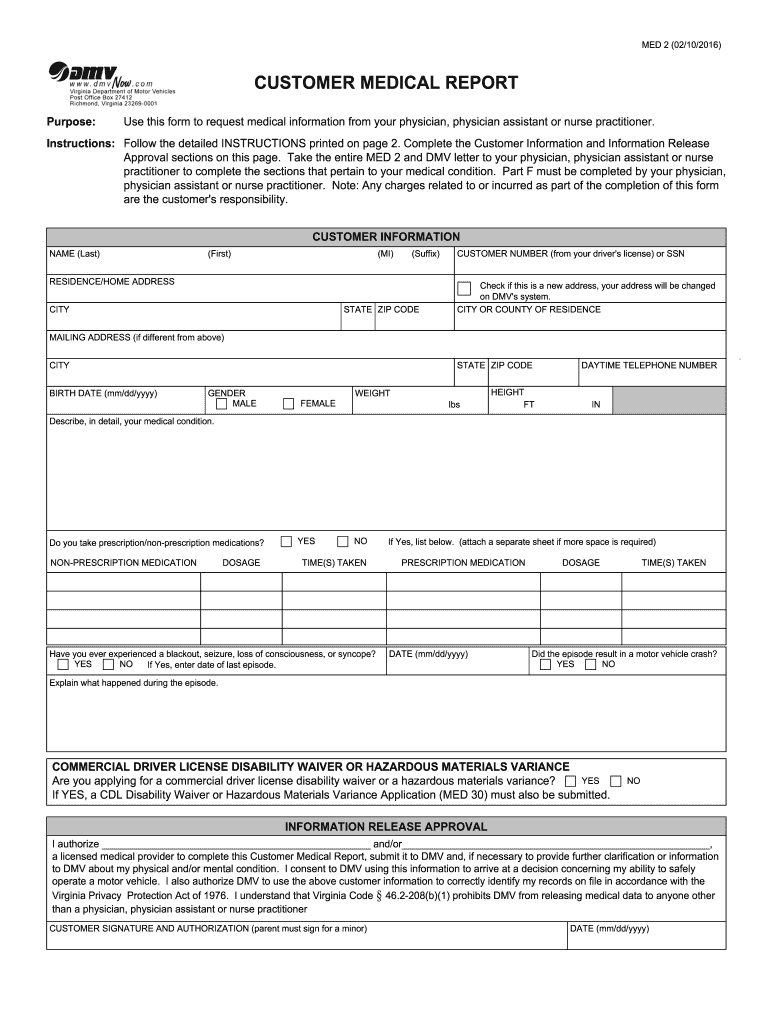
- Click ‘Get Form’ to open the DMV Eye Test document in the editor.
- Begin by filling out the 'Customer Information' section. Enter your name, address, customer number or SSN, birth date, gender, weight, height, and daytime telephone number.
- In the 'Medical Condition' section, provide a detailed description of your medical condition and any medications you take. Be sure to indicate if you've experienced blackouts or seizures.
- Complete the 'Information Release Approval' section by authorizing your medical provider to submit this report to DMV. Don’t forget to sign and date this section.
- Take the completed form along with your DMV letter to your physician for them to fill out the necessary medical sections.
Start using our platform today for free and streamline your DMV eye test process!
Fill out dmv eye test online
It's free
See more dmv eye test versions
We've got more versions of the dmv eye test form. Select the right dmv eye test version from the list and start editing it straight away!
Security and compliance
At DocHub, your data security is our priority. We follow HIPAA, SOC2, GDPR, and other standards, so you can work on your documents with confidence.
Learn more


Related forms
SEPARATION AGREEMENT (CIVIL UNION) - courts state co
The document is a Separation Agreement for parties dissolving their civil union in Colorado. It outlines the process for ...
Juvenile child waiver
The document JV-419A is a legal form used in California's Superior Court for a child to consent to guardianship and waiv ...
Florida parents procedure
The document is an 'Order of Referral to Parenting Coordinator' issued by a Florida Circuit Court, which outlines the pr ...
Fl family law forms
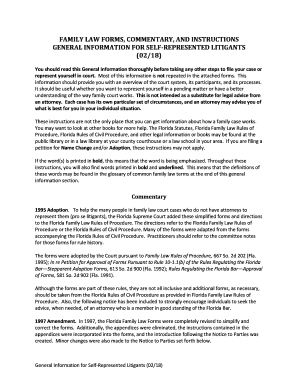
The document provides comprehensive guidance for self-represented litigants in family law cases in Florida. It outlines ...
Illinois microfilm
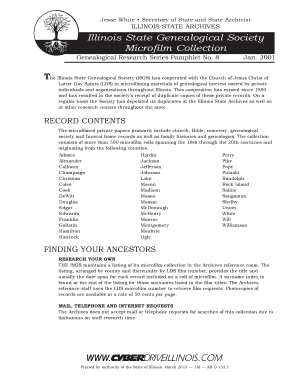
The document outlines the collaboration between the Illinois State Genealogical Society (ISGS) and the Church of Jesus C ...

Illinois family reading night
The document is an order form for the 2016 Family Reading Night materials organized by the Illinois Center for the Book ...

Illinois ctpf 770
The document is a notice for retirees of the Chicago Teachers' Pension Fund (CTPF) regarding the process and requirement ...

Illinois services registration
The document is a registration statement for credit services organizations in Illinois, mandated by Public Act 85-1384. ...