
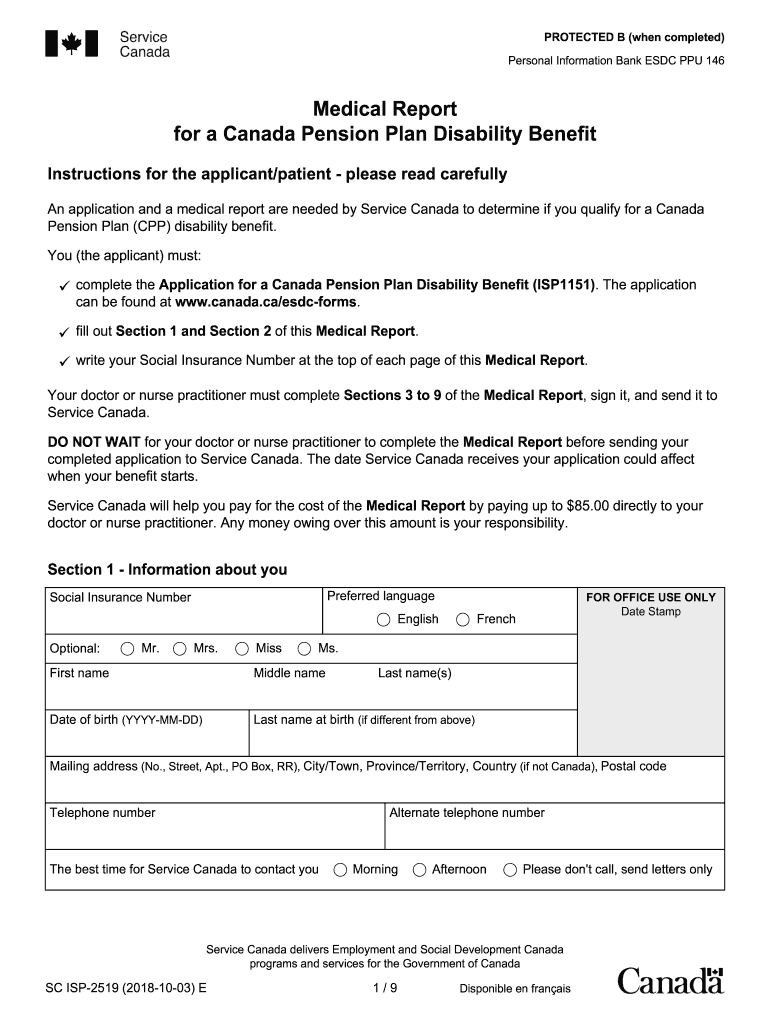




Here's how it works

01. Edit your cpp disability approval letter online
Type text, add images, blackout confidential details, add comments, highlights and more.

02. Sign it in a few clicks
Draw your signature, type it, upload its image, or use your mobile device as a signature pad.

03. Share your form with others
Send disability approval letter via email, link, or fax. You can also download it, export it or print it out.
How to use or fill out application for cpp disability with our platform

- Click ‘Get Form’ to open the Application for a Canada Pension Plan Disability Benefit (ISP1151) in the editor.
- Begin with Section 1, providing your personal information. Fill in your preferred language, Social Insurance Number, name, date of birth, and contact details. Ensure accuracy as this information is crucial for processing.
- Proceed to Section 2, where you will grant consent for Service Canada to obtain your personal information. Carefully read the options and select whether you give consent or not.
- Sections 3 to 9 must be completed by your doctor or nurse practitioner. Make sure they understand the importance of these sections in supporting your application.
- Once all sections are filled out, review the document for completeness and accuracy before submitting it directly to Service Canada through our platform.
Start filling out your application for CPP disability today using our platform for free!
Fill out application for cpp disability online
It's free
See more application for cpp disability versions
We've got more versions of the application for cpp disability form. Select the right application for cpp disability version from the list and start editing it straight away!
Security and compliance
At DocHub, your data security is our priority. We follow HIPAA, SOC2, GDPR, and other standards, so you can work on your documents with confidence.
Learn more


Related forms
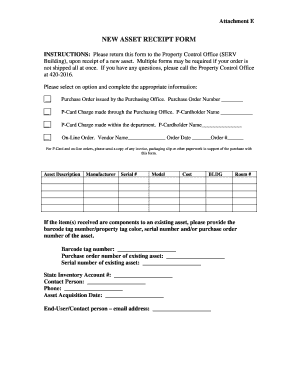
Asset receiving form
The document is a New Asset Receipt Form that provides instructions for reporting new assets to the Property Control Off ...
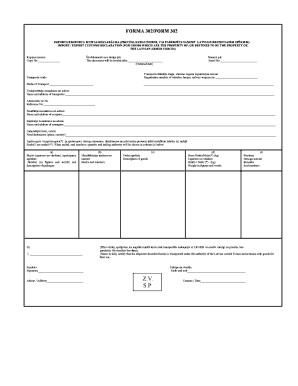
Nato form 302
The document is a customs declaration form (FORMA 302/FORM 302) for the import and export of goods intended for or owned ...
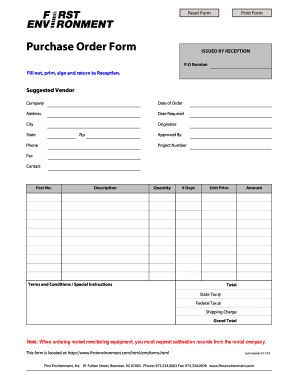
Purchase Order Form - First Environment Inc
The document is a Purchase Order Form issued by First Environment, Inc., which must be filled out, printed, signed, and ...

Misc 13 Motion to Dismiss Action - Wyoming State Supreme Court - lawyoming
The document is a legal motion to dismiss a civil action in the District Court of Wyoming. It outlines the reasons for d ...

Insure and go claim form
The document outlines the process for submitting a travel insurance claim to InsureandGo Claims. It details the required ...