
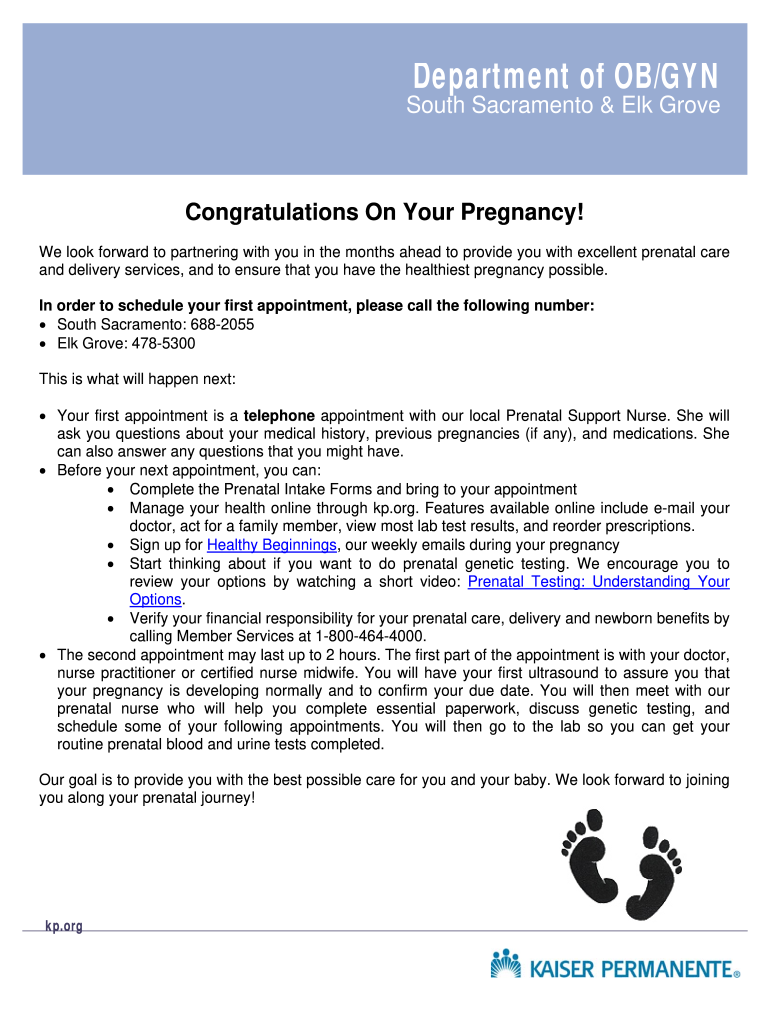




Here's how it works

01. Edit your dochub com fillable form online
Type text, add images, blackout confidential details, add comments, highlights and more.

02. Sign it in a few clicks
Draw your signature, type it, upload its image, or use your mobile device as a signature pad.

03. Share your form with others
Send proof of pregnancy via email, link, or fax. You can also download it, export it or print it out.
How to use or fill out proof of pregnancy form with our platform

- Click ‘Get Form’ to open the proof of pregnancy form in the editor.
- Begin by entering your personal information in the designated fields, including your full name, contact details, and any relevant medical history.
- Next, provide details about your current pregnancy. This may include the expected due date and any previous pregnancies you wish to disclose.
- If applicable, fill out sections regarding medications you are currently taking. This is crucial for your healthcare provider to understand your health better.
- Review all entered information for accuracy. Make sure that each section is completed before proceeding.
- Once satisfied with the information provided, utilize our platform’s signing feature to electronically sign the document if required.
- Finally, save and download your completed proof of pregnancy form or share it directly with your healthcare provider through our platform.
Start using our platform today to effortlessly complete your proof of pregnancy form for free!
Fill out proof of pregnancy form online
It's free
Security and compliance
At DocHub, your data security is our priority. We follow HIPAA, SOC2, GDPR, and other standards, so you can work on your documents with confidence.
Learn more


Related forms
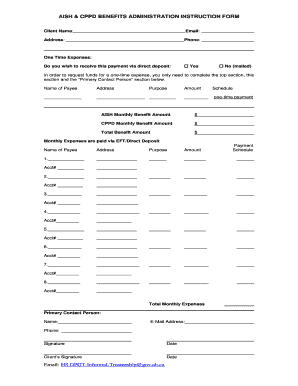
AISH CPPD BENEFITS ADMINISTRATION INSTRUCTION FORM - Alberta
The document is an AISH & CPPD Benefits Administration Instruction Form designed for clients to request one-time and mon ...
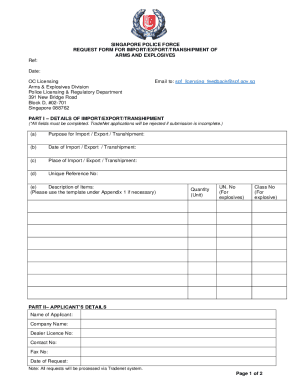
Police Licensing & Regulatory Department - Singapore Customs
The document is a request form from the Singapore Police Force for the import, export, or transhipment of arms and explo ...
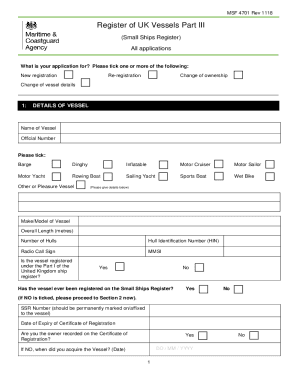
Small Ships Register - Fill Online, Printable, Fillable, Blank
The document MSF 4701 Rev 1118 is an application form for the Small Ships Register (Part III) in the UK, detailing the p ...
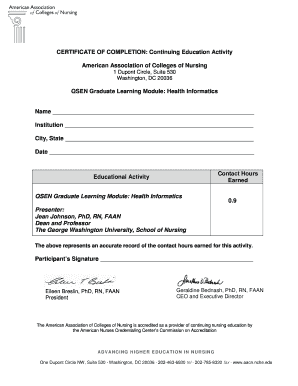
QSEN Graduate Learning Module Health Informatics - aacn nche
The document is a Certificate of Completion for the QSEN Graduate Learning Module on Health Informatics, issued by the A ...

Veteran Children and Spouse Tuition Waiver
The document outlines the eligibility criteria and application procedures for a tuition waiver available to children and ...
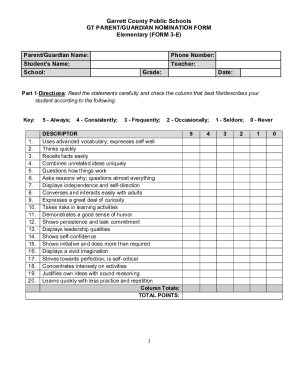
Gifted & Talented Nomination Form - Alva Public Schools
The document is a nomination form for parents or guardians of students in Garrett County Public Schools to identify and ...

Contact UsOhio Department of Commerce
The document is a checklist for obtaining a permit for outdoor fireworks or proximate audience exhibitions in Ohio, issu ...
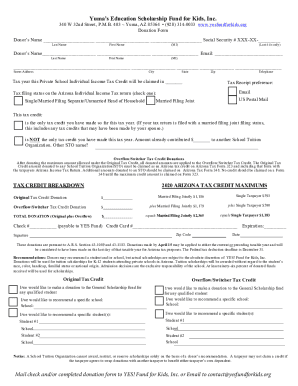
Yumas Education Scholarship Fund for Kids, Inc
The document is a donation form for Yuma’s Education Scholarship Fund for Kids, Inc., which facilitates tax credit donat ...