




Here's how it works

01. Edit your roof certification form online
Type text, add images, blackout confidential details, add comments, highlights and more.

02. Sign it in a few clicks
Draw your signature, type it, upload its image, or use your mobile device as a signature pad.

03. Share your form with others
Send roof inspection form via email, link, or fax. You can also download it, export it or print it out.
How to use or fill out citizens roof certification form with our platform

- Click ‘Get Form’ to open the citizens roof certification form in the editor.
- Begin by entering the 'Applicant/Insured Name' and 'Address Inspected' in the designated fields. Ensure accuracy as this information is crucial for identification.
- Fill in the 'Date of Inspection' and 'Application/Policy #' fields. These details help track your submission and its relevance to your insurance policy.
- For the roof condition section, provide details about the predominant roof covering material, age, remaining useful life, and dates of last roofing permit and update. If applicable, indicate whether it was a full or partial replacement.
- Repeat step 4 for any secondary roofs present on the property. This ensures comprehensive documentation of all roofing components.
- Describe any visible signs of damage or leaks in the provided sections. This information is vital for assessing the roof's condition.
- Finally, ensure that a licensed inspector completes and signs the form, including their name, telephone number, license type, and number before submission.
Start using our platform today to easily complete your citizens roof certification form online for free!
Fill out citizens roof certification form online
It's free
See more citizens roof certification form versions
We've got more versions of the citizens roof certification form form. Select the right citizens roof certification form version from the list and start editing it straight away!
Security and compliance
At DocHub, your data security is our priority. We follow HIPAA, SOC2, GDPR, and other standards, so you can work on your documents with confidence.
Learn more


Related forms

Redemption Form - stanbicibtcbank.com
The document is an Online Redemption Consent Form and Agreement for Stanbic IBTC Mutual Funds, detailing the process for ...

FREE 7+ Sample Tenancy Agreement Forms in MS WordPDFTENANT NAME CHANGE Sample ClausesBusiness change of tenancy explainedTENANT NAME CHANGE Sample Clauses
FREE 7+ Sample Tenancy Agreement Forms in MS WordPDFTENANT NAME CHANGE Sample ClausesBusiness change of tenancy explainedTENANT NAME CHANGE Sample Clauses
The document is a Change of Tenancy Form for commercial properties, designed to facilitate the transfer of tenancy from ...

Rpd41201 form
The document is a report form from the New Mexico Taxation & Revenue Department's Unclaimed Property Office, detailing t ...
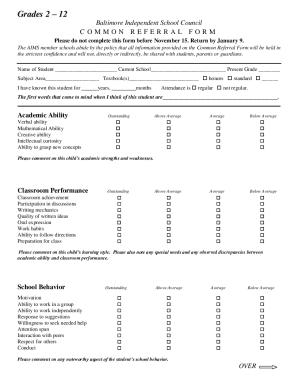
Baltimore Common Referral Form
The document is a Common Referral Form used by AIMS member schools in Baltimore for students in grades 2-12. It is desig ...
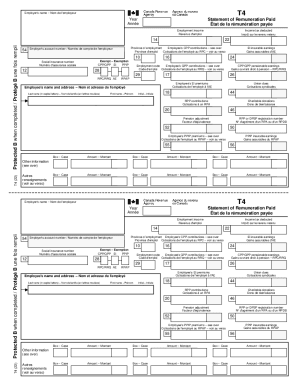
Withholding tax on salariesBusiness - Guichet.lu
The document is a T4 form, which is a Statement of Remuneration Paid in Canada. It provides detailed information about a ...
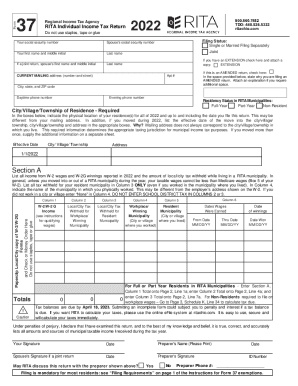
The Regional Income Tax Agency (RITA) - City of Oberlin
The document is the 2022 RITA Individual Income Tax Return form, which provides instructions for residents of RITA munic ...
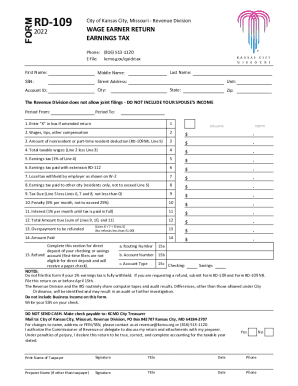
City Tax Forms KCMO.gov
The document is the Wage Earner Return Earnings Tax Form RD-109 for residents and nonresidents of Kansas City, Missouri. ...