



Here's how it works
How to use or fill out Affidavit and Agreement for Issuance of Duplicate Warrant 06 ... with our platform

- Click ‘Get Form’ to open it in the editor.
- Begin by selecting the reason for your request from the provided options, such as if the original warrant is outdated or lost.
- In the designated field, enter your name as the payee of the check. Ensure accuracy to avoid processing delays.
- Fill in the check number, issue date, and amount of the original check. This information is crucial for identification purposes.
- Provide your current address, ensuring it matches any required documentation. If it differs from your ID, include proof of address.
- Sign and date the form where indicated. If applicable, have your spouse sign as well.
- Attach any required documentation based on your situation (e.g., ID copy, proof of address) before submitting.
Start using our platform today to streamline your document editing and submission process for free!
It's free
See more Affidavit and Agreement for Issuance of Duplicate Warrant 06 ... versions
Got questions?
How do I sign my Affidavit and Agreement for Issuance of Duplicate Warrant 06 ... without printing?
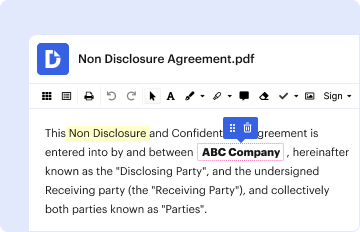
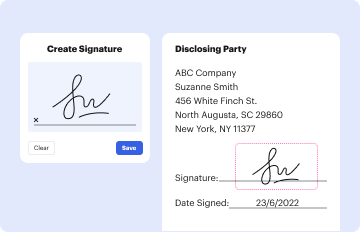
Electronic signatures are a perfect alternative to traditional signing, as they save time, effort, and money people spend on printing, scanning, and paper delivery. You can electronically sign your Affidavit and Agreement for Issuance of Duplicate Warrant 06 ... using a trustworthy and robust online document processing services like DocHub. It complies with major eSignature regulations (ESIGN and UETA), so all documents approved there are legally binding and have the same validity as physically signed ones.
How do you get Affidavit and Agreement for Issuance of Duplicate Warrant 06 ...?
You can find the latest and most relevant version of the Affidavit and Agreement for Issuance of Duplicate Warrant 06 ... in our DocHub forms library. Browse it by categories or use the search field to find the exact template that suits your case. You can open this form for editing after you find it.
Security and compliance
At DocHub, your data security is our priority. We follow HIPAA, SOC2, GDPR, and other standards, so you can work on your documents with confidence.
Learn more