




Here's how it works

01. Edit your can you sue your parents for breaking your stuff online
Type text, add images, blackout confidential details, add comments, highlights and more.

02. Sign it in a few clicks
Draw your signature, type it, upload its image, or use your mobile device as a signature pad.

03. Share your form with others
Send how to sue my parents via email, link, or fax. You can also download it, export it or print it out.
How to use or fill out sue parent with our platform

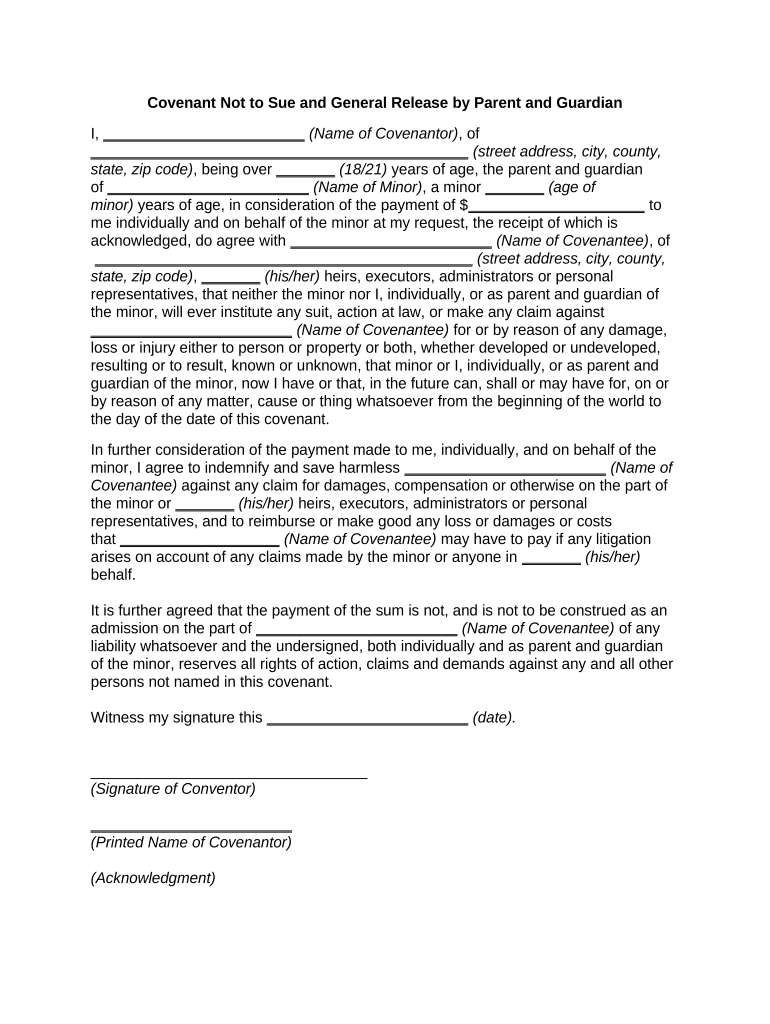
- Click ‘Get Form’ to open it in the editor.
- Begin by entering the name of the covenantor in the designated field. This is where you will input your full name.
- Next, fill in your complete address, including street, city, county, state, and zip code. Ensure all details are accurate for proper identification.
- Indicate your age by selecting either 18 or 21 years old from the provided options.
- Enter the name of the minor for whom you are acting as a guardian in the specified field.
- Specify the age of the minor in the appropriate section to confirm their status.
- Input the amount being paid to you individually and on behalf of the minor. This should reflect any agreed compensation.
- Complete any remaining fields regarding indemnification and claims against the covenantee as required by your specific situation.
- Finally, sign and date the document at the bottom to validate it. Make sure to print your name clearly beneath your signature.
Start using our platform today for free to streamline your document editing and signing process!
Fill out sue parent online
It's free
Security and compliance
At DocHub, your data security is our priority. We follow HIPAA, SOC2, GDPR, and other standards, so you can work on your documents with confidence.
Learn more


Related forms
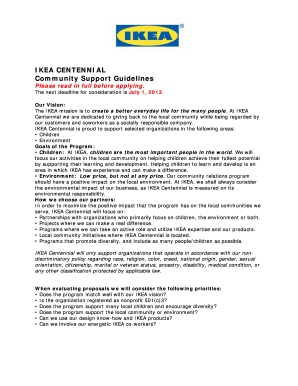
Ikea application form online pdf
The IKEA Centennial Community Support Guidelines outline the company's commitment to supporting local organizations focu ...
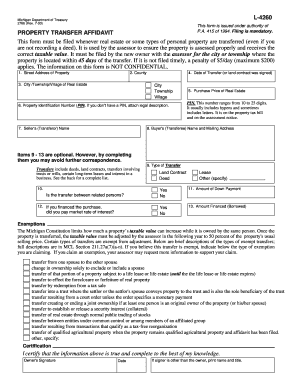
Form 2766, L-4260 Property Transfer Affidavit - Hayes Township
The document is a mandatory Property Transfer Affidavit form issued by the Michigan Department of Treasury, required to ...

2013 CHEER TYME WORLDS T-SHIRT ORDER FORM
The document is an order form for Cheer Tyme Worlds t-shirts, with a deadline for submission by April 14th, 2013. It inc ...

Color Guard Request Form - 30FSS
The document is a Color Guard Request Form for the Vandenberg AFB Honor Guard, detailing the process for requesting mili ...
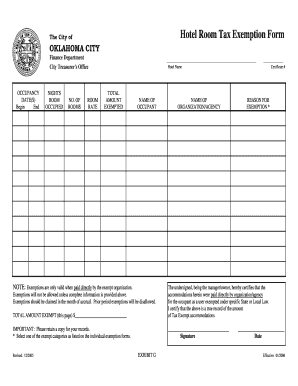
Oklahoma hotel tax exempt form
The document is a Hotel Room Tax Exemption Form used by the City of Oklahoma City, allowing exempt organizations to clai ...
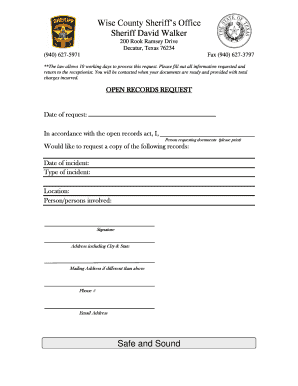
Wise county open records request
The document is an Open Records Request form from the Wise County Sheriff’s Office, detailing the process for requesting ...
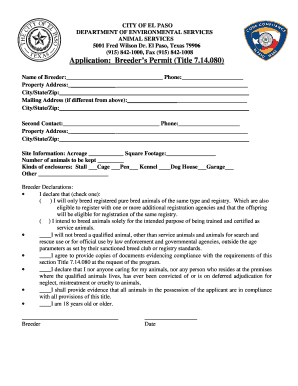
Breeders license
The document is an application form for a Breeder's Permit from the City of El Paso's Department of Environmental Servic ...