




Here's how it works

01. Edit your nc religious exemption form pdf online
Type text, add images, blackout confidential details, add comments, highlights and more.

02. Sign it in a few clicks
Draw your signature, type it, upload its image, or use your mobile device as a signature pad.

03. Share your form with others
Send nc religious exemption form free via email, link, or fax. You can also download it, export it or print it out.
How to use or fill out nc religious exemption form with DocHub

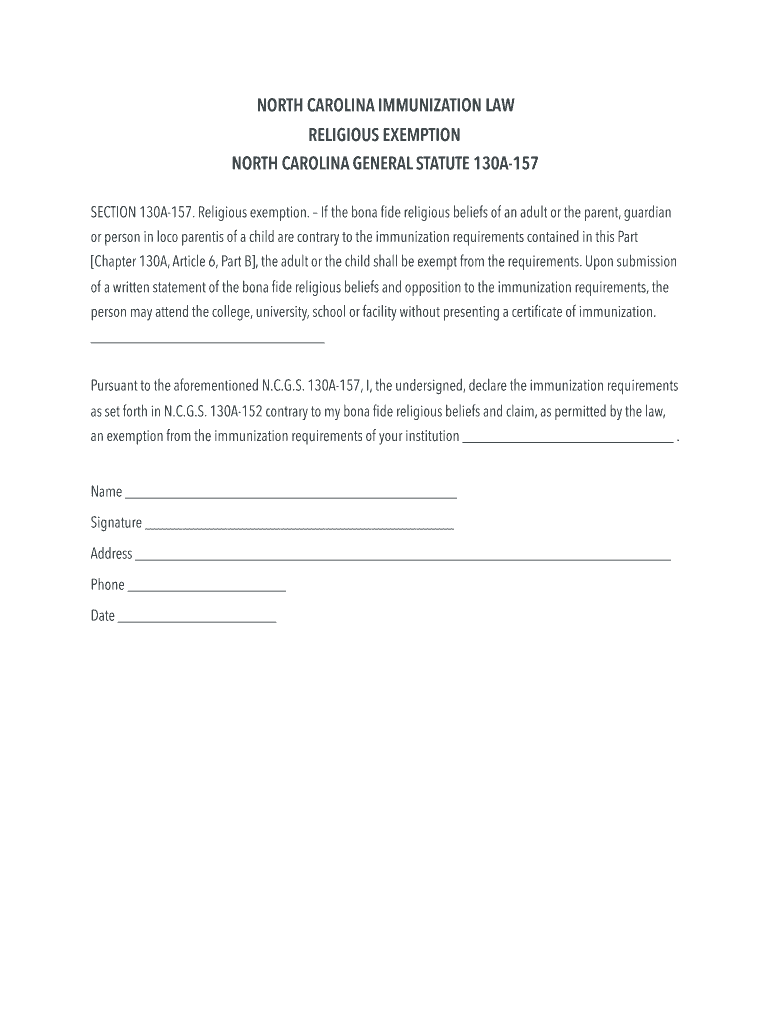
- Click ‘Get Form’ to open the nc religious exemption form in our platform's editor.
- Begin by filling in your name in the designated field. This is essential as it identifies you as the applicant for the exemption.
- Next, provide your signature in the appropriate section. This confirms your declaration of bona fide religious beliefs against immunization requirements.
- Fill out your address and phone number accurately. This information is crucial for any follow-up communication regarding your exemption request.
- Finally, enter the date on which you are completing this form. This helps establish a timeline for your request.
Start using our platform today to easily complete and submit your nc religious exemption form for free!
Fill out nc religious exemption form online
It's free
See more nc religious exemption form versions
We've got more versions of the nc religious exemption form form. Select the right nc religious exemption form version from the list and start editing it straight away!
Security and compliance
At DocHub, your data security is our priority. We follow HIPAA, SOC2, GDPR, and other standards, so you can work on your documents with confidence.
Learn more


Related forms

Free fillable FormCONSRT Financial Aid Form PDF form - Fill
The ISU Consortium Agreement outlines the process for degree-seeking students at Idaho State University (ISU) to receive ...
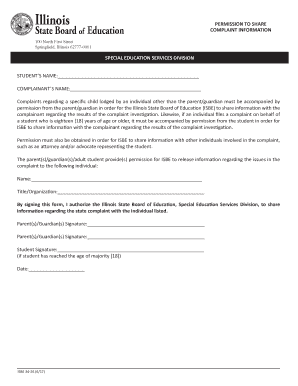
Search - Illinois State Board of Education
The document outlines the process for filing a complaint regarding special education services in Illinois, emphasizing t ...

Hawaii Stories of Change - ScholarSpace - University of Hawaii
The document is a comprehensive registration packet for Kama‘aina Kids preschool, detailing the registration process, re ...

DWQ has developed this Storm Water Pollution Prevention Plan (SWPPP) template for
The Storm Water Pollution Prevention Plan (SWPPP) template is designed for construction sites in Utah to comply with the ...
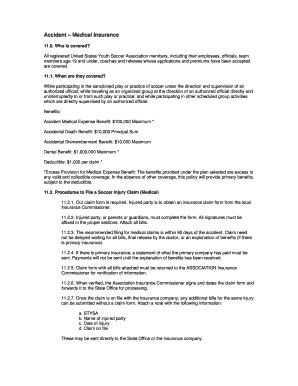
Accident Medical Insurance
The document outlines the accident and liability insurance coverage provided by the South Texas Youth Soccer Association ...
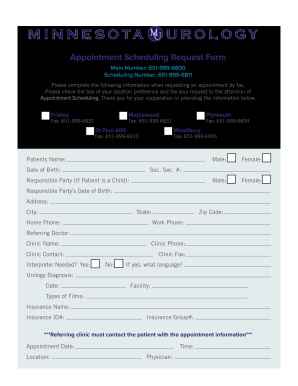
Appointment Scheduling Request Form
The document is an Appointment Scheduling Request Form that patients must complete to request an appointment via fax. It ...

Download a registration form - Alberta Onsite Wastewater
This memo informs waitlisted applicants about the upcoming Onsite Wastewater Practitioner Training Program, which is ess ...

IIN Application form -ABA(20171024)
The document is an application form for obtaining an Issuer Identification Number (IIN) in accordance with ISO/IEC 7812- ...