
Sample etsy Order Forms
Enhance your document management with DocHub's Sample etsy Order Forms templates. Adjust, distribute, and safely save your order forms hassle-free.

Create a new Sample etsy Order Form

Eyelash extensions consent form pdf
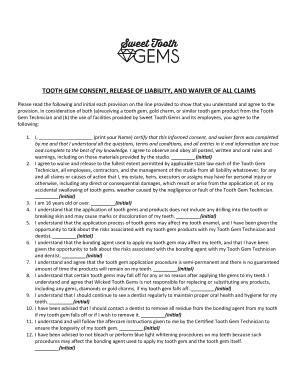
Tooth gem consent form
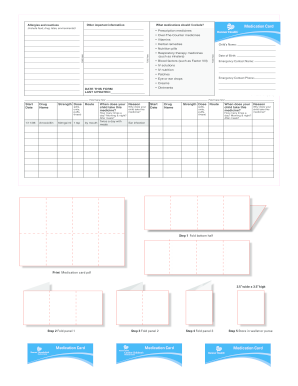
Med card template

Psychiatric progress note
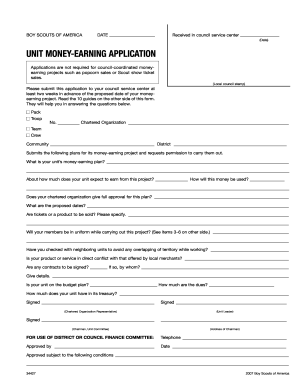
Money earning

Baptist hospital doctors excuse
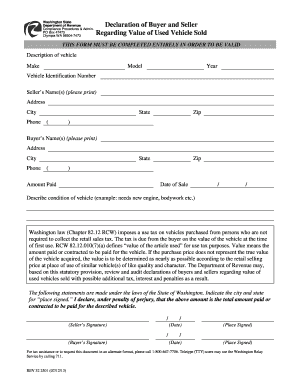
Seller used
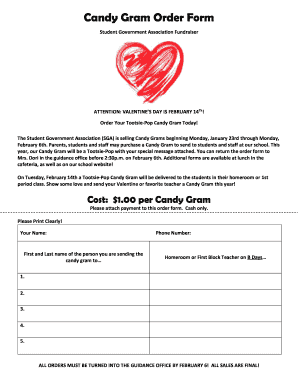
Candy gram form blank
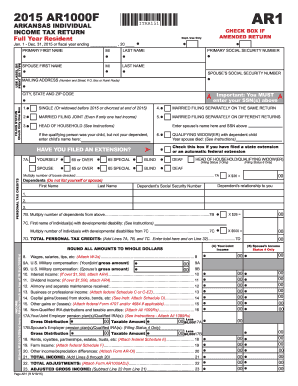
Tax form ar 2015

Editable candy gram template

Eyelash extension contract
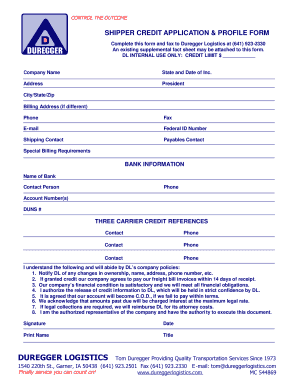
Shipper profile example
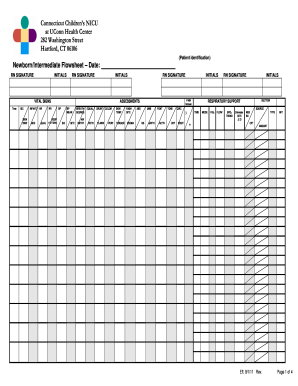
Nicu report sheet
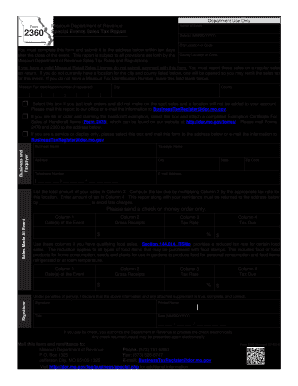
Missouri form 2360
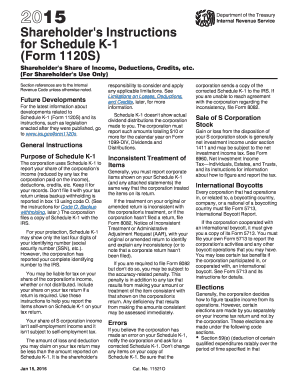
2015 k 1 form
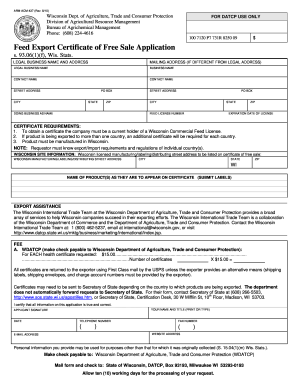
Wisconsin certificate of sale
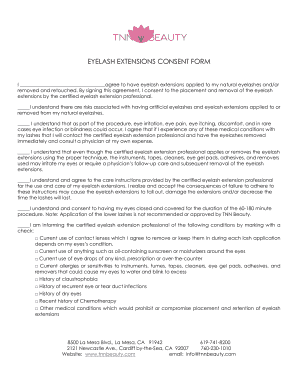
I agree to have eyelash extensions applied to my natural eyelashes and/or
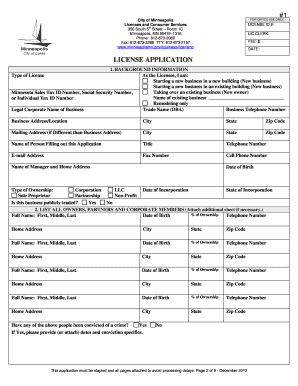
Gov/business-licensing License Application Guidelines and Checklist DBA: Expiration: Sept 1 License Code: 129-133 Rev Code: 311008 MCO: 349 Adm Issuance: Yes CSR: Inspector: License Type: Motor Vehicle Towing/Servicing Class A DEFINITIONS:
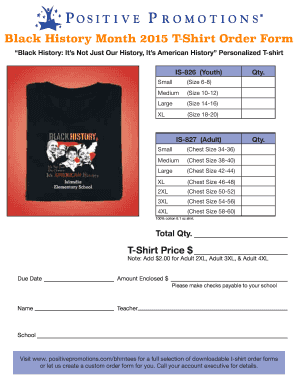
Black History Month 2015 T-Shirt Order Form Black History: It s Not Just Our History, It s American History Personalized T-shirt Small IS-826 (Youth) (Size 6-8) Medium (Size 10-12) Large (Size 14-16) XL Qty
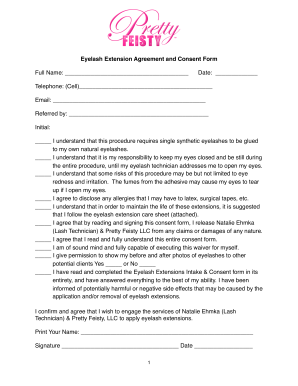
Feisty eyelash extension consent form
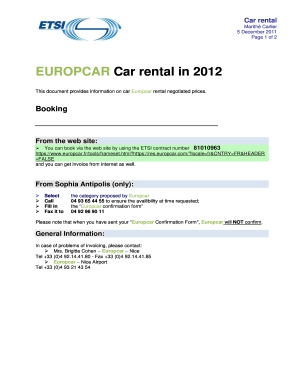
EUROPCAR Car rental In 2012 - ETSI - etsi
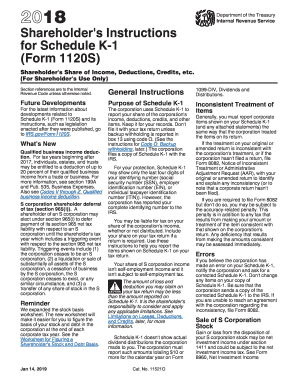
2015 k 1 form
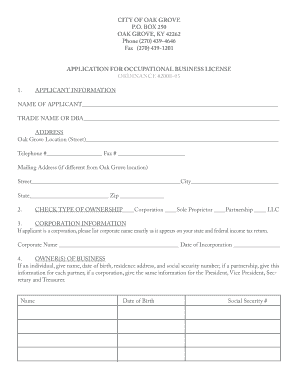
City of oak grove ky business license

Kentucky business license
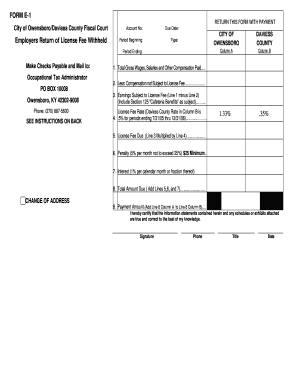
Form e 1employer return license fee owensboro daviess
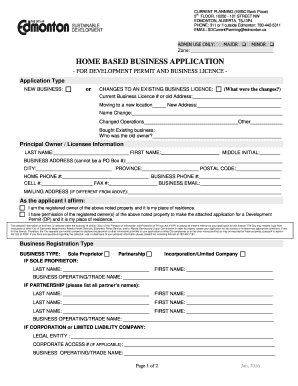
Home Based Business Application Form - City of - edmonton
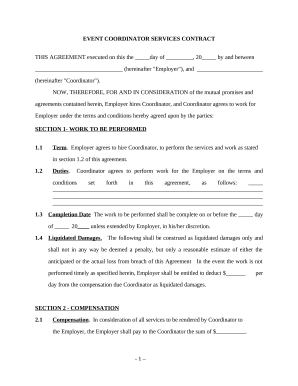
Event coordinator contract sample
Thematic web template
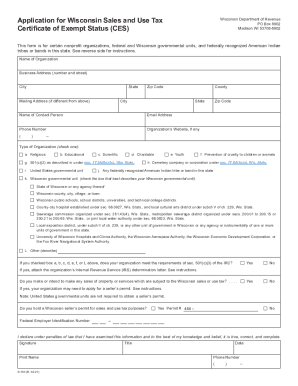
S 103

K 1099k
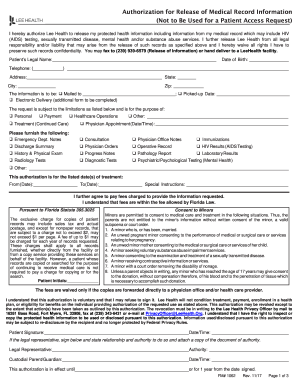
Lee 1062
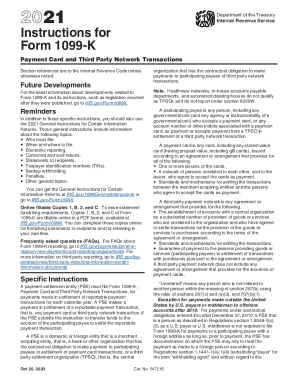
K 1099k
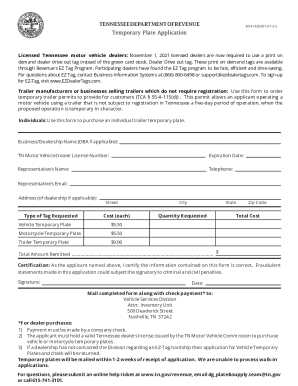
Tennessee temporary plate
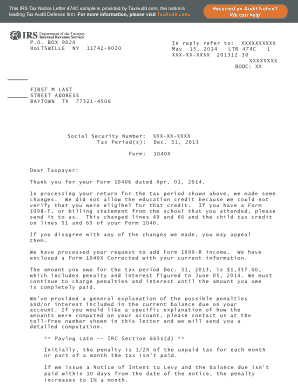
Irs letter 474c
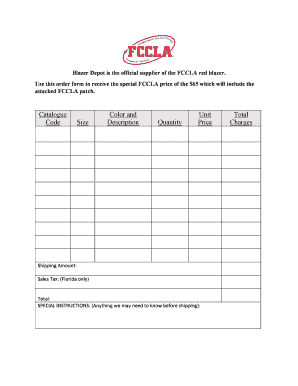
Blazer Depot is the official supplier of the FCCLA red blazer

Buyer counseling questionnaire
-
1
- 2
Manage Sample etsy Order Forms quickly online
Document administration can overpower you when you can’t find all of the documents you require. Fortunately, with DocHub's vast form collection, you can get everything you need and easily deal with it without the need of changing among apps. Get our Sample etsy Order Forms and begin working with them.
The best way to manage our Sample etsy Order Forms using these basic steps:
- Browse Sample etsy Order Forms and select the form you require.
- Review the template and then click Get Form.
- Wait for it to open in our online editor.
- Edit your form: add new information and images, and fillable fields or blackout some parts if necessary.
- Complete your form, preserve modifications, and prepare it for sending.
- When all set, download your form or share it with your contributors.
Try out DocHub and browse our Sample etsy Order Forms category without trouble. Get a free profile today!
Video Guide on Sample etsy Order Forms management

Commonly Asked Questions about Sample etsy Order Forms
How do I create a sales order form?
Lets discuss some best practices for creating order forms to make it an effective sales channel. Understand Your Target Audience. Create Clear and Compelling Product Descriptions. Add High-Quality Product Images. Streamline the Order Form Design. Add multiple payment options. Build trust and ensure data security. How to Create an Order Form: Templates and Examples - AidaForm AidaForm blog how-to-create-an-order-fo AidaForm blog how-to-create-an-order-fo
How do I complete an order on Etsy?
To complete an order, find the order on your Sold tab. Select the timer icon on the order, then choose Complete order (if you dont have custom progress steps, you wont need to choose Complete order after selecting the timer icon). You can then: Choose a Ship date. How to Add Tracking and Complete an Order - Etsy Help Etsy Help en-us articles 115015774228- Etsy Help en-us articles 115015774228-
How do I make an easy order form?
Must-have components for creating an order form. Contact information. Name, email address, phone number, and shipping address are necessary pieces of information to gather from your buyers. Product description. Payment information. Shipping and handling. Order summary. Terms and conditions. Visuals. Order confirmation. Create an order form: How to make order forms | docHub docHub acrobat hub create-an-orde docHub acrobat hub create-an-orde
How do I manually create a sales order?
Create a Manual Sales Order Navigate to Accounting Home and click the Create Entries tab. Then, under the Orders menu, click Sales Orders. On the Sales Order page, click New. On the New Sales Order page, complete the necessary Sales Order information and click Save. Create or Clone a Sales Order - Accounting Seed Knowledge Base Accounting Seed Knowledge Base en-us articles 2 Accounting Seed Knowledge Base en-us articles 2
How do you write a sale order?
Sales order template framework Selling company name/address. Purchaser contact info (name, address, phone number, email) Order date. Shipping and/or delivery date. Product information. Price (before taxes) Taxes and other fees. Terms and conditions (often drafted by the selling companys legal team) What Is a Sales Order? How to Create Your Own with Examples - Salesforce Salesforce blog sales-order Salesforce blog sales-order
How do I create my own order form?
How to create an order form in Google Forms. Log in to your Google account and open Google Forms. Click the Blank button to create a new form. Add fields for the essential information you need to gather from your buyers, such as their name, business address, contact information, and preferred contact method. Create an order form: How to make order forms | docHub docHub acrobat hub create-an-ord docHub acrobat hub create-an-ord
Does Etsy have templates?
Learn about and how to use Etsy Listing Templates. There are 4 different Listing Templates for Etsy. They allow you to save a majority of your category-based settings, to increase the efficiency of listing to Etsy. Etsy Listing Templates - Sellbrite Help Center Sellbrite Help Center articles 3367337-etsy-listi Sellbrite Help Center articles 3367337-etsy-listi
How do you draft an order form?
What Should Be Included in an Order Form? The name of your company (legal name). Your companys current address. Customers details, including name and email address. The shipping address of the customer. Purchase order date. Sales order number. Salespersons name. Date of shipping. How To Make An Order Form: 4 Easy Steps to Follow - Contracts Counsel Contracts Counsel how-to-make-an-ord Contracts Counsel how-to-make-an-ord
Related Templates
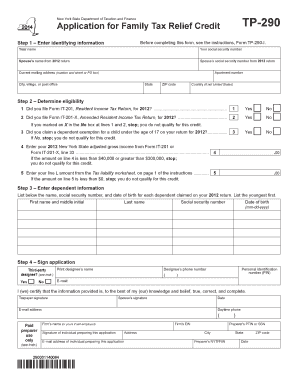
TP-290 New York State Department of Taxation and Finance Application for Family Tax Relief Credit St
TP-290 New York State Department of Taxation and Finance Application for Family Tax Relief Credit St
The document TP-290 is an application form for the New York State Family Tax Relief Credit, which provides a $350 paymen ...

Dhsr mhlc
The document is a request form from the North Carolina Department of Health and Human Services for applicants seeking th ...

Forms
The document is a Personal History Statement for applicants seeking the position of Public Safety Dispatcher in Californ ...

QUALIFIED MEDICARE BENEFICIARY (QMB), SPECIFIED LOW
The document is an application form from the California Department of Health Care Services for individuals seeking to en ...

Solicitud para renovar orden de restriccin Judicial Council forms
The document is a form (CH-700 S) for requesting the renewal of a civil harassment restraining order in California. It i ...

BEFORE COMPLETING THE APPLICATION PACKAGE, read each of the 4 steps below in the order that they are
BEFORE COMPLETING THE APPLICATION PACKAGE, read each of the 4 steps below in the order that they are
The document provides detailed instructions for dentists applying for licensure in Illinois, including steps for submitt ...

Lansing Urgent Care Patient Registration Form
The document is a patient registration form for Lansing Urgent Care, collecting essential personal, insurance, and visit ...

PS Form 2181-D - Disclosure and Authorization for Consumer Reports and Investigative Consumer Report
PS Form 2181-D - Disclosure and Authorization for Consumer Reports and Investigative Consumer Report
The document is a Disclosure and Authorization form for consumer reports and investigative consumer reports as required ...