Handle Paper work Order Forms easily online

Document management can stress you when you can’t find all of the forms you require. Fortunately, with DocHub's considerable form categories, you can find all you need and promptly take care of it without the need of changing among applications. Get our Paper work Order Forms and start working with them.

The best way to manage our Paper work Order Forms using these easy steps:

  1. Check Paper work Order Forms and select the form you require.
  2. Review the template and then click Get Form.
  3. Wait for it to open in our online editor.
  4. Alter your document: add new information and images, and fillable fields or blackout some parts if required.
  5. Complete your document, save adjustments, and prepare it for sending.
  6. When you are ready, download your form or share it with other contributors.

Try out DocHub and browse our Paper work Order Forms category with ease. Get a free account right now!


Video Guide on Paper work Order Forms management

video background

Commonly Asked Questions about Paper work Order Forms

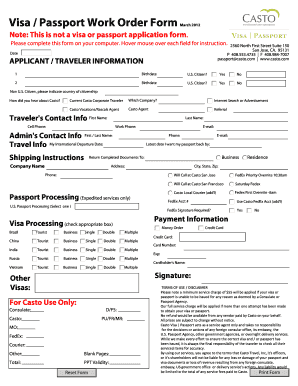
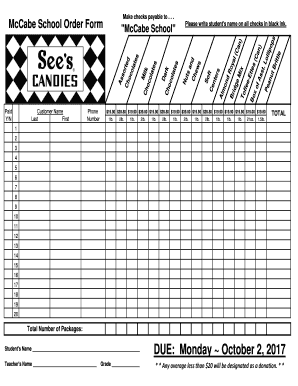
Youll need a few key pieces of information to put together an order form template: Customers name and contact info (phone number and/or email address) Delivery address (for physical products) Payment information. Product order information (name/SKU, quantity, pricing, etc.) Your business address.
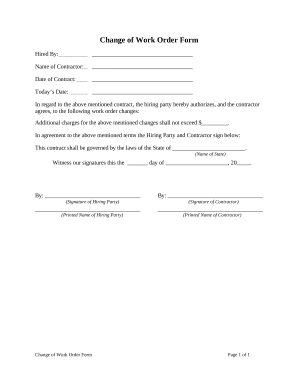
Here are the following details should be included in the construction work order format word: Contact Information: The construction work order format PDF specifies whom the client can contact regarding queries or in any uncertain situation. Assignment Information. Dates. Service Description. Material Description. Signature.
Eight Steps to Creating a Work Order Management Process Understand and Implement the Right Maintenance Plan. Evaluate Paper vs. Implement CMMS Software. Create Work Orders for All Tasks. Use SOP Templates. Prioritize Work Orders. Automate Work Orders for Recurring PMs. Develop a Work Order Review Process.
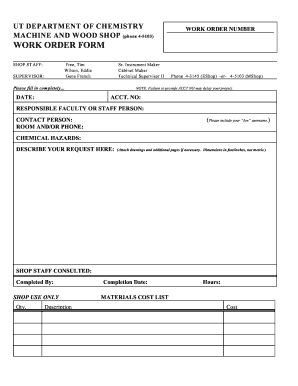
Here are the most important components of a work order form: Title and description of the task. Name of the customer or business requesting the task. Name of the assigned worker and contact information. Time frame for completion. Priority. Necessary tools or support for completion.
A standard work order template includes: Work order number: A unique identifier for the service ticket. Contact name: The name of the person requesting the work. Contact information: The requestors contact information. Description of work: A description of the work that needs to be done.
What is a work order? A work order is a document that includes all the details of maintenance tasks and outlines a process for completing those tasks. Work orders are the driving force behind any organizations maintenance strategy.
For example, a manager of an apartment complex may receive work requests from their tenants for maintenance work to be done. They issue work orders based on those requests and assign them to their crew.
You should include the following information in your work order letter: Company name. Start with your company name, typically in one of the upper corners. Company address. Below the company name, include your address. Work order number. Work order title. Work order description. Priority level. Work location. Workers name.