
Accounting Order Forms
Locate relevant templates in Accounting Order Forms online catalog and effortlessly edit them online. Gain complete control of your documents and ensure document security and compliance without breaking a sweat.

Create a new Accounting Order Form
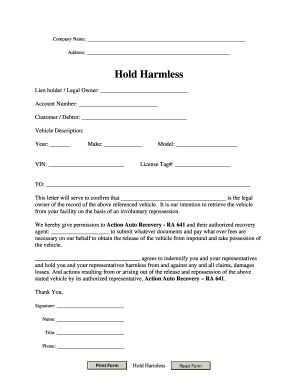
Repo order form
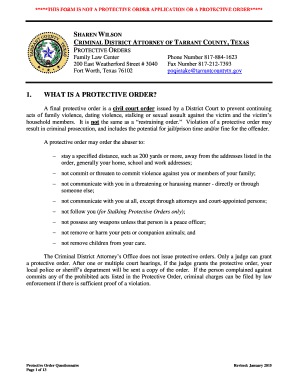
Tx poq protective order
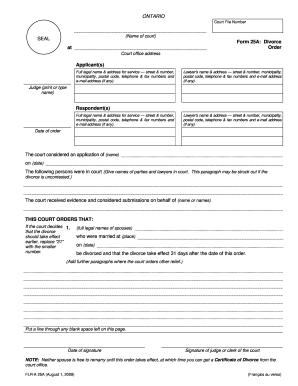
Form 25a divorce order
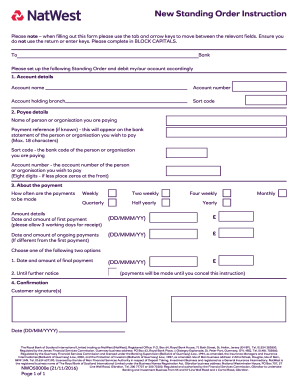
Natwest standing order form
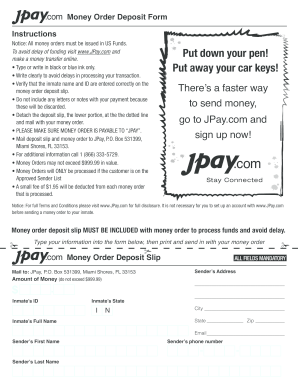
Jpay send money order
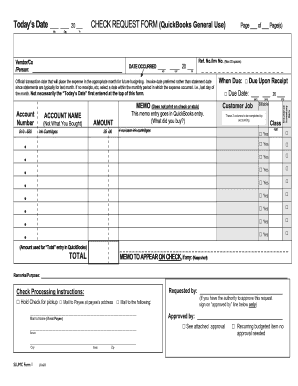
Check request form
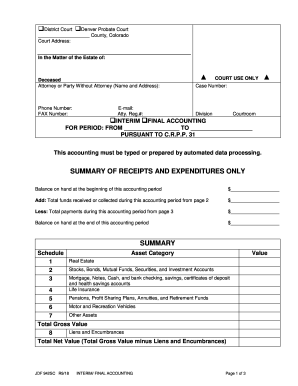
Colorado jdf 942 accounting search
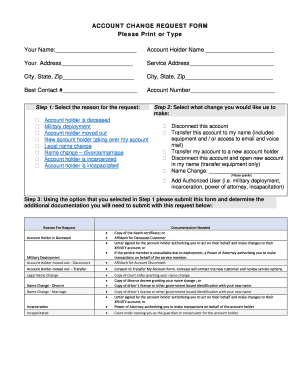
Xfinity account change request form

Lcbo com forms vendor information
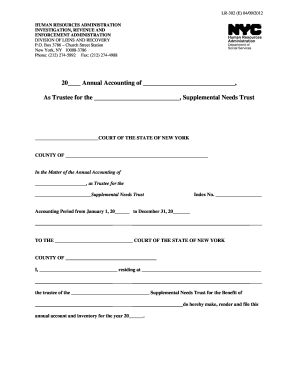
Accounting form 2012
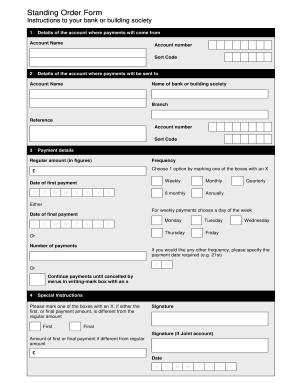
Standing Order Form. Basic Bank Accounts
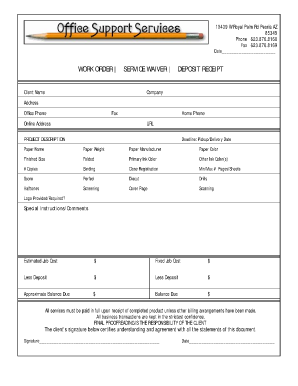
Job order receipt
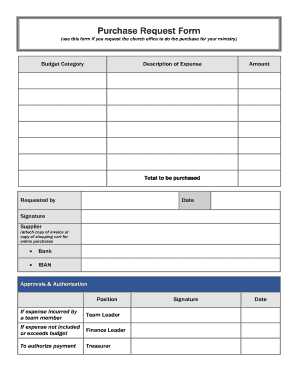
Purchase Request Form (use this form if you request the church office to do the purchase for your ministry) Budget Category Description of Expense Amount - ibcberlin
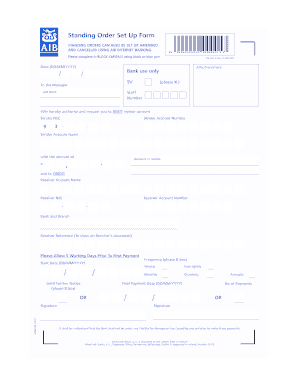
Aib standing order form
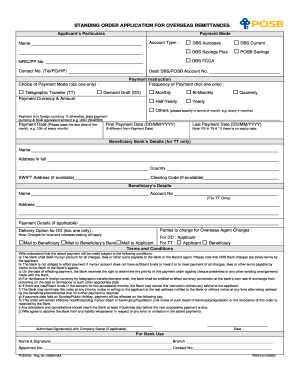
Standing order application form
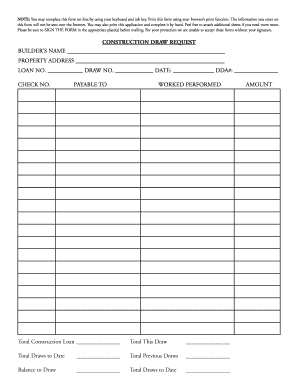
CONSTRUCTION DRAW REQUEST - Missouri Bank
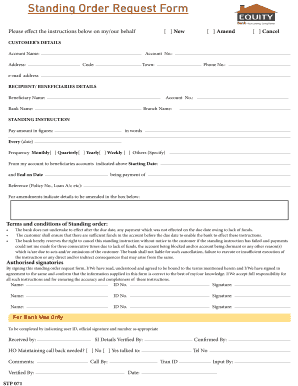
Equity bank standing order

Emtek order form

Catic

Seed purchase order
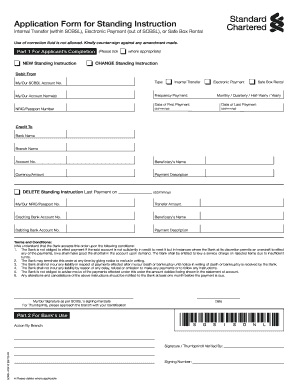
Kina bank standing order form pdf
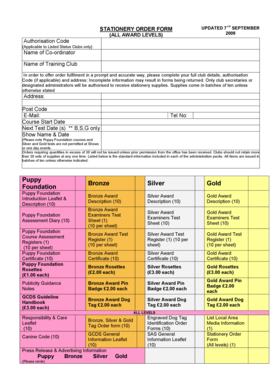
Stationery Order Form - The Kennel Club
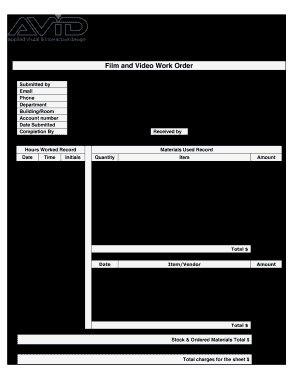
Video Work Order Form - Northeast High School - nehs phila k12 pa
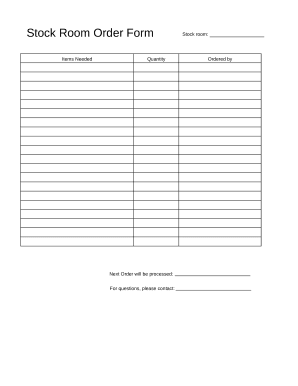
Stock Room Order Form
Order Form - Workforce Central SaaS for SMB

Santander standing order form download
Christiana Care Mail Order Pharmacy Order Form
Sample research proposal on accounting and finance pdf
Rbs standing order form

Bank change order form
Supercharge your work productivity with Accounting Order Forms
Papers management takes up to half of your office hours. With DocHub, it is simple to reclaim your time and enhance your team's productivity. Get Accounting Order Forms collection and check out all form templates relevant to your day-to-day workflows.
Easily use Accounting Order Forms:
- Open Accounting Order Forms and employ Preview to obtain the appropriate form.
- Click on Get Form to begin working on it.
- Wait for your form to upload in our online editor and start modifying it.
- Add new fillable fields, symbols, and images, modify pages, etc.
- Fill your form or set it for other contributors.
- Download or share the form by link, email attachment, or invite.
Speed up your day-to-day document management with the Accounting Order Forms. Get your free DocHub profile today to discover all templates.
Video Guide on Accounting Order Forms management

Commonly Asked Questions about Accounting Order Forms
How do you draft an order form?
What Should Be Included in an Order Form? The name of your company (legal name). Your companys current address. Customers details, including name and email address. The shipping address of the customer. Purchase order date. Sales order number. Salespersons name. Date of shipping. How To Make An Order Form: 4 Easy Steps to Follow - Contracts Counsel Contracts Counsel how-to-make-an-ord Contracts Counsel how-to-make-an-ord
What is the best way to create an order form?
Steps to Create an Order Form Decide what to sell. Choose a form builder tool. Customize the template with proper fields. Add photos of the products. Customize the order form with branding. Set up a payment method. Set up a success message. Share the order form.
What is the accounting order?
The steps in the accounting cycle are identifying transactions, recording transactions in a journal, posting the transactions, preparing the unadjusted trial balance, analyzing the worksheet, adjusting journal entry discrepancies, preparing a financial statement, and closing the books.
How do I make a paper order form?
Youll need a few key pieces of information to put together an order form template: Customers name and contact info (phone number and/or email address) Delivery address (for physical products) Payment information. Product order information (name/SKU, quantity, pricing, etc.) Your business address. Printable order form templates | docHub docHub hub order-form-template docHub hub order-form-template
What is an order form in accounting?
What is an order form? An order form is a document that records one or more business transactions between a buyer and a seller. It may also be called a business order form, sales order form, online order form, procurement order form, inventory order form, or service order form.
What is the best program to create an order form?
Google Forms is a popular tool that allows users to create order forms quickly and easily using pre-made templates or by designing their own forms. PDFs with fillable forms are also an option for creating order forms, which can be filled out and submitted electronically. Create an order form: How to make order forms | docHub docHub acrobat hub create-an-ord docHub acrobat hub create-an-ord
What are accounting forms?
What is an Accounting Form? Accounting forms are used to access information about the income and expenditures of businesses. It also provides data on potential losses, the actual loss, the outstanding liabilities, and the assets. They are also used to avoid or eliminate costly mistakes in businesses.
Does Google have an order form template?
Step 1: Create a form Navigate to Google Forms and choose from a blank form or one of the provided templates. There is an order form template available, but it doesnt include any payment questions. How to Make a Purchase Order Form in Google Forms - Paperform Paperform google-forms purchase-order-fo Paperform google-forms purchase-order-fo