
Quality impressions Business Forms
Obtain customizable Quality impressions Business Forms in our comprehensive online catalog. Browse for the relevant form, open it, and start adjusting it immediately with DocHub free account.

Create a new Quality impressions Business Form
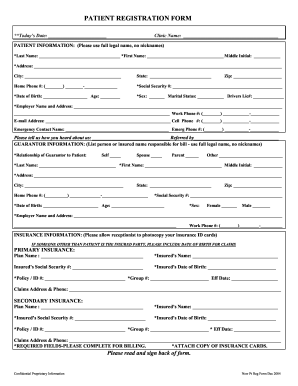
New patient registration forms

Crt 61
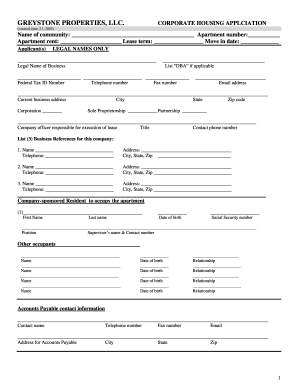
Corporate rental application
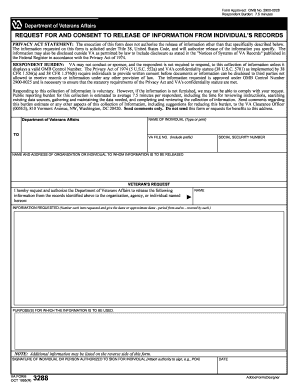
Information va
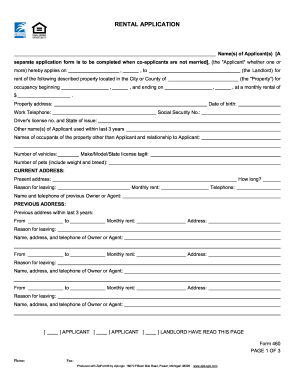
Sc application rental

Black and decker donation request
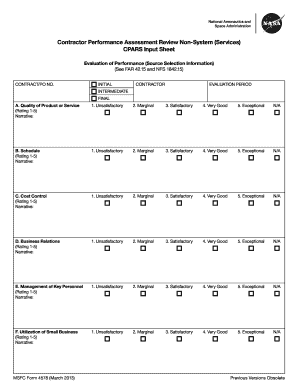
Contractor performance evaluation template excel
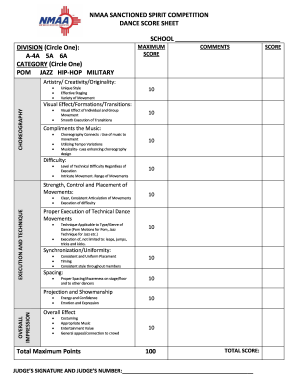
Competition dance score sheet template
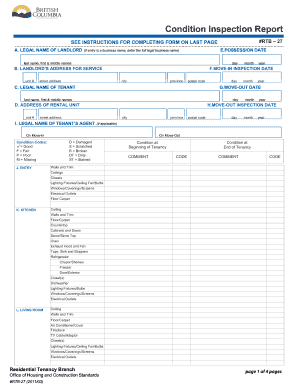
Rtb 27

Patient Registration Form.pdf

Military form dd 1172 download
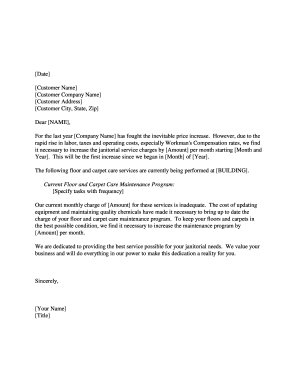
Stuff increase letter
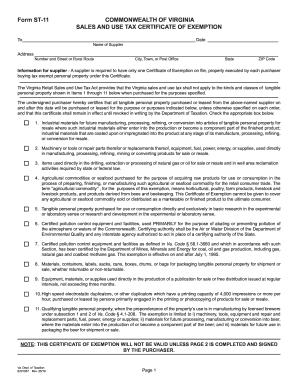
Commonwealth of virginia sales and use tax exemption forms
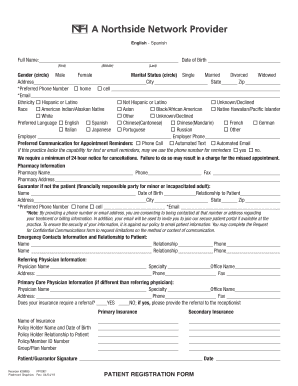
Patient registration
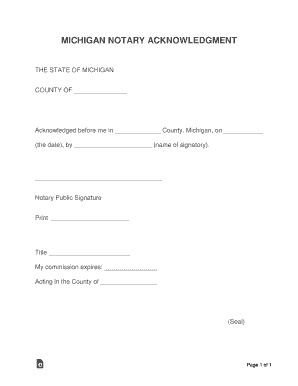
Michigan notary acknowledgement
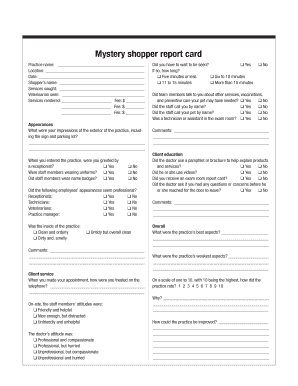
Mystery shopper report card - dvm360com

PATIENT REGISTRATION INFORMATION Patient Registration Form
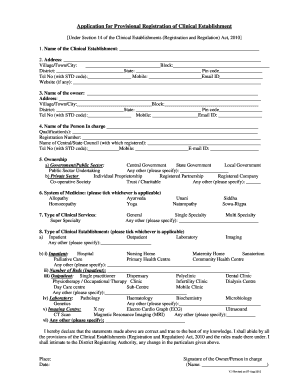
Clinic registration form

PATIENT REGISTRATION FORM 042315pdf

ABKC Show Entry Form 2015 - American Bully Kennel Club - theabkcdogs
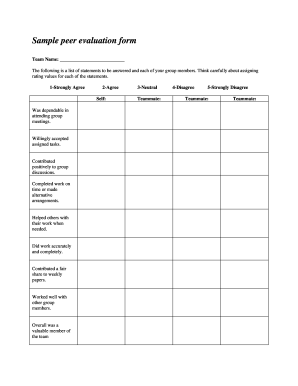
Peer evaluation form
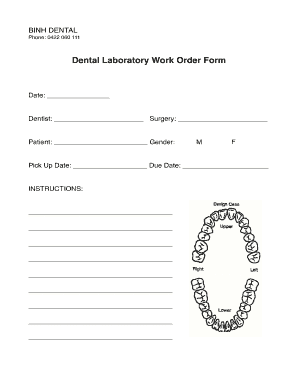
DENTAL LABORATORY WORK ORDER FORM Date: Laboratory ...
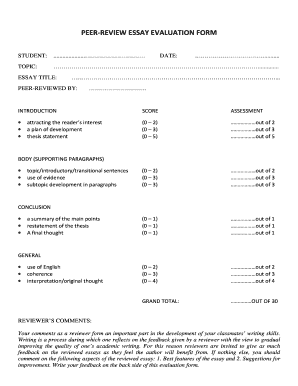
Peer-review essay evaluation form
Secondment agreement template
Childrens walk sponsored form template
Form 721 virgin islands
Fingerprint authorization form
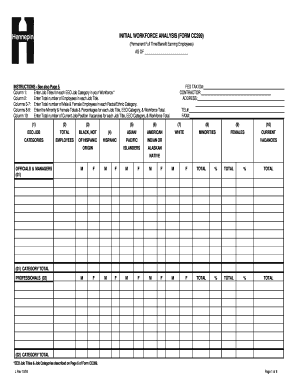
Workforce analysis form
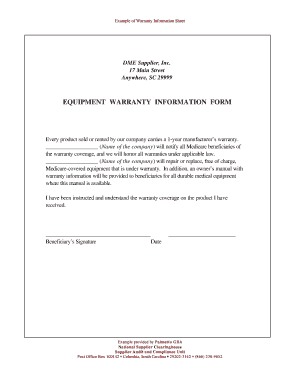
Equipment warranty template

Peer review checklist

Business reference form
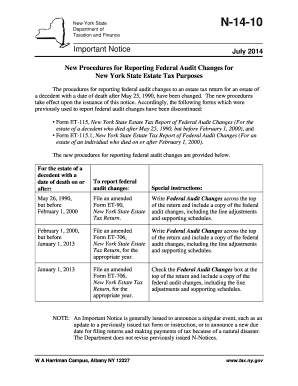
N-14-10

State connecticut foregoing
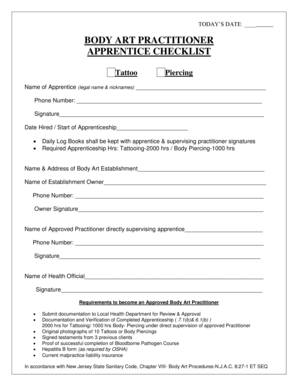
Tattoo apprenticeship checklist

DECLARATION FOR THE PASSES & PTOS FOR FAMILY MEMBERS DEPENDENTS FOR THE YEAR 200
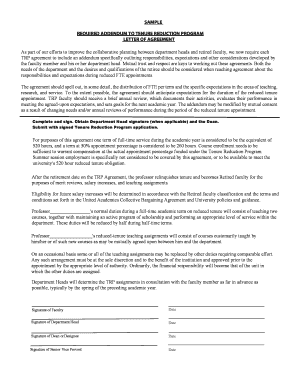
Addendum reduction
-
1
- 2
Handle Quality impressions Business Forms effortlessly online
Document administration can overwhelm you when you can’t discover all of the documents you require. Luckily, with DocHub's extensive form categories, you can find all you need and easily take care of it without switching between programs. Get our Quality impressions Business Forms and begin utilizing them.
Using our Quality impressions Business Forms using these basic steps:
- Check Quality impressions Business Forms and select the form you require.
- Review the template and click Get Form.
- Wait for it to open in the online editor.
- Modify your form: include new information and images, and fillable fields or blackout certain parts if needed.
- Fill out your form, preserve alterations, and prepare it for delivering.
- When you are ready, download your form or share it with other contributors.
Try out DocHub and browse our Quality impressions Business Forms category with ease. Get a free profile today!
Video Guide on Quality impressions Business Forms management

Related Templates
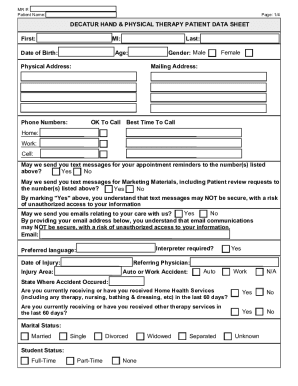
DECATUR HAND & PHYSICAL THERAPY 3$7,(17 '$7$ 6+((7 )LUVW 0
The document is a patient data sheet and intake form for Decatur Hand & Physical Therapy, collecting essential informati ...
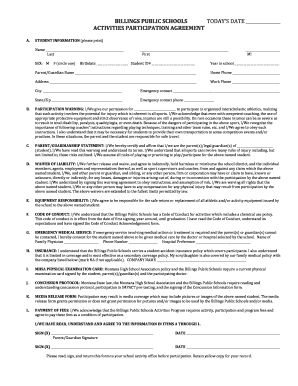
Western Academy of Beijing: International School in Beijing Top
The document is an Activities Participation Agreement for Billings Public Schools, requiring parental consent for a stud ...

Industrial HVAC & Generator Rentals in FL, TX & LAPortable Air
The document outlines the rental process for portable air conditioning units at FVCC, including fees, delivery and colle ...
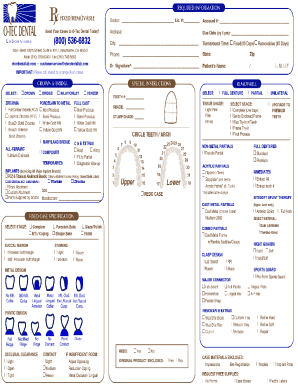
Otec dental lab

Edms cover sheet dhsDocumentine
The document is an EDMS coversheet for faxing documents related to the Oregon Medicaid Electronic Document Management Sy ...

Pediatric Patient Intake Form
The document is a Pediatric Patient Intake Form designed for collecting essential information about a child seeking chir ...
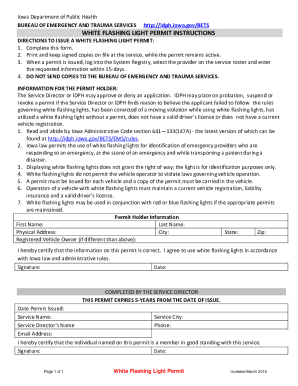
Iowa flashing light
The document provides instructions for obtaining a White Flashing Light Permit from the Iowa Department of Public Health ...
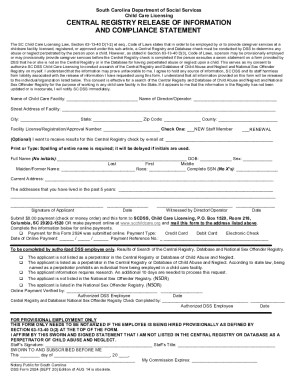
Dss form 2924
The document outlines the requirements for conducting a Central Registry and Database check for individuals seeking empl ...