Get and handle System room Booking Templates online

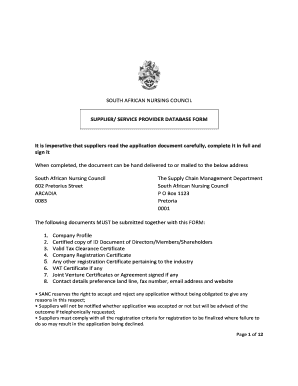
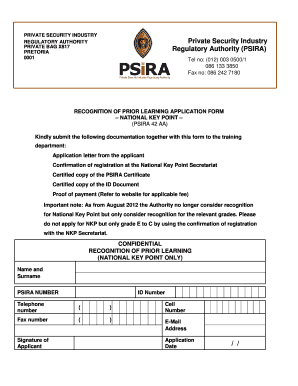
Speed up your document managing using our System room Booking Templates category with ready-made form templates that meet your requirements. Access your document template, change it, fill it, and share it with your contributors without breaking a sweat. Start working more effectively with your forms.

The best way to manage our System room Booking Templates:

  1. Open our System room Booking Templates and search for the form you need.
  2. Preview your form to ensure it’s what you want, and click on Get Form to start working on it.
  3. Edit, include new text, or highlight important information with DocHub features.
  4. Prepare your form and preserve the adjustments.
  5. Download or share your document with other recipients.

Examine all of the possibilities for your online file management using our System room Booking Templates. Get your totally free DocHub profile right now!


Video Guide on System room Booking Templates management

video background

Commonly Asked Questions about System room Booking Templates

Making the booking Id like to book a (single / double / twin) room for two nights, please. Id like to make a reservation for a (single / double / twin) room for the night of (date), please. Do you have any double rooms left for the weekend? Do you have any double rooms available this weekend?
When writing an email to a hotel, you can start with Hello or Dear (hotel name). Say clearly the dates you want, the room type and whether you want breakfast or not. Dont forget to mention any additional information or special requests. Ask them to confirm your booking.
Booking the Hotel Once you have selected your hotel room, you can reserve it online through the hotel website. You will need to provide basic information about yourself for the booking, such as your full name and your travel dates. You can also reserve the room by calling the hotel directly.
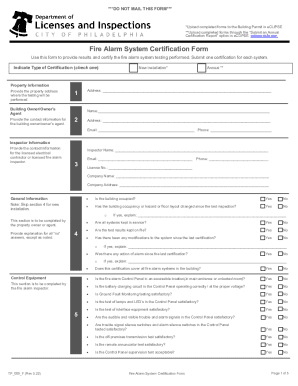
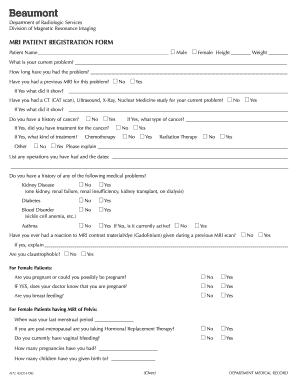
Its a document that collects all the necessary information from the guest, ensuring a smooth and efficient reservation process. This form is a key point of interaction between the hotel and the guest, and its design and functionality can docHubly impact the guests booking experience.
Here are eight of the most important. Step 1: Research. Step 2: Compare the options. Step 3: Choose a hotel. Step 4: Enter details. Step 5: Make payment. Step 6: Receive a booking confirmation. Step 7: Arrive check in. Step 8: Checkout and post-stay engagement.
A reservation form for a hotel should include the visitors name, contact details, details about the room they want to reserve, and a payment field (which is optional but can be easily incorporated with our form builder, for example).
0:17 4:45 Yes its three four five three four four thank you how would you like to pay. I can pay throughMoreYes its three four five three four four thank you how would you like to pay. I can pay through credit. Card. Okay I will call you back in about 10 minutes to confirm your booking.
What information should be included in a hotel reservation form? Guest name. Contact information (phone and/or email) Check in and check out dates (with times) Number of guests. Room type and other preferences. Payment details and confirmation.
Here are five of the top features to look for in a hotel booking system. Real-time updates. Of course, your reservation system needs to offer real-time updates so that potential guests know what they can book and staff can keep track of operations. Payment processing. Flexibility. A global outlook. Integration options.