
Database and Booking Templates
Access a extensive online library of documents and Database and Booking Templates. Simplify your professional booking workflows and remain compliant and secure.

Create a new Database and Booking Template
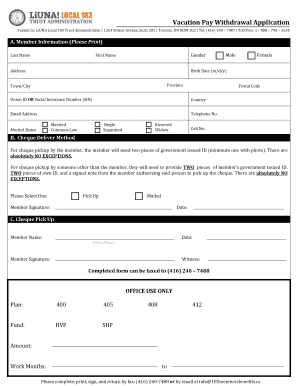
Local 183 vacation pay withdrawal

Tn sos workers exemption
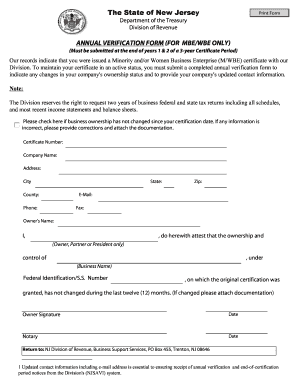
Nj annual verification

3 186a form
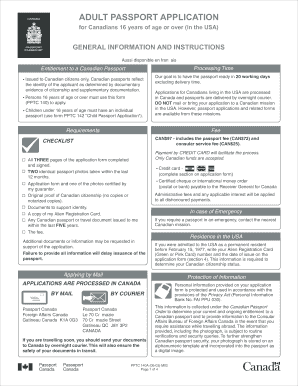
Adult passport general information get

Ohio certificate adoption

Lcbo com forms vendor information
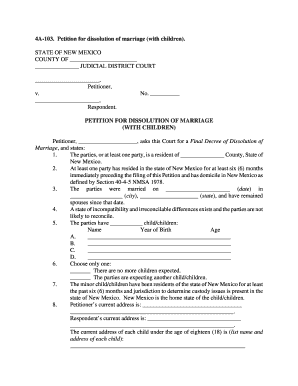
4a 103

Hyatt credit card authorization form
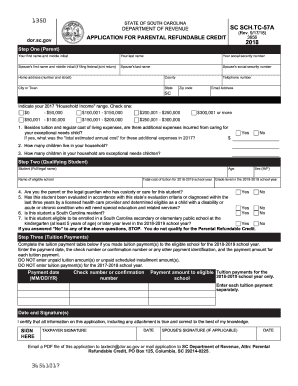
Tc 57a

Dvbnachcs form
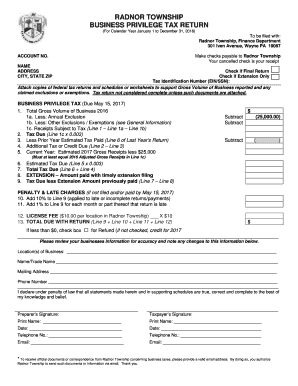
Radnor township bpt

Teacher & Substitute Teacher Application Form - Diocese of San Jose - dsj
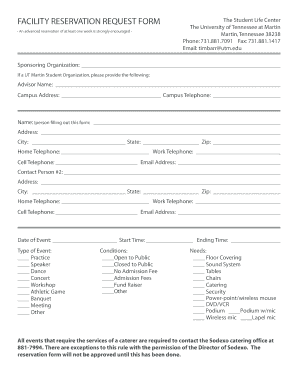
Reservation application form

Booking form Schenker - 136 - logistics dbschenker
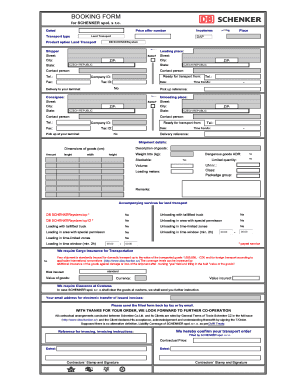
Booking form (PDF) - DB Schenker - dbschenker

VA Form 10-10172. COMMUNITY CARE PROVIDER - REQUEST FOR SERVICE.
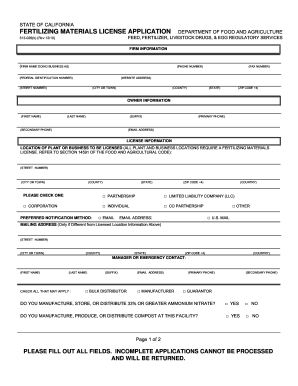
California fertilizer registration
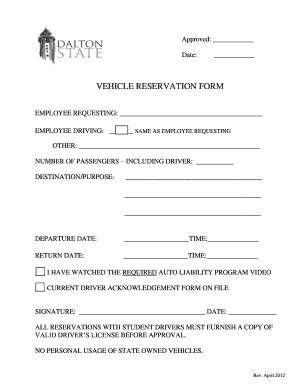
Vehicle reservation form
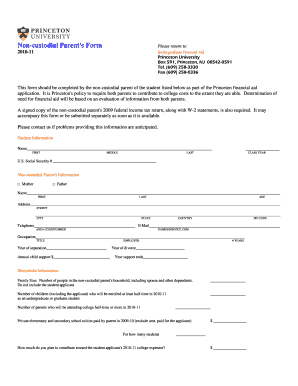
Non-custodial Parent's Form - Princeton University - princeton
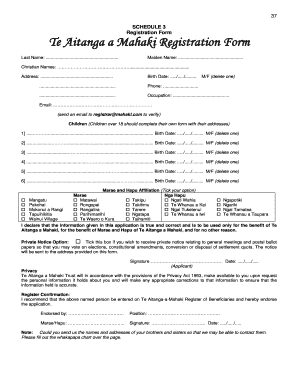
Te aitanga a mahaki registration
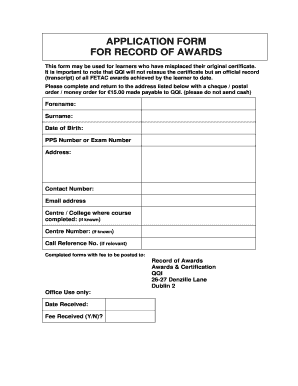
Fetac certificate replacement
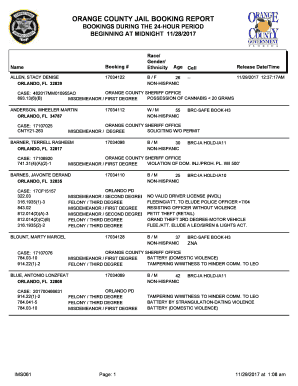
Orange county jail booking report

Reservation form in merriot hotel
Amadeus quick reference guide 2022 pdf
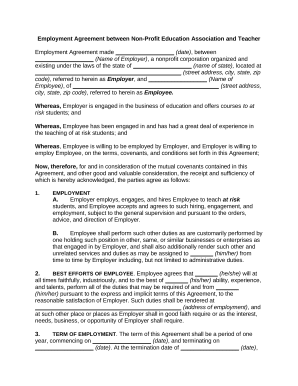
Agreement teacher contract
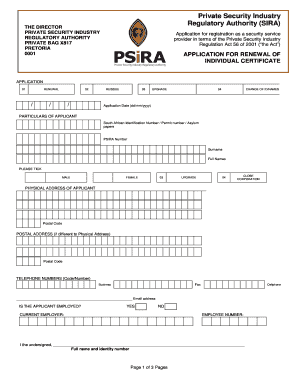
Annual review of administration fees - PSiRA
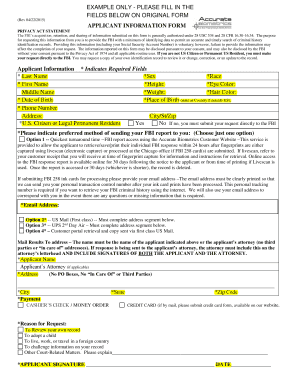
Biometric form
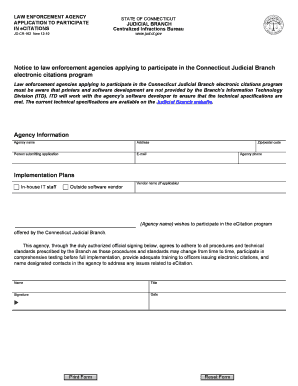
The ecitation ct
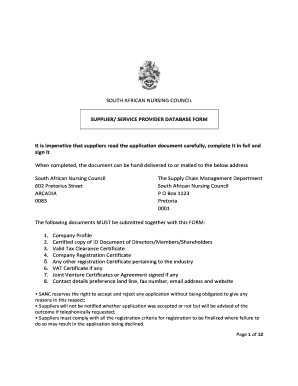
Mediclinic vendor registration
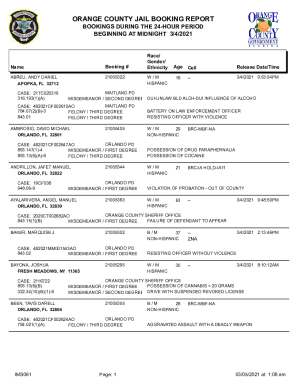
ORANGE COUNTY JAIL BOOKING REPORT
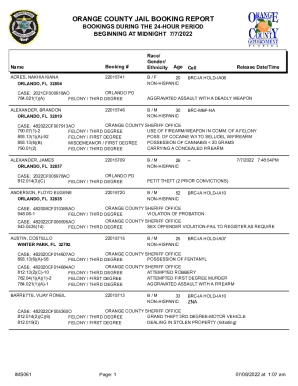
Orange county jail booking report
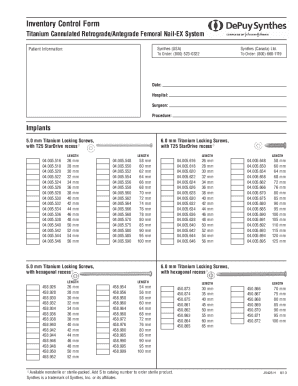
Rafn inventory
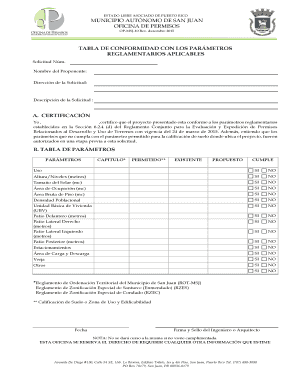
ESTADO LIBRE ASOCIADO DE PUERTO RICO MUNICIPIO AUT NOMO DE SAN JUAN OFICINA DE PERMISOS OP-MSJ-10 Re
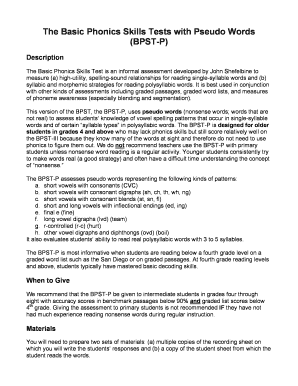
BPST-P complete doc
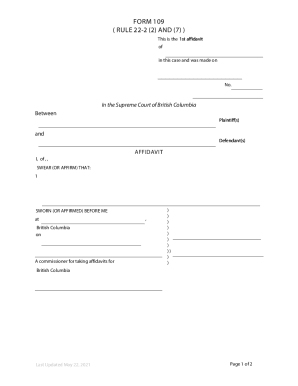
Supreme Court Civil Form - Form 109 - Affidavit Supreme Court Civil Form - Form 109 - Affidavit
-
1
- 2
Improve your efficiency with Database and Booking Templates
Papers administration consumes to half of your office hours. With DocHub, you can reclaim your office time and increase your team's productivity. Access Database and Booking Templates category and check out all document templates related to your daily workflows.
Easily use Database and Booking Templates:
- Open Database and Booking Templates and use Preview to get the suitable form.
- Click on Get Form to start working on it.
- Wait for your form to open in the online editor and start editing it.
- Add new fillable fields, icons, and images, adjust pages, etc.
- Fill your document or prepare it for other contributors.
- Download or deliver the form by link, email attachment, or invite.
Speed up your daily file administration with the Database and Booking Templates. Get your free DocHub profile right now to discover all templates.
Video Guide on Database and Booking Templates management

Commonly Asked Questions about Database and Booking Templates
How to create a database with a template?
To create a new database from a template Choose File - Application - New. In the Title field, enter a title for the new database, using a maximum of 96 characters. Select a template from the list. (Optional) Click Encryption. (Optional) Click Advanced and select the options that you want applied to your database. Creating a database from a template - Product Documentation Product Documentation domdesigner appdev H Product Documentation domdesigner appdev H
What are template databases in Postgres?
CREATE DATABASE actually works by copying an existing database. By default, it copies the standard system database named template1 . Thus that database is the template from which new databases are made.
How do I create a book database in Access?
Create a database in Access Open Access. If Access is already open, select File New. Select Blank database, or select a template. Enter a name for the database, select a location, and then select Create. If needed, select Enable content in the yellow message bar when the database opens. Create a database in Access - Microsoft Support Microsoft Support en-us office create-a- Microsoft Support en-us office create-a-
What template assist you when creating a database?
An Access template is a file that, when opened, creates a complete database application. The database is ready to use, and contains all the tables, forms, reports, queries, macros, and relationships that you need to start working. Use a template to create an Access desktop database - Microsoft Support Microsoft Support en-gb office use-a-te Microsoft Support en-gb office use-a-te
How to create a database using a template?
To create a new database from a template Choose File - Application - New. In the Title field, enter a title for the new database, using a maximum of 96 characters. Select a template from the list. (Optional) Click Encryption. (Optional) Click Advanced and select the options that you want applied to your database.
Why do we use templates in ASUS?
Because the templates are designed to be complete end-to-end database solutions, they save you time and effort and enable you to start using your database right away.
What are the different templates used in data list?
Lets see the supported DataList template fields as follows: ItemTemplate: It specifies elements present in DataSource and renders in browsers as many rows that appear in the data source collection. HeaderTemplate: The contents of header elements used to display header text to data source collection.
What are database templates?
Database templates are a set of business and technical data definitions that are pre-designed to meet the needs of a particular industry. Overview of Azure Synapse database templates - Microsoft Learn Microsoft Learn azure database-designer Microsoft Learn azure database-designer
Related Templates

Fdic statement beneficial ownership
The document is Form 3, an Initial Statement of Beneficial Ownership of Securities filed with the Federal Deposit Insura ...
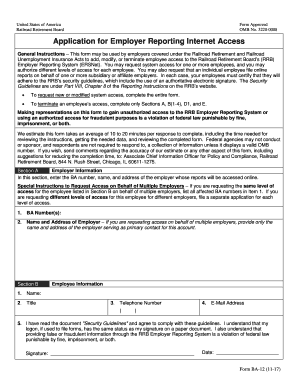
Rrb application employer internet
The document is an application form for employers under the Railroad Retirement and Railroad Unemployment Insurance Acts ...
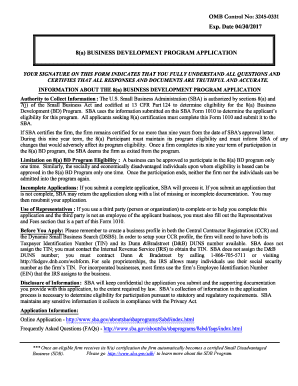
Disadvantaged Business Enterprise Program Final (Full)
The document explains that once a firm receives its 8(a) certification, it automatically becomes a certified Small Disad ...

Coi certificate entity sample
The document is a Certificate of Insurance for a Broker Business Entity, required by the Texas Real Estate Commission. I ...

Texas rf easement right of way
The document outlines the renewal process for Easement or Right-of-Way (ERW) registration for individuals and businesses ...
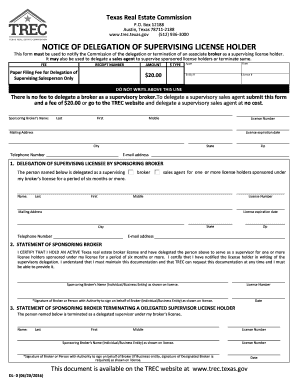
Trec dl form
The document is a form from the Texas Real Estate Commission used to notify the Commission about the delegation or termi ...
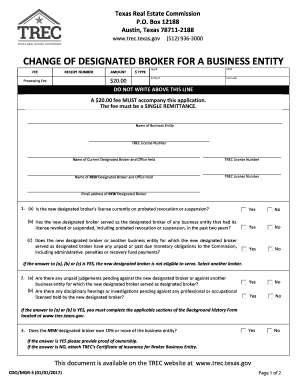
Tx cdo entity search
The document outlines the process and requirements for changing the designated broker for a business entity in Texas, in ...