
Create an Application Forms
Browse various Create an Application Forms relevant to your needs. Streamline the submission process and safely store finished documents within your DocHub account.

Create a new Create an Application Form
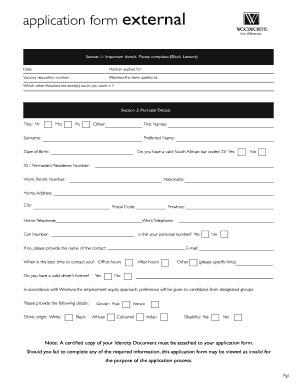
Woolworths application form
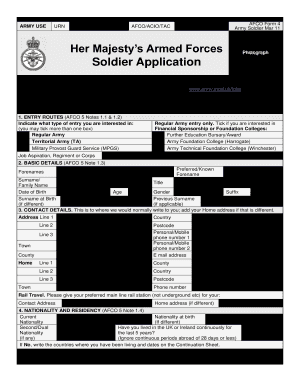
British army application form
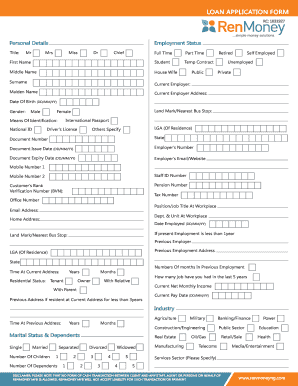
Renmoney loan application form
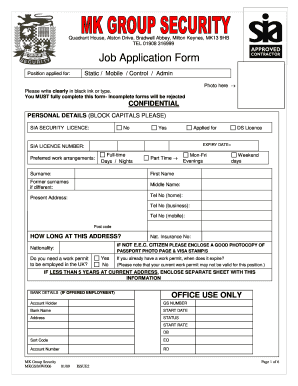
Mts security application form 2022
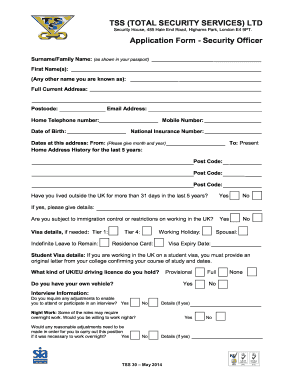
Tss security job application form
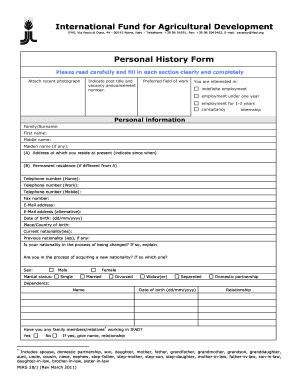
Histony application forms
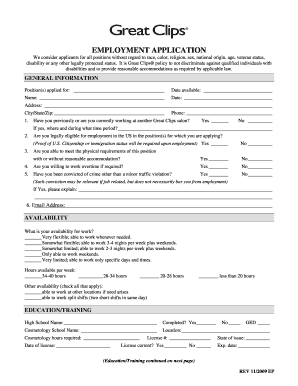
Application form pdf
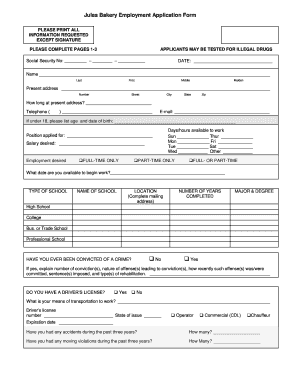
Bakery application form

Kaizer chiefs academy application forms 2022
Application form
Hap application form pdf

Aldi application form
Application printable
Itac application form for motor vehicle
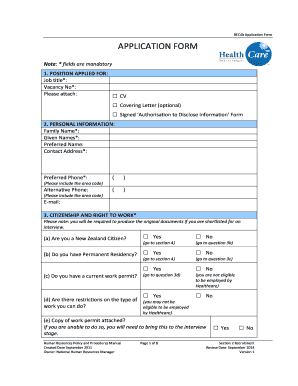
Download the job application form - HealthCare NZ
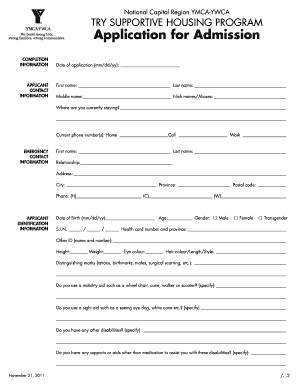
Ywca application form
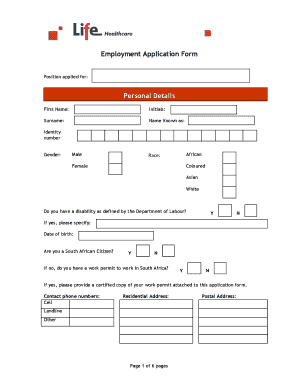
Hospital job application form pdf
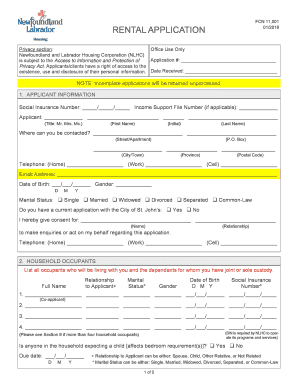
Nl housing application
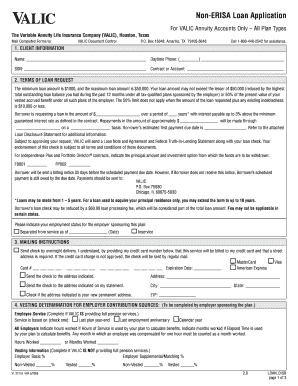
Valic loan application form
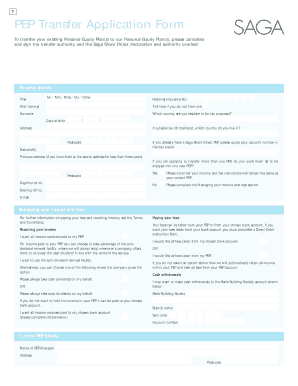
Jobjack pep application form 2022
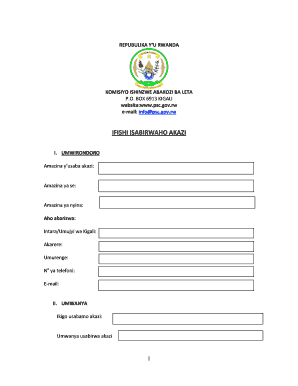
Application form mifotra

Library employment application form
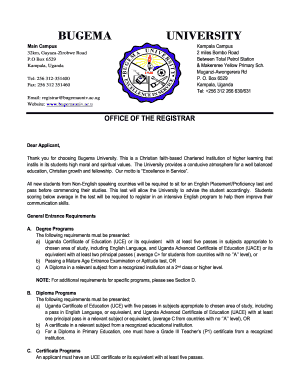
Bugema university application form download
Ikea application form online

Form sa002
EdIndex application form - CEC Hosting

Application copy of form
Zanaco application forms
Communicare application forms
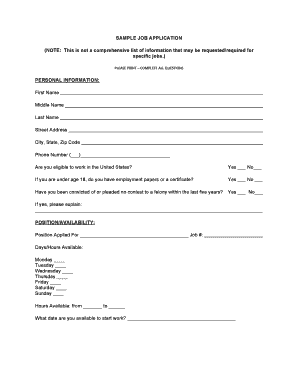
Sample job application form

H 2b visa application forms
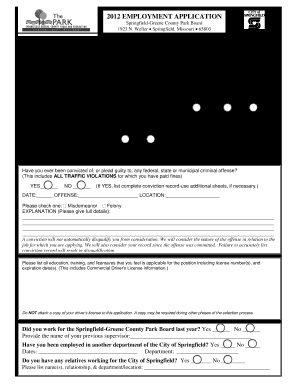
Hestony driver application form 2022
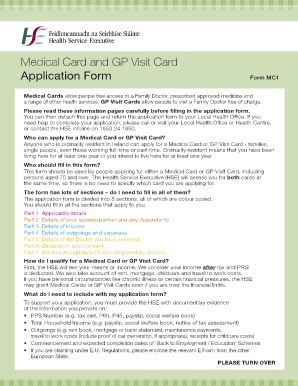
Gp application form
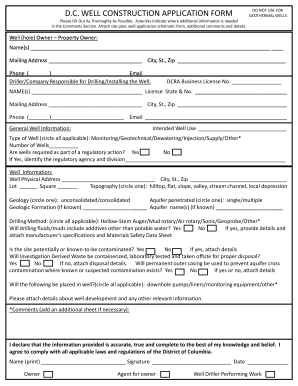
Construction application form
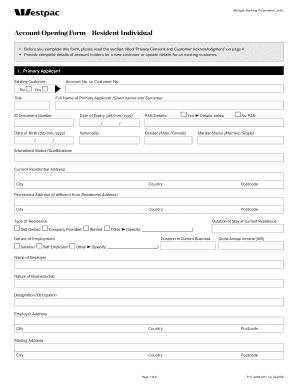
Westpac png application forms
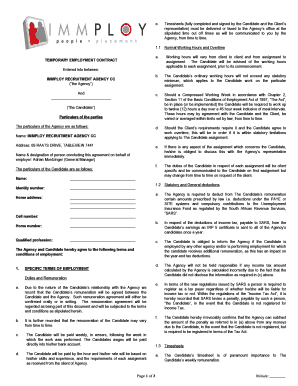
Immploy application form
-
1
- 2
Improve your form administration with Create an Application Forms
Your workflows always benefit when you can easily get all of the forms and files you require at your fingertips. DocHub offers a huge selection of forms to alleviate your daily pains. Get hold of Create an Application Forms category and easily discover your document.
Start working with Create an Application Forms in several clicks:
- Open Create an Application Forms and discover the form you need.
- Click Get Form to open it in our editor.
- Begin adjusting your document: add more fillable fields, highlight paragraphs, or blackout sensitive facts.
- The app saves your modifications automatically, and once you are all set, you can download or share your file with other contributors.
Enjoy seamless document administration with DocHub. Check out our Create an Application Forms category and locate your form today!
Video Guide on Create an Application Forms management

Commonly Asked Questions about Create an Application Forms
How do I create a digital application form?
The easiest way to create a digital form is by using a web form builder with a drag drop interface, like 123FormBuilder. No need to waste time with coding creating and embedding forms on your website is easier than ever (and even more so if you use a form template.)
How do I create an apply form?
Step by Step for building an application form with high completion rate Step 1 - Sign up to MightyForms. The first step is simple. Step 2 - Drag and Drop fields. Step 3 - Design your form. Step 4 - Add integrations and features for form automation. Step 5 - Share your application form.
How to make a Google form application?
How to use Google Forms Step 1: Set up a new form or quiz. Go to forms.google.com. Step 2: Edit and format a form or quiz. You can add, edit, or format text, images, or videos in a form. Step 3: Send your form for people to fill out. When you are ready, you can send your form to others and collect their responses.
How to create an application form for free?
Login to your Canva account and search for form templates. Pick a design or start with a blank template. Choose a pre-made form template design. Customize your form. Edit your form by adding text, labels, logos, and other graphic elements. Download and print. Publish and share your form.
Related Templates
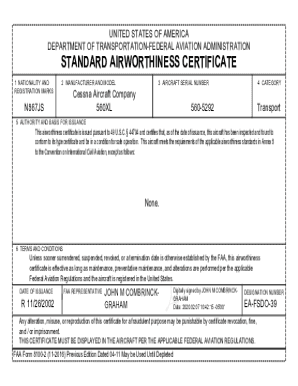
Faa form 8100 2
The document is a Standard Airworthiness Certificate issued by the Federal Aviation Administration (FAA) for a Cessna 56 ...
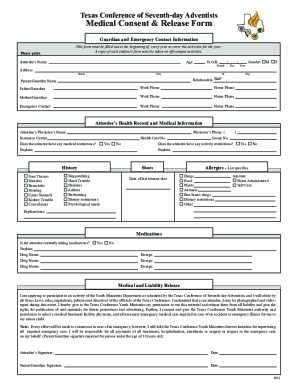
TX Conference of Seventh-day Adventists Medical Consent
The document is a Medical Consent & Release Form for the Texas Conference of Seventh-day Adventists, requiring completio ...

Sc expungement application
The document is an expungement application form for Greenville County, South Carolina, issued by the Thirteenth Judicial ...

Australia disability support pension
The document appears to be empty or contains no discernible content to summarize.
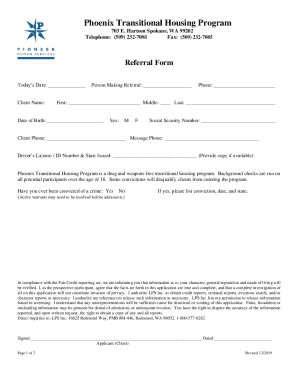
Phoenix Transitional Housing Program - Pioneer Human Services
The document outlines the referral process for the Phoenix Transitional Housing Program, a drug and weapons-free facilit ...

School Attendance Note
The document is an attendance note for Bethesda-Chevy Chase High School, used for reporting absences, early departures, ...
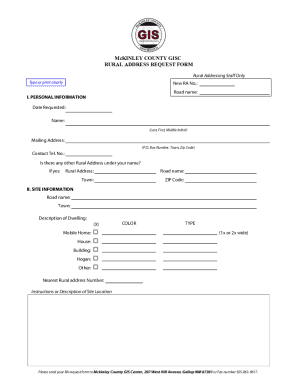
MC rural Address Request Form (PDF) - MC GIS RA Request Form Ver. 016 (PDF)201606240941060710.pdf
MC rural Address Request Form (PDF) - MC GIS RA Request Form Ver. 016 (PDF)201606240941060710.pdf
The document is a Rural Address Request Form for McKinley County, designed to facilitate the process of obtaining rural ...

Veterinary Services At Belton Veterinary Clinic
The document is a Surgery/Dental Release Form from Belton Veterinary Clinic, outlining the procedures and requirements f ...