
Border Abstract Templates - Page 2
Find Border Abstract Templates and effortlessly modify them without searching for hours for the relevant document. Effortlessly modify and send your document, gather data, and save completed documents in your DocHub profile.

Create a new Border Abstract Template

Va form 10230a
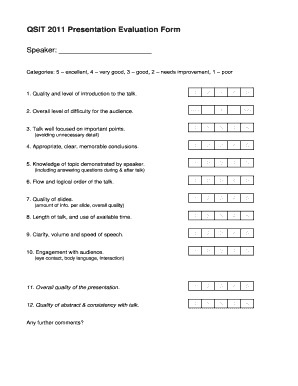
QSIT 2011 Presentation Evaluation Form Speaker: Categories: 5 excellent, 4 very good, 3 good, 2 needs improvement, 1 poor 1 - qudev ethz
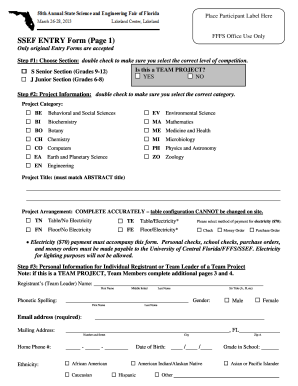
Sef intry form
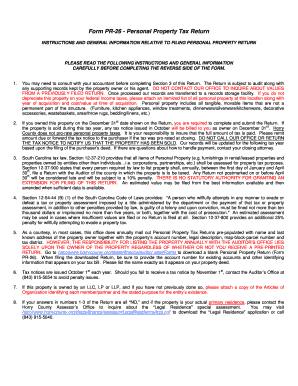
Horry county form pr 26 2013
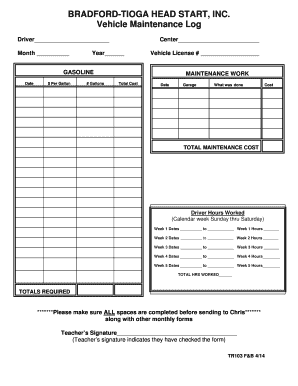
TR 103 Vehicle Maintenance logdoc Records Inspection Report
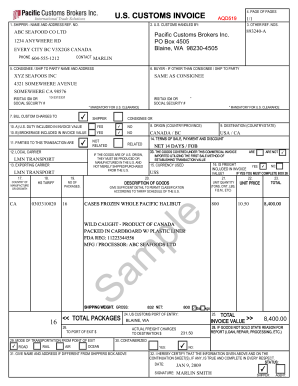
SAMPLE US Customs Invoice Form - Pacific Customs Brokers Ltd
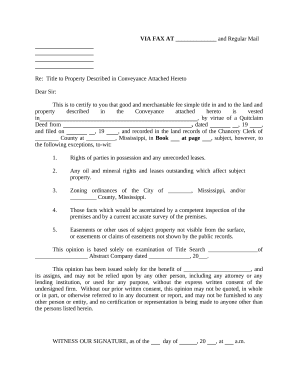
Mississippi title property
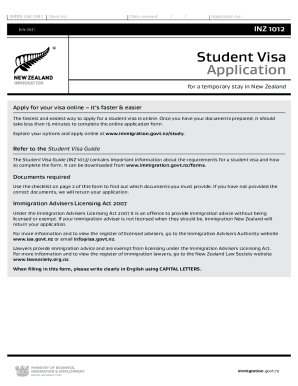
Zealand 2021 application

Form 7523

Cbp form 5129

I 129s
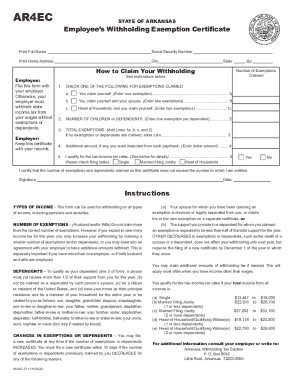
Arkansas.govdfaincometaxSTATE OF ARKANSAS AR4EC Employees Withholding Exemption ...
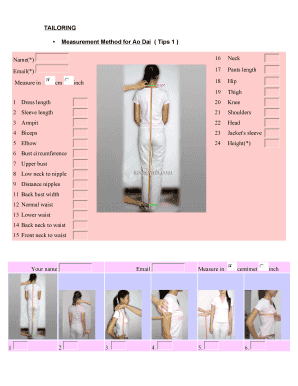
Ao dai measurements
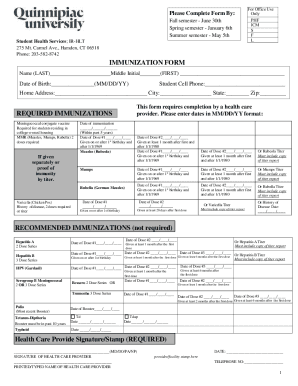
Download health forms - Quinnipiac University
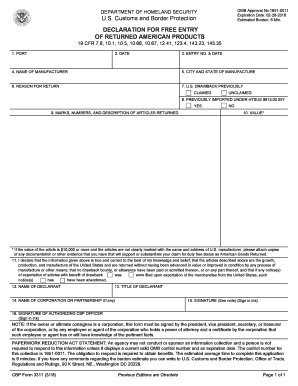
Cbp form 3311
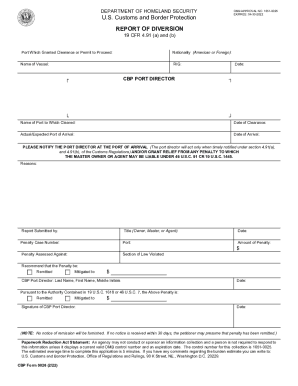
CBP Form 0026 REPORT OF DIVERSION
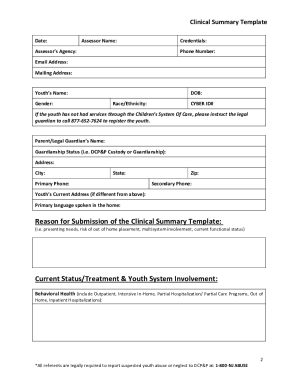
Clinical summary template
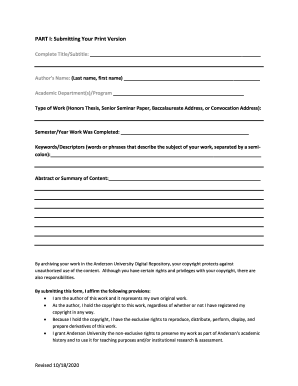
STUDENT WORK PERMISSION & CONSENT FORM Nicholson Library

Consultation request form
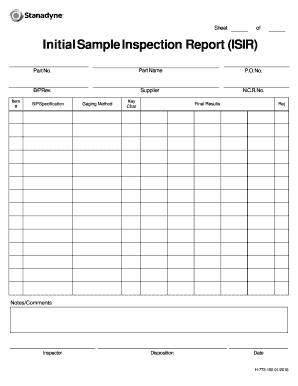
Initial sample inspection report template
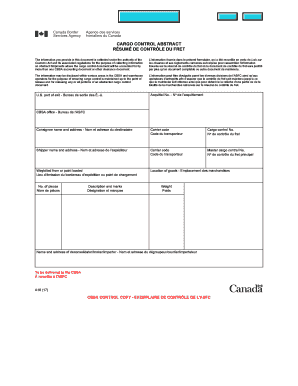
How to cbsa a10

CBP Form 6043
- 1
-
2
Get and handle Border Abstract Templates online
Boost your file managing with the Border Abstract Templates online library with ready-made form templates that meet your needs. Access your form, alter it, complete it, and share it with your contributors without breaking a sweat. Begin working more effectively with your forms.
The best way to use our Border Abstract Templates:
- Open our Border Abstract Templates and search for the form you require.
- Preview your document to ensure it’s what you want, and click Get Form to begin working on it.
- Alter, include new text, or point out important information with DocHub tools.
- Prepare your form and preserve the adjustments.
- Download or share your form with other recipients.
Explore all the opportunities for your online document management with the Border Abstract Templates. Get your totally free DocHub profile right now!
Commonly Asked Questions about Border Abstract Templates
How to create your own borders?
Design a custom border Click BorderArt and in the dialog box that appears, click Create Custom. Click Select Picture. In the Insert Pictures dialog box, browse to the picture you want to use, either on your computer or from Bings Images search. Click the picture, and then click Insert.
How to make a border design in Word?
How to add a page border in word Open Microsoft Word. Open either a new document or open an existing document where you want to apply the page border. Select the Design tab. Open the Borders and Shading window. Customize and add your border.
Are there border templates in Word?
Using a page border template is an easy process and you can create one by following these steps: open Microsoft Word. select Graphics and type in Borders click on the search icon to browse border images.
How to create decorative borders in word?
Go to Design Page Borders. Make selections for how you want the border to look. To adjust the distance between the border and the edge of the page, select Options. Make your changes and select OK.
Where can I get page borders?
Go to Design Page Borders. Make selections for how you want the border to look.
How to make a border in a word document?
0:44 3:00 Click on design. And the very last option is Page borders. As I click there it takes me straightMoreClick on design. And the very last option is Page borders. As I click there it takes me straight into the right dialog box. And Im on the tab page border.
Related Templates

Form 7530 1
The document is a notification form from the United States Environmental Protection Agency (EPA) for owners of undergrou ...
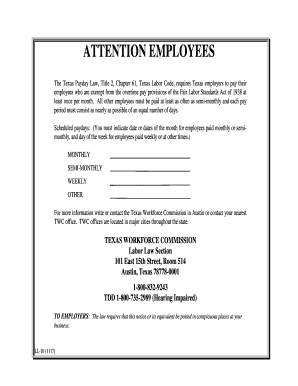
Texas attention workforce commission
The document outlines the Texas Payday Law, which mandates that Texas employers must pay exempt employees at least once ...
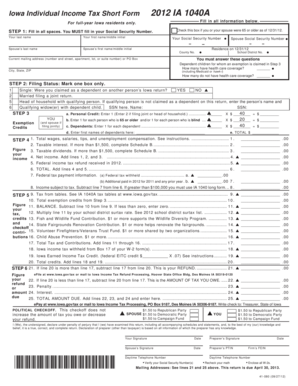
Ia1040a
The document is the 2012 Iowa Individual Income Tax Short Form (IA 1040A) designed for full-year Iowa residents. It prov ...
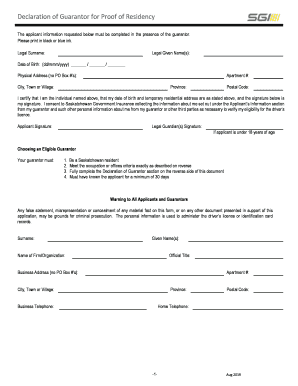
Guarantor form
The document is a 'Declaration of Guarantor for Proof of Residency' required for applicants seeking a driver's license i ...
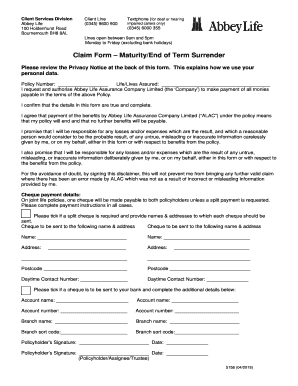
Abbey life covermaster plan
The document is a claim form for maturity or end of term surrender from Abbey Life Assurance Company Limited. It outline ...

Bluebonnet invoice
This document is an invoice for the 2020 Fairhill/Springlake Homeowner’s Dues, amounting to $400, due by January 31, 202 ...

Directv ownership
The document is a DIRECTV Customer Change of Ownership Form designed for commercial and lodging institutions. It facilit ...
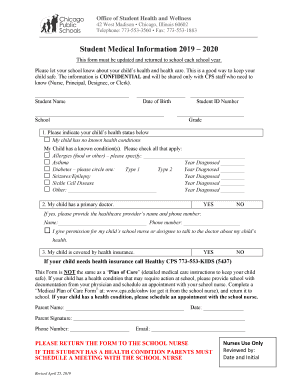
Cps student medical form
The document is a Student Medical Information form from the Office of Student Health and Wellness, intended for parents ...