




Here's how it works

01. Edit your directv ownership online
Type text, add images, blackout confidential details, add comments, highlights and more.

02. Sign it in a few clicks
Draw your signature, type it, upload its image, or use your mobile device as a signature pad.

03. Share your form with others
Send it via email, link, or fax. You can also download it, export it or print it out.
How to use or fill out DIRECTV ownership with our platform

- Click ‘Get Form’ to open the DIRECTV Customer Change of Ownership Form in the editor.
- Begin by entering the date of change of ownership in the designated field. Ensure you use the MM/DD/YYYY format for accuracy.
- Fill in the Business Name and Physical Address, including Street Address, City, State, and ZIP code. This information is crucial for identifying your account.
- Provide a phone number at the physical location and an email address for communication purposes.
- Indicate whether you would like a new account and if there are any programming changes by checking 'YES' or 'NO' as applicable.
- Complete sections regarding Auto Bill Pay enrollment and whether you are working with a DIRECTV Dealer by selecting your preferences.
- Finally, ensure both Buyer and Seller sign the form at the bottom to authorize the transfer of ownership.
Start using our platform today to simplify your document editing and signing process for free!
Fill out directv ownership online
It's free
It's free
See more directv ownership versions
We've got more versions of the directv ownership form. Select the right directv ownership version from the list and start editing it straight away!
Security and compliance
At DocHub, your data security is our priority. We follow HIPAA, SOC2, GDPR, and other standards, so you can work on your documents with confidence.
Learn more


Related forms
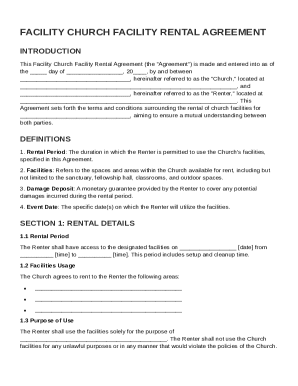
Facility Church Facility Rental Agreement Template
The Facility Church Facility Rental Agreement outlines the terms and conditions for renting church facilities between th ...
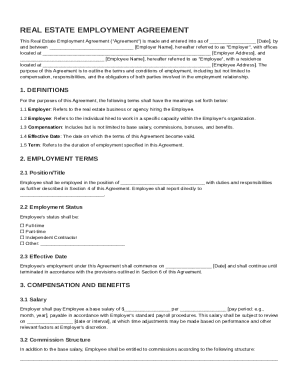
Real Estate Employment Agreement Template
The Real Estate Employment Agreement outlines the terms and conditions of employment between an employer and an employee ...
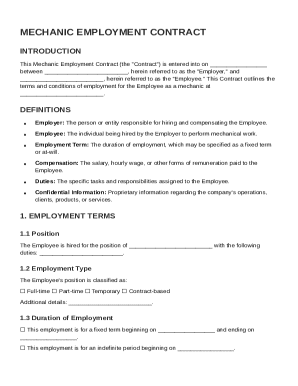
Mechanic Employment Contract Template
The Mechanic Employment Contract outlines the terms and conditions of employment for a mechanic, detailing the roles of ...
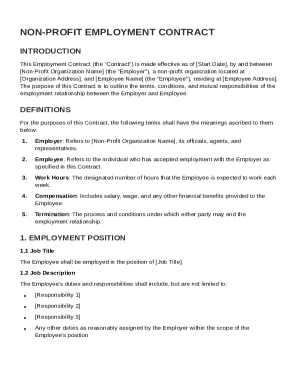
Non Profit Employment Contract Template
The document is a Non-Profit Employment Contract outlining the terms and conditions of employment between a non-profit o ...
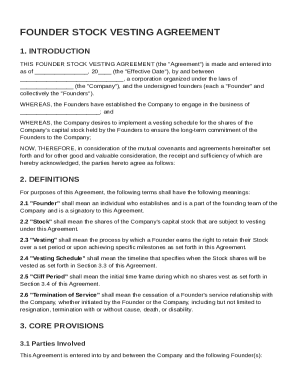
Founder Stock Vesting Agreement Template
The Founder Stock Vesting Agreement outlines the terms under which founders of a company receive shares of stock that ve ...
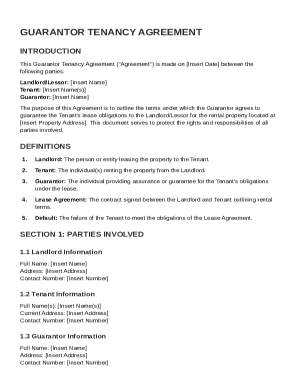
Guarantor Tenancy Agreement Template
The Guarantor Tenancy Agreement outlines the responsibilities and obligations of the Landlord, Tenant, and Guarantor reg ...
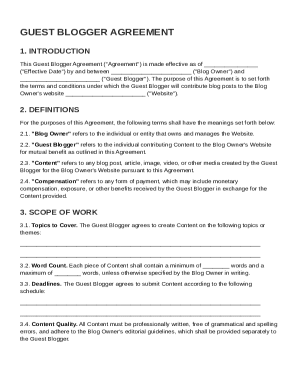
Guest Blogger Agreement Template
The Guest Blogger Agreement outlines the terms and conditions between a Blog Owner and a Guest Blogger for the contribut ...
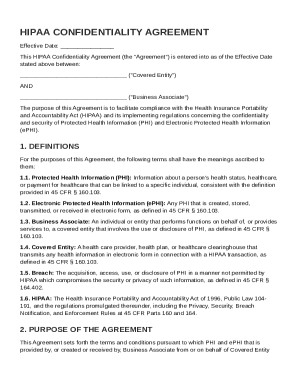
HIPAA Confidentiality Agreement Template
The HIPAA Confidentiality Agreement outlines the terms between a Covered Entity and a Business Associate to ensure compl ...