
Get any PDF form from the DocHub library of ready-made templates - Page 942

How do I submit a port request to Twilio?Twilio Support
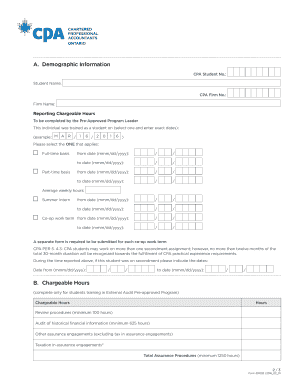
Cpa ontario chargeable hours form
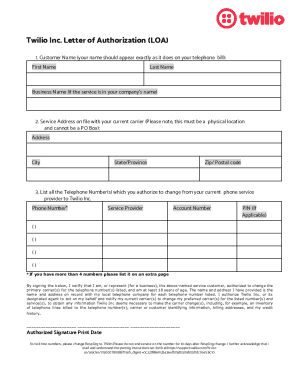
Support twilio hcarticleattachmentsLetter of Authorization for Number Portability

Westlaw Form Builder Work more productively with Westlaw Form Builder's automated forms assembly

CERTIFICATE OF DIAGNOSIS - US Equestrian

EYEPACS LLC PHOTOGRAPHER MANUAL
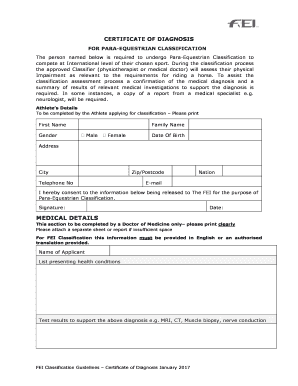
Certificate of diagnosis
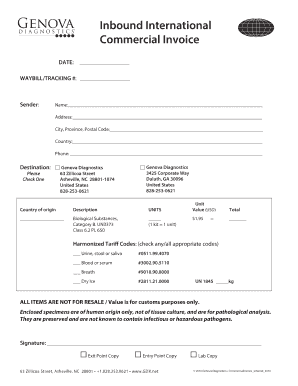
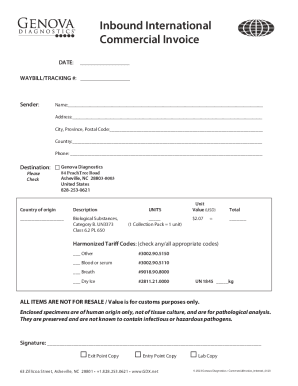
Inbound International Commercial Invoice - metametrix

Automated In-Bond Processing Business Process Document

Usi individual retirement arrangement
Department of Energy Contractor Electronic Data Interchange
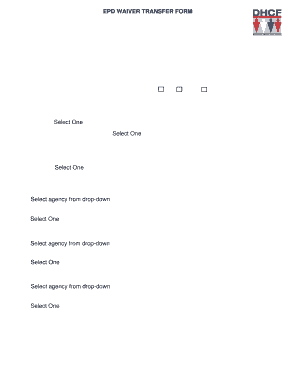
EPD WAIVER TRANSFER FORM - dhcf dc
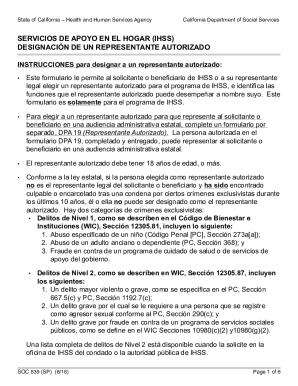
SOC 839 IHSS Designation of Authorized Representative, Spanish

Soc 839

Newborn baby information sheet
Treatment Authorization Request Form Final 04242017
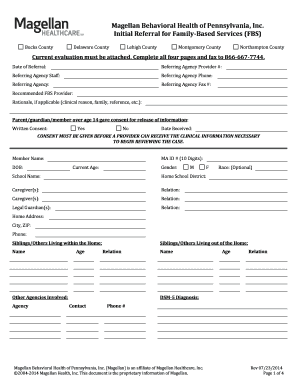
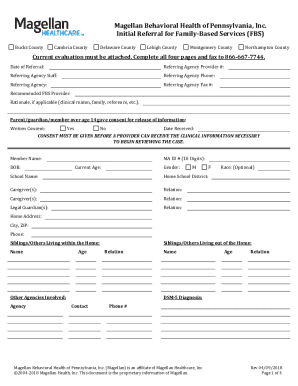
Initial Referral for Family Based Services - Magellan Provider's

P-forms-initial-referral-for-family-based-services

Wrestling weigh in sheet

Panhellenic Recruitment 2015 Withdrawal Form Fraternity & Sorority Life Form
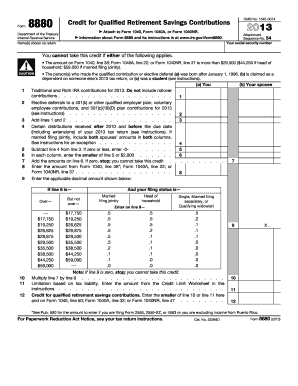
Form 8880 instructions

FCCLA Planning Process Template

FCCLA Planning Process Template

Fccla planning process example

Permit Renewal Form - National Park Service - nps
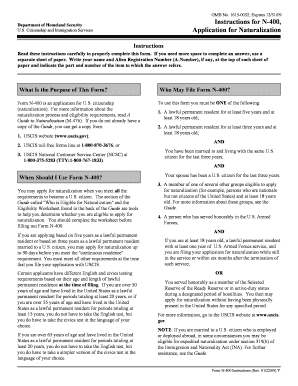
N 400 pdf filler

Form 202H - Shelter Expense Statement - Department for Children - dcf vermont

Withholding Tax Forms - RI Division of Taxation - RI

Cleveland Municipal Income Tax Annual Reconciliation
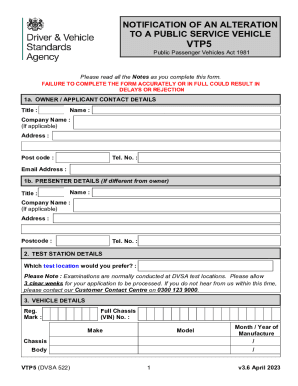
Vtp5 form
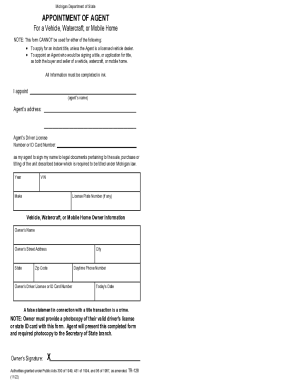
Michigan Motor Vehicle Power of Attorney Form (TR-128)
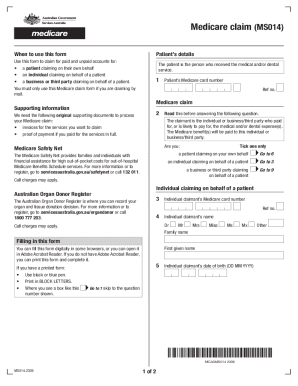
Medicare Claim Form MS014

Commonwealth Seniors Health Card Claim Form
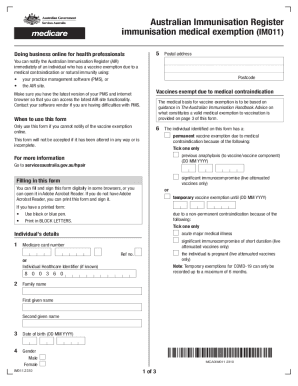
Australian Immunisation Register
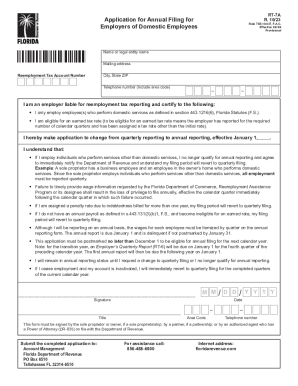
RT-7A Annual Filing Application
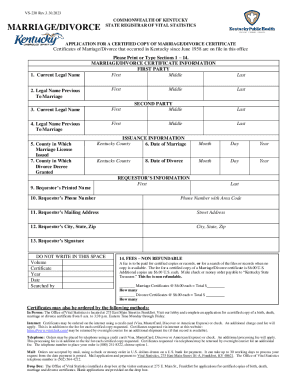
Form VS-230 Application for a Certified Copy of Marriage
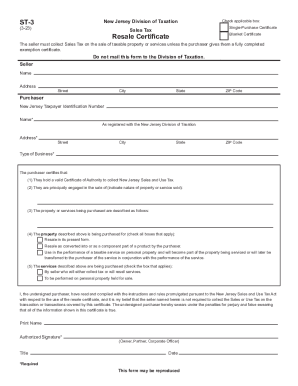
Sales Tax Resale Certificate Sales Tax Resale Certificate
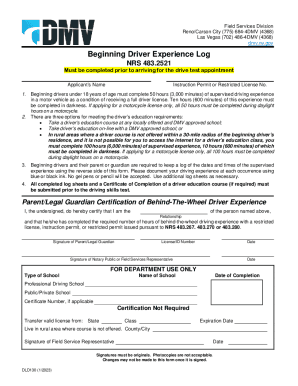
DLD130 Beginning Driver Experience Log Addtional Sheet
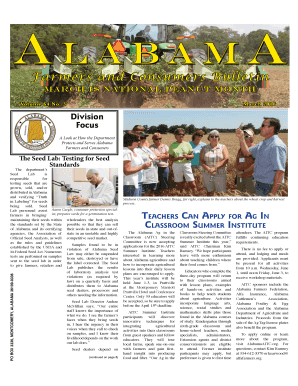
The Seed Lab: Testing for Seed
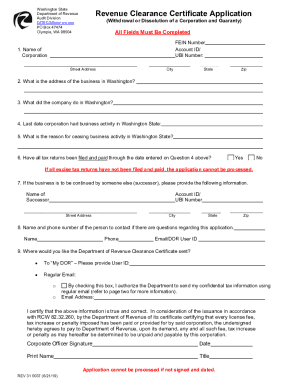
Washington Revenue Clearance Certificate Application
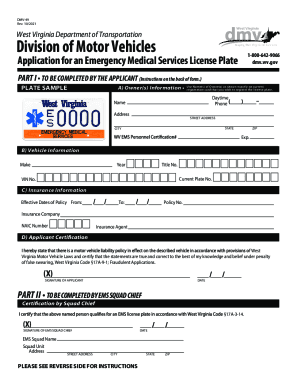
West Virginia EMS License Plate Application
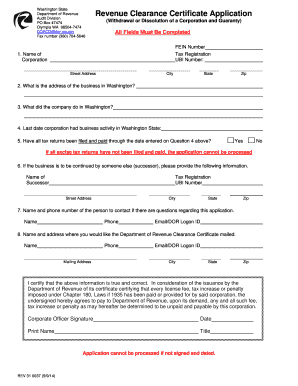
Revenue clearance certificate washington state
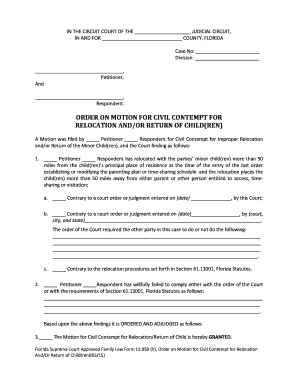
Motion civil return
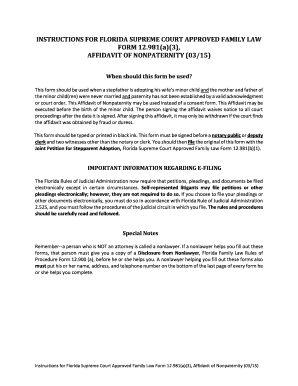
Florida affidavit nonpaternity

Florida injunction sexual
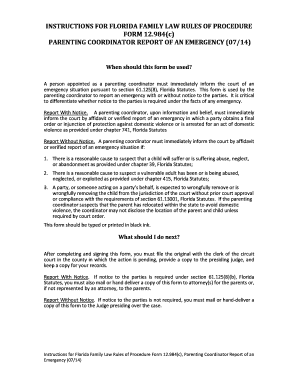
Florida parenting report form
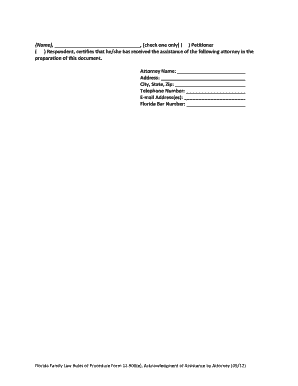
Florida acknowledgment assistance
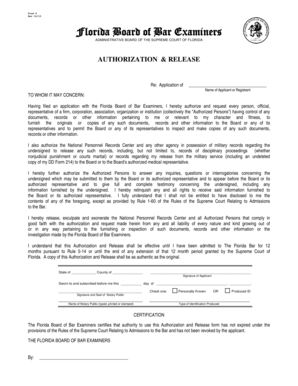
Florida board bar form
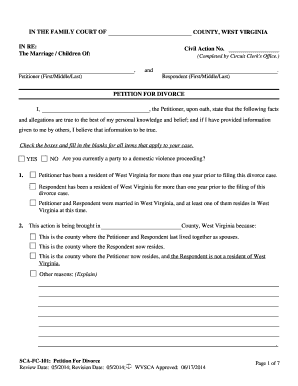
Wv form 101

In no contact prosecution form
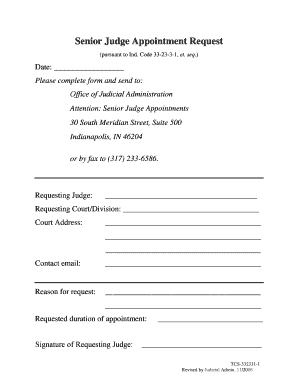
Senior Judge Appointment Request - IN

BCover Sheetb Order of Protection - INgov - in
Indiana trial court statistics

Court reporter's handbook - IN - in

Verified petition extension
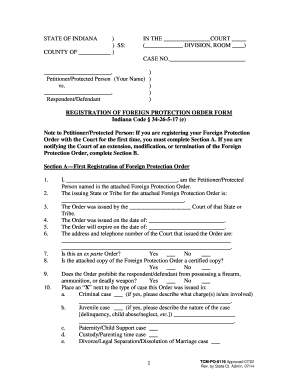
Indiana protective order forms
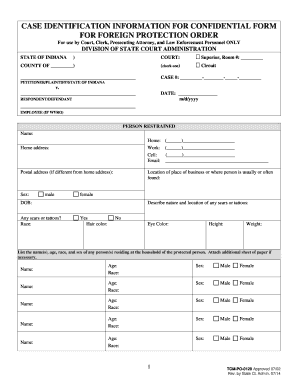
Indiana identification foreign protection
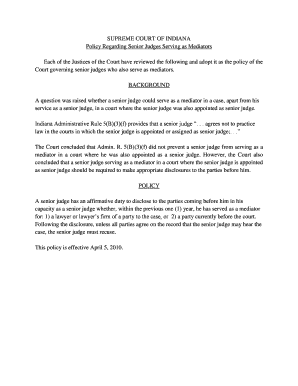
Indiana regarding senior form
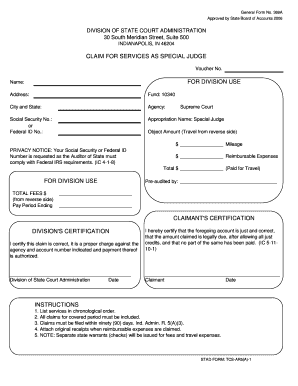
INSTRUCTIONS DIVISION'S CERTIFICATION FOR DIVISION USE - in

Po 0127 form

State of new jersey domestic violence procedures - NJ Judiciary - in
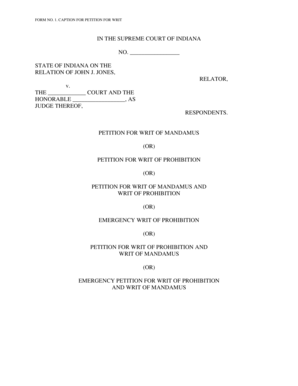
In caption writ make
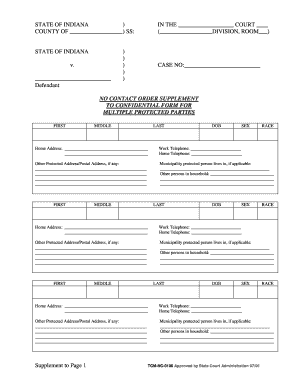
No confidential protected parties

No 17-1351 - US Case Law - Justia - in
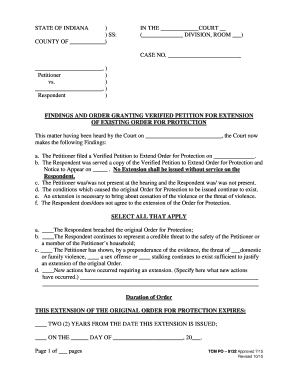
Indiana findings order protection search
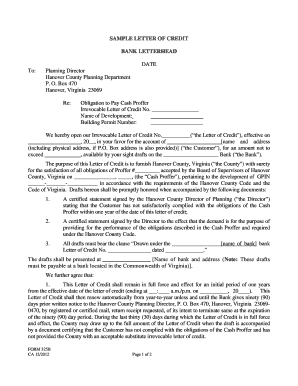
Cash Proffer Sample Letter of Credit Bonds & Performance Agreements
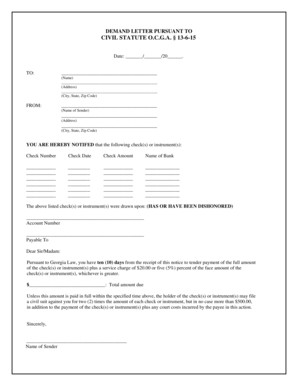
Letter court
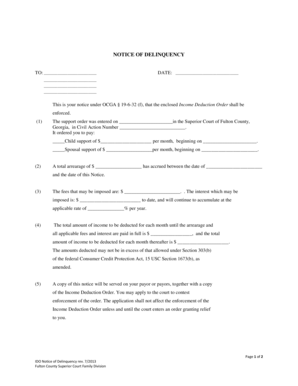
Ido notice

Supreme Court of Virginia Opinions - Virginia's Judicial System
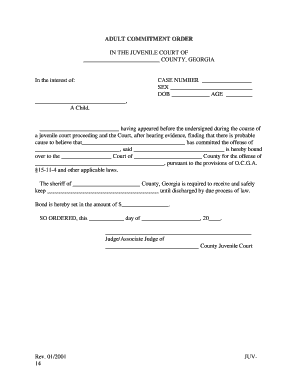
Juv 14 form
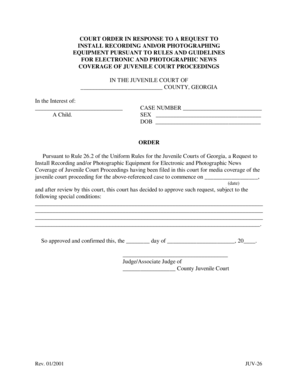
JUV26 Uniform Forms
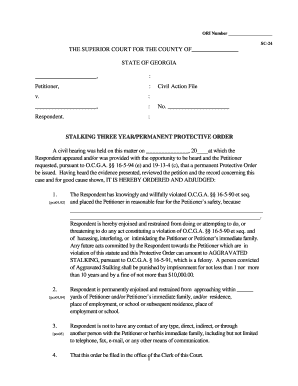
Georgia stalking 3 form printable

2008 georgia notice child support cobb county download
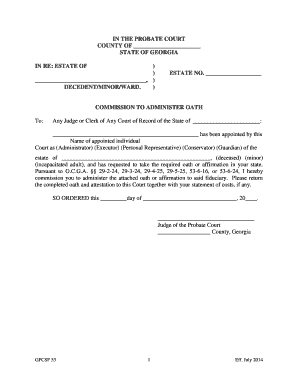
Gpcsf 53

Ga petition annexed
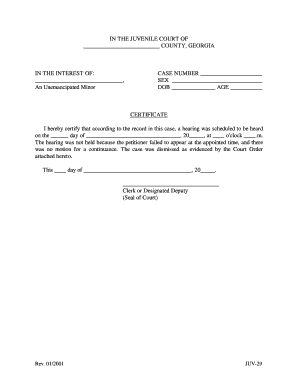
JUV-29
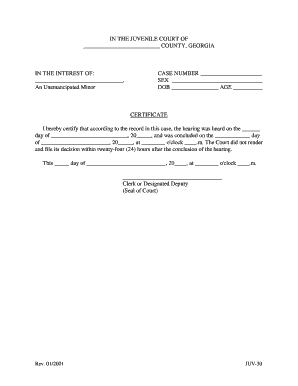
JUV30 Uniform Forms
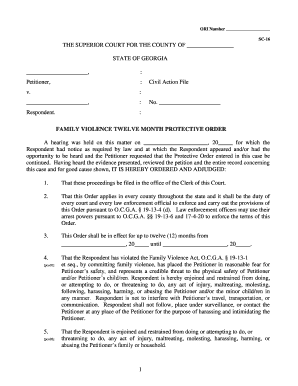
Superior court
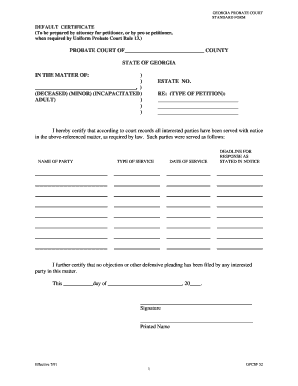
Georgia dafault certificate
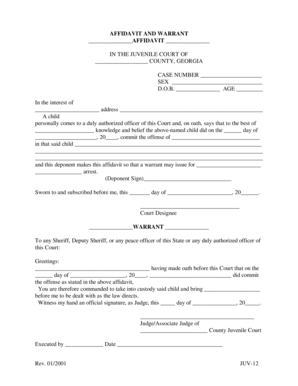
Juv 12 form
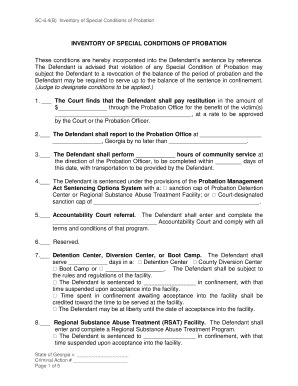
Georgia sc64 b conditions probation search

Ga juv 15 juvenile court edit
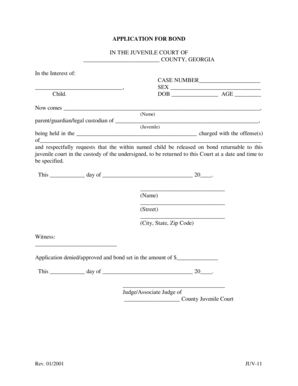
Georgia application bond
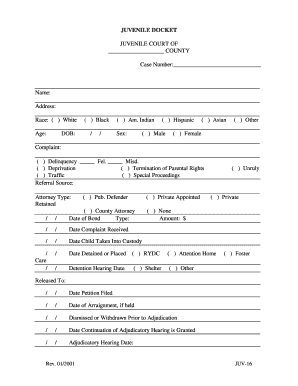
Juv16
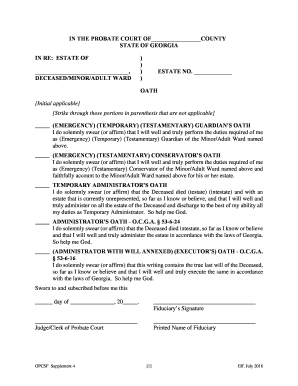
Ga supplement 4 oath form
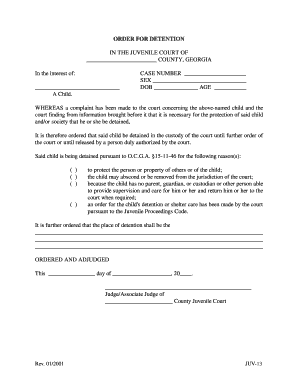
Georgia juv 13
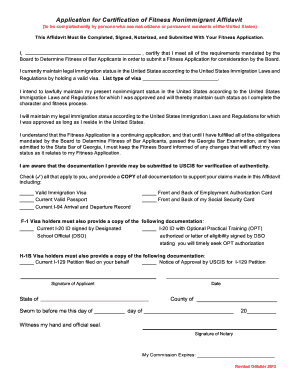
2013 application fitness nonimmigrant form search
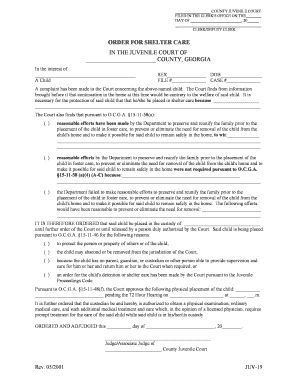
F:SHAREDFORMSJUV19 SAM
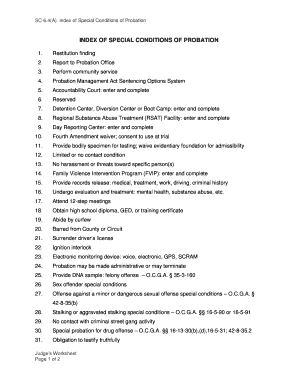
Georgia index conditions probation
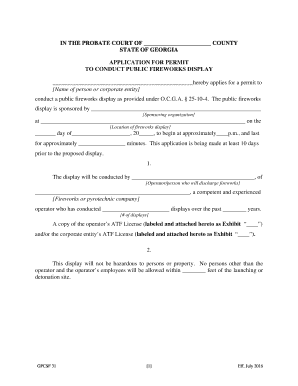
Letter of administration form
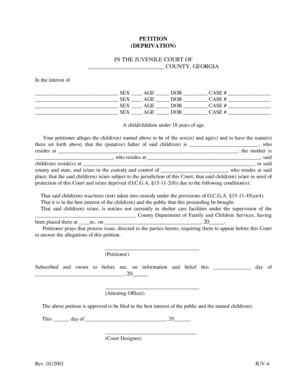
Ga petition deprivation juvenile
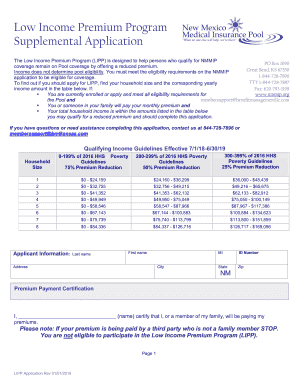
Lipp application
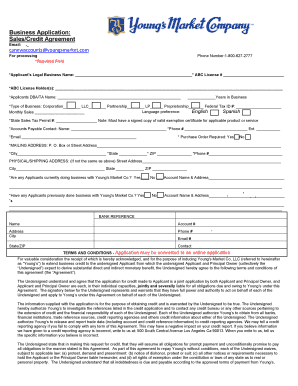
Business Application:
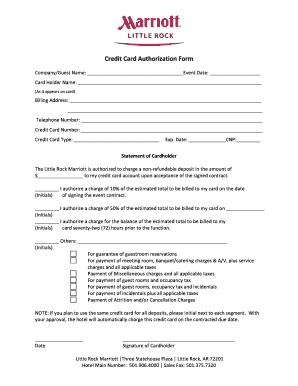
Rewards form
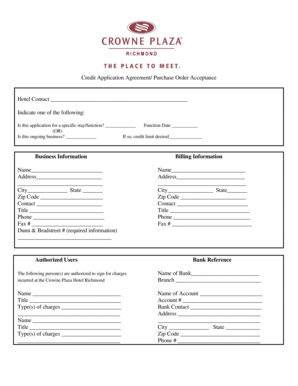
Credit Application Agreement Purchase Order Acceptance Hotel - pva
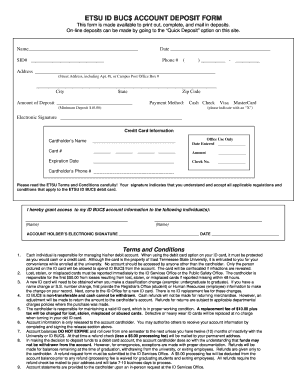
Etsu id bucs deposit form
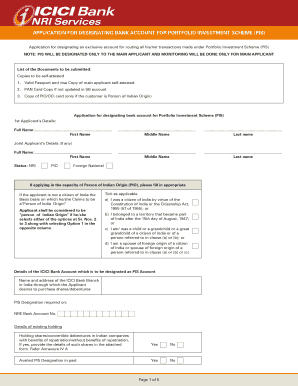
Icici scheme form download
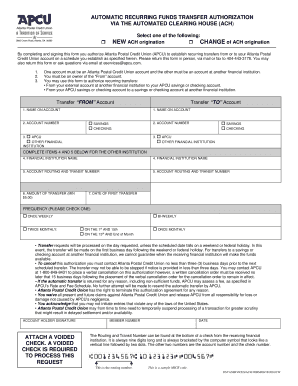
Ach automatic funds form
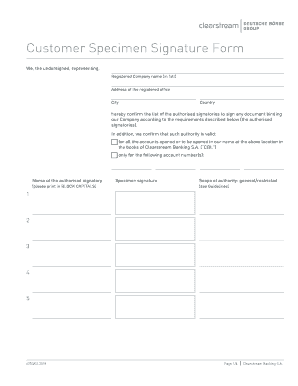
Specimen signature form
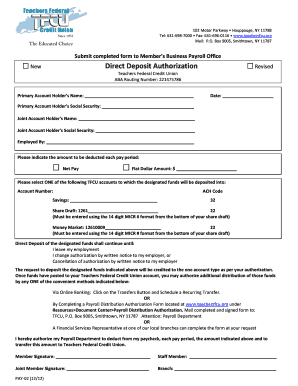
Tfcu federal direct deposit authorization
Benefit from the DocHub online library of fillable PDF forms
Searching the PDF forms doesn't have to be a tedious and time-consuming process. With the DocHub online library, it has become easier to find the fillable PDF forms and modify them in your browser. The service allows you to adjust the document to your needs using powerful editing tools.
You can use online document editing features to modify almost any type of document with ease. You just need to find the template of your choice, open it in the editor, and use the toolbar to make the necessary corrections.
Follow this guide to get your document done with DocHub:
- Find the PDF template you need.
- Click the Get Form button to open the file in the editor.
- Use the toolbar to fill out and edit the document.
- Easily add and highlight text, insert images, checkmarks, and symbols.
- Drop new fillable fields, and rearrange or delete pages from your file.
- Save changes and download your record.
DocHub empowers everyone to streamline document editing, signing, and distribution, and form completion. Create an account and benefit from our well-organized PDF Forms library and comprehensive editor.