
Get any PDF form from the DocHub library of ready-made templates - Page 944
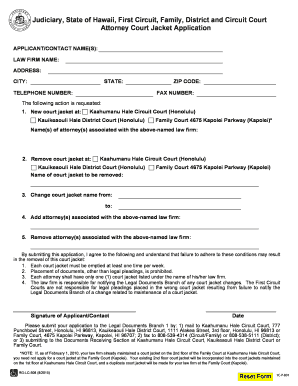
Attorney Court Jacket Application - Hawaii State Judiciary - courts state hi
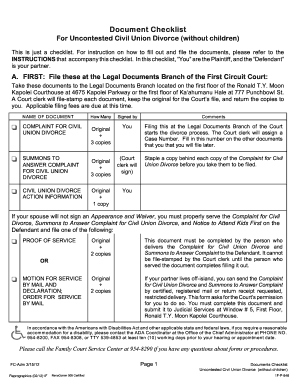
Document uncontested civil divorce form

Hawaii hcrr adlro
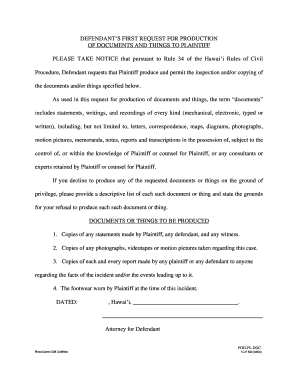
Hi request documents

Property division chart hawaii
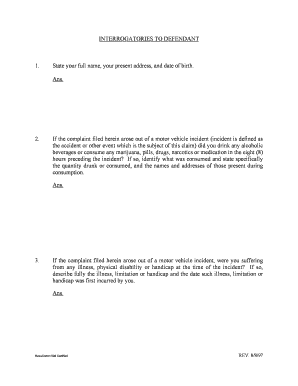
Interrogatories defendant blank
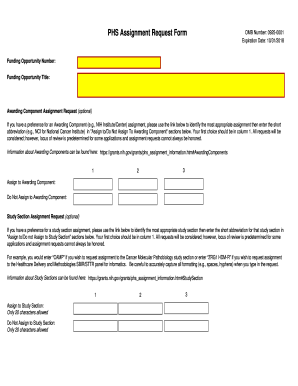
Phs assignment request form 2019

Fda form 3794

EMPLOYEE RIGHTS AND RESPONSIBILITIES UNDER THE FAMILY AND MEDICAL LEAVE ACT - dol
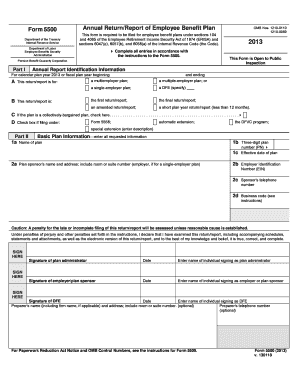
Is it true l7-de ilovepdf serve
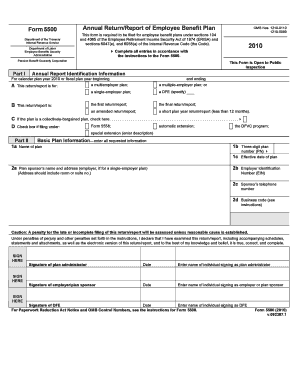
What about l3-de ilovepdf serve
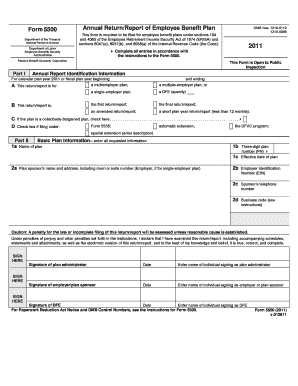
What is ti l5-de ilovepdf serve
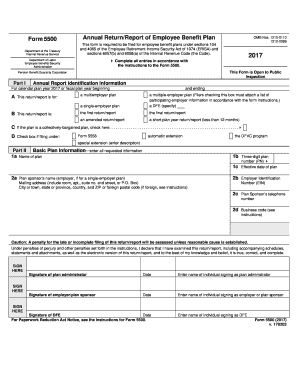
What about l6-de ilovepdf serve
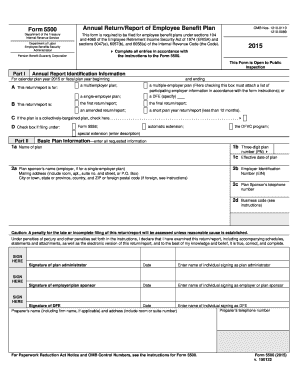
City or town, state or province, country, and ZIP or foreign postal code (if foreign, see instructio
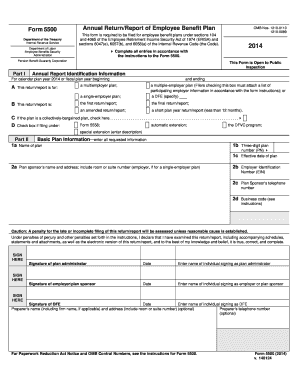
D B A ABCDEFGHI ABCDEFGHI ABCDEFGHI ABCDEFGHI ABCDEFGHI ABCDEFGHI
Navmc 11381
CAPP 50-1 - Capmembers
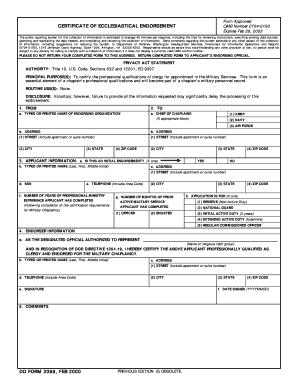
DD Form 2088 Certificate of Ecclesiastical Endorsement - DMNA

2577 0169 omb form
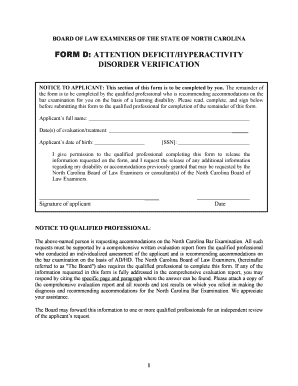
North carolina examiners d deficit disorder form
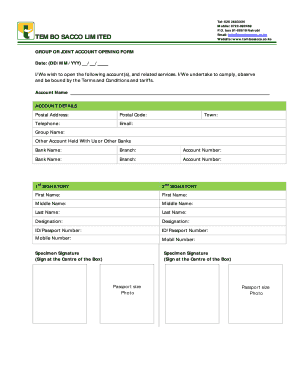
GROUP OR JOINT ACCOUNT OPENING FORM - Tembo Sacco - tembosacco co

Fill ioWARNING-PROTECTED-B-When-completedFill - Free fillable WARNING PROTECTED B (When completed
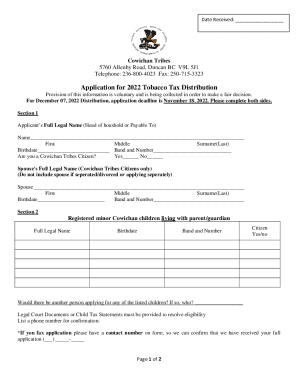
Cowichan tobacco tax distribution
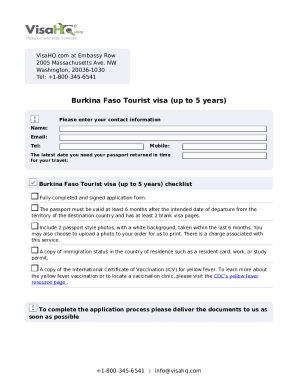
Thailand-Tourist-visa-application-Kenya-jurisdiction
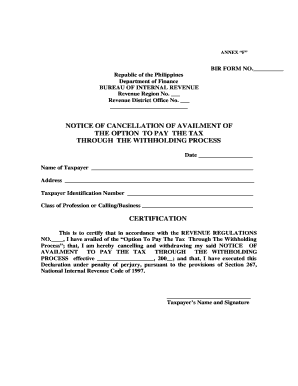
Annex f bir
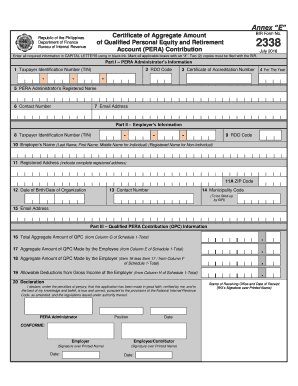
Bir form 1932 quarterly report of printer
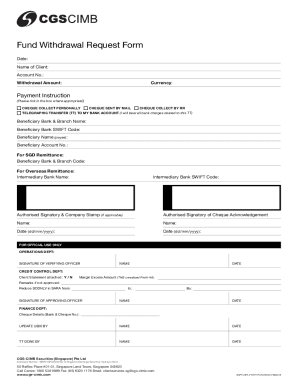
Support zerodha orbis-fund-withdrawalHow do I place a fund withdrawal request for my Orbis account?

Aviva car insurance glass
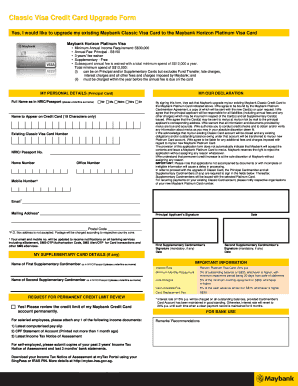
How to upgrade maybank credit card from gold to platinum
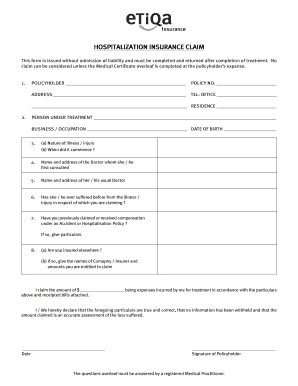
Etiqa form

Homeowners enhanced insurance bapplicationb form - Etiqa Insurance

Rhb online banking forgot password
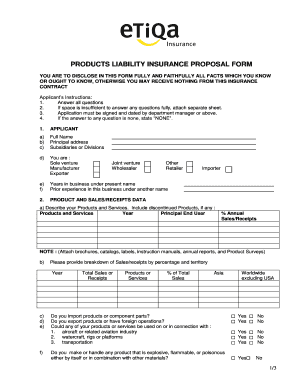
Application formhdb basic fire insurance
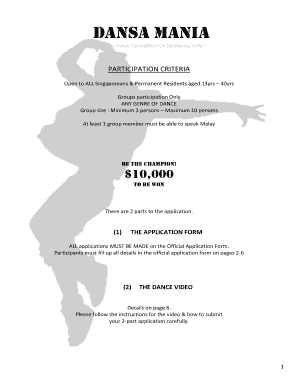
Dansa mania

Singapore standard chartered indemnity form

Rule Notice R361 GG 37631 Form CR1 16 May 2014 - Sars
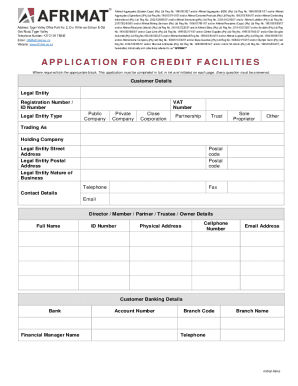
AFRIMAT LTD Company ProfileWESTERN CAPE, Western Cape

Sacssp application form

Unisa registration

Joint address form
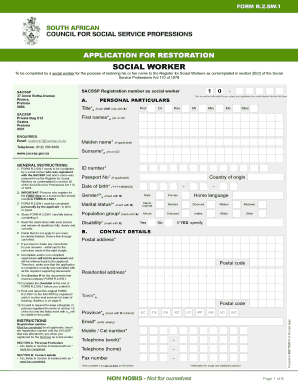
Sacssp online registration
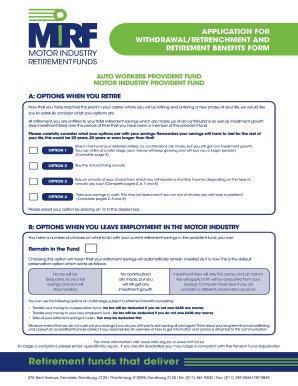
Motor industry retirement funds reviews
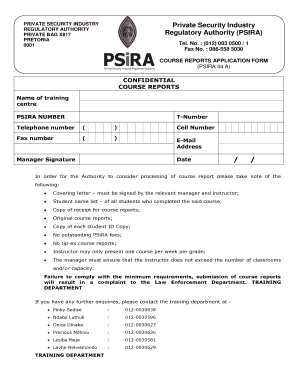
Psira course report verification
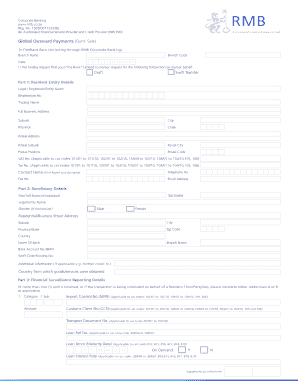
Global outward payments form
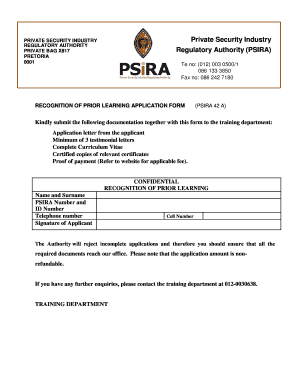
Psira a application regulatory online
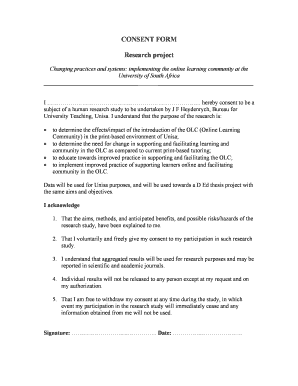
Unisa consent
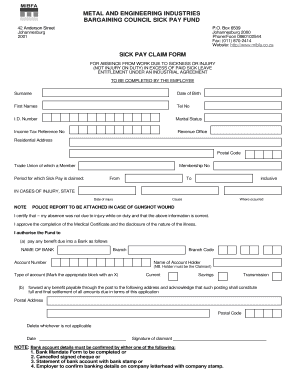
Iod forms pdf download
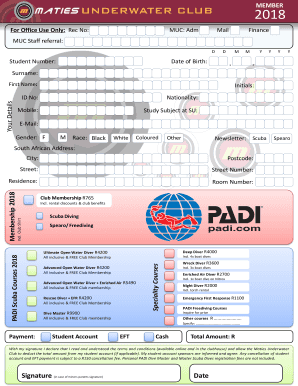
Maties email 2018-2019 form
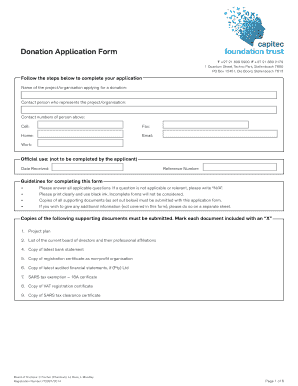
How to get capitec bank statement without app
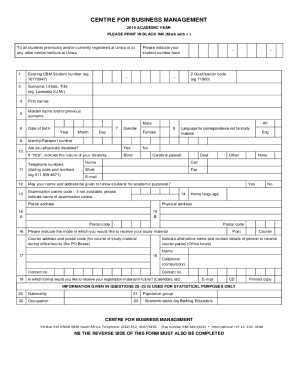
Unisa application form download

Sssbc referral form
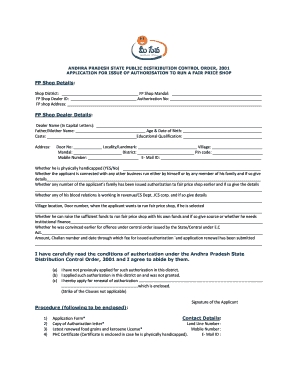
Fps shop details telangana

Annexure8 medical report form
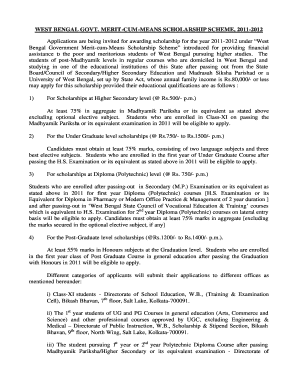
Vivekananda scholarship form pdf
Sarv suraksha hdfc

Bank Account Details Updation Form - PNB Met Life Insurance
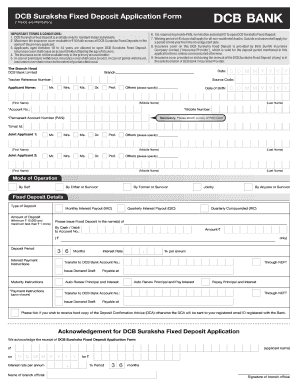
Dcb rtgs form
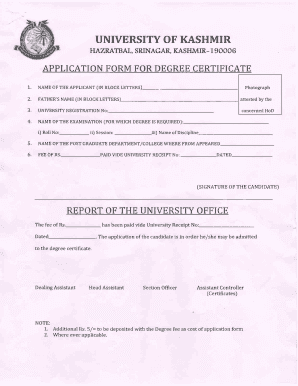
How to get degree certificate from kashmir university

Bonafide certificate format in word
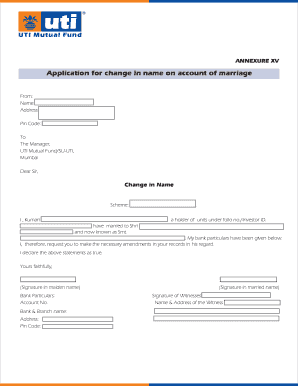
Uti name change form
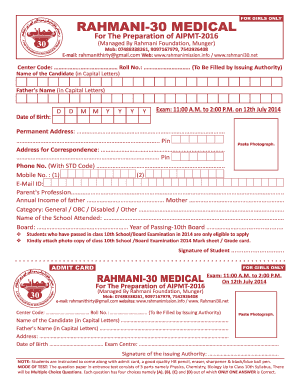
Rahmaniya super 30
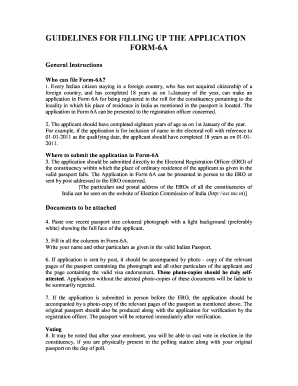
Eci citizenservices nic
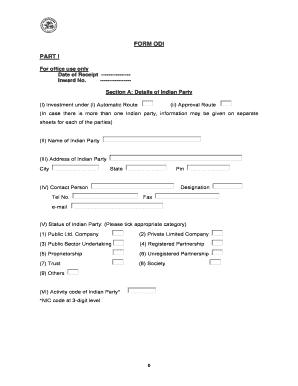
Form part 1
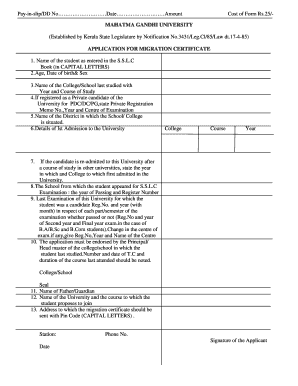
Mg university migration certificate
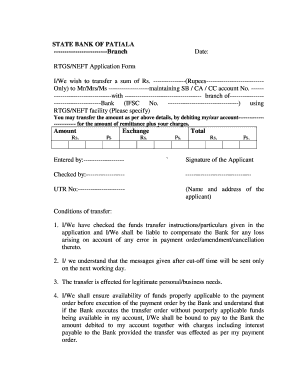
Sbi rtgs form in excel format download
American express insurance nomination form
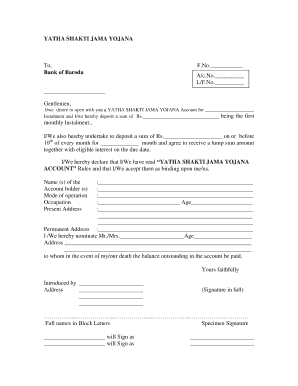
Yatha shakti jama yojana
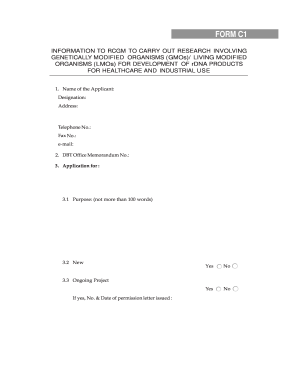
Worksheet online
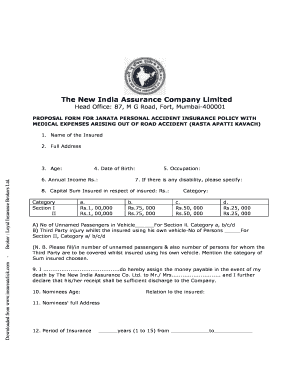
Rasta apatti kavach policy brochure
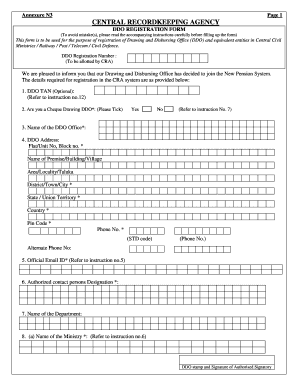
Annexure n3 form

Updation euin
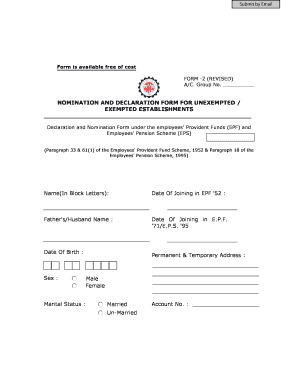
Form
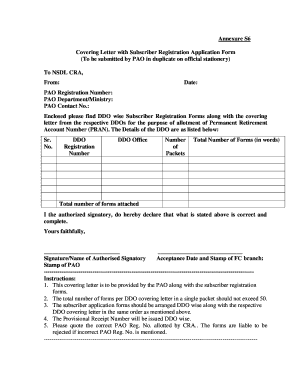
Nps covering letter annexure s6
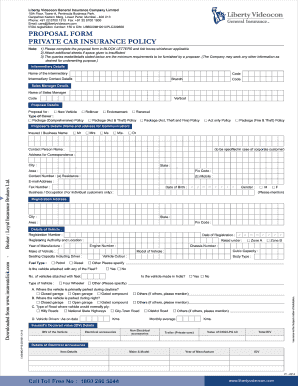
Liberty claim form
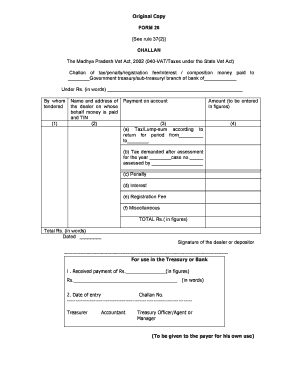
Form 26 madhya template
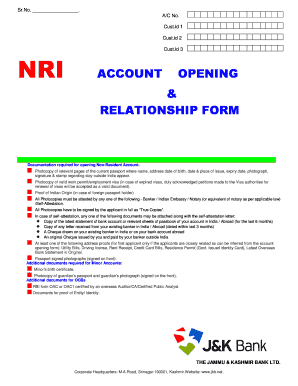
J k bank account opening form pdf
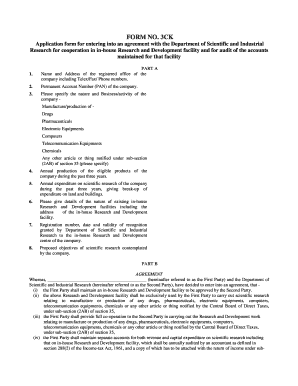
Form 3ck

Form 20c kerala download
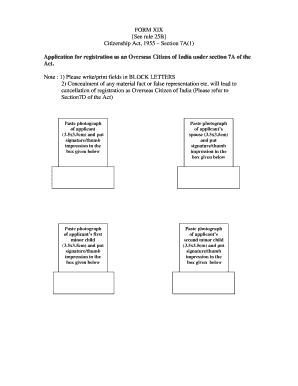
Registration online xix pdf
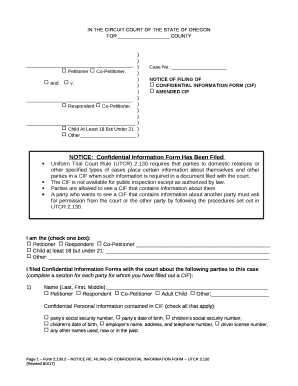
Clatsop county court docket

Form appeal tillamook county
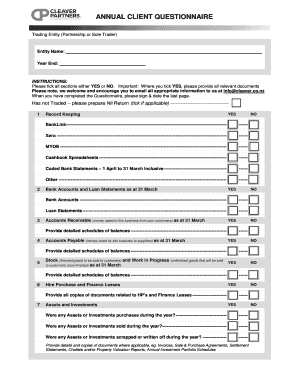
SAM User Guide - SAM

Ir346 form
DocHub 418354154--The-Heurich-House-Museum

Eligibility declaration application Eligibility declaration application

Skills Assessment Application Form - acecqa
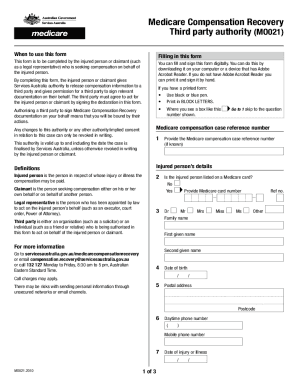
AU DHS MO021
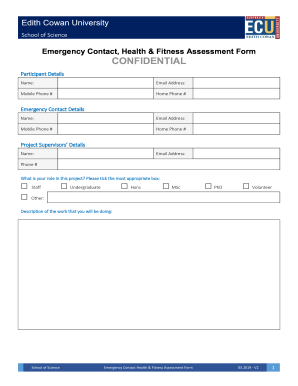
Emergency Contact, Health & Fitness Assessment Form Forms and Induction Checklists
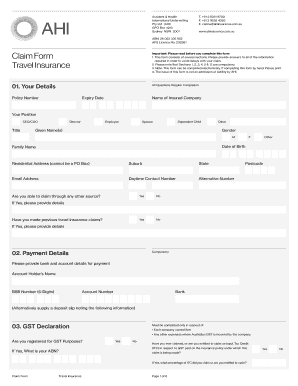
Ahi claim form
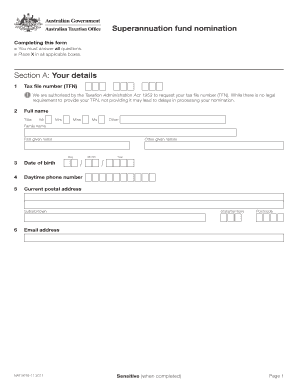
Superannuation nomination form
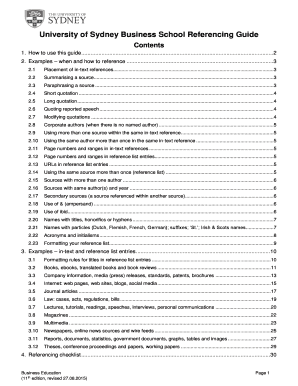
Business school referencing guide

Please fill out front and back of this form * signature - Eleanor
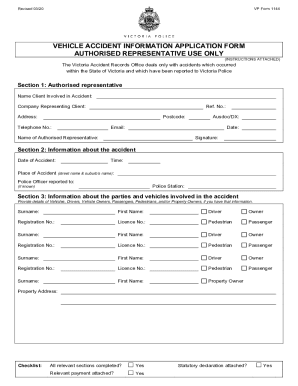
Vehicle accident information application
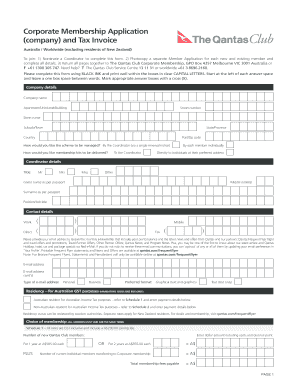
Qantas club corporate membership
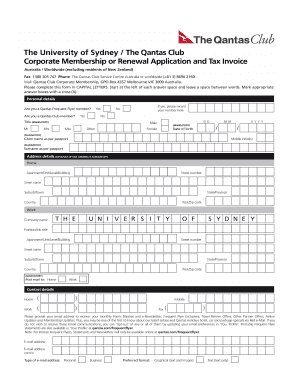
University of sydney application form

Group Risk Insurance Personal Statement - Zurich Australia

Uon employment
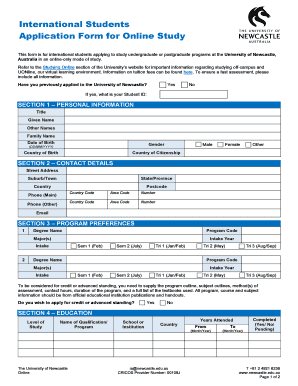
International Students Application Form for Online Study

Imed complaints

Life Insurance Pre-assessment Form White Label - AIA Australia
Benefit from the DocHub online library of fillable PDF forms
Searching the PDF forms doesn't have to be a tedious and time-consuming process. With the DocHub online library, it has become easier to find the fillable PDF forms and modify them in your browser. The service allows you to adjust the document to your needs using powerful editing tools.
You can use online document editing features to modify almost any type of document with ease. You just need to find the template of your choice, open it in the editor, and use the toolbar to make the necessary corrections.
Follow this guide to get your document done with DocHub:
- Find the PDF template you need.
- Click the Get Form button to open the file in the editor.
- Use the toolbar to fill out and edit the document.
- Easily add and highlight text, insert images, checkmarks, and symbols.
- Drop new fillable fields, and rearrange or delete pages from your file.
- Save changes and download your record.
DocHub empowers everyone to streamline document editing, signing, and distribution, and form completion. Create an account and benefit from our well-organized PDF Forms library and comprehensive editor.