
Get any PDF form from the DocHub library of ready-made templates - Page 907
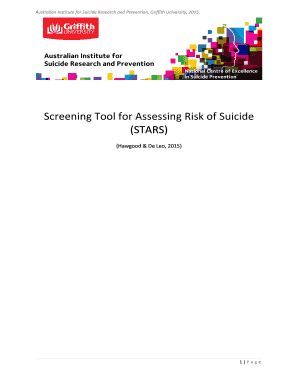
Australian Institute for Suicide Research and Prevention, Griffith University, 2015

Bank individual certification form

Vet enrolment form

William angliss application form

Patient education: Chest pain (Beyond the Basics) - UpToDate
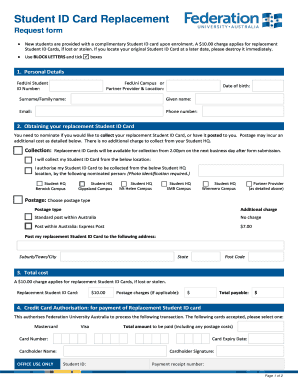
Australia student id card form
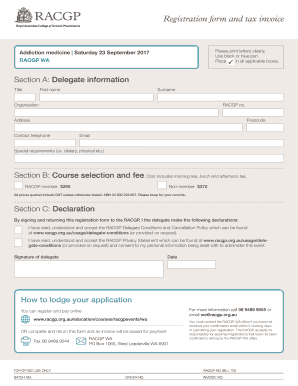
Addiction medicine - RACGP
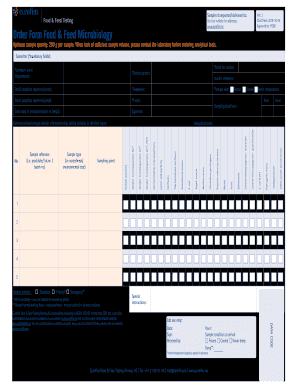
Order Form Food & Feed Microbiology - Eurofins
Rmit assessment statement
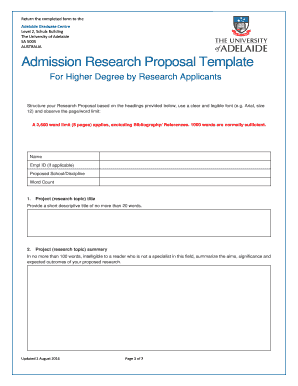
Australia research proposal sample
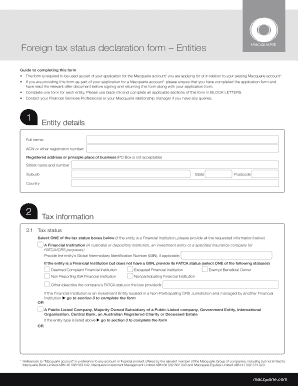
Foreign tax declaration form
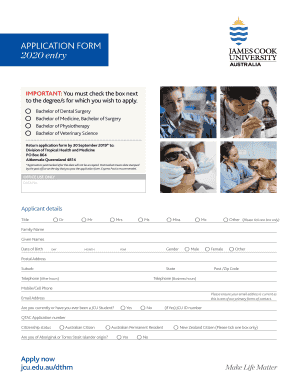
APPLICATION FORM 2020 entry
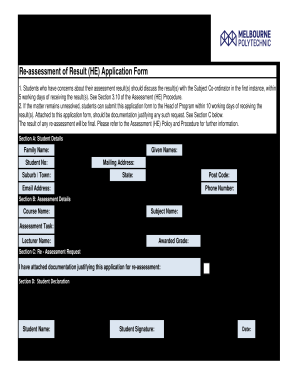
Re assessment of Result (HE) Application Form
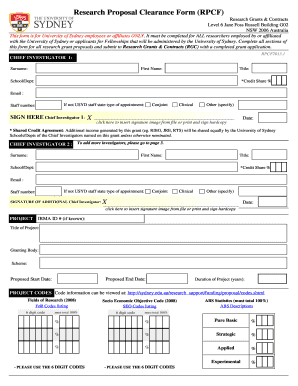
Research Proposal Clearance Form - The University of Sydney - sydney edu
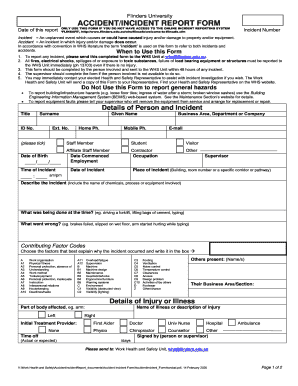
Au accident incident form
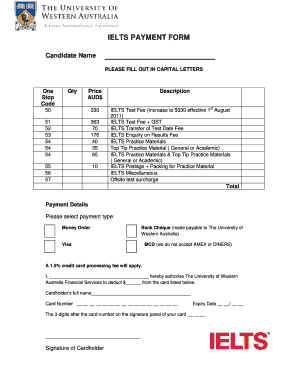
PLEASE FILL OUT IN CAPITAL LETTERS

VHA Office of Emergency Management Home - Veterans Affairs

2019 Chapter of the year award application form
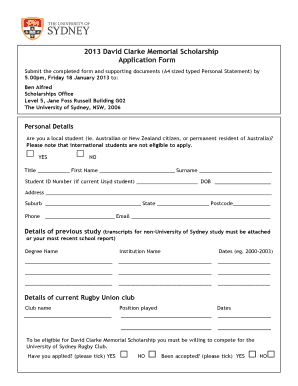
2013 australia university memorial scholarship
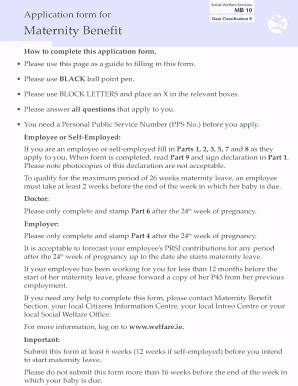
Maternity benefit form
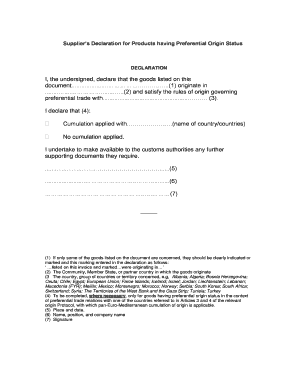
Declaration products having form

Fatca crs declaration form filled sample
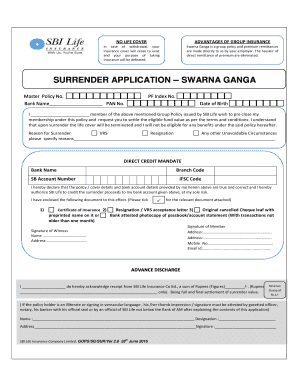
Sbi life swarna ganga
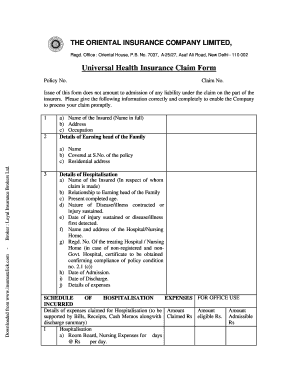
Oriental insurance how to claim fillable form
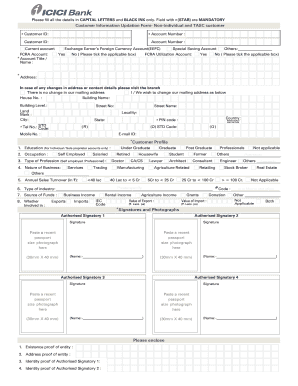
Job application

Star health preauth form
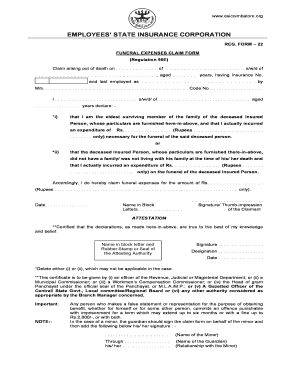
Ec form 22 filled sample
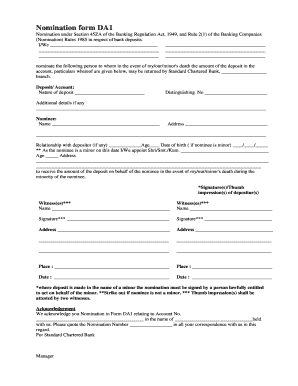
Nomination da1 form

India citibank form
Otago declaration

Additional Assistance in Examinations and Alternative Examination Arrangements Supporting Medical Do

AMP Essentials Exclusive To AMP KiwiSaver Scheme Members
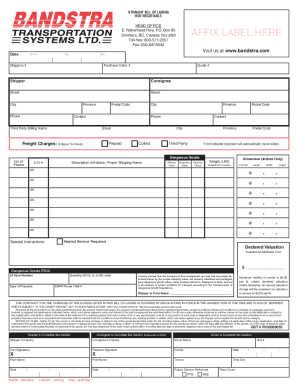
Yellowhead Hwy, P
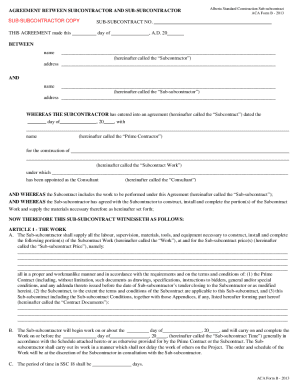
Standard Form Subcontract Agreement

SUPPORTING HIGH SCHOOL COMPLETION: A TOOL KIT FOR SUCCESS

Lumbar screening
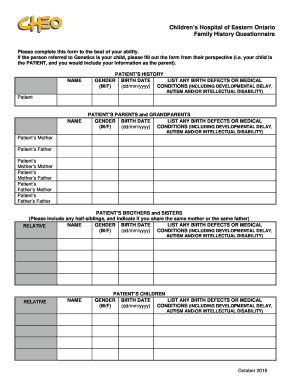
Health Risk Assessment for School-Aged Children & Youth
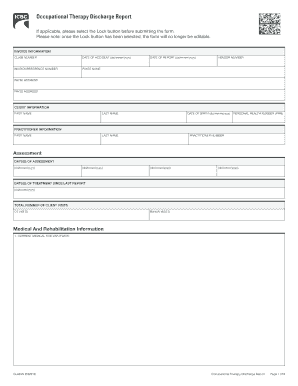
CL489N - Occupational Therapy Discharge Report Occupational Therapy Discharge Report
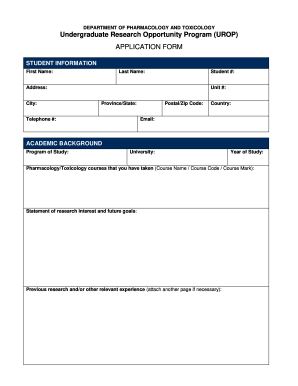
DEPARTMENT OF PHARMACOLOGY - UNIVERSITY OF TORONTO
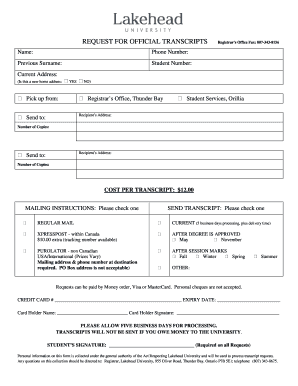
Transcript Request Form - Lakehead University
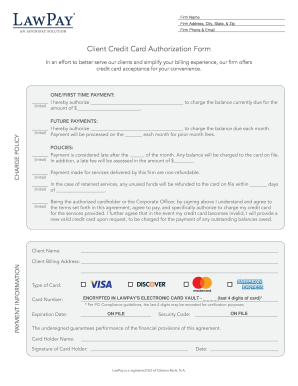
Firm Address Change Request - NCREC

Red Cross Training Partner Application Form
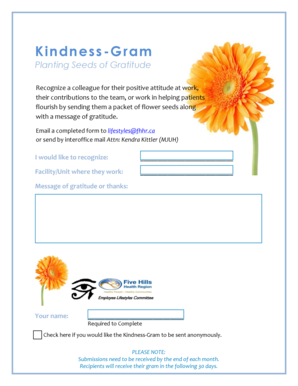
Kindness grams printable

Medical self declaration form
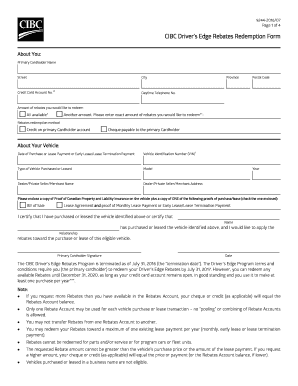
Drivers edge redemption form

Untitled - Semantic Scholar
In recognition of your participation in the
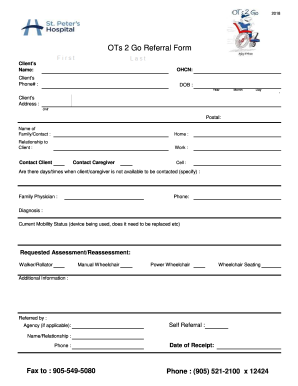
Intensive In Home Services Client Referral Form - Coastal

Sun life unclaimed
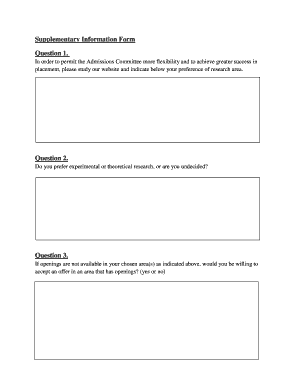
Supplementary information form waterloo

Canada internship contract

Nait consent create

Nait third party sponsorship
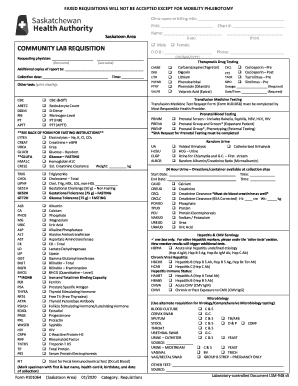
Saskatoon lab requisition
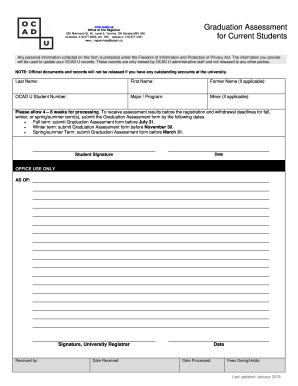
Ocad assessment
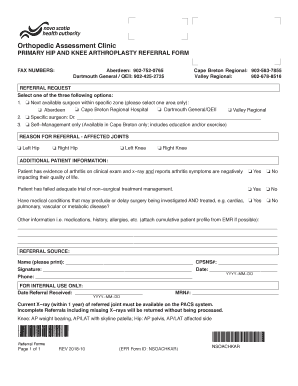
Orthopedic Assessment Clinic PRIMARY HIP AND KNEE

Lakehead deposit

Tph reportable
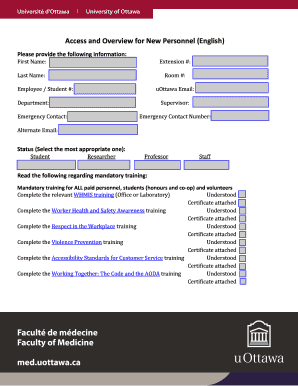
Access and Overview for New Personnel (English)
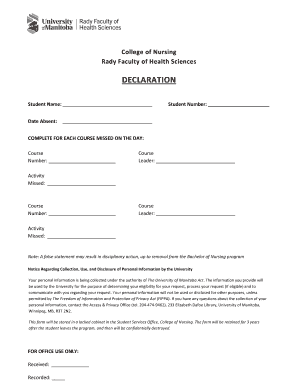
Faculty of Nursing Student Academic Appeals Committee
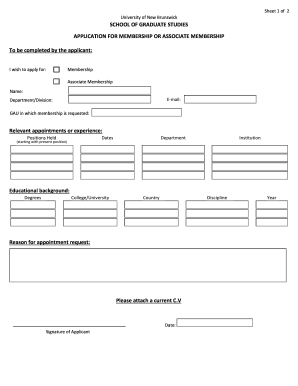
Board of Governor's Handbook - Rutgers University
Statement personal affairs
Mcmaster university transcript
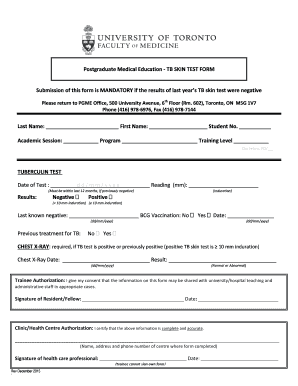
Toronto tb skin
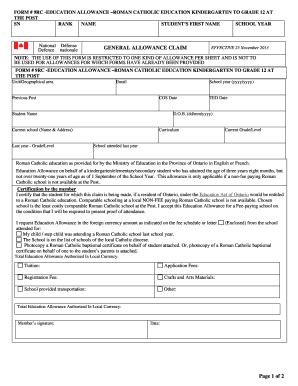
Form 9rc form
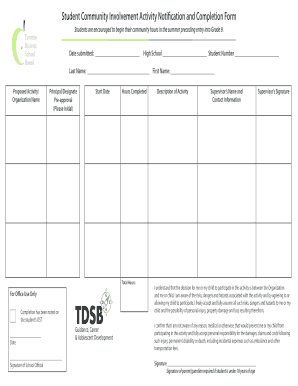
Community activity notification completion
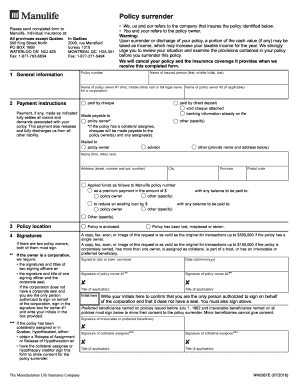
Manulife surrender form
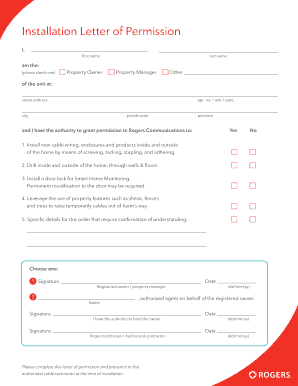
Rogers letter of permission

Bonnyville plumbing permit

Pars notification form

Wcb forms employee
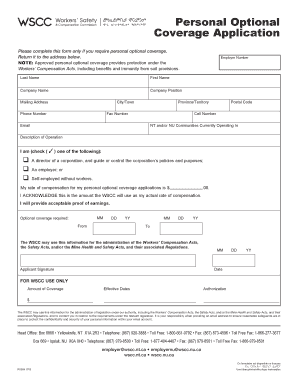
Wscc personal optional coverage application

Certificate insurance region peel
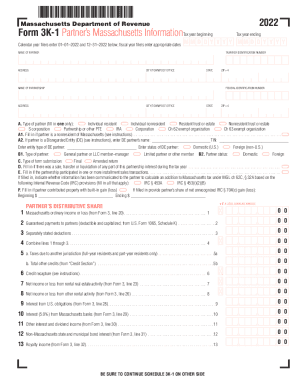
2022 Form 3K-1 Partner's Massachusetts InformationTax year
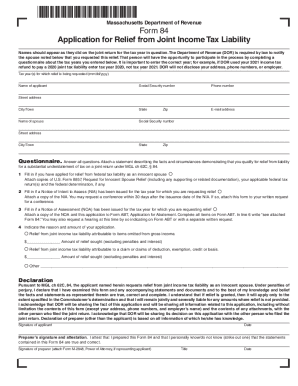
Names should appear as they did on the joint return for the tax year in question

Form m 706
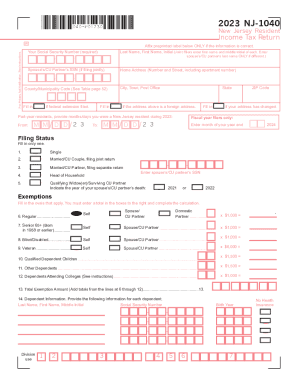
2023 New Jersey Resident Return, Form NJ-1040

Form m 4422

Long First name truncated on printed EAD card for F1-OPT
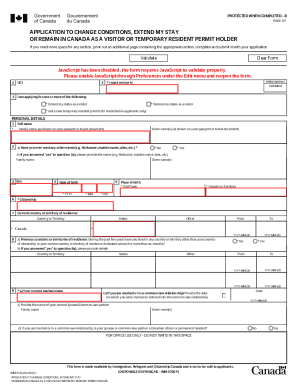
IMM 5708 E : Application to change conditions, extend my stay or remain in Canada as a visitor or te
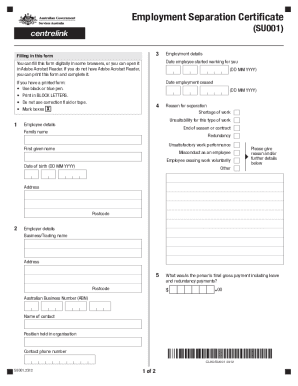
Employment Separation Certificate form (SU001) - Services Australia
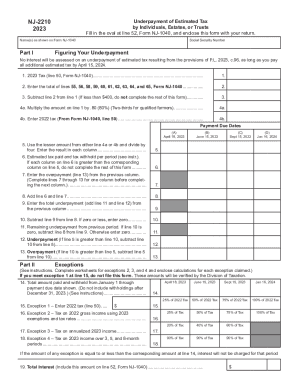
2023 NJ-2210 Underpayment of Estimated Tax by Individuals, Estates, or Trusts

Florida quarterly report
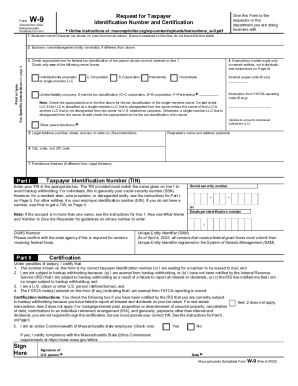
Form W9 request for taxpayer identification and certification
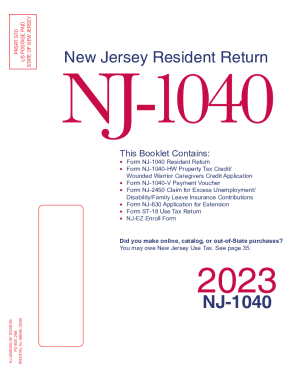
2023 Instructions for the NJ-1040

Form m 2848
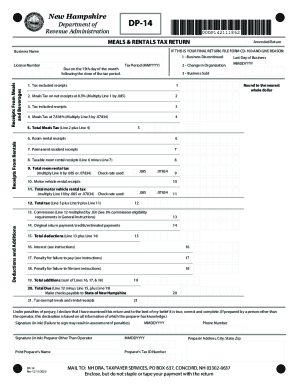
Meals and Rentals Tax Form - Department of Revenue
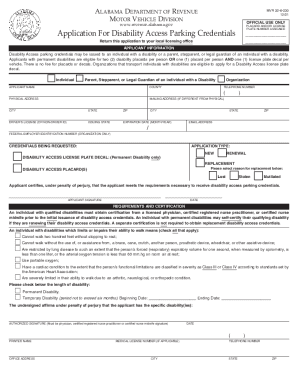
Alabama Disability Access Parking Application
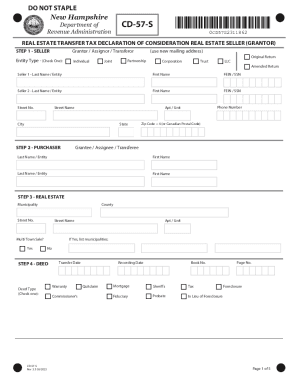
Cd-57-s-2023 (1)
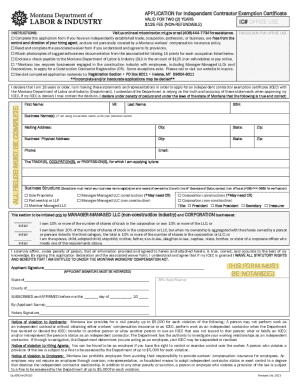
Fillable Online APPLICATION for Independent Contractor
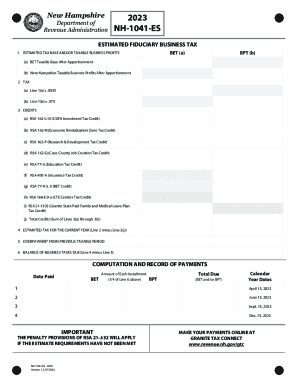
BUSINESS ENTERPRISE TAX RETURN INSTRUCTIONS

Illinois Rules of the Road 2023
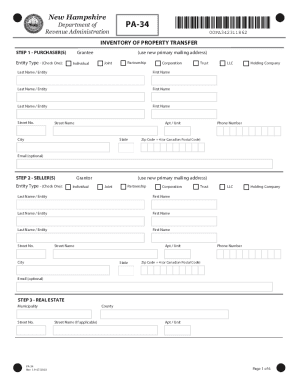
Pa-34-2023 (1)
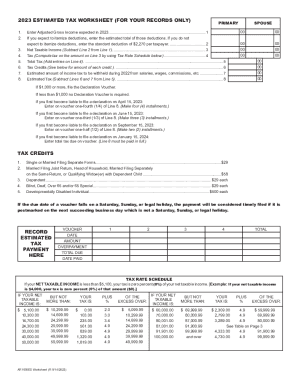
Sales and Use Tax - West Virginia Tax Division

Register for Sales Tax
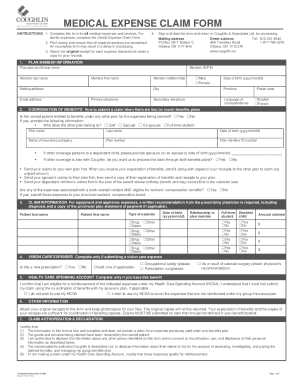
Medical Expense Claim Form
Arkansas Withholding Tax Employer Instructions
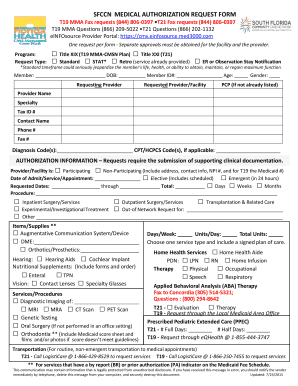
CMS Prior Authorization Request Form - bsfccnorgb
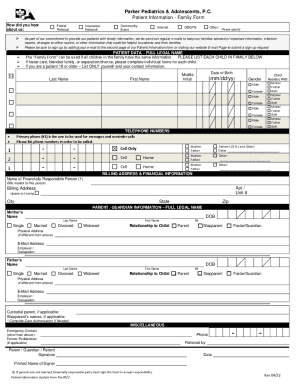
Main Street PediatricsParker Colorado Pediatrician

Information Sheet :: District Of Columbia :: Civil Actions
Benefit from the DocHub online library of fillable PDF forms
Searching the PDF forms doesn't have to be a tedious and time-consuming process. With the DocHub online library, it has become easier to find the fillable PDF forms and modify them in your browser. The service allows you to adjust the document to your needs using powerful editing tools.
You can use online document editing features to modify almost any type of document with ease. You just need to find the template of your choice, open it in the editor, and use the toolbar to make the necessary corrections.
Follow this guide to get your document done with DocHub:
- Find the PDF template you need.
- Click the Get Form button to open the file in the editor.
- Use the toolbar to fill out and edit the document.
- Easily add and highlight text, insert images, checkmarks, and symbols.
- Drop new fillable fields, and rearrange or delete pages from your file.
- Save changes and download your record.
DocHub empowers everyone to streamline document editing, signing, and distribution, and form completion. Create an account and benefit from our well-organized PDF Forms library and comprehensive editor.