
Get any PDF form from the DocHub library of ready-made templates - Page 904
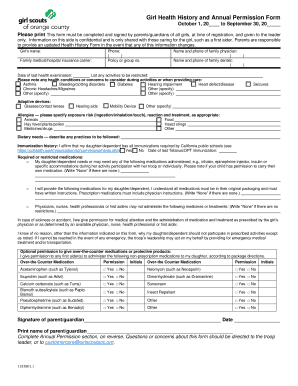
Girl scouts health history form
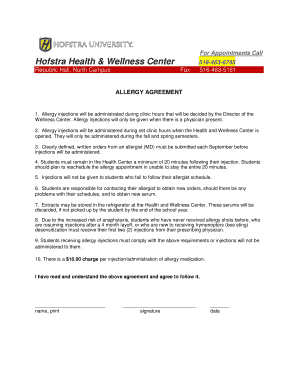
Hofstra Health & Wellness Center
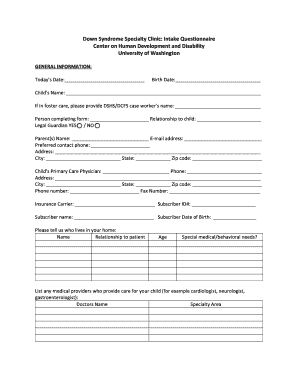
Down syndrome questionnaire
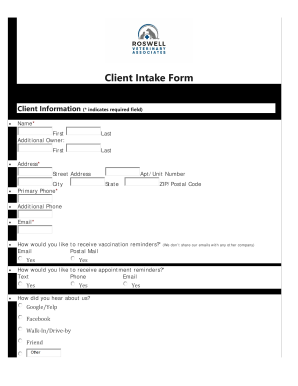
Form 1: Add client & intake - SA Housing Authority
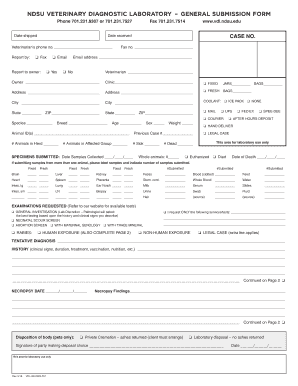
Ndsu submission form

Respiratory syncytial enrollment
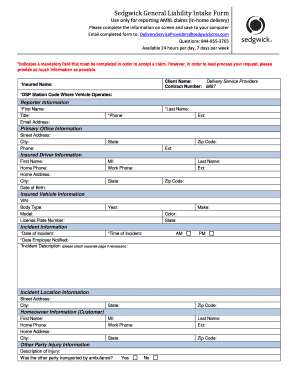
Liability intake

Appointment Cover Sheet Template xlsx

Illumina form
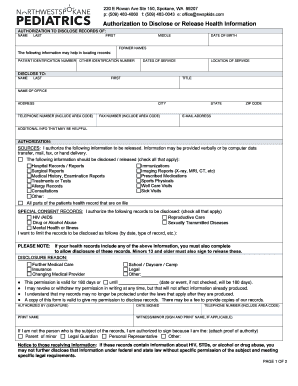
Northwest Spokane Pediatrics, PLLC - Better Business Bureau
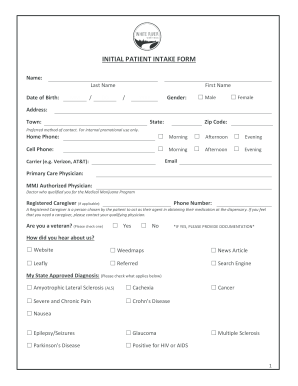
For internal promotional use only

Wwwbalexandriadermbbcomb
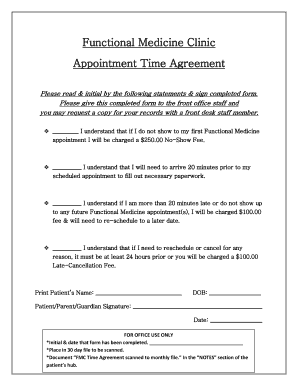
Appointmrent contract
Eiia form

Hudson Surety Agency Application

Electronic-funds-transfer-enrollment-form electronic-funds-transfer-enrollment-form
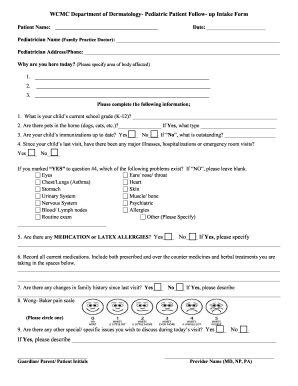
WCMC Department of Dermatology- Pediatric Patient Follow- up Intake Form
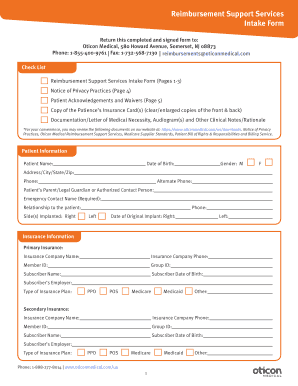
Reimbursement support services
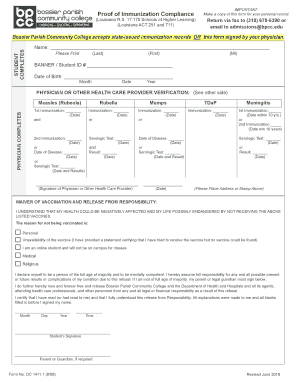
Bpcc immunization
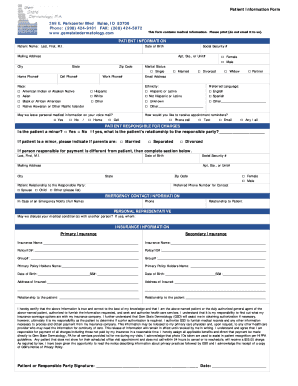
388 E
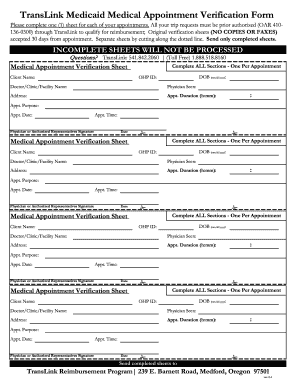
Translink form

Section 1 (To be completed by the Desert RATS participant)

Medicare healthcare taxonomy

Patient pip intake form
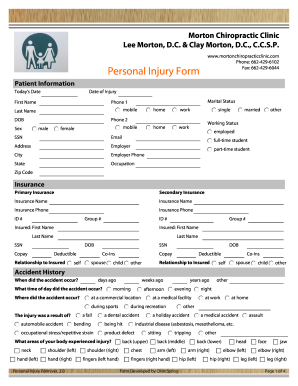
Disc Injury in Hernando? Call Morton Chiropractic Clinic

Neurology Immunoglobulin Referral Form

The Delphi and nominal group technique in health service
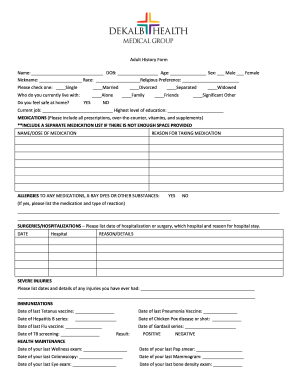
Name: DOB: Age: Sex: Male Female
Form to fill in medical history
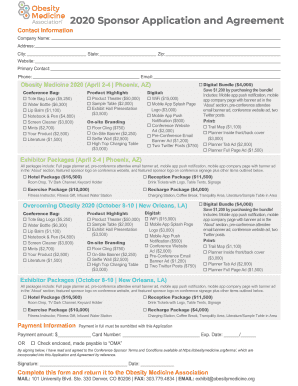
Membership Application An Invitation to Builder Membership

Beazley ransomware supplemental application
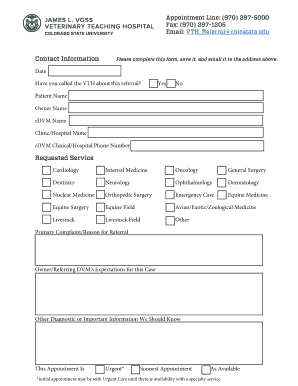
Csu referral
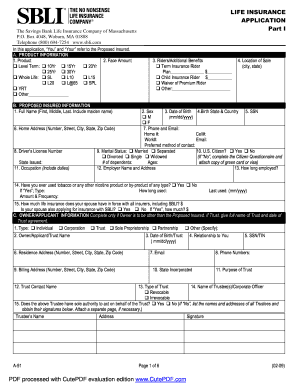
Sbli insurance application
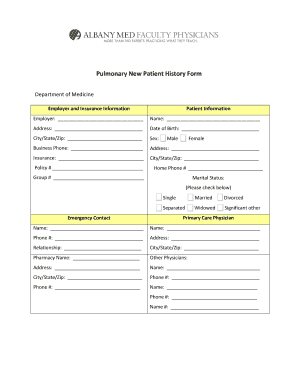
Pulmonary patient form

2840 Legacy Drive, Suite 300, Frisco, TX 75034
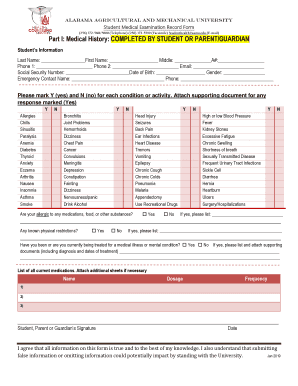
Student medical examination record form
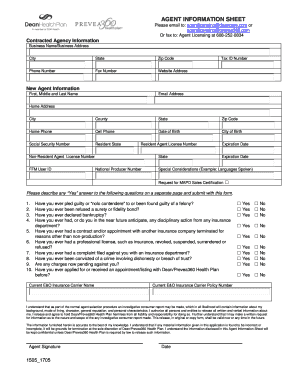
Existing Agency Info Sheet revised 07-12
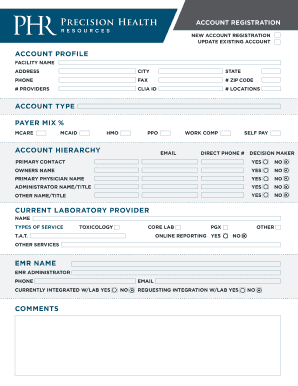
Change Your User ID - DIRECTV Support - AT&T
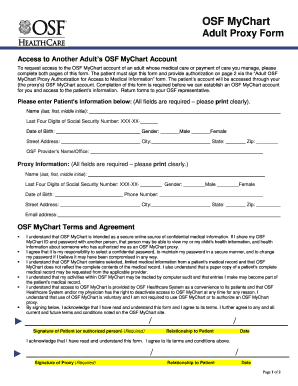
Myosfchart
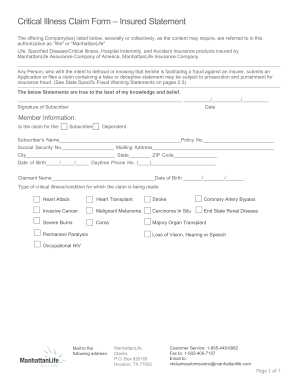
Critical claim form
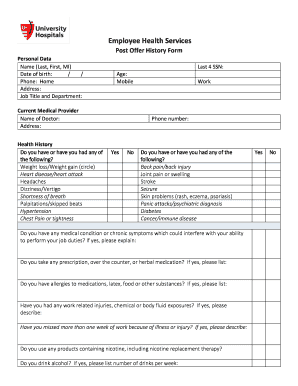
Employee health university system

Medicine medical history form
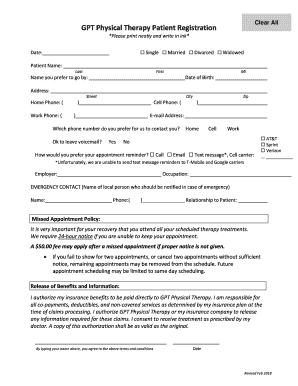
Fax Cover Sheet - Greenwood Physical Therapy
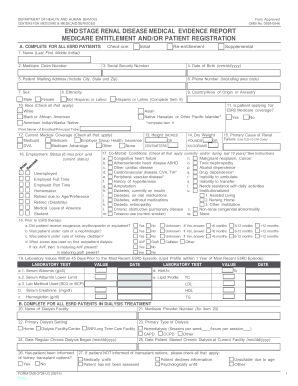
2018 usrds annual data

Lor therapy

Avmed appointment
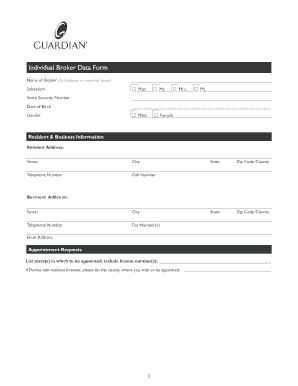
Default argument passing method for functions - freebasic

Slips trips and falls

Jazz cares
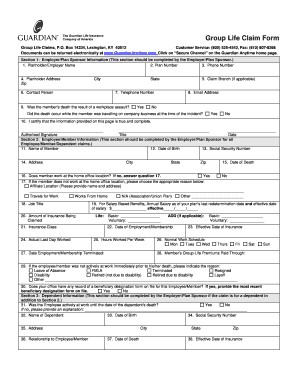
Guardian form group life claim
Roger & Gallet's New Boutique in Vancouver - The Vancouverite
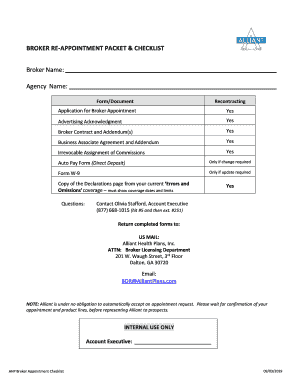
BROKER RE-APPOINTMENT PACKET & CHECKLIST
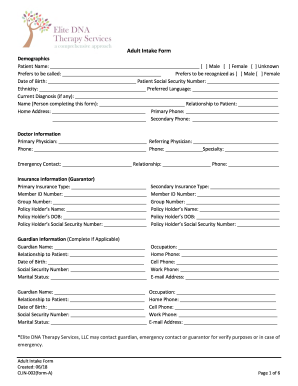
Adult Intake Form - CLIN-002(form-A) docx

Pediatric therapy case
Patient First Name: Middle Initial:Last Name: School grade:
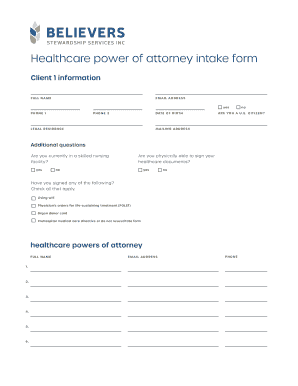
Attorney medical
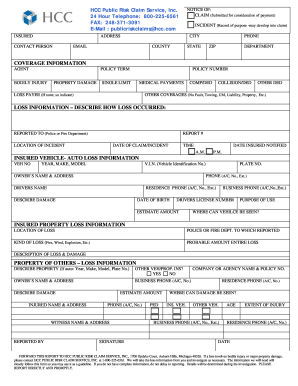
Public risk claims
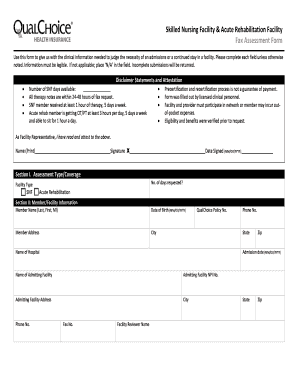
Skilled Nursing Facility & Acute Rehabilitation Facility
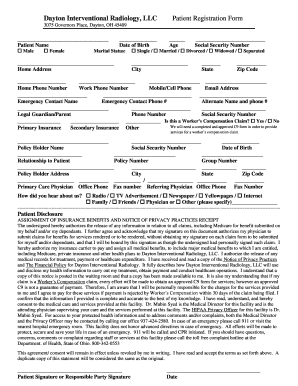
Dayton Interventional Radiology, LLCPatient Registration Form
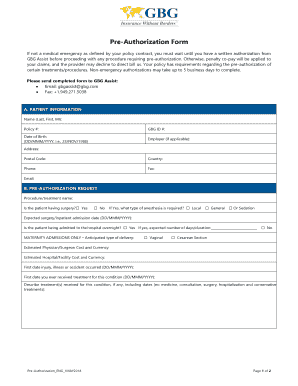
Pre authorization form
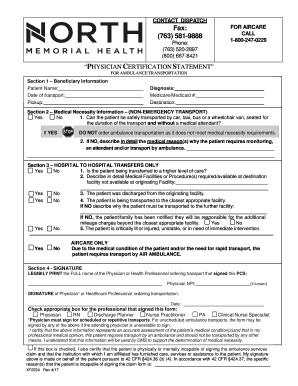
Ambulance pcs form
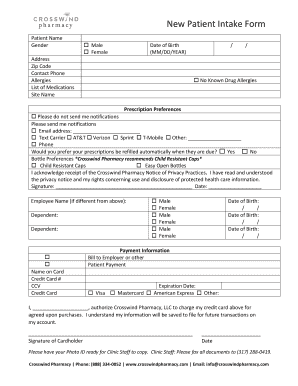
Pharmacy patient form
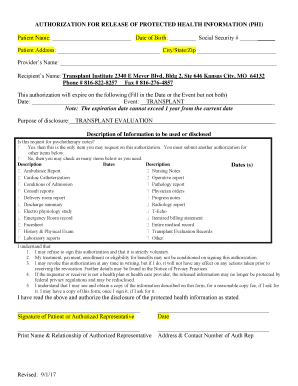
Authorization for Protected Health Information (PHI)
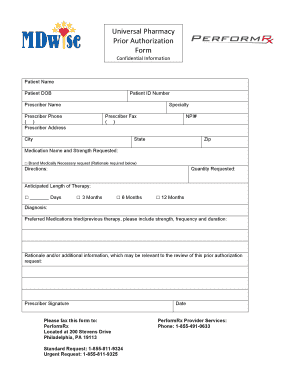
Universal pharmacy form
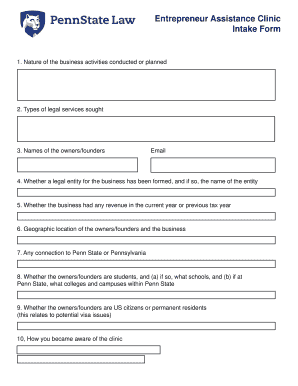
Entrepreneur Assistance ClinicPenn State LawUniversity
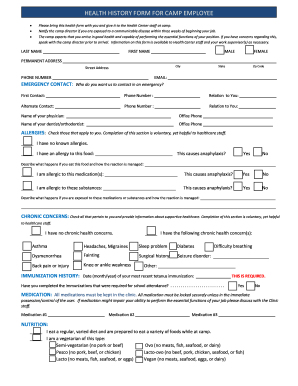
Camp employee health

NEW PATIENT INTAKE FORM Name: Date - Nevy Health
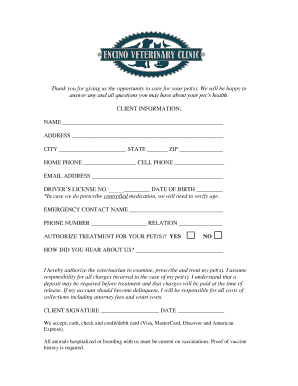
Dr Kelly's Mobile Surgical UnitAffordable Pet Surgery
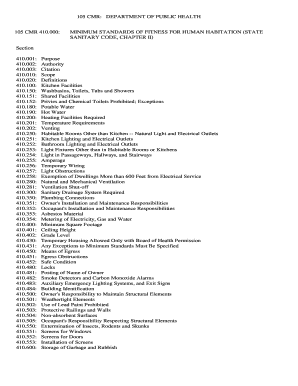
Massachusetts minimum human
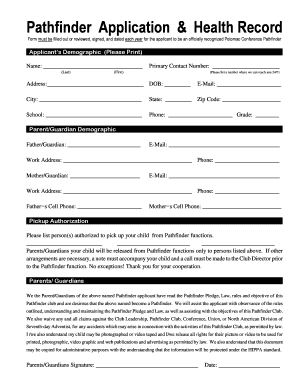
Pathfinder health form
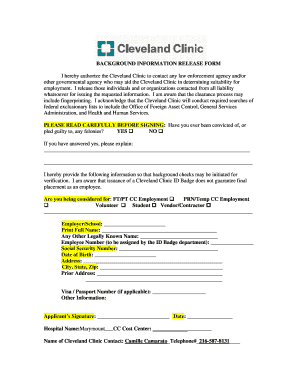
Cleveland clinic marymount form
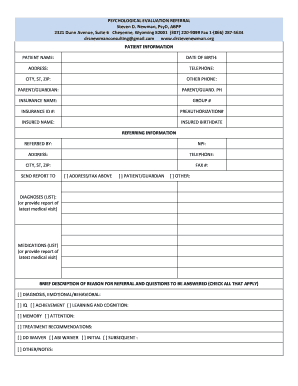
Psychological education evaluation
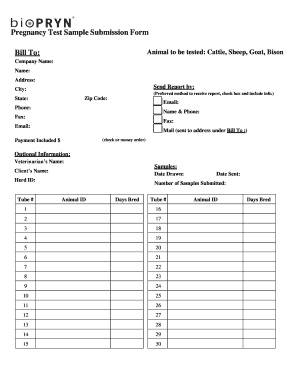
Bovine answers
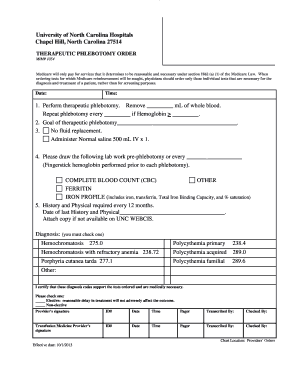
Therapeutic phlebotomy form
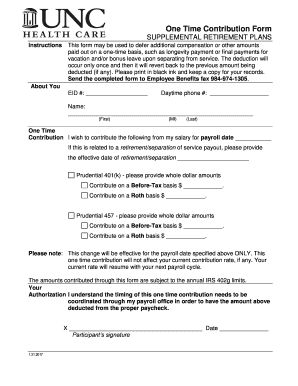
One time contribution
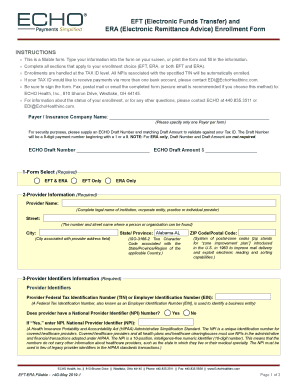
2019 era enrollment

Markel certificate online
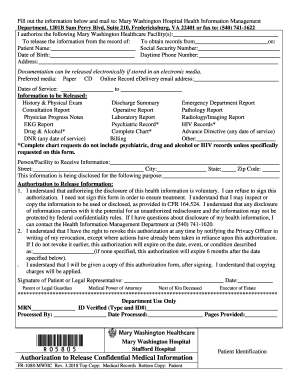
Mwhc form

Medical H&P Preop Form

INSTRUCTIONS DHS 1139D (04 08) ACUTE HOSPITAL ATTACHMENT PURPOSE: Form DHS 1139D shall be used by he
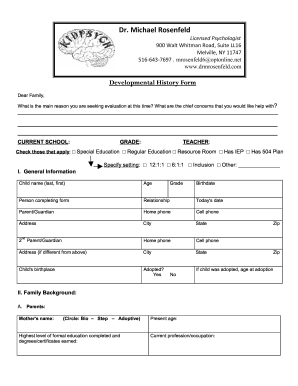
Developmental History Form doc 2793
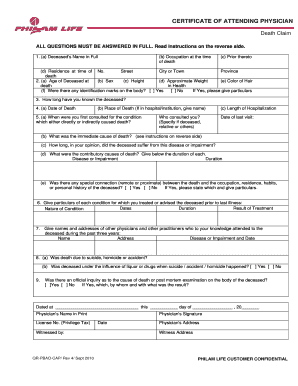
Certification of Attending Physician for Death Claim - Philam Life
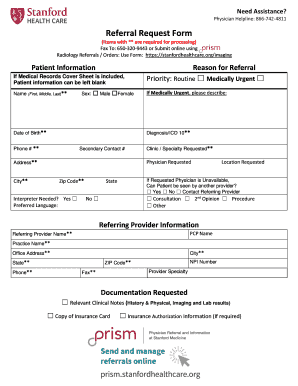
Referral request form

Family care authorization disclosure form
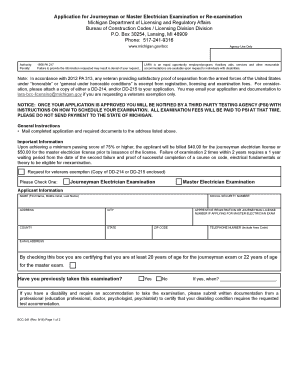
Mi
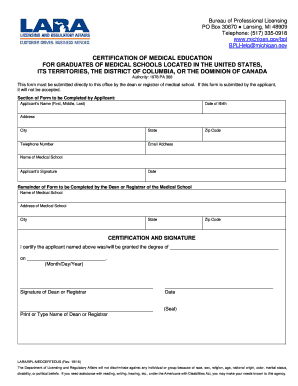
Certification of medical education for graduates of - State of Michigan
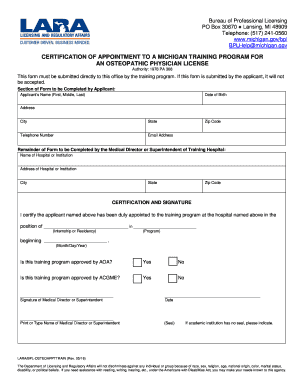
Michigan form
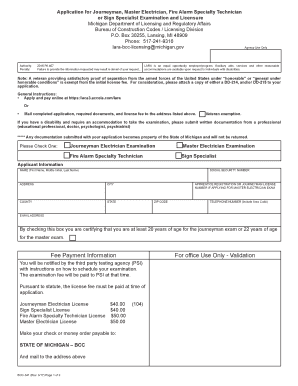
Mi

PO Box 30670 Lansing, MI 48909 - michigan

Mi
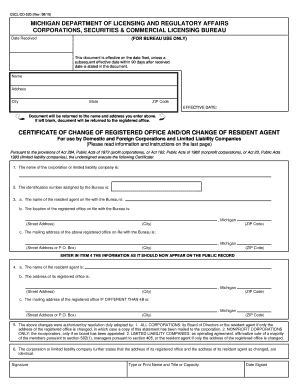
Mi
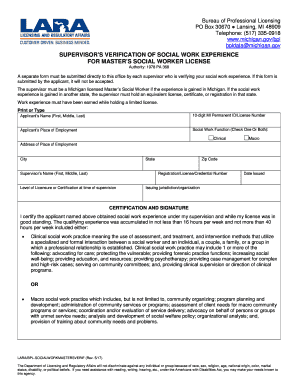
Supervisor's Verficiation of Social Work Experience for Master's Social Work License

Ga withdrawal
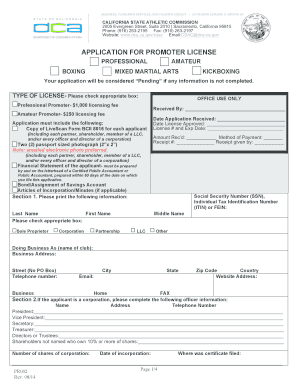
California State Athletic Commission - Promoter Original Application

Form 8812 - irs
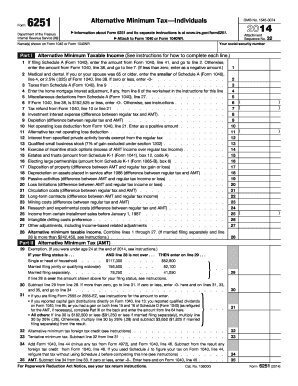
2014 minimum tax form

Publication 1179 Rev 06-2015 General Rules and Specifications for Substitute Forms 1096 1098 1099 54
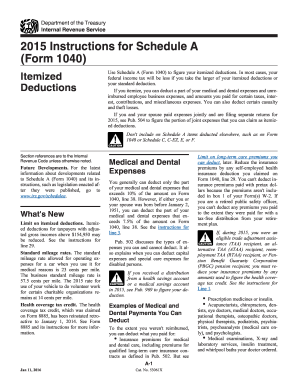
2015 instructions form
Publication 974 Rev December 2015 Premium Tax Credit PTC For use in preparing 2015 returns - irs

Form 8283 for 2012
Benefit from the DocHub online library of fillable PDF forms
Searching the PDF forms doesn't have to be a tedious and time-consuming process. With the DocHub online library, it has become easier to find the fillable PDF forms and modify them in your browser. The service allows you to adjust the document to your needs using powerful editing tools.
You can use online document editing features to modify almost any type of document with ease. You just need to find the template of your choice, open it in the editor, and use the toolbar to make the necessary corrections.
Follow this guide to get your document done with DocHub:
- Find the PDF template you need.
- Click the Get Form button to open the file in the editor.
- Use the toolbar to fill out and edit the document.
- Easily add and highlight text, insert images, checkmarks, and symbols.
- Drop new fillable fields, and rearrange or delete pages from your file.
- Save changes and download your record.
DocHub empowers everyone to streamline document editing, signing, and distribution, and form completion. Create an account and benefit from our well-organized PDF Forms library and comprehensive editor.