
Get any PDF form from the DocHub library of ready-made templates - Page 781

Wilmington delaware tax return
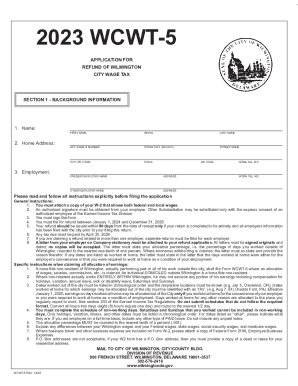
City Wage Tax Refund Application City Wage Tax Refund Application
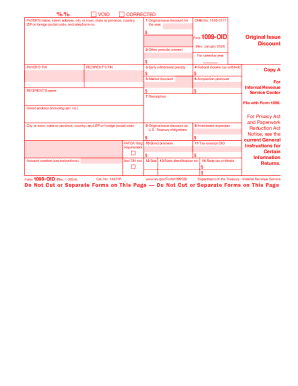
2024 Form IRS 1099-NEC Fill Online, Printable, Fillable
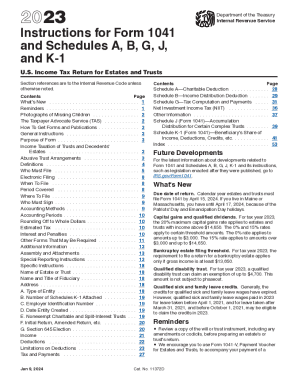
2023 IL-1041 Instructions - Illinois Department of Revenue
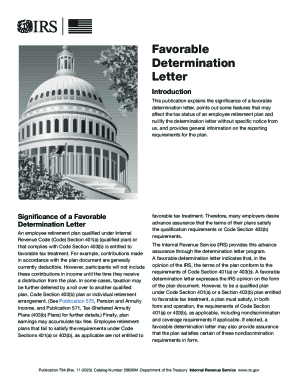
Get a Sample IRS Determination Letter
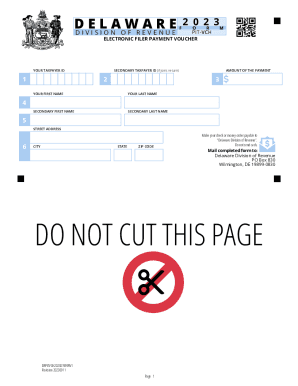
Delaware Income Taxes and DE State Tax Forms
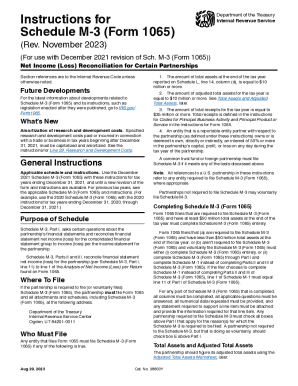
Understanding Schedule M-3 on IRS Form 1065
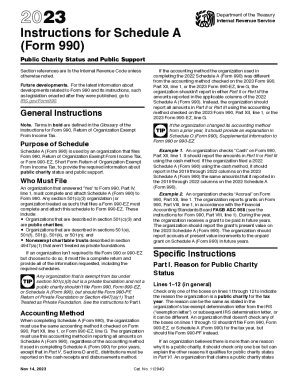
THE NEW 990 AND ITS RELATIONSHIP TO CALIFORNIA LAW
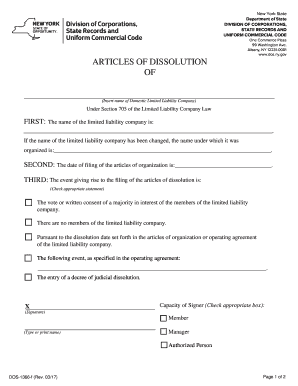
Ny dos
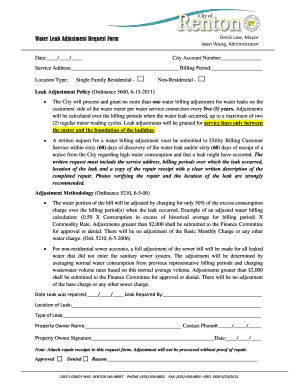
Water Leak Adjustment Request Form - City of Renton - rentonwa
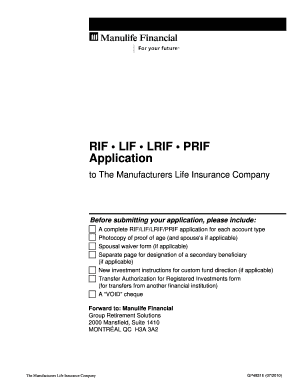
Manulife form gp4931
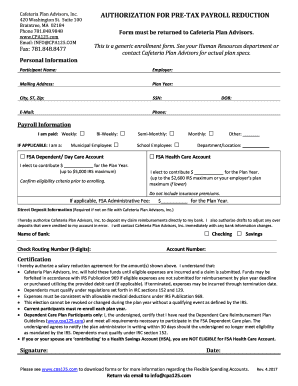
Cpa125
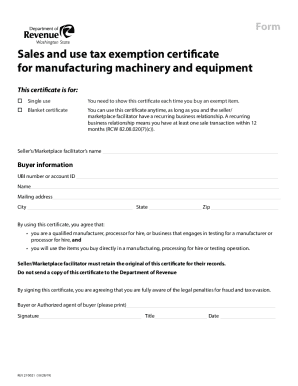
Sales and use tax exemption certificate for manufacturing machinery
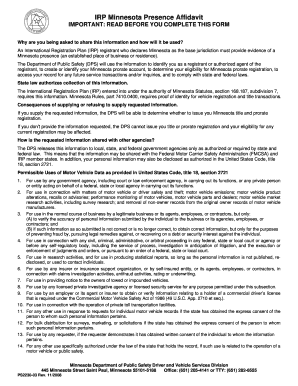
Irp minnesota presence affidavit ps2230

IRP IFTA Minnesota Presence Affidavidit
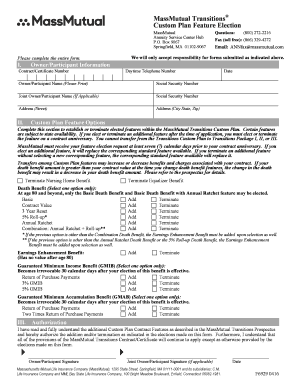
MassMutual Transitions

2019 DELAWARE Non-Resident Individual Income Tax Return

Authorization for Pre-Tax Payroll Reduction Enrollment
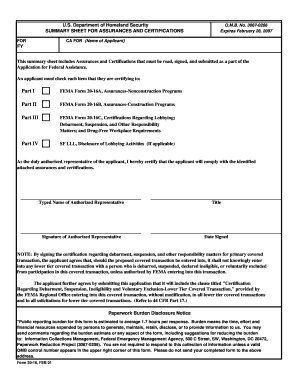
Fema form 20 16c
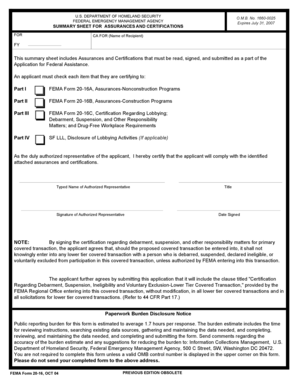
Summary Sheet for Assurances and Certification Form 2016 - vem vermont
Sc ifta online
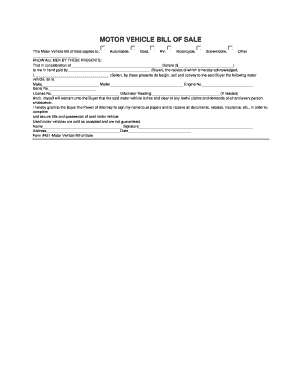
Wisconsin vehicle bill of sale pdf

Cw2186a
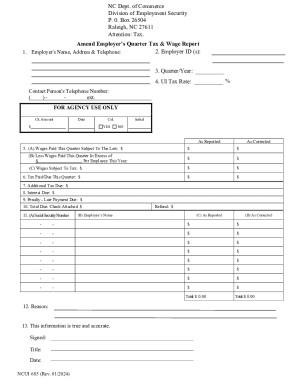
NCUI 685 Form
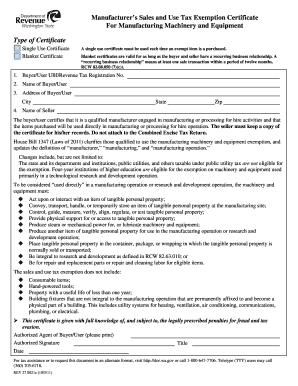
Washington state tax exempt form
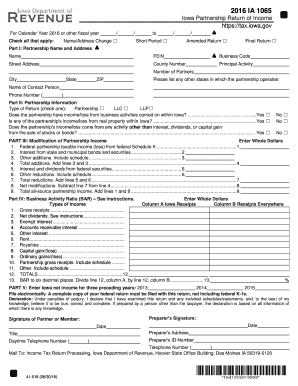
IA 1065 Partnership Return of Income, 41-016
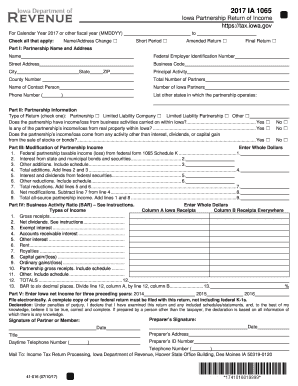
IA 1065 Partnership Return of Income, 41-016
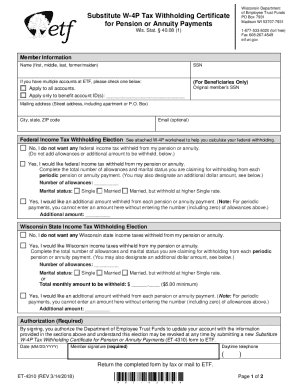
Et 4310
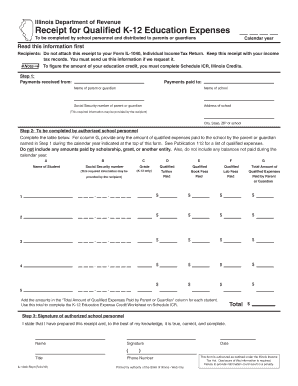
IL-1040-Rcpt - Illinois Department of Revenue
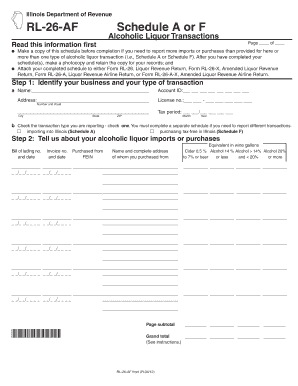
Use your 'Mouse ' or the 'Tab ' key to move through the fields, use your 'Mouse ' or 'Space Bar ' to

F X CO L E C T O TAX NOTICE INFORMATION

Cs fm37
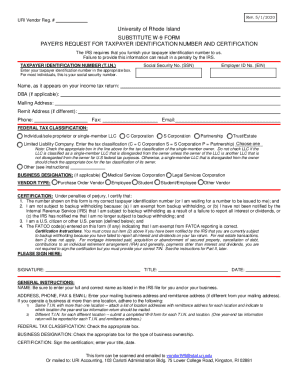
Substitute W-9 Form
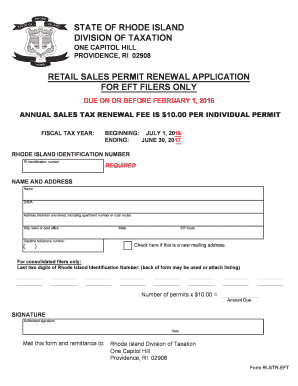
Ri str eft permit renewal
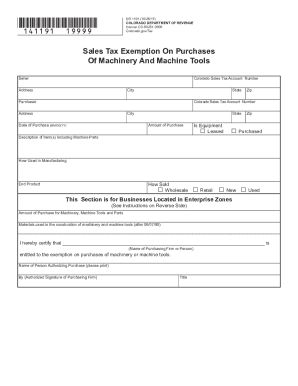
Co dr1191 tax exemption

Commissioner of Revenue Senior Deputy Commissioner Bulletin

Seller questionnaire regarding title
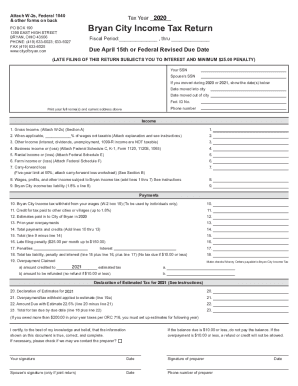
2018 income tax return

Village of Evendale OH
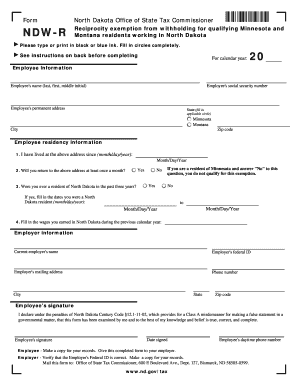
Ndw r
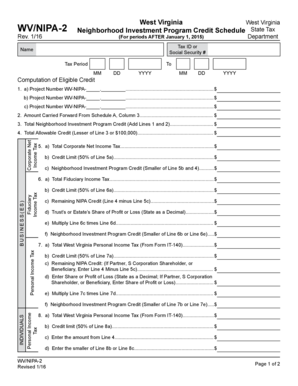
Wv nipa 2
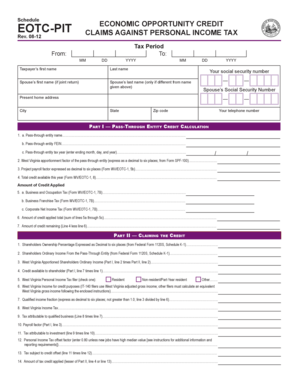
Wv eotcpit opportunity personal tax
OIVS User Guide
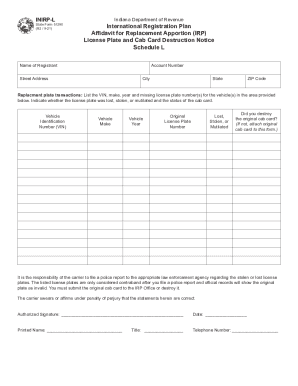
Inirp l
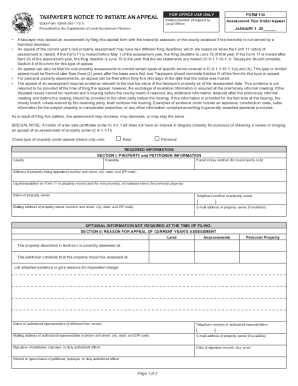
Indiana local government finance
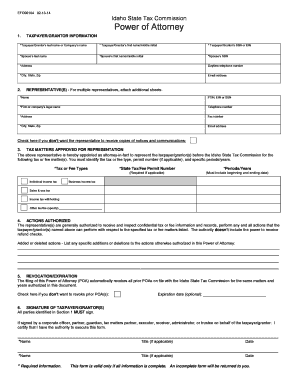
Power of Attorney - (POA) Forms and Templates
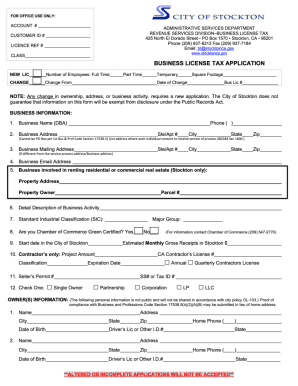
Business License Application revised 3 28 19 final
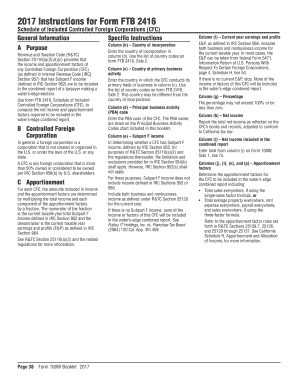
2416 instructions get

267 l a

Ohio wage form

Ohio Taxation of Manufactured and Mobile Homes - Tax Law

Nv sales tax return

Ar1023ct
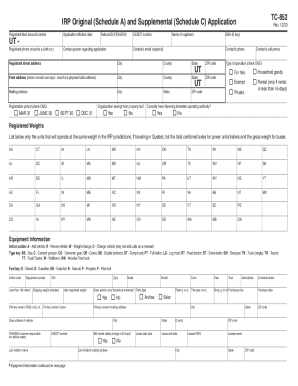
Tc 852

Utah exemption certificate retailers

Tax colorado severance-tax-formsSeverance TaxForms & InstructionsDepartment of Revenue
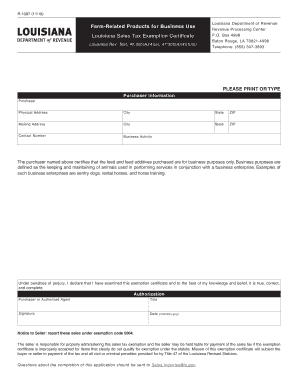
R-1097 (11 18)
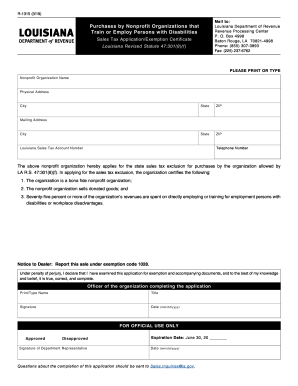
R-1315 (3 19)
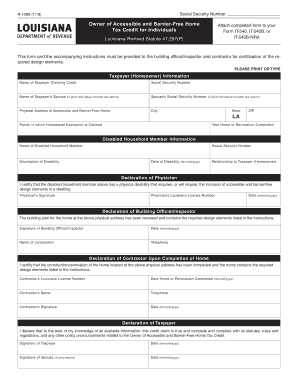
R 1089 form
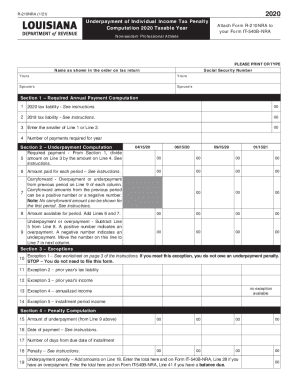
Printable 2020 Louisiana Form INS-SUP Schedule (Supplement Schedule for Refund of Louisiana Citizens
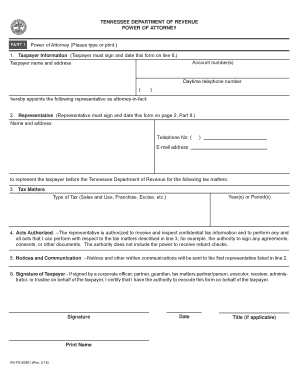
Taxpayer Information (Taxpayer must sign and date this form on line 6

Tax questionnaire sample
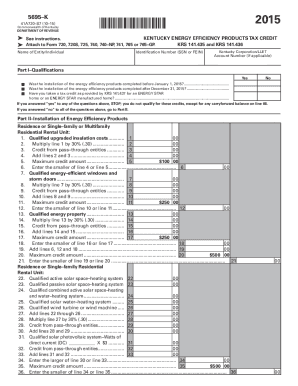
Printable 2020 Kentucky Form 5695-K (Kentucky Energy Efficiency Products Tax Credit (OBSOLETE))
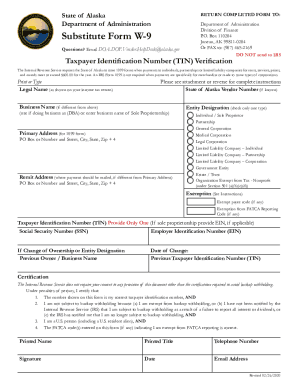
Alaska form w9
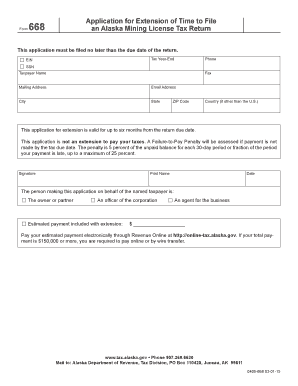
Alaska extension tax

- tax alaska

BUSINESS NAME & LOCATION INFORMATION

Form 5615 - Missouri Department of Revenue - MO - dor mo
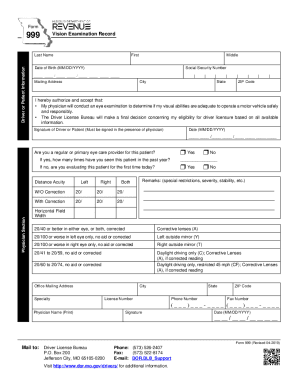
Form 999

Forms and Manuals - dor mo
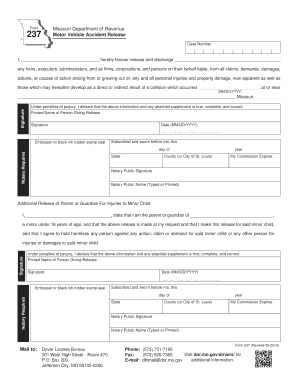
Missouri motor vehicle accident

Delaware de8453ol

Fillable Online Employment Application - iPic Theaters Fax
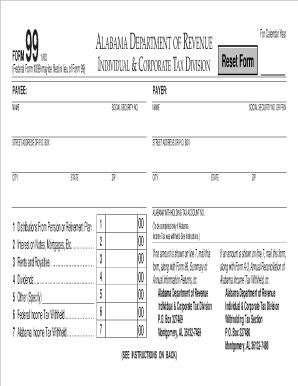
Form 99

Alabama inheritance tax waiver form
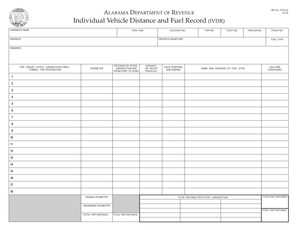
Irp 44 ifta 20
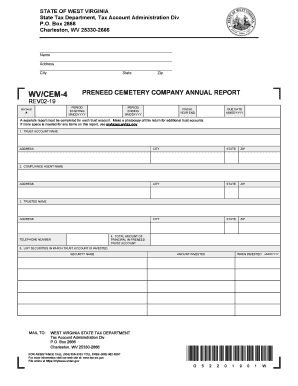
Sales tax collections for online purchases required in 43
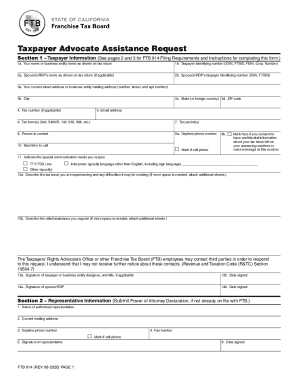
914 form
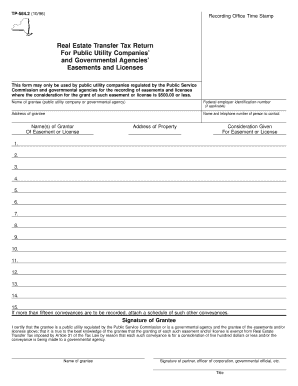
Form TP-584 2:10 96:Real Estate Transfer Tax Return For
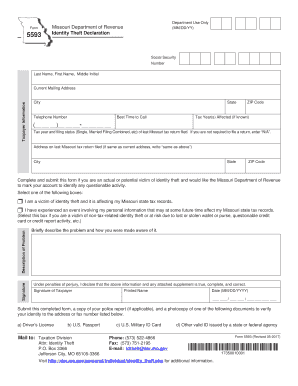
5593 form
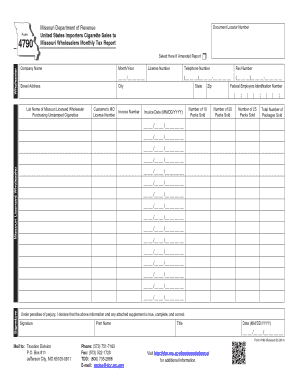
Gst 202 course material

Cash bond form
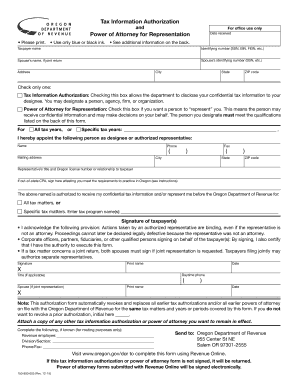
Oregon 800
Oregon 1099
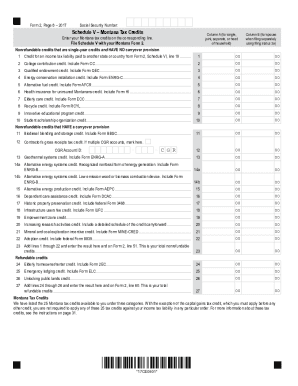
Printable 2020 Montana Form 2 Worksheet V (Tax Credits (DISCONTINUED))
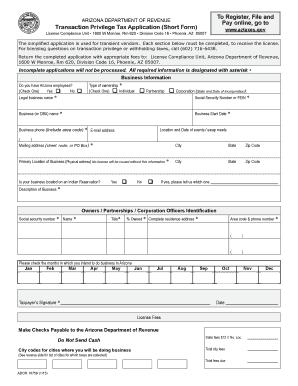
Arizona transaction tax application short template

Bonded Motor Vehicle Business Application

Utah sales tax exemption form

Credits - UtahCredits - Utah Income TaxesUtah State Tax CommissionCurrent Forms - Utah State Tax Com

Washington state vehicle trip permit
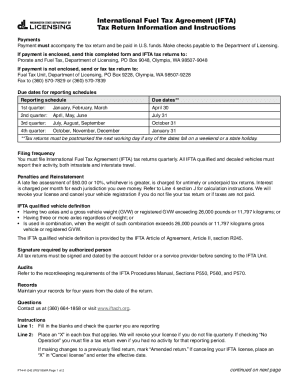
International Fuel Tax Agreement (IFTA) Tax Return Information and Instructions
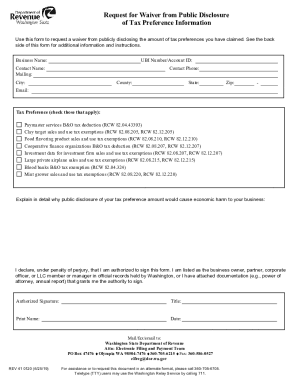
Request for Waiver from Public Disclosure of Tax Preference
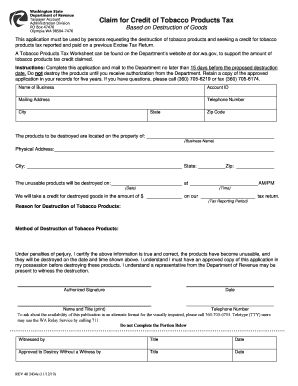
Cigarette Tax - Washington State Department of Revenue
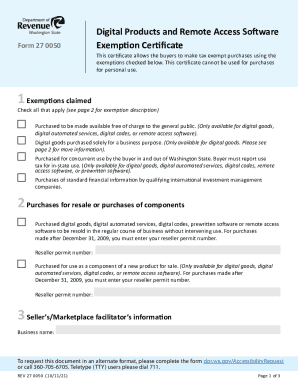
Which States Require Sales Tax on Software-as-a-Service
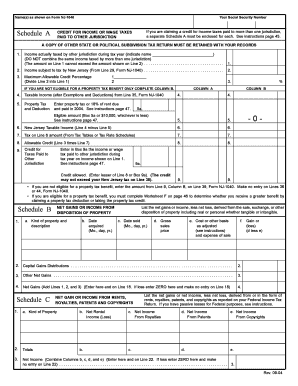
Nj 1040 schedule b
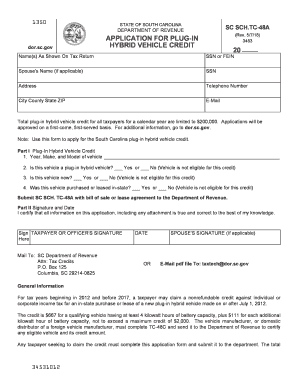
Dor sc tc plug in
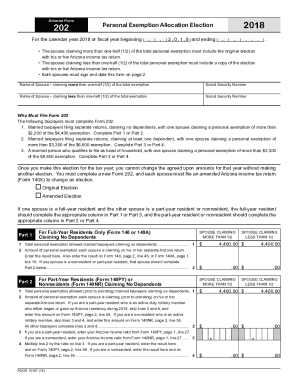
Printable 2020 Arizona Form 202 (Personal Exemption Allocation Election)
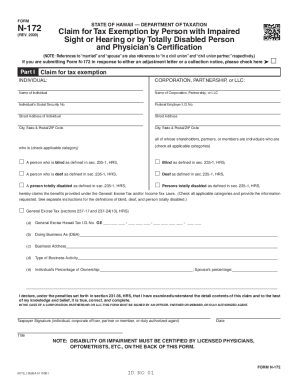
Hawaii disabled form
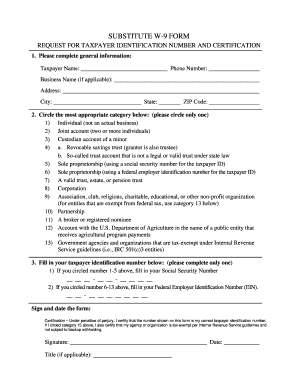
Tennessee w 9 form

Ia81
Benefit from the DocHub online library of fillable PDF forms
Searching the PDF forms doesn't have to be a tedious and time-consuming process. With the DocHub online library, it has become easier to find the fillable PDF forms and modify them in your browser. The service allows you to adjust the document to your needs using powerful editing tools.
You can use online document editing features to modify almost any type of document with ease. You just need to find the template of your choice, open it in the editor, and use the toolbar to make the necessary corrections.
Follow this guide to get your document done with DocHub:
- Find the PDF template you need.
- Click the Get Form button to open the file in the editor.
- Use the toolbar to fill out and edit the document.
- Easily add and highlight text, insert images, checkmarks, and symbols.
- Drop new fillable fields, and rearrange or delete pages from your file.
- Save changes and download your record.
DocHub empowers everyone to streamline document editing, signing, and distribution, and form completion. Create an account and benefit from our well-organized PDF Forms library and comprehensive editor.