
Get any PDF form from the DocHub library of ready-made templates - Page 1936

Cc428 vendor declaration eligibility form

Hennepin county professional statement of need

Coles county health department
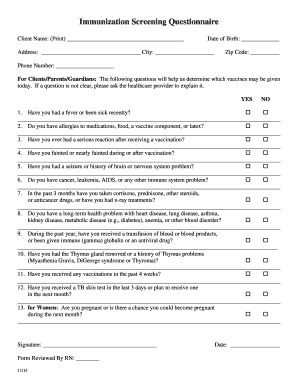
Sample questionnaire on immunization

Denvergov org onlineprotest
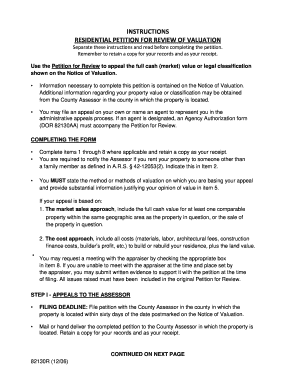
INSTRUCTIONS RESIDENTIAL PETITION FOR REVIEW OF VALUATION - yavapai

Youth registration form

Seller's MRED Exemption Form
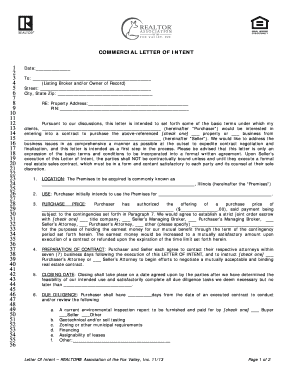
Letter of intent for lease

Realtor association of the fox valley residential lease form
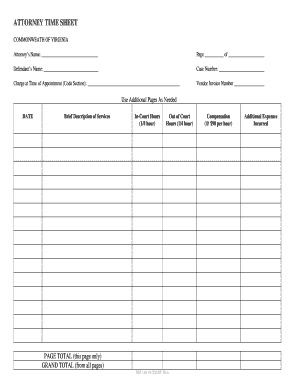
Va time sheet
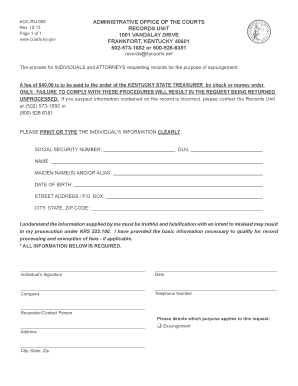
Aoc ru 009

Ky petition custody

DOMESTIC SUPPORT OBLIGATION WORKSHEET As the Chapter 7 - dadelegalaid
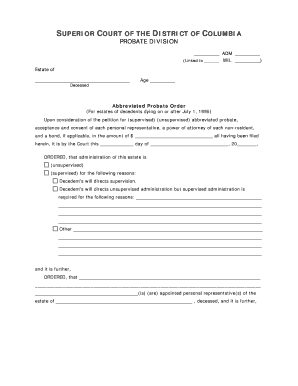
Abbreviated probate

Jdf 528
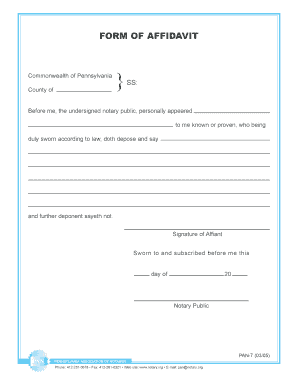
Notary affidavit

STATE OF ARIZONA NOMINATION PAPER AFFIDAVIT OF QUALIFICATION ...

Letter of engagement
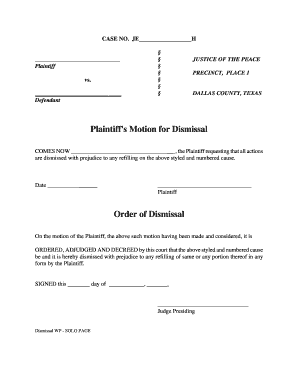
Motion dismissal dallas county

Acceptance of Service - SC Judicial Department - judicial state sc
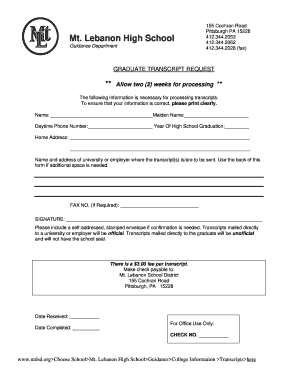
Mtlsd

Form bca 2 10

Unified pvpusd examination

Houston self certification form
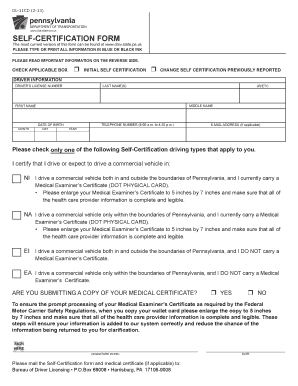
Dl 11cd
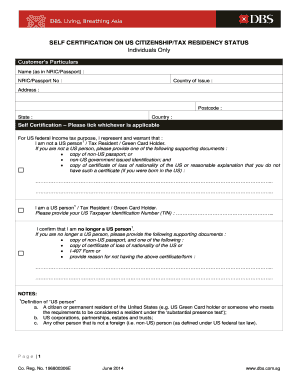
Go dbs com sg selfcert

Certificate of georgia fiscal resident
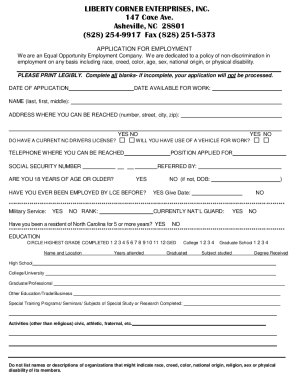
Iphone bill download
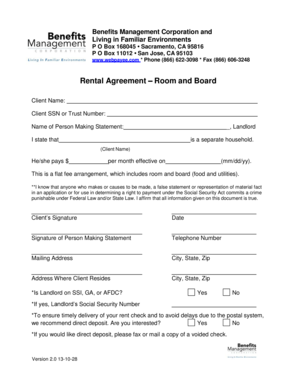
Rental Agreement Room and Board - Benefits Management ...
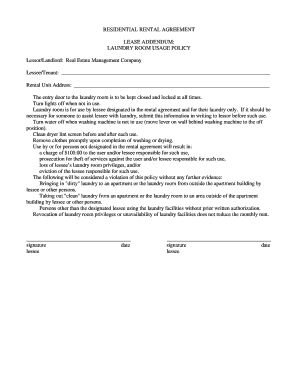
REMCO - lease - addendum - laundry room usagewpsdoc

CaliforniaChoice New Hire Enrollment Quote Request (CC 0170)

Employment health questionnaire

Workforce solutions employment verification form

Inland regional center special incident report
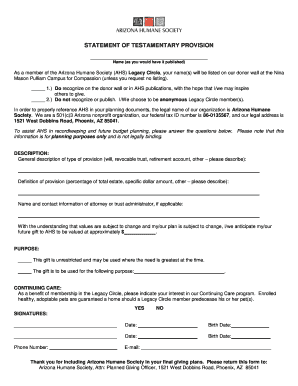
Statement testamentary

Florida wind mitigation form
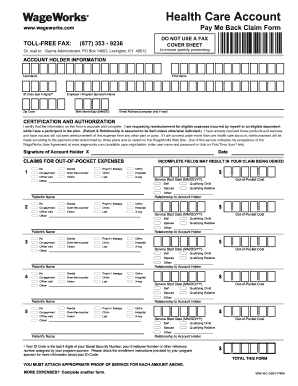
WageWorks Pay Me Back Claim Form Instructions - Cook County ...
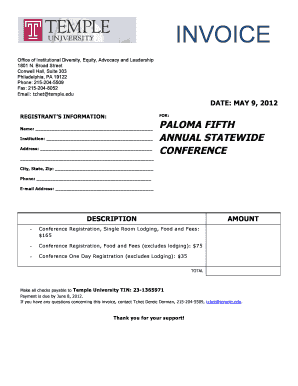
Invoice for Payment - Temple University - temple
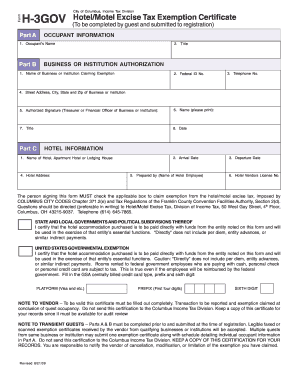
H 3gov
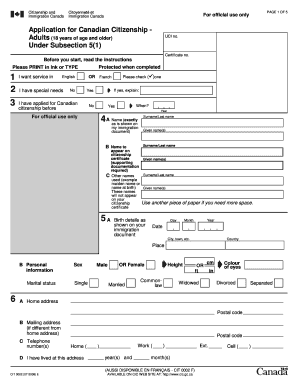
CIT 0002E : Kit - Application for Canadian Citizenship - Adults (18 ...
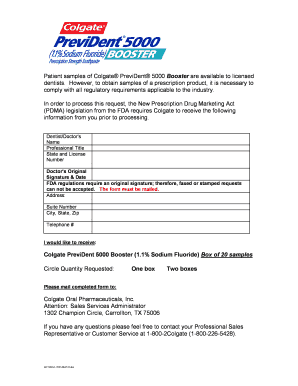
Prevident 5000 prescription sample
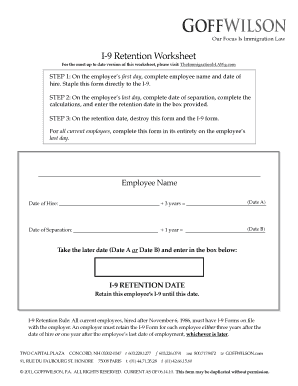
I 9 retention worksheet
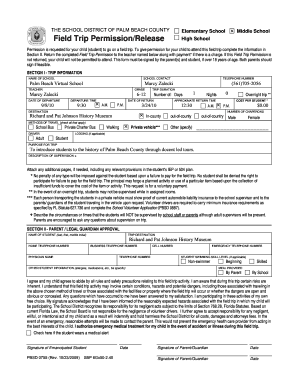
Hammock pointe elem permission slips pictures
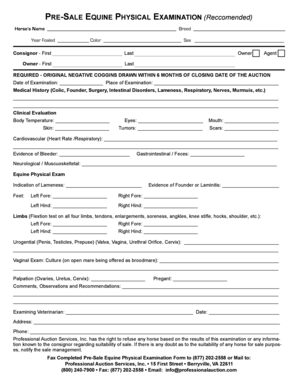
Equine physical exam form
Electronic Monitoring - Kern County Probation
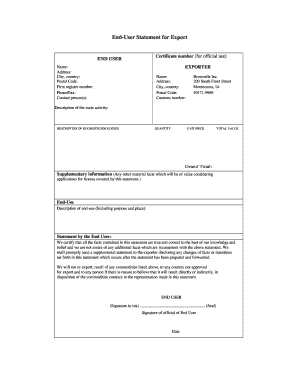
How to fill out ausfta declaration
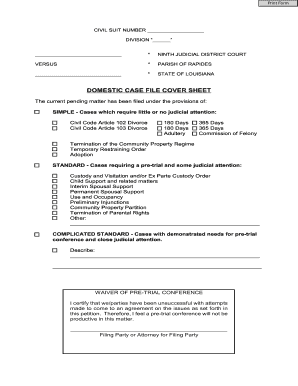
Louisiana case file sheet
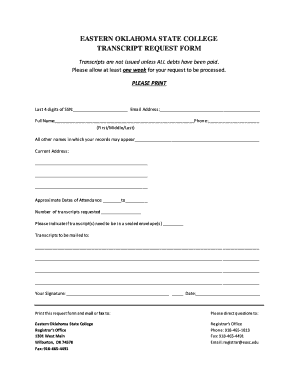
Eastern oklahoma state college transcript request
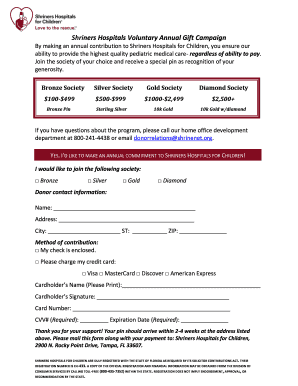
Shriners hospital printable donation form
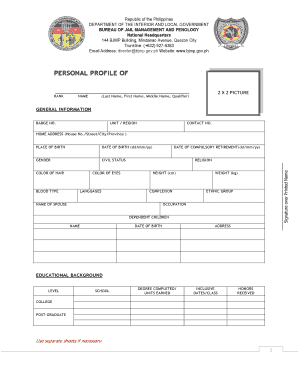
Bjmp form
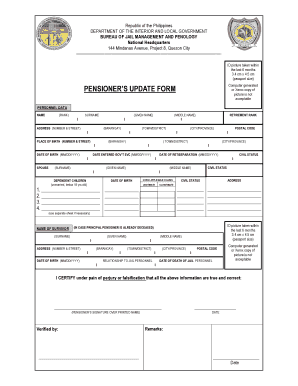
Bjmp finance
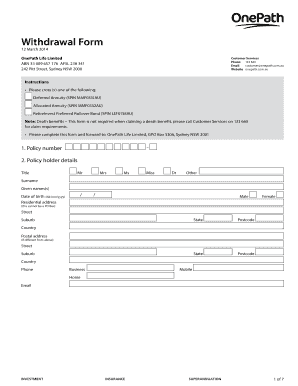
N Deferred Annuity (SPIN MMF0331AU)
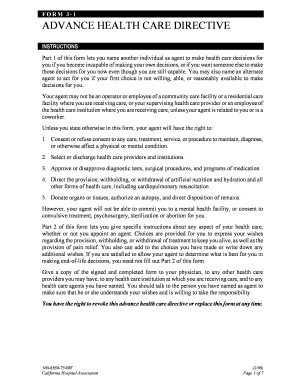
Sldc004e form
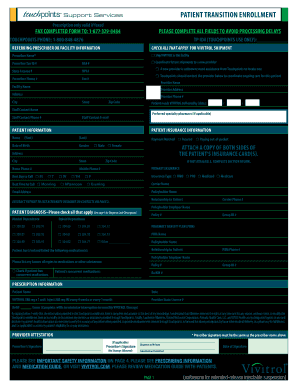
Download form -
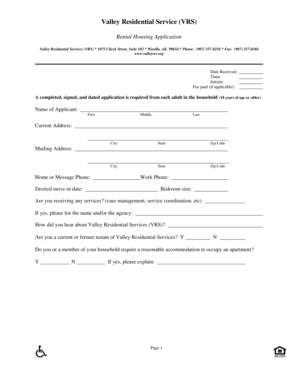
Vrs wasilla
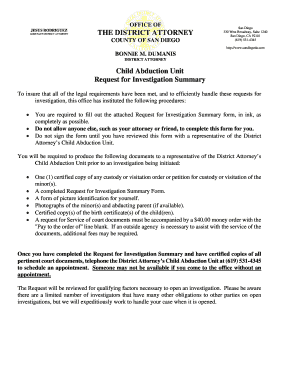
San diego county recorder forms

Receipt challan

Ppqa 01

Employment Verification - The Housing Authority of Fulton County - hafc
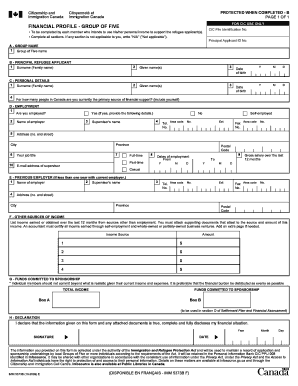
IMM 5373B E : Financial Profile - Group of Five
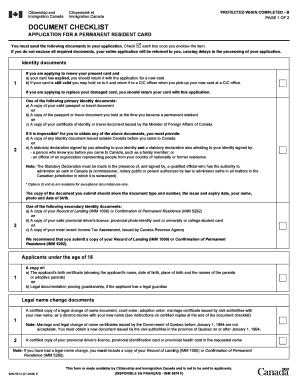
Canada checklist application permanent resident
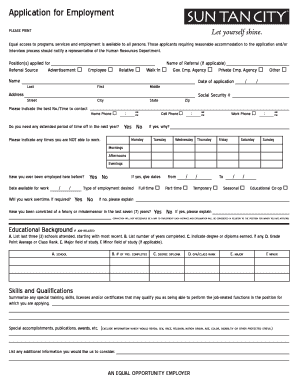
Sun tan city application form
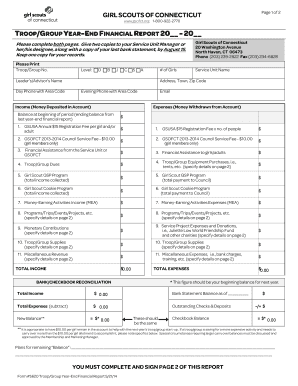
Annual Troop/Group Financial Report - gsofct
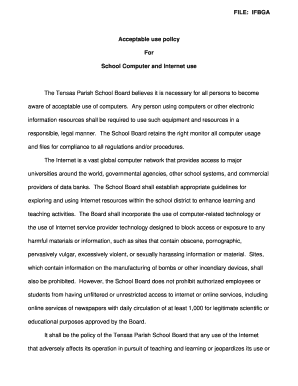
1999 computer tensas
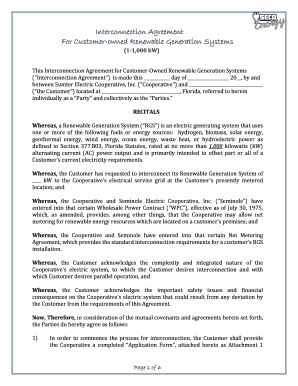
Interconnection Agreement & Application - SECO Energy
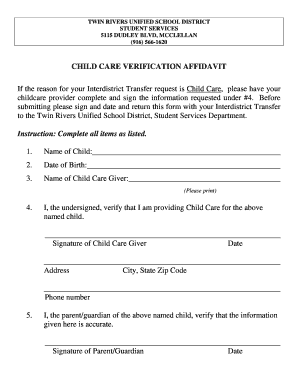
Child care verification affidavit - Twin Rivers Unified School District - twinriversusd
Workplace self certification form
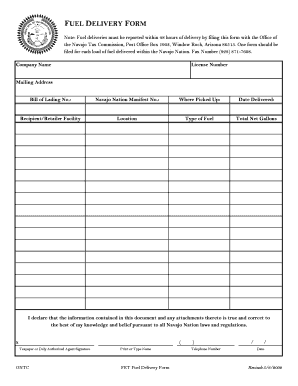
Navajo nation tax commission
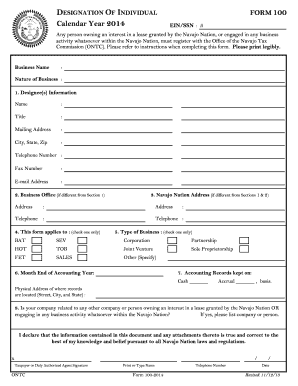
Navajo form 100

Compliance Packaging Form - providerConnect
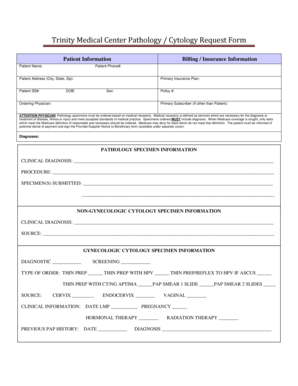
Trinity Medical Center Pathology / Cytology Request Form
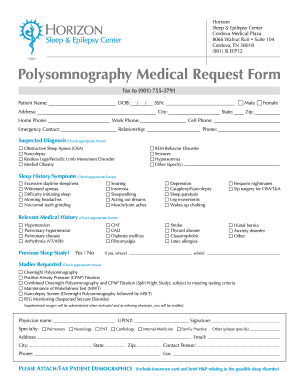
Polysomnography medical form

Ada medical inquiry form
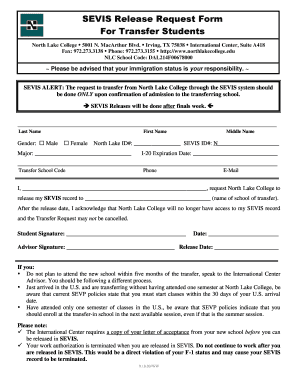
North lake college sevis form
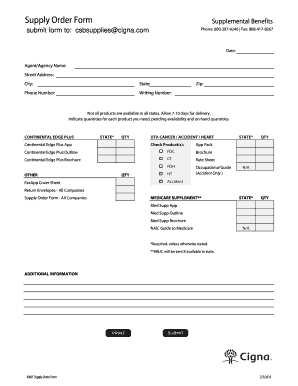
Cigna amlf form

Cheshire application employment
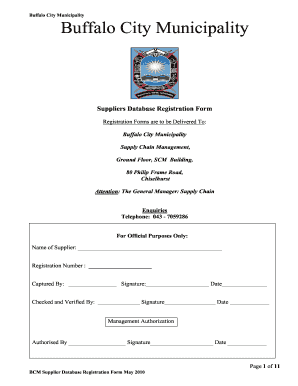
Amathole district municipality data base forms
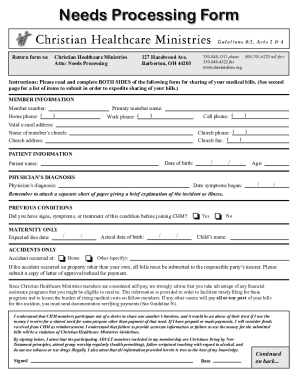
Chministries forms

Georgia employee enrollment form

ARCHITECTURAL CHANGE FORM RiverWalk of the Palm Beaches Homeowners Association, Inc
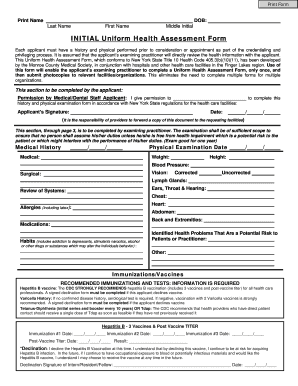
Medical assessment initial nurse form

Claim form tollway
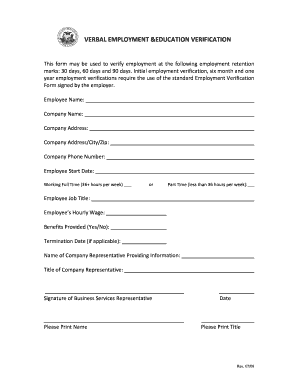
OEWD Form 118 Verbal Employment Education Verification - oewd

Nationwide electronic fund transfer form
Deceased money bank savings printout form
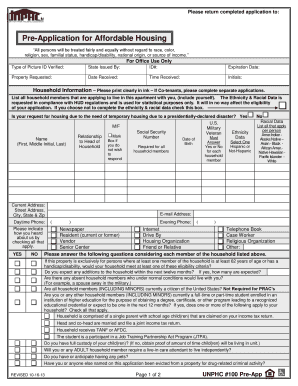
Application for Housing - Utah Non-profit Housing - utahnonprofithousing
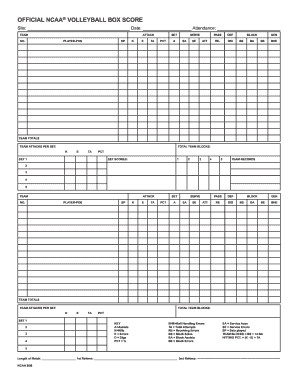
Ncaa volleyball box
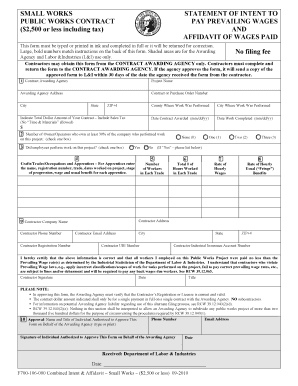
Combined intent and affidavit form f700 106 000
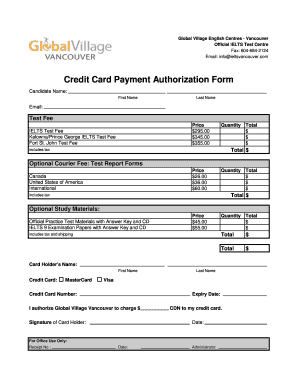
Credit Card Payment Authorization Form - IELTS Vancouver
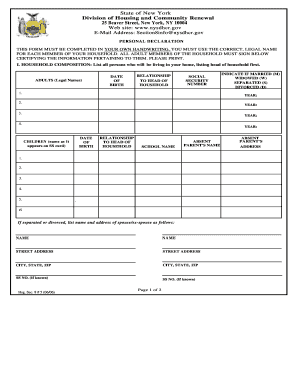
Personal declaration form
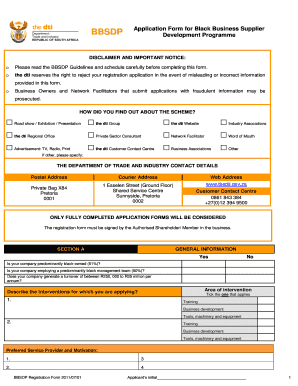
Gauteng shared service centre vendor registration
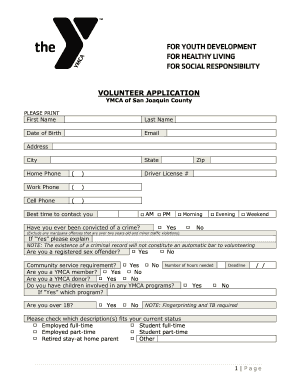
Ymca application form

Physical intervention form fill in online
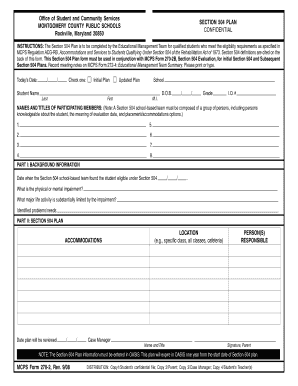
Mcps 504 plan
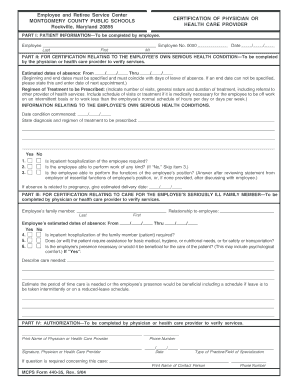
Of health care form
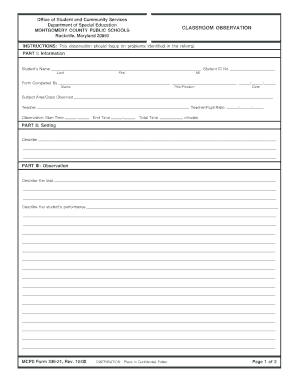
Mcps classroom observation form

MCPS Form w4-mw-507, 7/03 - Montgomery County Public Schools - mcps k12 md
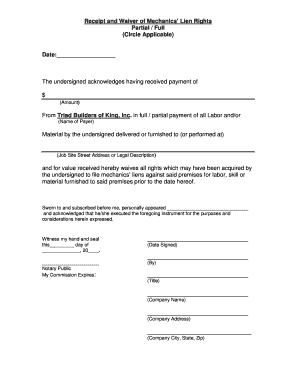
Receipt and Waiver of Mechanics' Lien Rights ... - Triad builders

Cpso registers doctor physician search
Benefit from the DocHub online library of fillable PDF forms
Searching the PDF forms doesn't have to be a tedious and time-consuming process. With the DocHub online library, it has become easier to find the fillable PDF forms and modify them in your browser. The service allows you to adjust the document to your needs using powerful editing tools.
You can use online document editing features to modify almost any type of document with ease. You just need to find the template of your choice, open it in the editor, and use the toolbar to make the necessary corrections.
Follow this guide to get your document done with DocHub:
- Find the PDF template you need.
- Click the Get Form button to open the file in the editor.
- Use the toolbar to fill out and edit the document.
- Easily add and highlight text, insert images, checkmarks, and symbols.
- Drop new fillable fields, and rearrange or delete pages from your file.
- Save changes and download your record.
DocHub empowers everyone to streamline document editing, signing, and distribution, and form completion. Create an account and benefit from our well-organized PDF Forms library and comprehensive editor.