
Get any PDF form from the DocHub library of ready-made templates - Page 1067
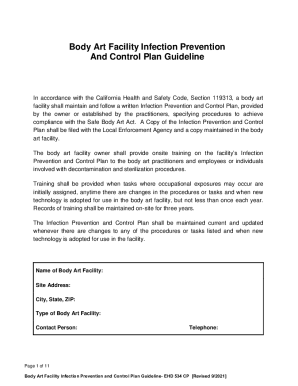
Cchealth ehbody-artBody Art Facility Infection Prevention And Control Plan Guideline
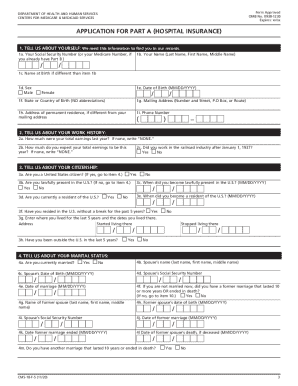
Form CMS 18F5 Application for Part A (Hospital Insurance) APPLICATION FOR PART A (HOSPITAL INSURANCE
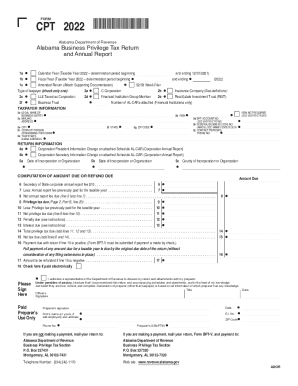
Alabama business privilege tax
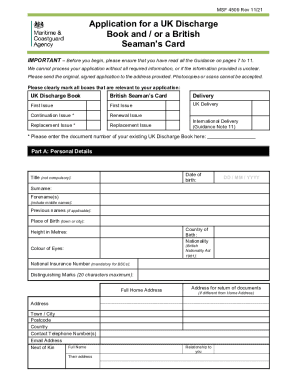
Uk application discharge book
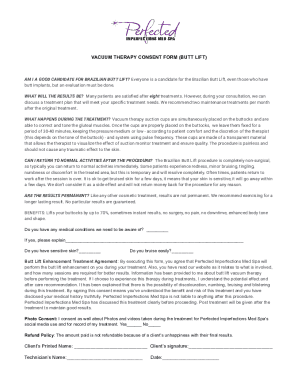
Vacuum therapy consent form
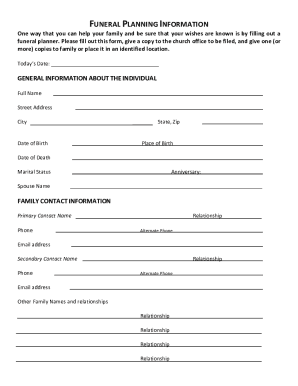
Checklist: Pre-Planning Your Funeral or Memorial Service How to Manage Family Conflict When Planning
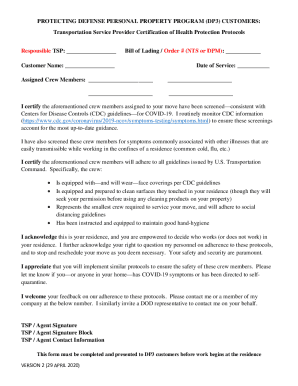
TSP DP3 Certification of Health Protection Protocols Document
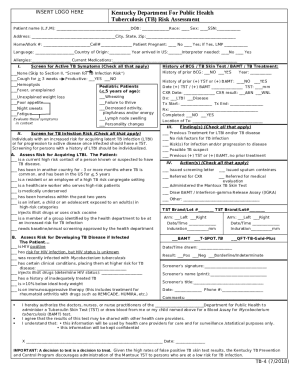
TB4 TB Risk Assessment Form - Cabinet for Health and
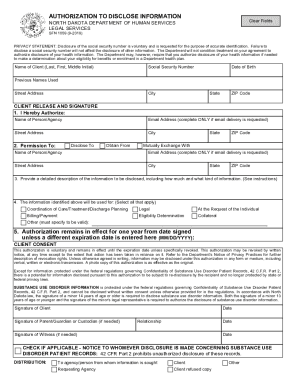
Sfn 1059
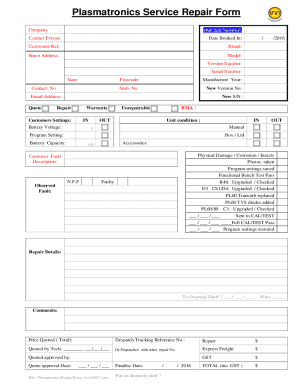
Va form 10 10172
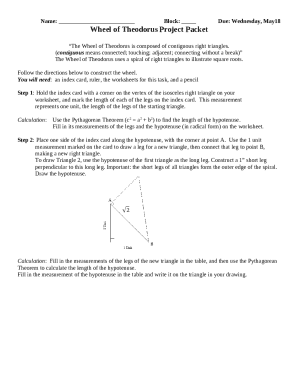
Wheel of theodorus project
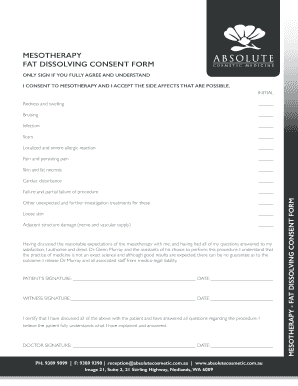
Fat dissolving consent form

Tru referee form
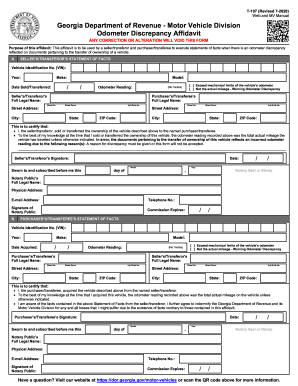
Form T-107 Odometer Discrepancy Affidavit
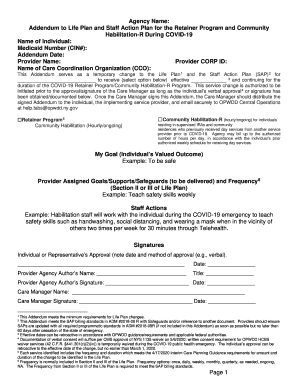
Staff action plan opwdd
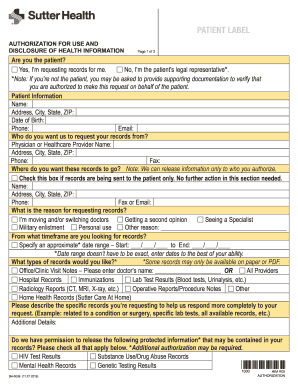
Health authorization use
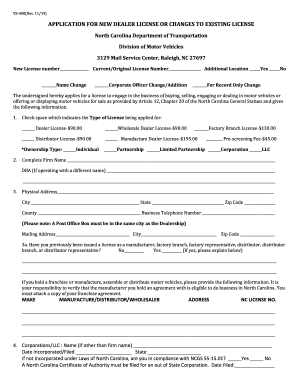
VS-400(Rev

NSA Health Screening Form
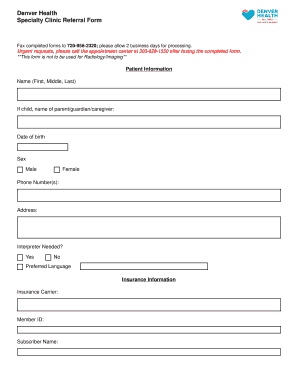
Denver health doctors note

Template: Material Transfer Agreement (MTA) for Human Biosamples

Tncc 8th edition pdf

European Single Procurement

Alabama General Warranty Deed Form
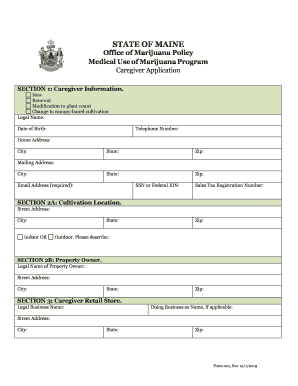
Maine caregiver
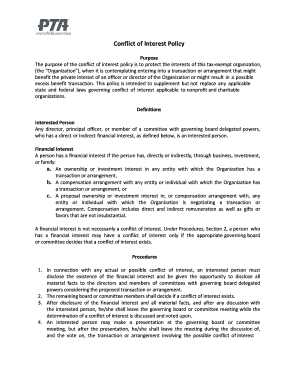
Sample Nonprofit Conflict of Interest Policy Template for

Parent provider agreement form
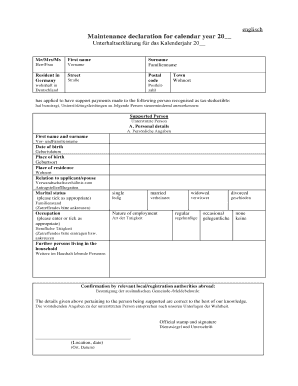
Maintenance declaration for calendar year
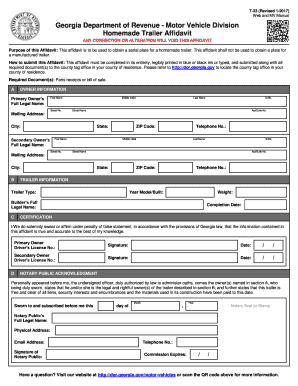
Georgia t23 form

Child custody

Indiana postnuptial agreement
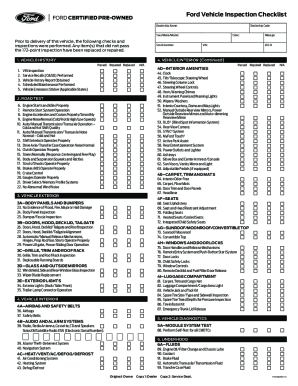
Ford vehicle inspection checklist

Property Utility Disclaimer Statement

Pronouncement of death form

???-PEL-??-108 CAD-PEL-OB-108
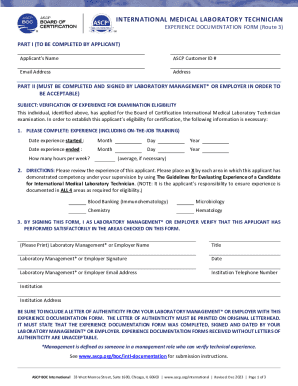
Lab technician experience certificate format pdf
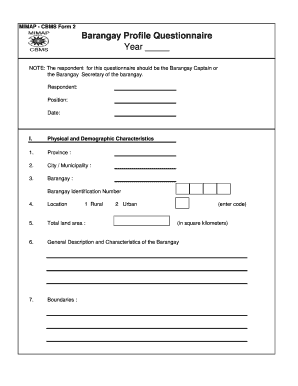
Barangay profile questionnaire
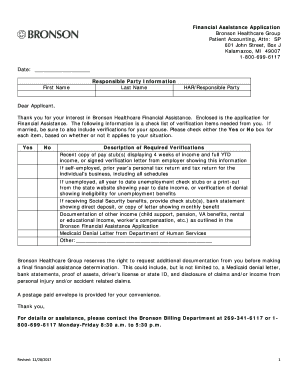
Bronson financial assistance application
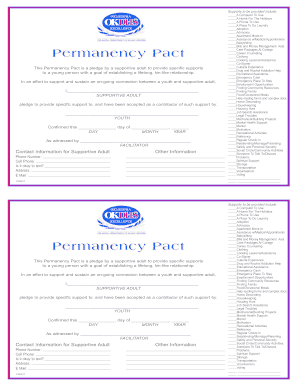
Permanency pact
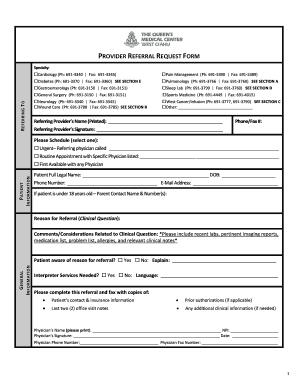
Queens center referral
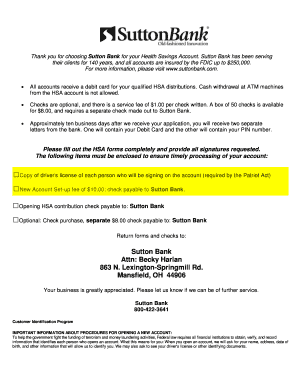
Sutton Bank Attn: Becky Harlan 863 N Lexington-Springmill Rd
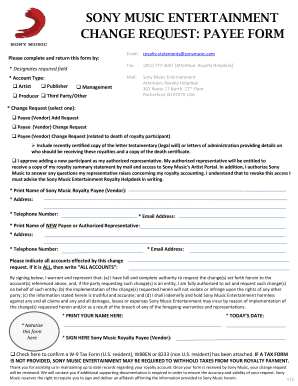
Sony music email
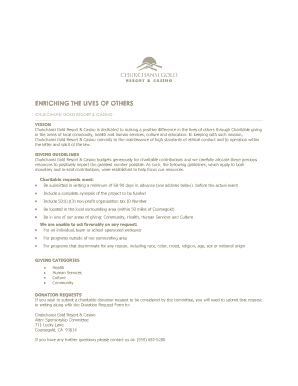
Donation Request Form - Chukchansi Gold Resort & Casino
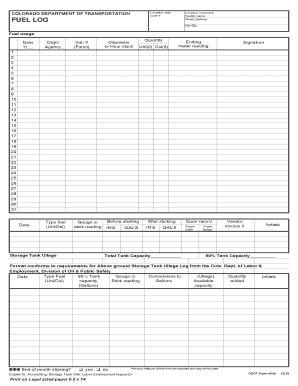
COLORADO DEPARTMENT OF TRANSPORTATION FUEL LOG (2 Pages) Bulk Fuel transaction Log; fuel dispensed i
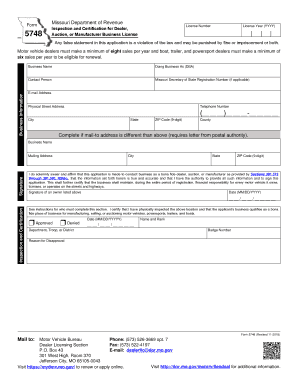
Form 5748

Building Permit Application - City of Horseshoe Bay

Medicare Fraud, Waste and Abuse (FWA)

FCA Permission Slip
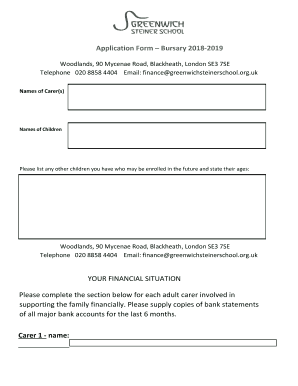
Bursary Application Form - Greenwich Steiner School
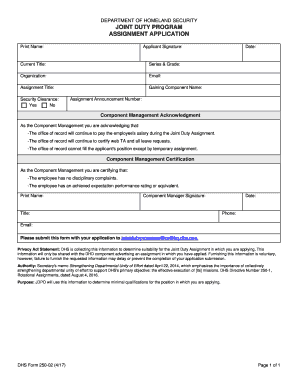
Dhs 250 02
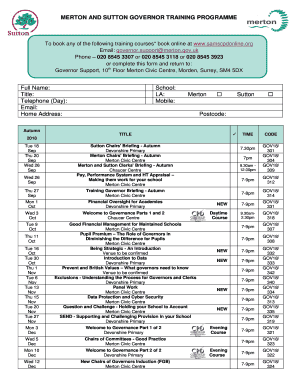
Galileo ticketing course pdf 2021

12 team bracket

Immigration facts and statistics worksheet

Bc road builders blue book pdf

Non-Emergency Medical Transportation (NEMT) Driver Roster transportation

Corrected Certificate Form - AQHA

California state

Standard Form for Presentation of Loss & Damage Claims

Generic authorized representative form

Band practice log

Cad release form
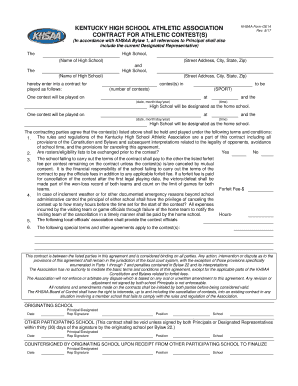
Khsaa ge14 high athletic association create
Artist rider template
Borang incident reporting
End your addiction now pdf
Weekly math review q3 5

Drone lease agreement

Counting Atoms
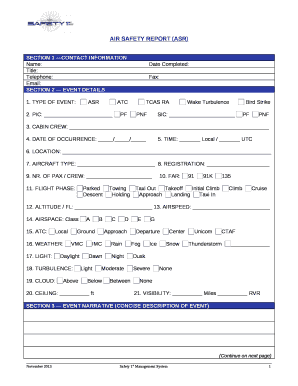
Air safety report form
Graduate Nursing Division Clinical Hours Verification Form
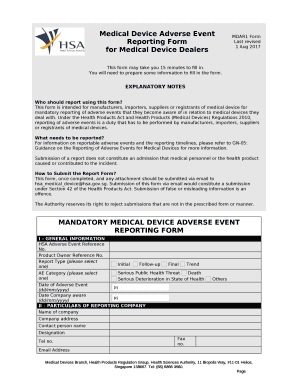
Medical device adverse event reporting form
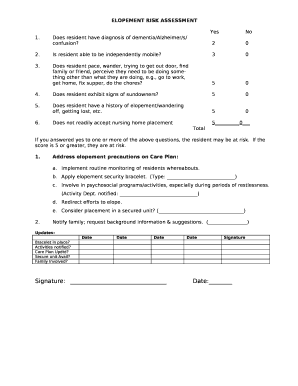
Elopement risk assessment template
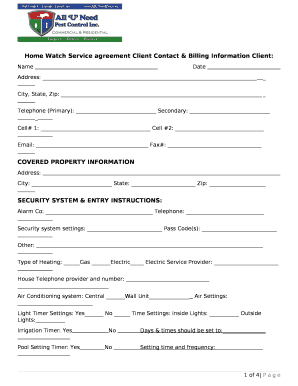
Home Watch Service agreement Client Contact & Billing Information Client:
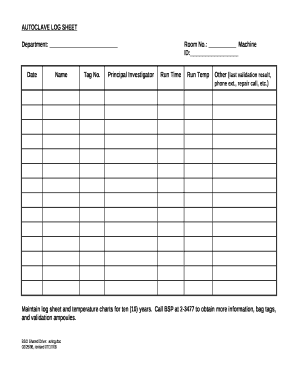
Autoclave log sheet pdf
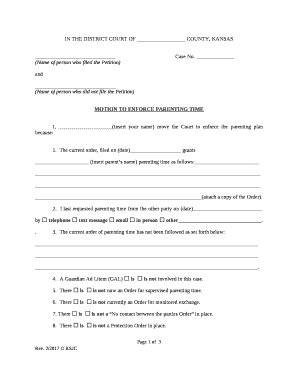
MOTION TO ENFORCE PARENTING TIME
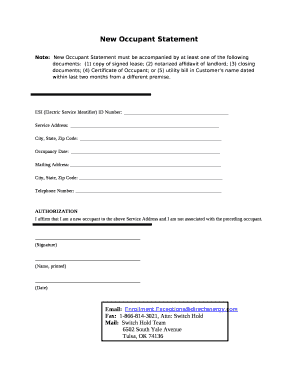
New Occupant Statement

Client Intake Form- Facial
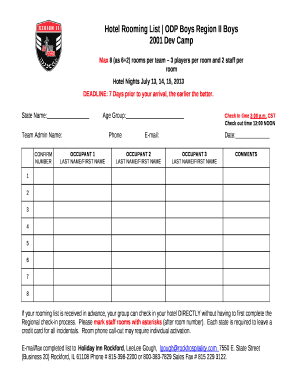
Rooming list template word

Request salary form template

Hall hire agreement template
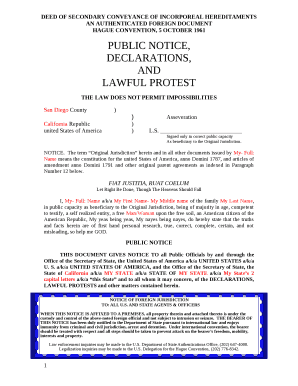
DEED OF SECONDARY CONVEYANCE OF INCORPOREAL HEREDITAMENTS template

La caja china pig roast worksheet
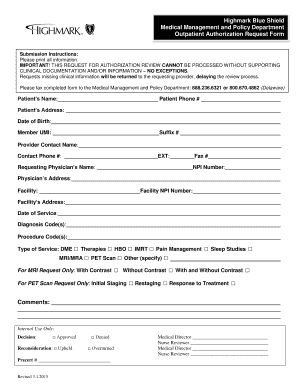
Intensive Outpatient Program (IOP) Request Form - Blue Cross and
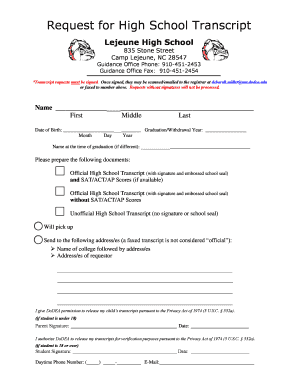
Lejeune High School

CONTINUITY ASSISTANT:
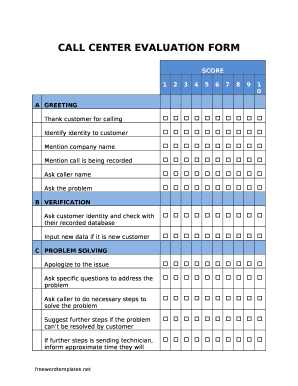
Sales call evaluation form
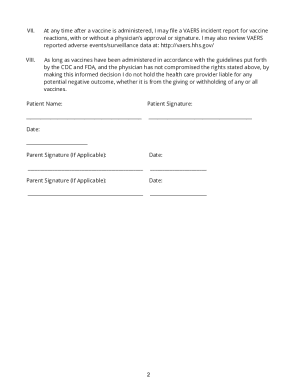
Florida vaccine consent form
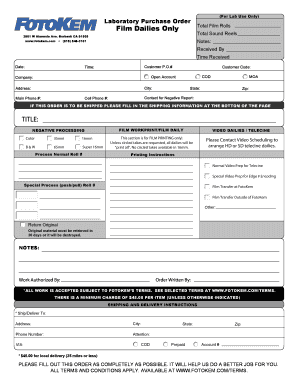
Laboratory Purchase Order
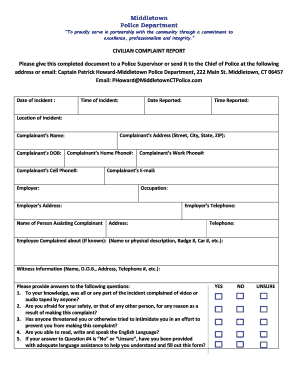
Middletown Police Department CIVILIAN COMPLAINT REPORT
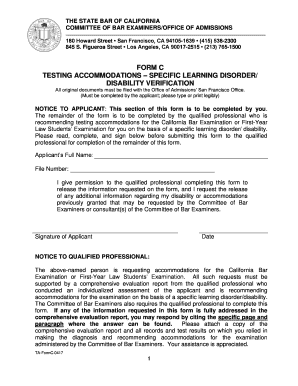
California state disability application forms
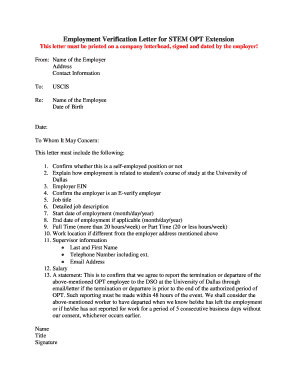
Opt travel letter from employer sample
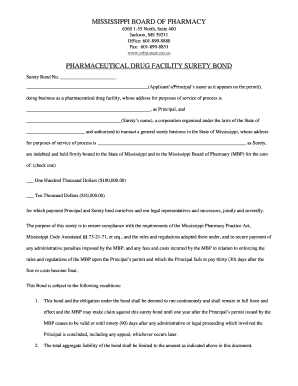
Drug permit surety bond form - Mississippi Board of Pharmacy - State
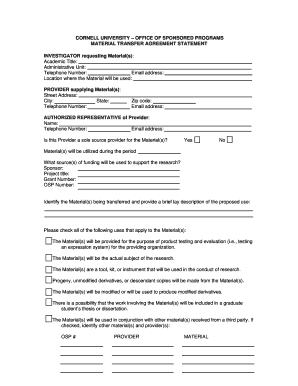
MATERIAL TRANSFER AGREEMENT STATEMENT
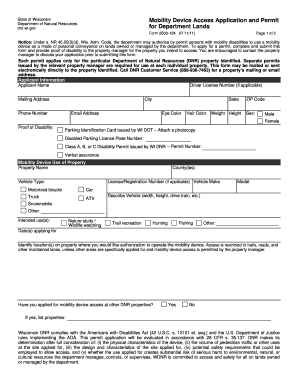
Form 2500-124 Mobility Device Access Application and Permit for Department Lands Form 2500-124 Mobil
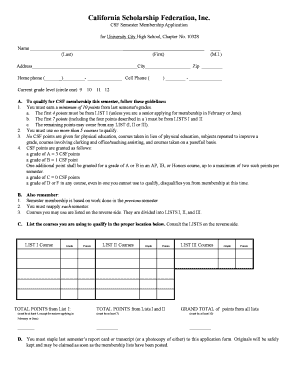
Csf application form
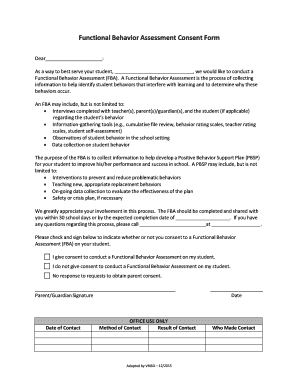
VBISD FBA Consent - Final Version
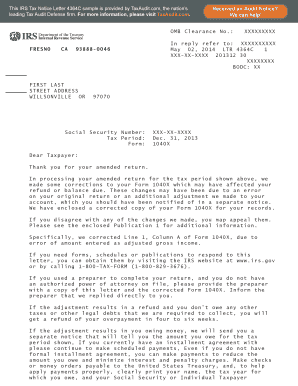
Letter 4364c
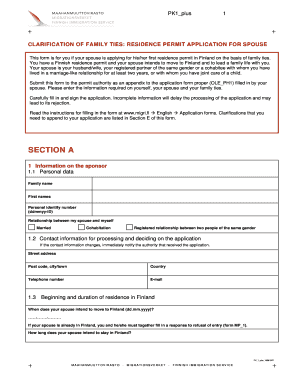
Pk1 form finland
M67 details of relatives form
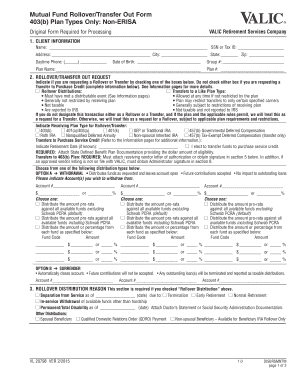
Valic rollover transfer out form 2022
Online pdf summarizer
Benefit from the DocHub online library of fillable PDF forms
Searching the PDF forms doesn't have to be a tedious and time-consuming process. With the DocHub online library, it has become easier to find the fillable PDF forms and modify them in your browser. The service allows you to adjust the document to your needs using powerful editing tools.
You can use online document editing features to modify almost any type of document with ease. You just need to find the template of your choice, open it in the editor, and use the toolbar to make the necessary corrections.
Follow this guide to get your document done with DocHub:
- Find the PDF template you need.
- Click the Get Form button to open the file in the editor.
- Use the toolbar to fill out and edit the document.
- Easily add and highlight text, insert images, checkmarks, and symbols.
- Drop new fillable fields, and rearrange or delete pages from your file.
- Save changes and download your record.
DocHub empowers everyone to streamline document editing, signing, and distribution, and form completion. Create an account and benefit from our well-organized PDF Forms library and comprehensive editor.